Import supplies from Excel or CSV
Add many supplies at once from a file, reviewing first which rows are valid, which have warnings and which have errors.
How to complete supply import
- 01
Open the importer
In the Supplies tab of your organization's catalog, or of a supplier you can edit, select Import Excel. It accepts Excel or CSV files with up to 500 rows.

- 02
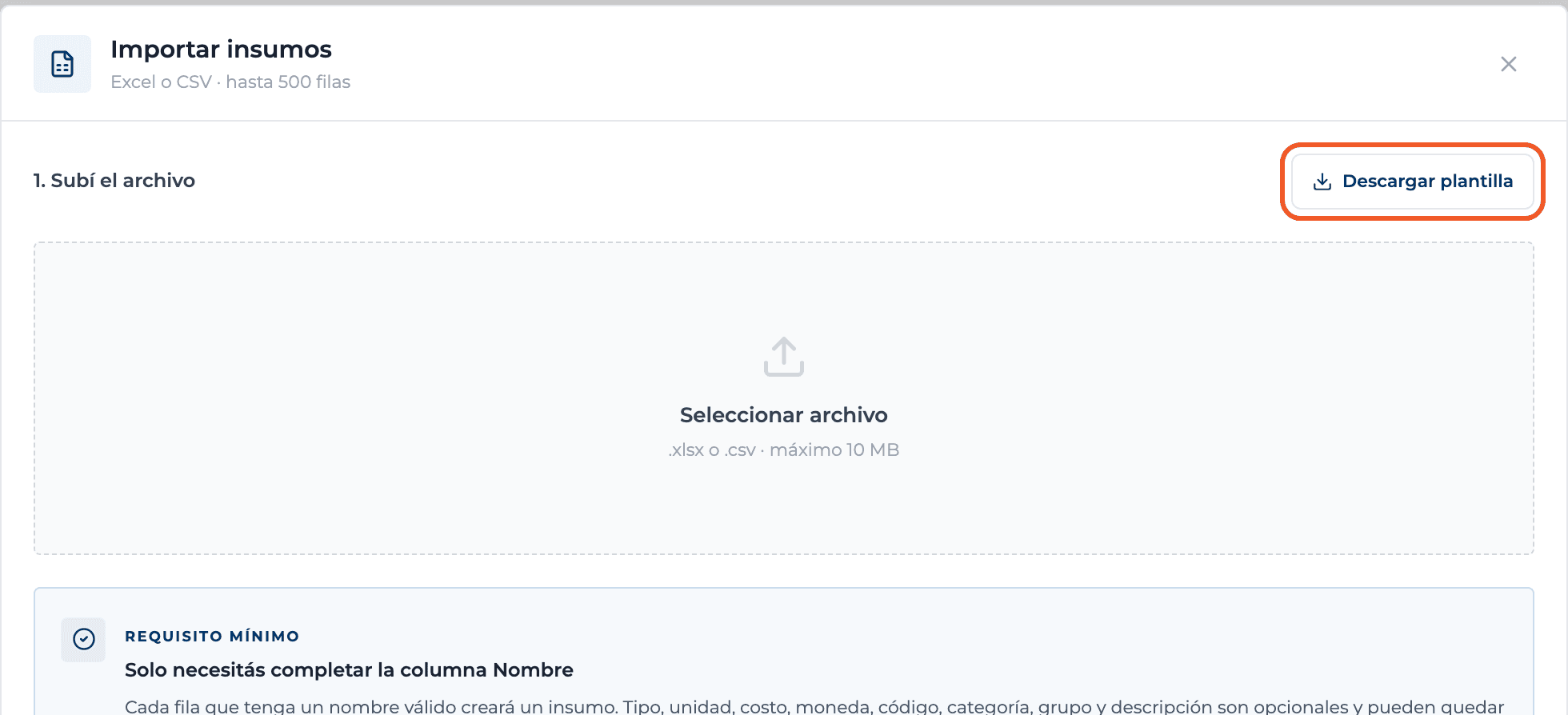
Download the template
Download template gives you a CSV with the columns Name, Type, Unit, Unit cost, Currency, Code, Category, Group and Description. Only Name is required.
- 03
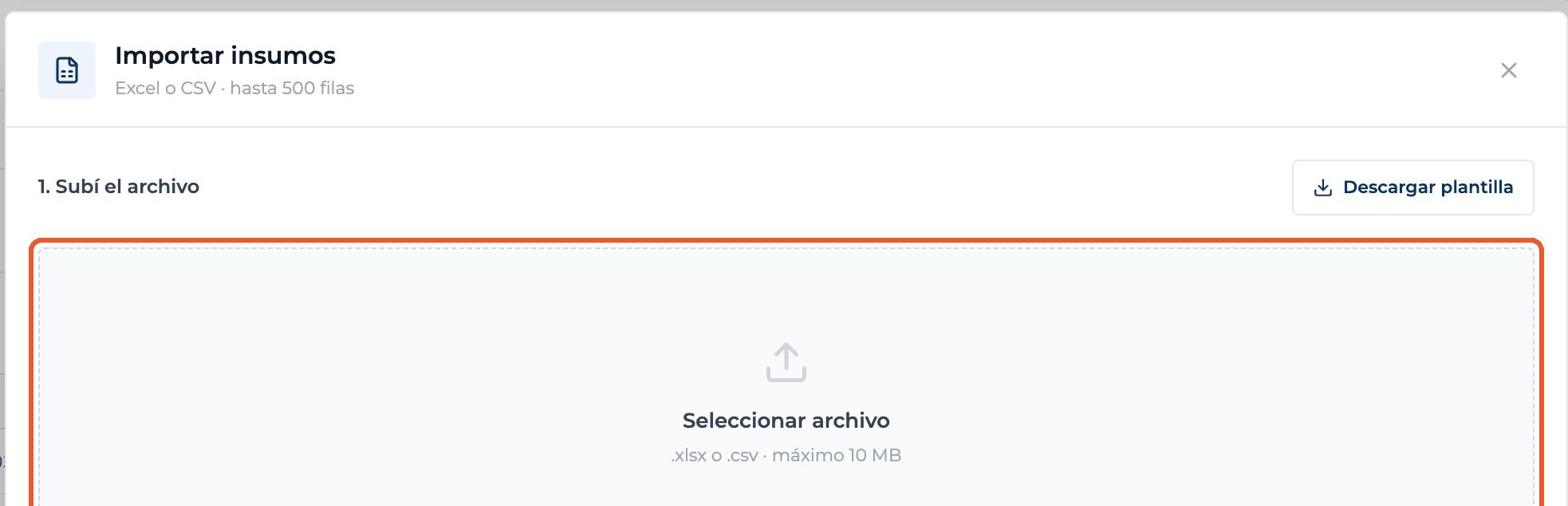
Upload the file
Under 1. Upload the file choose a .xlsx or .csv file of up to 10 MB.
- 04
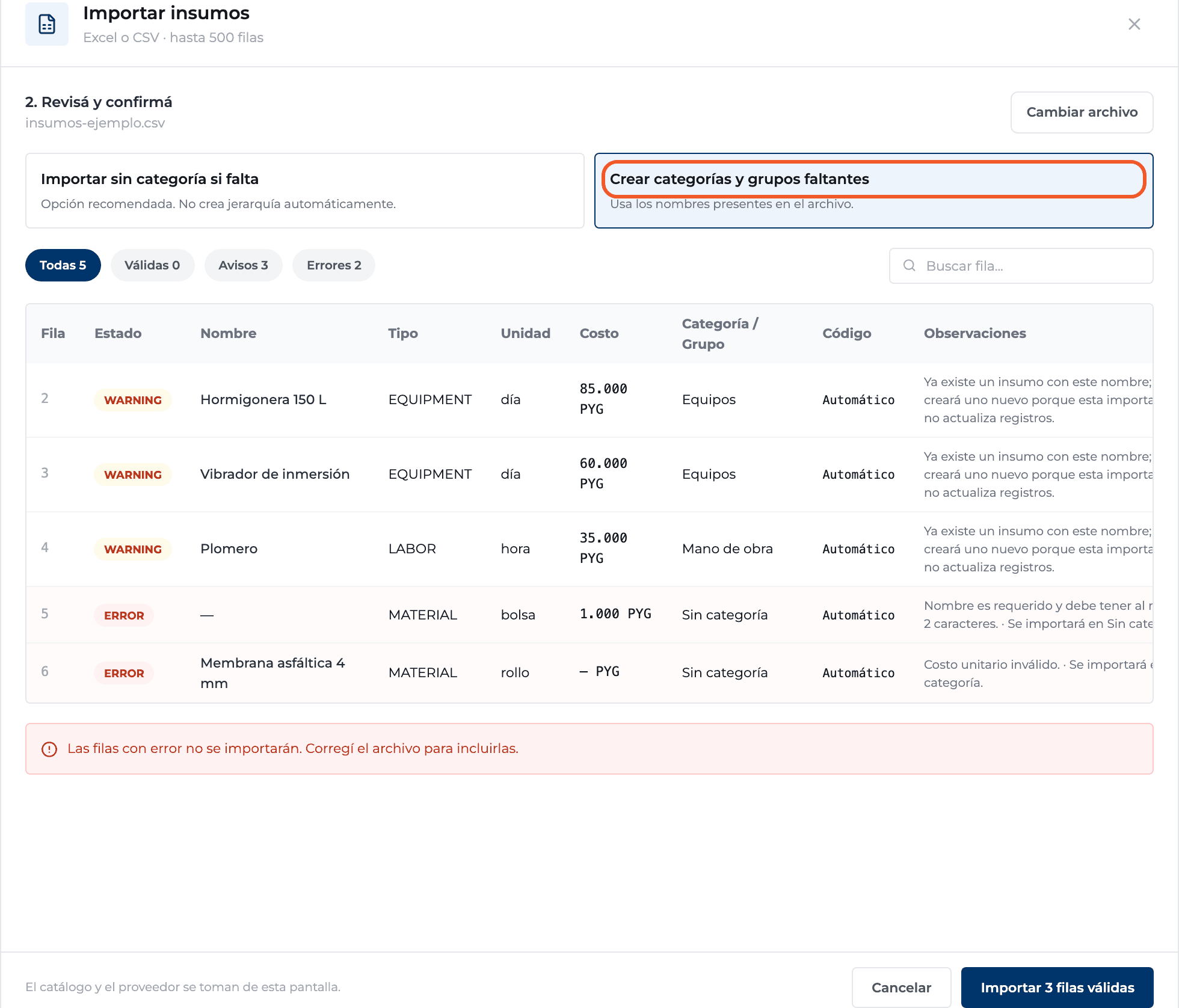
Choose how to handle categories and review
Import without category leaves missing ones empty; Create missing categories and groups uses the names in the file. Then review the rows with the Valid, Warnings and Errors filters: rows with errors are not imported and the notes tell you why.
- 05
Import
Select Import N valid rows. When it finishes you see how many supplies were created.

What you'll learn
How import supplies from excel or csv works inside Perfour.
What information you need and how it stays connected to Catalog.
How to preserve traceability and find the record later.
Frequently asked questions
Can I import line items?+
No, the importer only adds supplies.
What happens if a supply with the same name already exists?+
The row gets a warning: a new supply is created, because the import does not update existing ones.
My file has more than 500 rows+
Split it into several files.