What the catalog is and which scopes it has
The catalog is your library of reusable costs: supplies (materials, labor, equipment, subcontracts and services) and line items with their unit price analysis (UPA).
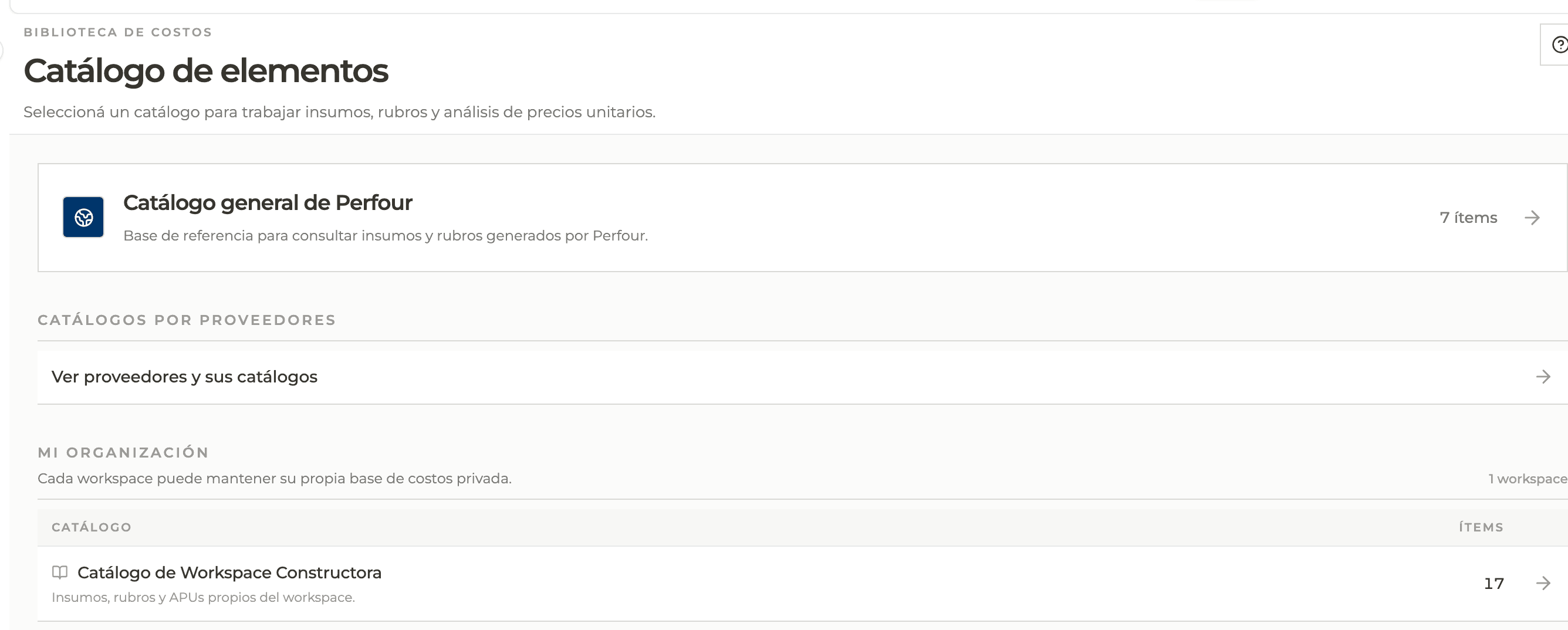
How to complete cost catalog
- 01
Open the catalog
From the main menu open Catalog. The screen asks you to choose which catalog to work with.
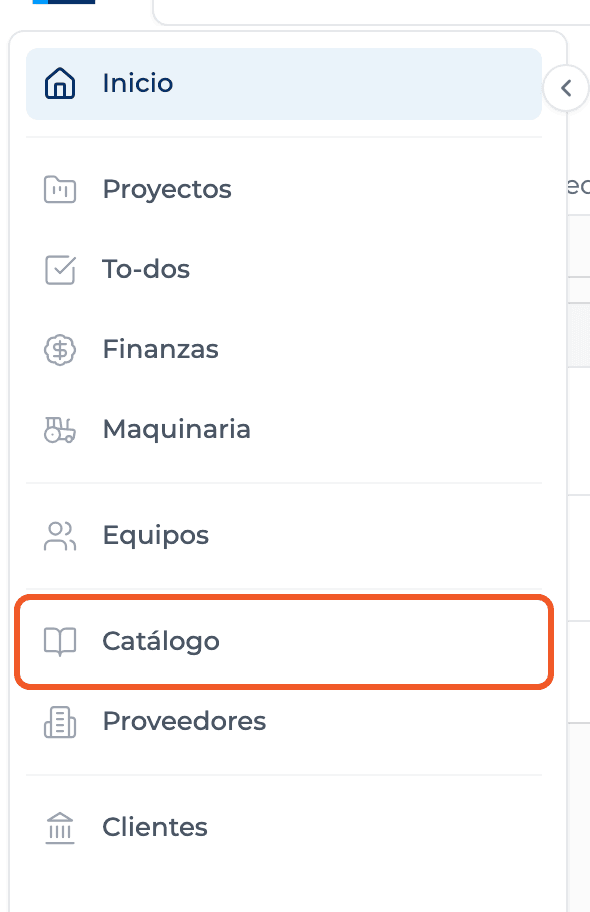
- 02
Choose the scope
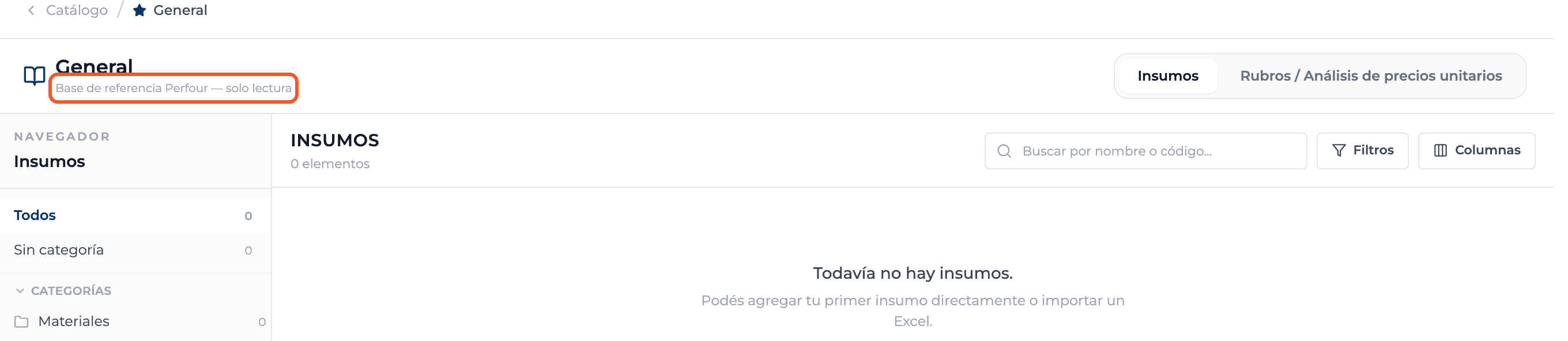
The general Perfour catalog is a read-only reference base. Supplier catalogs show each supplier's catalog. My organization has one row per workspace with its private cost base.
- 03
Understand the two tabs
Each catalog has two tabs: Supplies and Line items / Unit price analysis. Each one has its own categories, columns and actions.

- 04
Know what you can do
In your organization and in suppliers you can edit, you create, edit, move and delete. In the general Perfour catalog you browse and bring items into a budget; editing buttons are hidden.
What you'll learn
How what the catalog is and which scopes it has works inside Perfour.
What information you need and how it stays connected to Catalog.
How to preserve traceability and find the record later.
Frequently asked questions
What is the difference between a supply and a line item?+
A supply is the smallest cost unit, such as a bag of cement or one hour of a mason. A line item is a piece of work, such as one m² of masonry, and its UPA is the list of supplies and quantities that defines its cost.
Is the catalog shared between organizations?+
No. Each workspace has its own private catalog. What is shared is the general Perfour catalog and the global suppliers' catalogs.
Can I add items to the general Perfour catalog?+
No: only the Perfour team maintains it. Add your items to your organization's catalog.