The Clients list: reading the table and searching
What each column of the client directory shows, how to search and what you see before adding your first client.

How to complete client list
- 01
If you have no clients yet
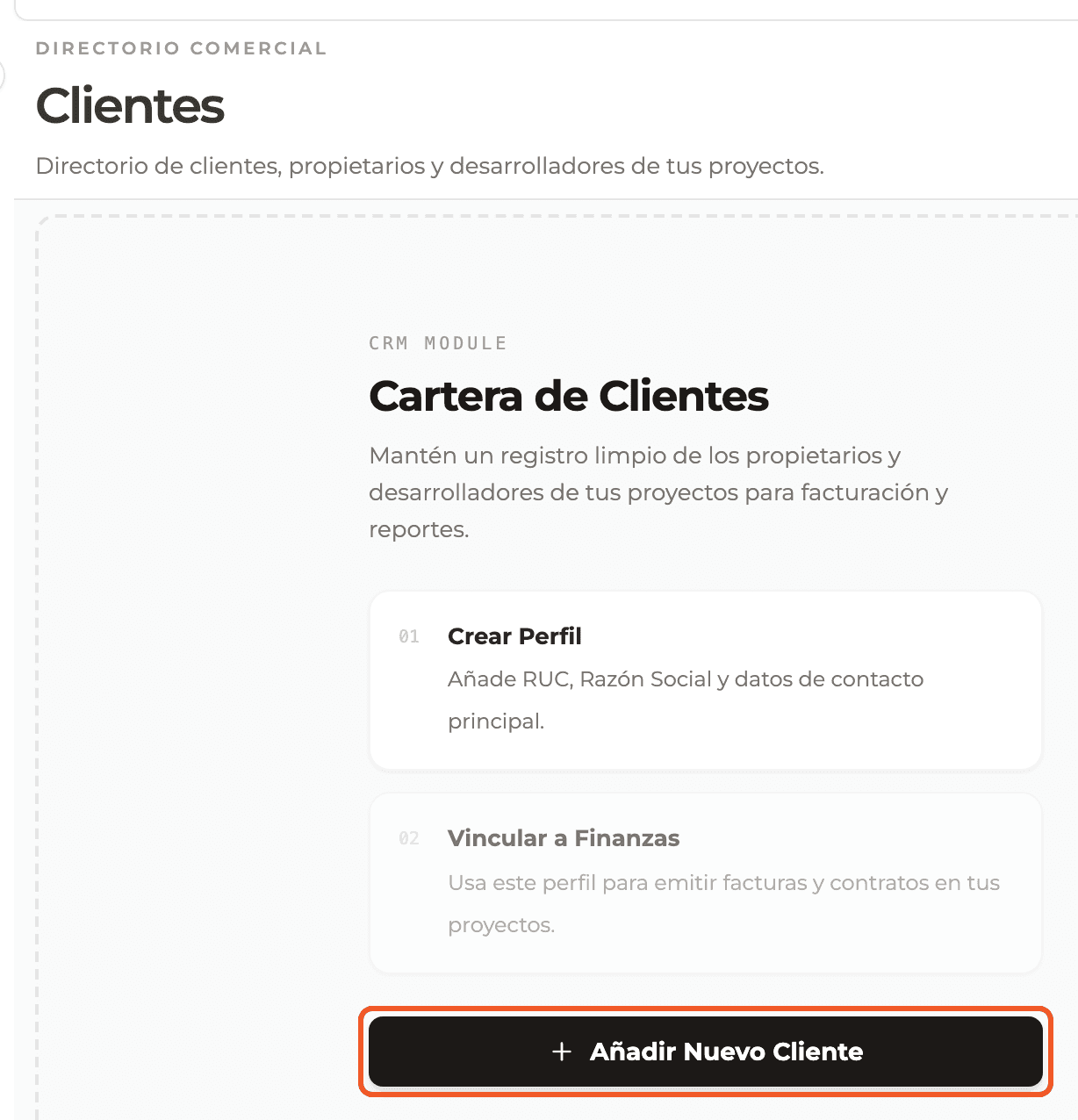
You see the client portfolio with two suggested steps, Create profile and Link to finance, and the Add new client button to register the first one.
- 02
Read the table
Each row shows the Company, the Contact (email and phone, or "—" when there is no email), the Identifier (tax ID) and the Status: Active or Inactive.
- 03
Search for a client
Type in the Search client... box, to the left of the New client button. The list filters as you type.

What you'll learn
How the clients list: reading the table and searching works inside Perfour.
What information you need and how it stays connected to Clients.
How to preserve traceability and find the record later.
Frequently asked questions
I just created a client and it is not in the list+
Reload the page: the list is loaded again when the screen opens.
What happens if loading fails?+
You see a message saying the directory could not be loaded. Check your connection and open Clients again.