What a client is in Perfour and how it relates to your projects
A client is the owner or developer you build for. You register it once, assign it to each project, and it becomes the counterparty in contracts and billing.
How to complete client directory
- 01
Open the directory
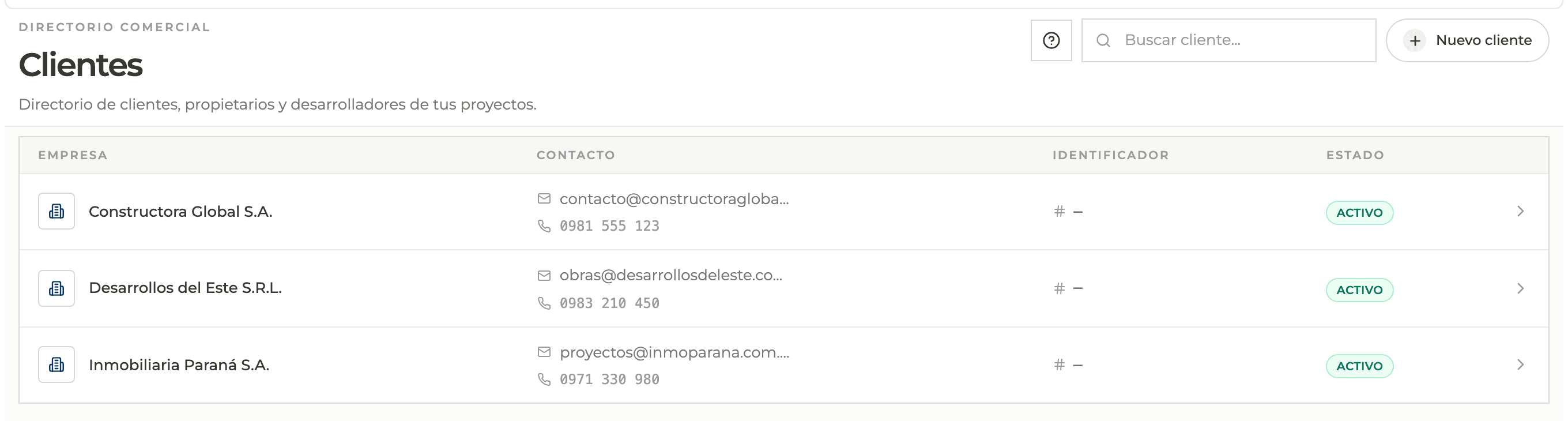
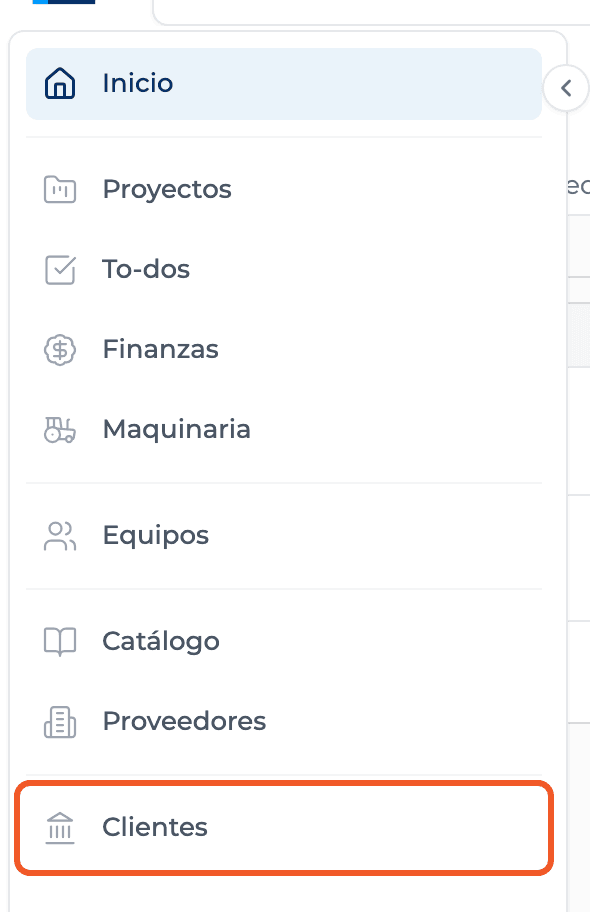
From the main menu open Clients. The header reads "Directory of clients, owners and developers of your projects".
- 02
Understand how it is stored
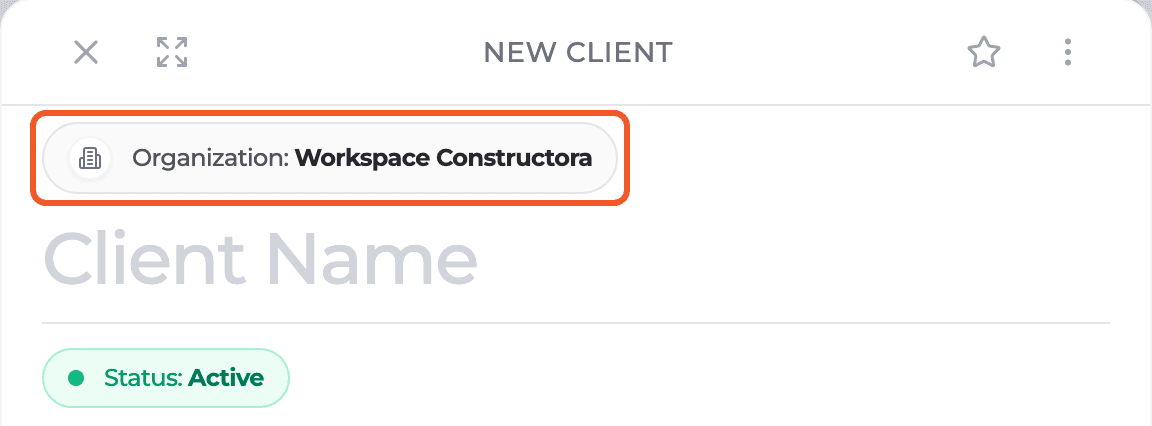
Each client belongs to an organization: when you create one, the panel shows it at the top, under Organization. The directory brings together the active clients of every organization you are a member of, sorted by name.
- 03
Assign it to your projects
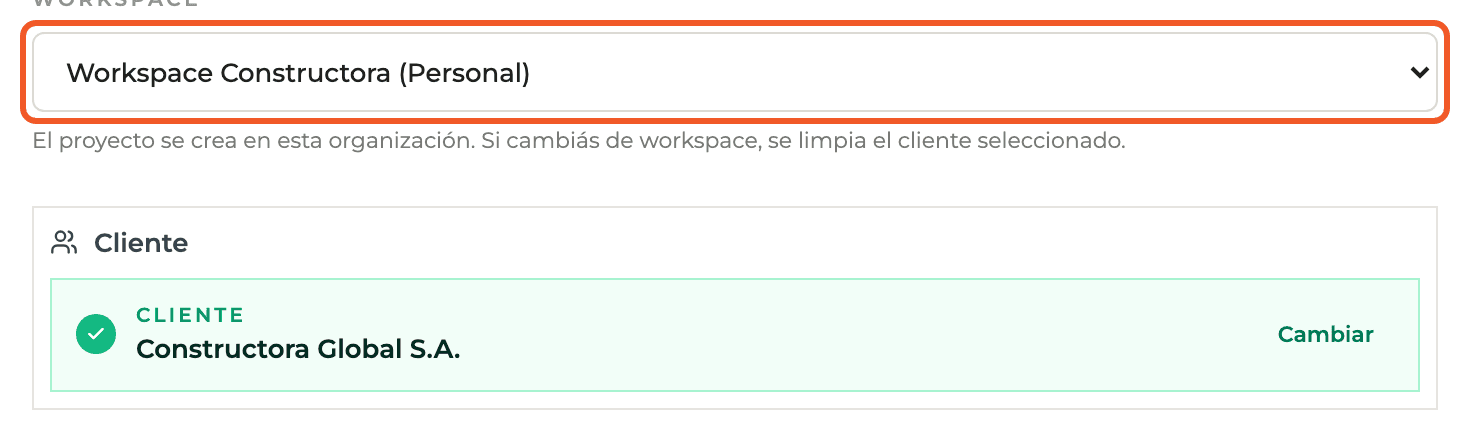
Every project requires a client. You choose it when creating the project, in the Client block of the New project panel.
- 04
Use it across the operation
The client profile is the one used to issue the project's contracts and invoices, and to organize billing and reporting.
What you'll learn
How what a client is in perfour and how it relates to your projects works inside Perfour.
What information you need and how it stays connected to Clients.
How to preserve traceability and find the record later.
Frequently asked questions
Are clients and suppliers the same thing?+
No. Both are companies registered in Perfour, but with a different role and their own screen: Clients for those who hire you and Suppliers for those who sell to you or work as subcontractors.
Can I use the same client in two organizations?+
Each client belongs to one organization. If you work with the same client from another organization, register it there as well.
Why do I see clients from different organizations together?+
The directory brings together the clients of every organization you are a member of in a single list.