To-do Tasks / 14
Checklists inside a to-do
A to-do has no nested subtasks. To break it down, use a checkbox list in the description or link other to-dos.
2 minutes
Step by step
How to complete checklist
- 01
Open the to-do
Go to the Description.
- 02
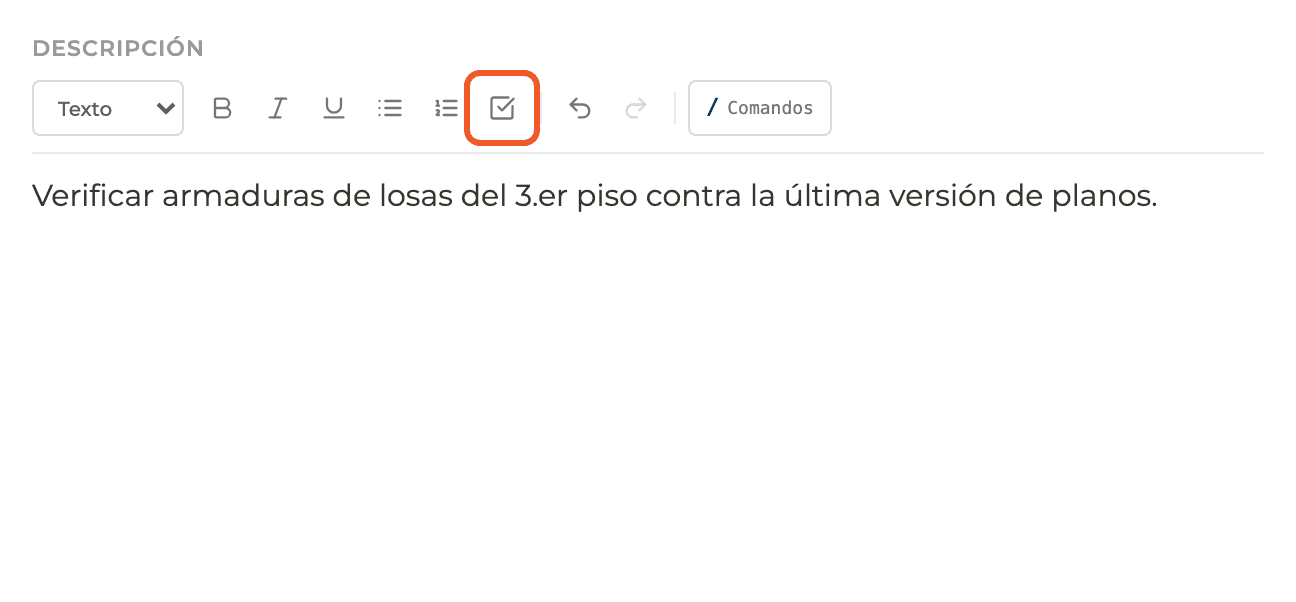
Insert a checkbox list
Use the task list button in the formatting bar, or type / and choose the task option.
- 03
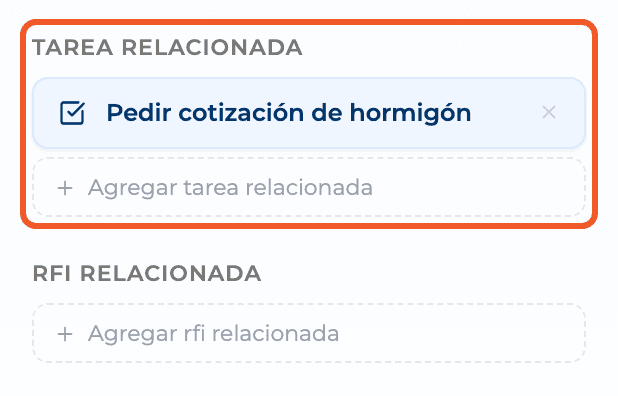
Or use separate to-dos
Create one to-do per step and link them under Relations → Related task.
- 04
For a real hierarchy
If you need parent and child tasks with dates and dependencies, use the Schedule.
What you'll learn
How checklists inside a to-do works inside Perfour.
What information you need and how it stays connected to To-do Tasks.
How to preserve traceability and find the record later.
FAQ
Frequently asked questions
Do the checkboxes change the to-do's progress?+
No: they are part of the description text.