To-do Tasks / 16
Comments and attachments
The conversation and supporting files live in the to-do itself.
2 minutes
Step by step
How to complete comments
- 01
Comment
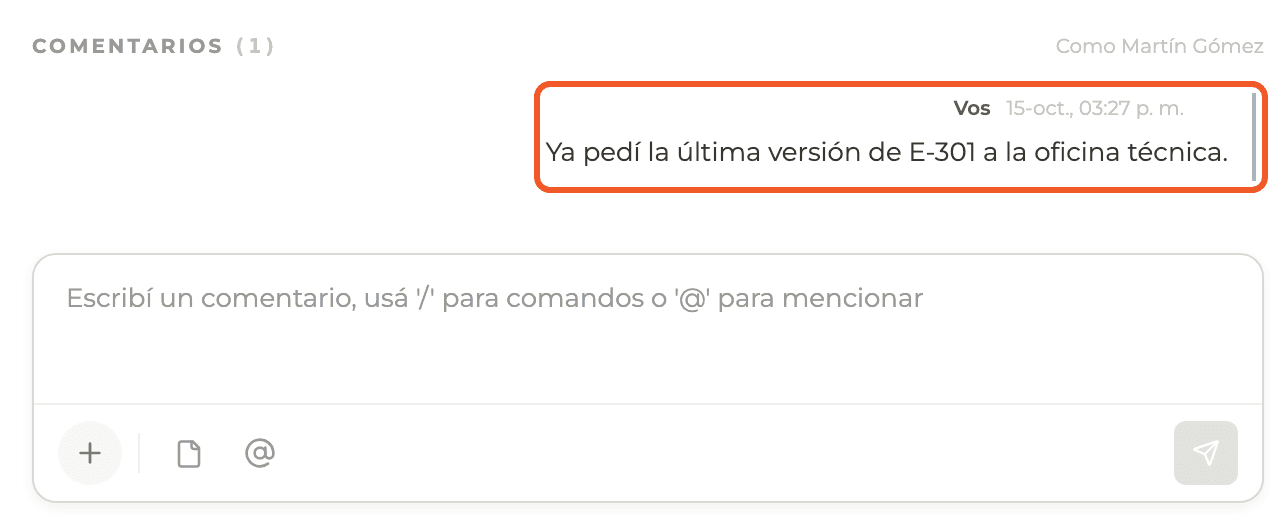
Open the to-do and type in the comment box; use @ to mention project members. Send with the arrow.
- 02
Attach to a comment
Use the file icon in the comment box to add a file.
- 03
To-do attachments
In the right column, Attachments: select the paperclip and choose images or PDFs. They show as thumbnails and are removed with the X.
- 04
Check the indicators
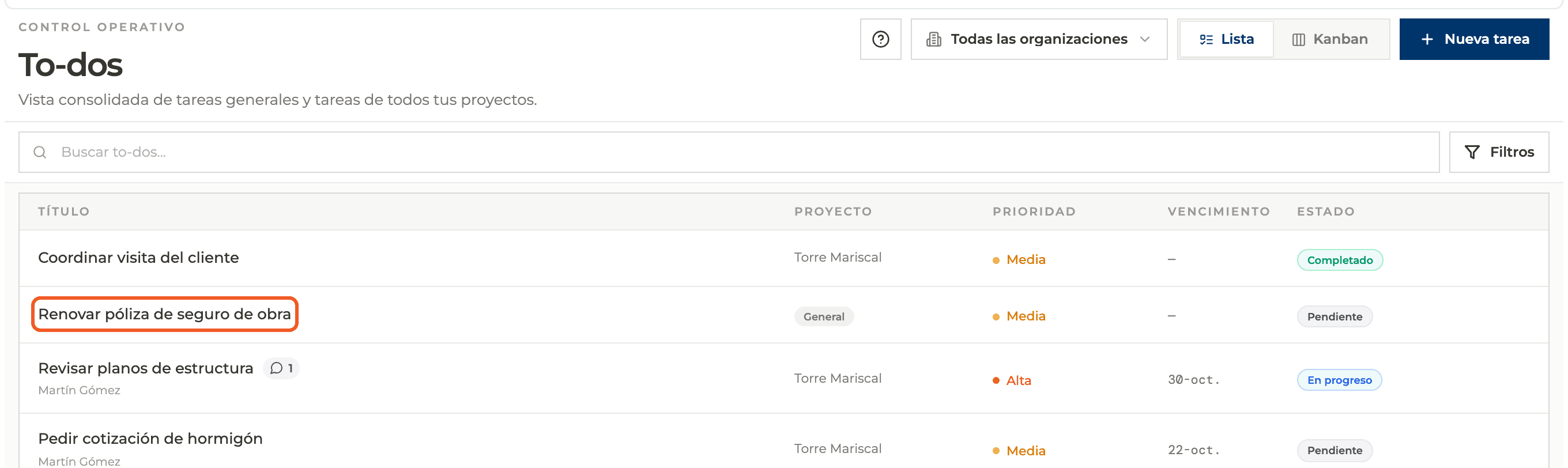
In the list, the comment count appears next to the name.
What you'll learn
How comments and attachments works inside Perfour.
What information you need and how it stays connected to To-do Tasks.
How to preserve traceability and find the record later.
FAQ
Frequently asked questions
Which files does Attachments accept?+
Images and PDFs.
I can't see Attachments on a general task+
Attachments require the task to belong to a project.