Create a full to-do with the New task panel
A side panel with title, formatted description and every property. Use it when you want to enter everything at once.
How to complete new task
- 01
Open the panel
In Tasks select New task, at the top right.

- 02
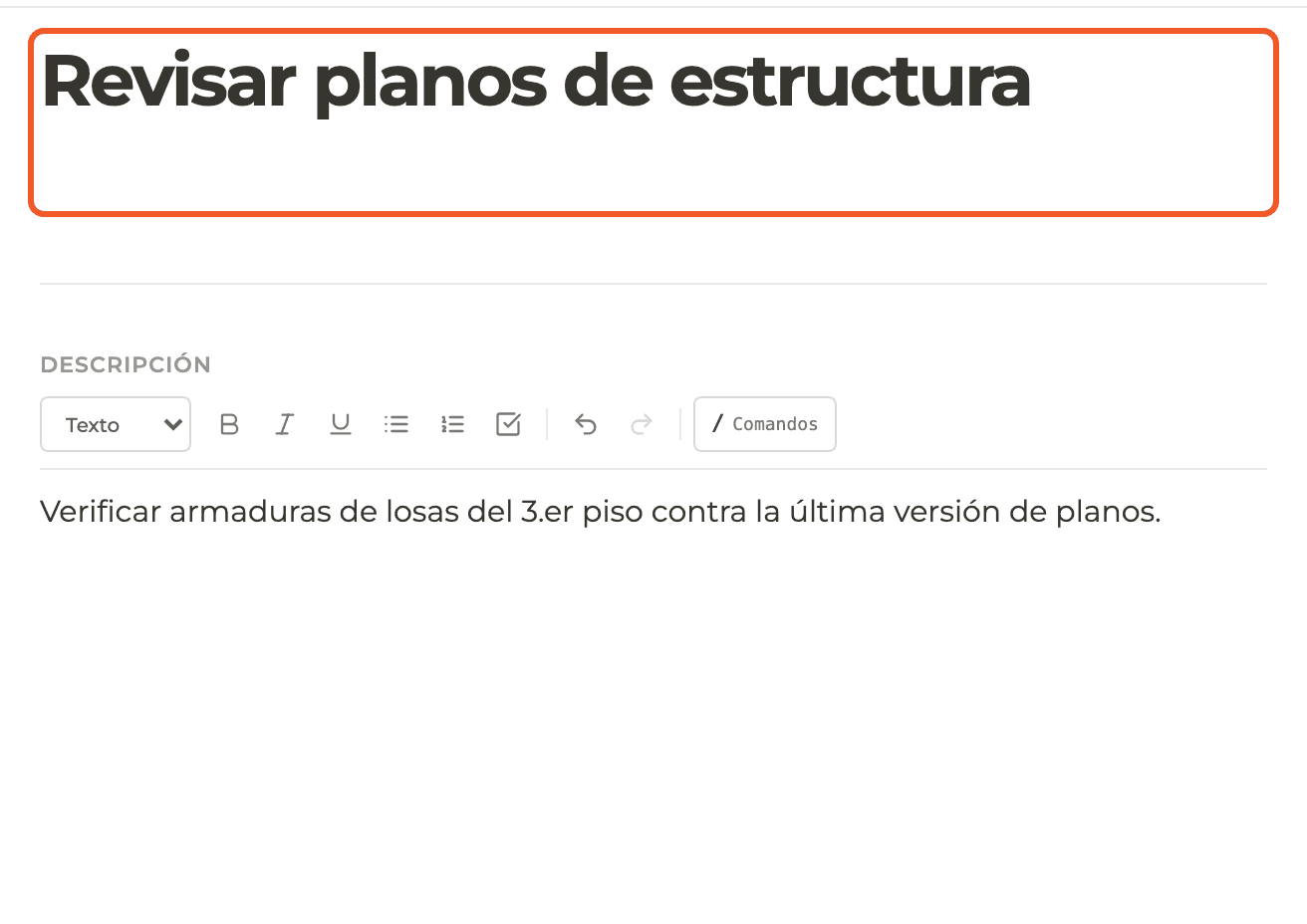
Write title and description
The title is required (at least 2 characters). The description is optional and supports formatting; / Commands inserts headings, lists and checkboxes.
- 03
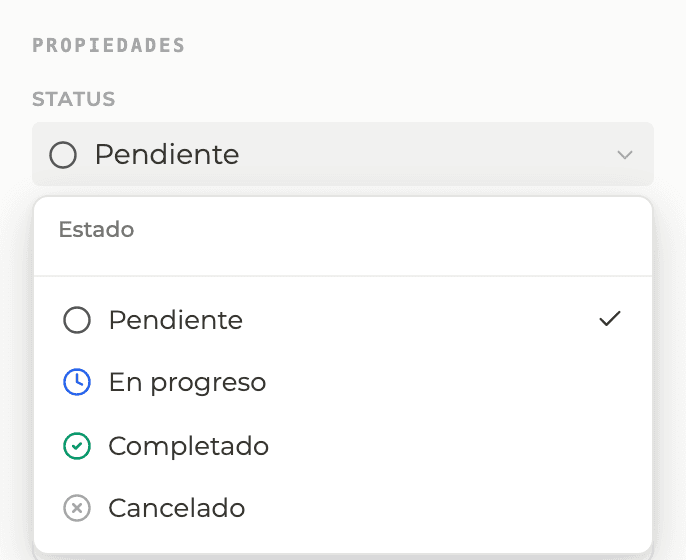
Choose the status
Under Status: Pending (default), In progress, Completed or Cancelled.
- 04
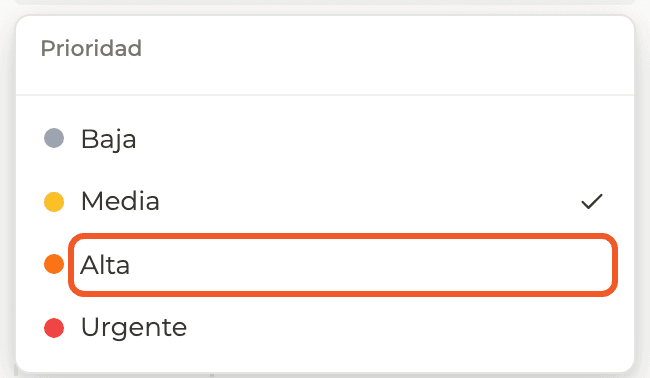
Choose the priority
Low, Medium (default), High or Urgent.
- 05
Choose or create a category
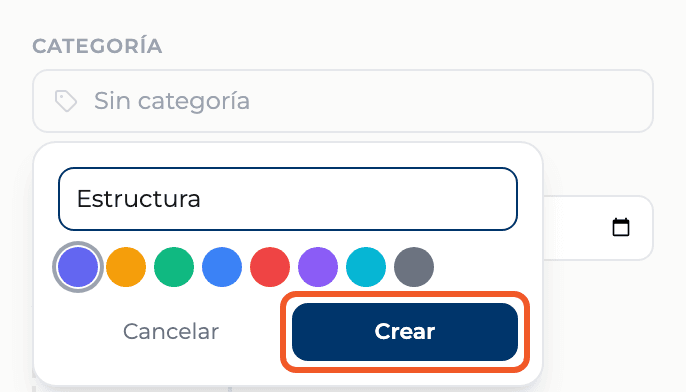
Under Category pick an existing one or select Create category: type the name, choose a color and select Create. It stays selected.
- 06
Set the due date
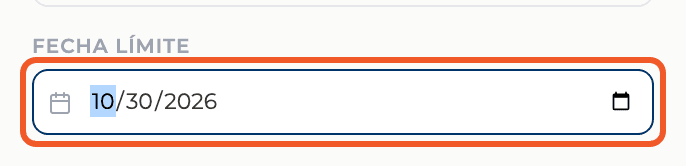
Pick the date under Due date. It is optional.
- 07
Add assignees
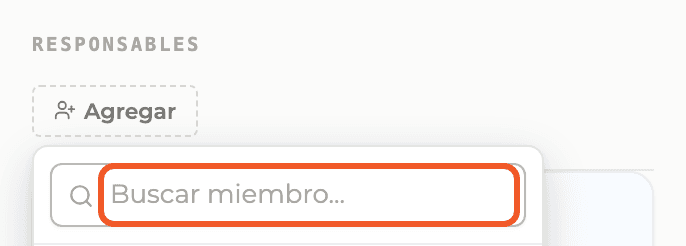
Under Assignees select Add and search project members. You can add several. You can also link drawings, tasks, RFIs, submittals or quality checks under Relations.
- 08
Create
At the bottom left the panel tells you what is missing or that it is ready. Select Create task.

- 09
Check the result
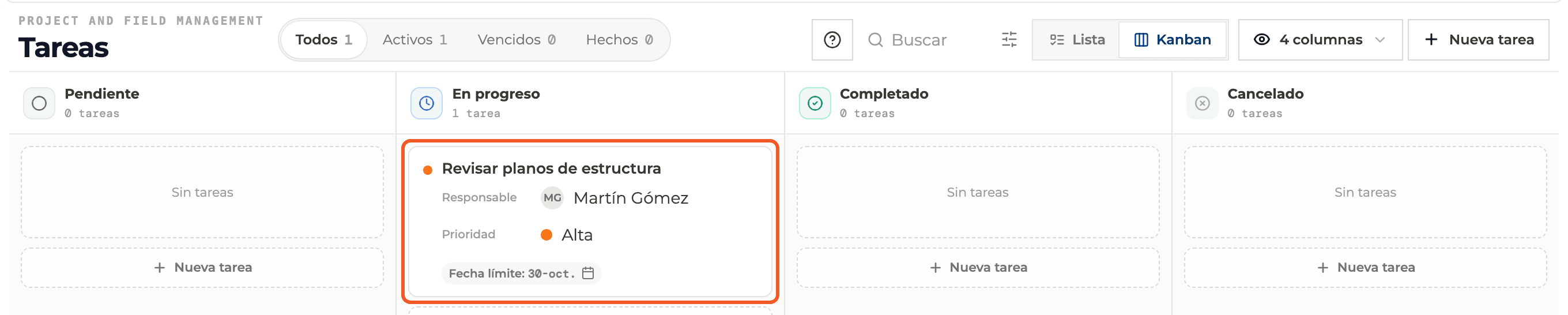
The card appears in its status column, with assignee, priority and due date.
What you'll learn
How create a full to-do with the new task panel works inside Perfour.
What information you need and how it stays connected to To-do Tasks.
How to preserve traceability and find the record later.
Frequently asked questions
Create task is disabled+
The title has fewer than 2 characters or it is still saving.
Can I comment while creating?+
No. Comments appear once the to-do exists.