What a to-do is and how it differs from a schedule task
A to-do is a lightweight action item: title, assignees, due date, status and priority. It is for day-to-day site work; the schedule is for planning with durations and dependencies.
How to complete tasks and to-dos
- 01
Open the project's Tasks
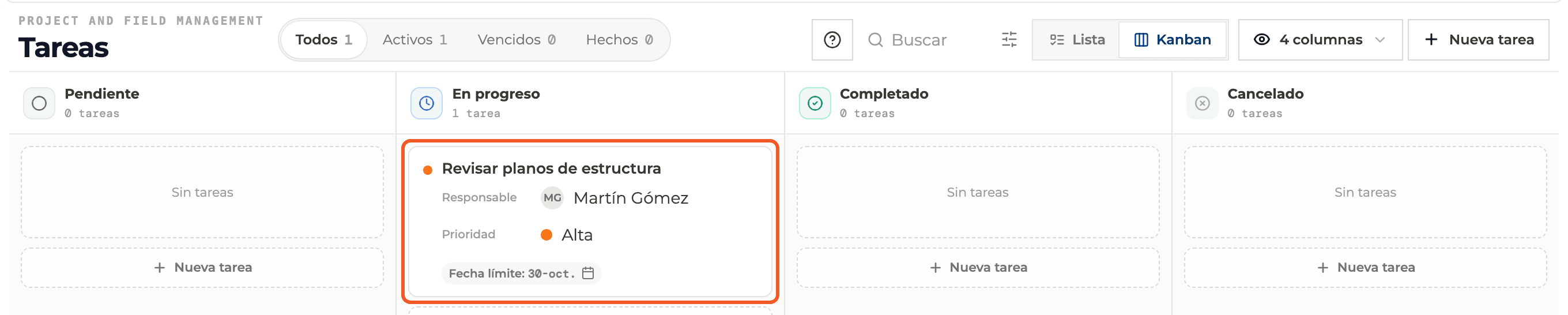
In the project open Planning → Tasks. It opens as a Kanban board with four columns: Pending, In progress, Completed and Cancelled, each with its count.

- 02
Or open the global view
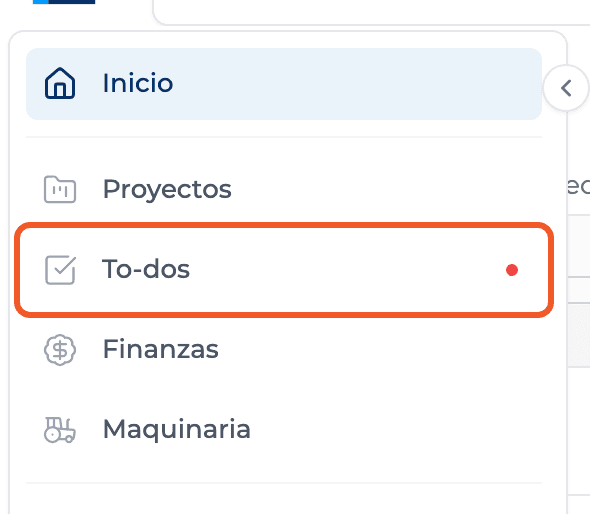
In the main menu open To-dos. It brings together the to-dos from all your projects and general tasks that belong to no project.
- 03
Know the fields
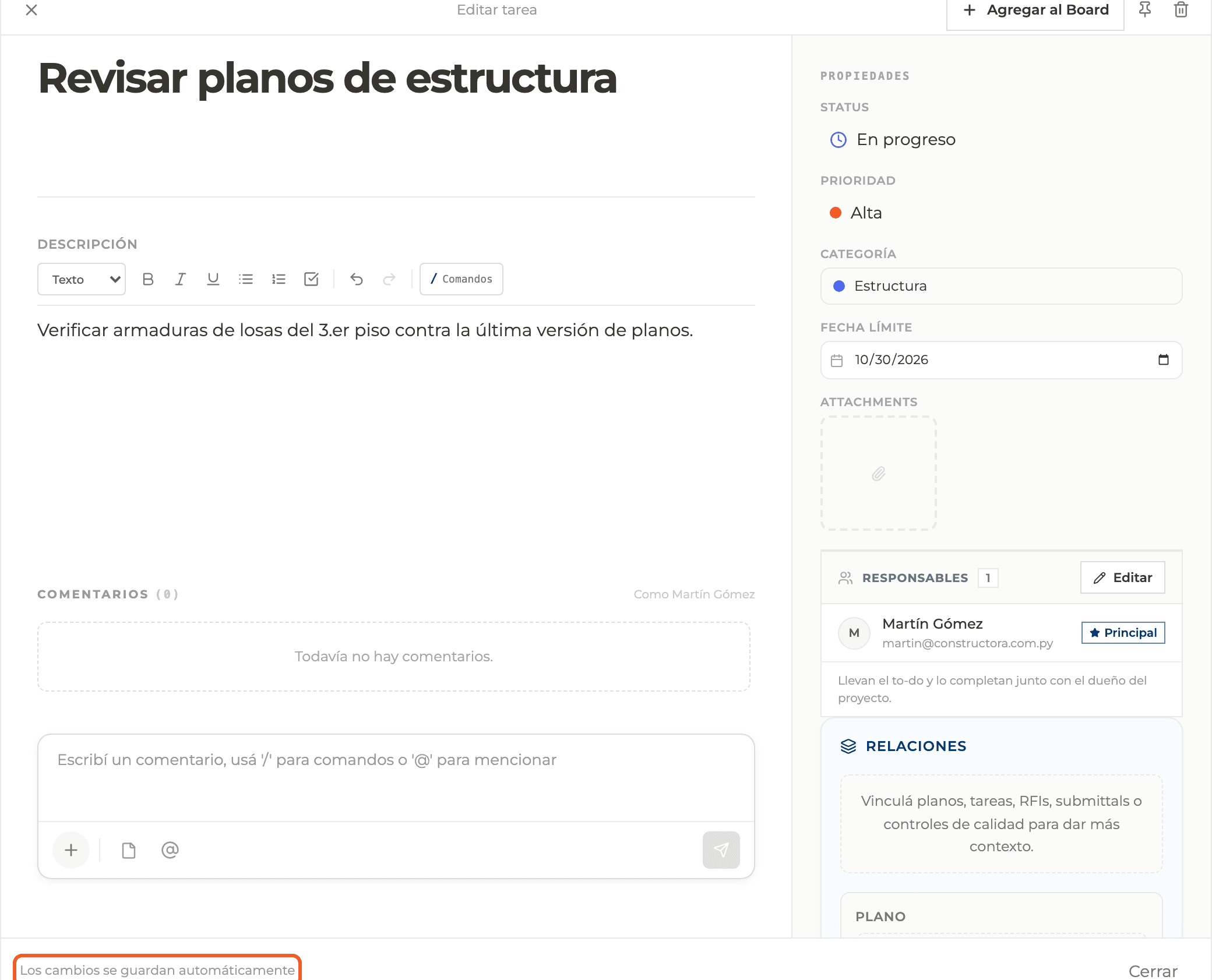
Title (at least 2 characters), formatted description, status, priority (Low, Medium, High or Urgent), category, due date, attachments, assignees, relations and comments.
- 04
Tell it apart from the schedule
A to-do has no duration, dependencies or progress percentage. To plan site activities with those, use the Schedule.
- 05
Understand overdue items
A to-do past its due date that is neither Completed nor Cancelled counts as overdue and shows up in the Overdue tab.
What you'll learn
How what a to-do is and how it differs from a schedule task works inside Perfour.
What information you need and how it stays connected to To-do Tasks.
How to preserve traceability and find the record later.
Frequently asked questions
Why does it sometimes say task and sometimes to-do?+
They are the same thing. The module and button say Task; notices and the global view say to-do.
Can a to-do have subtasks?+
It has no nested subtasks. You can build a checklist in the description or link other to-dos.