To-do Tasks / 17
Link a to-do to drawings, tasks, RFIs, submittals and quality checks
Relations add context and let you jump to the original item.
2 minutes
Step by step
How to complete relations
- 01
Find the block
In the panel's right column, the Relations block.
- 02
Choose the type
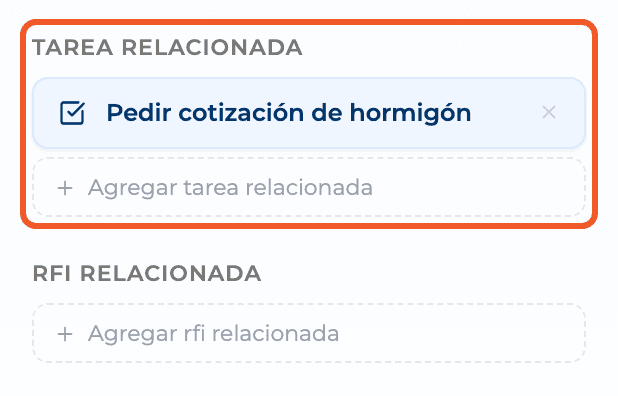
Drawing, Related task, Related RFI, Related submittal or Quality check.
- 03
Add the item
Select Add… and pick it from the search. It shows as a card; the X removes it. On an existing to-do it saves immediately.
What you'll learn
How link a to-do to drawings, tasks, rfis, submittals and quality checks works inside Perfour.
What information you need and how it stays connected to To-do Tasks.
How to preserve traceability and find the record later.
FAQ
Frequently asked questions
Can I link a budget or an expense?+
Not from Relations. You can set it in the list's Link column.