To-do Tasks / 12
Assign people to a to-do
Assignees own the to-do and can complete it along with the project owner.
2 minutes
Step by step
How to complete assignees
- 01
While creating
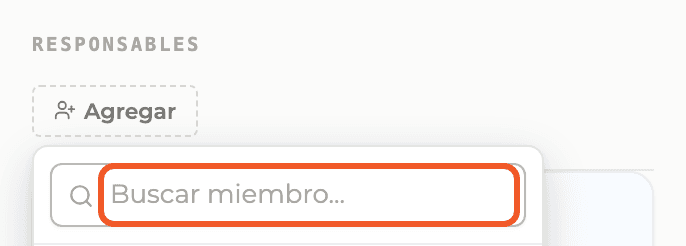
In the New task panel, Assignees section, select Add and search project members.
- 02
After creating
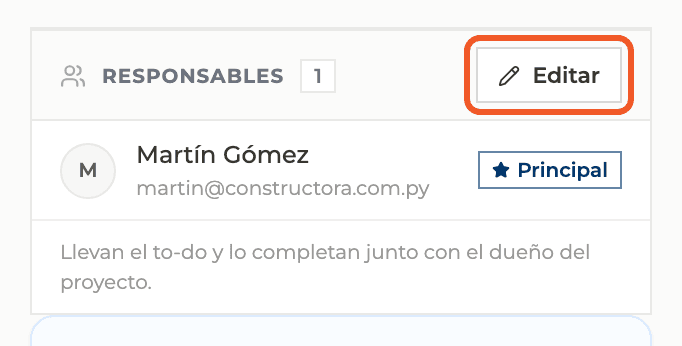
In the detail view, the Assignees card shows who owns it. Select Edit to change it.
- 03
Choose and mark the lead
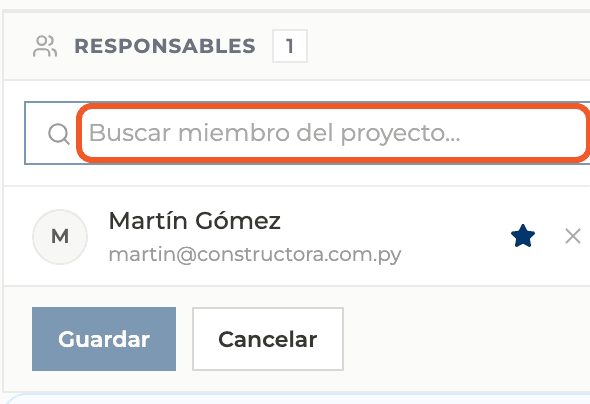
Search project members, star the lead assignee, remove people with the X and confirm with Save.
What you'll learn
How assign people to a to-do works inside Perfour.
What information you need and how it stays connected to To-do Tasks.
How to preserve traceability and find the record later.
FAQ
Frequently asked questions
Can I leave it unassigned?+
Yes. Then only the creator and the project owner can change its status.
Who can change the status?+
Assignees, the creator when there are none, and the project owner.