What the supplier directory is: PERFOUR and My organization
Suppliers is the directory of companies that sell you materials or services. It has two views: the global PERFOUR directory and your organization's own suppliers.
How to complete supplier directory
- 01
Open the directory
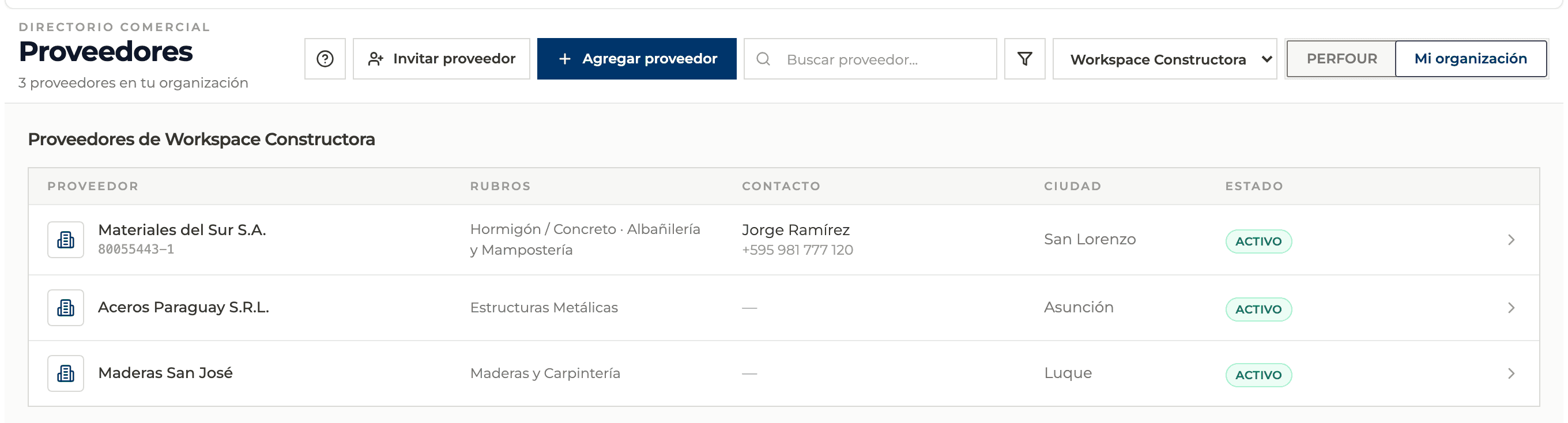
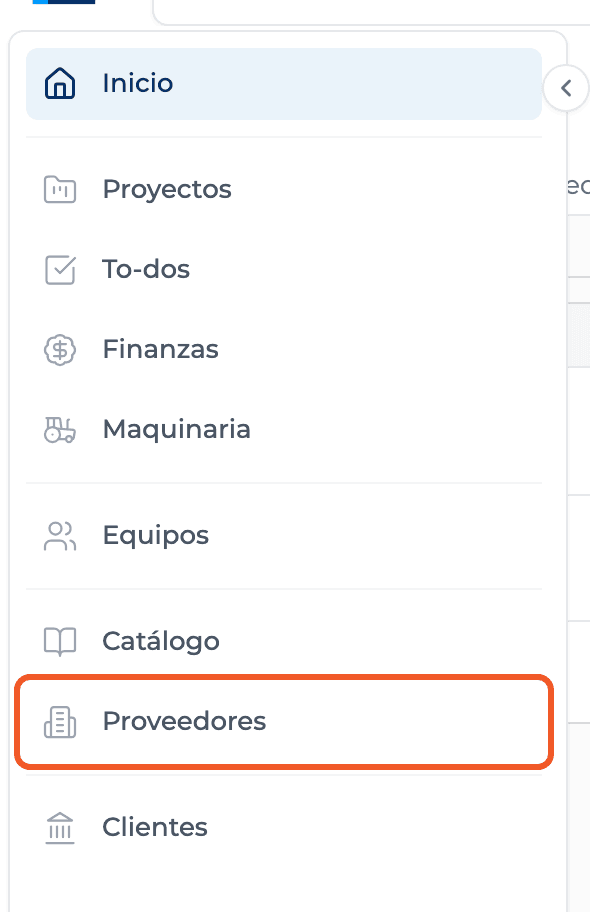
From the main menu open Suppliers. Below the title you see how many suppliers the selected view has.
- 02
Choose the view
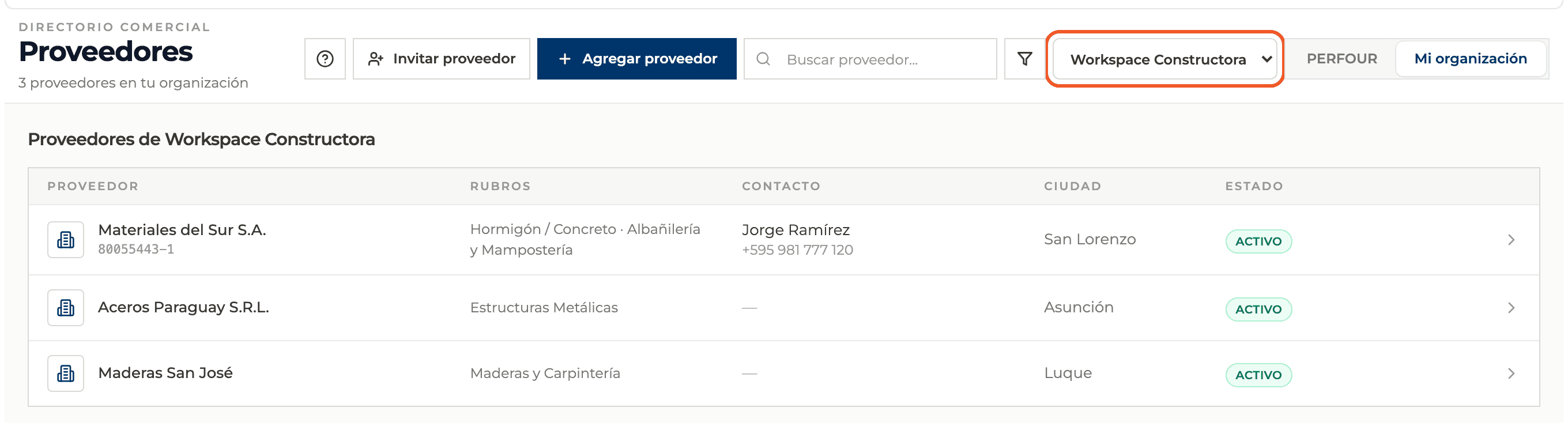
The switch on the right toggles between PERFOUR, the global directory maintained by the Perfour team, and My organization, the suppliers your team added or invited.
- 03
Choose the organization
In My organization a selector lists your organizations. The table shows the suppliers of the selected one.
- 04
Read the table
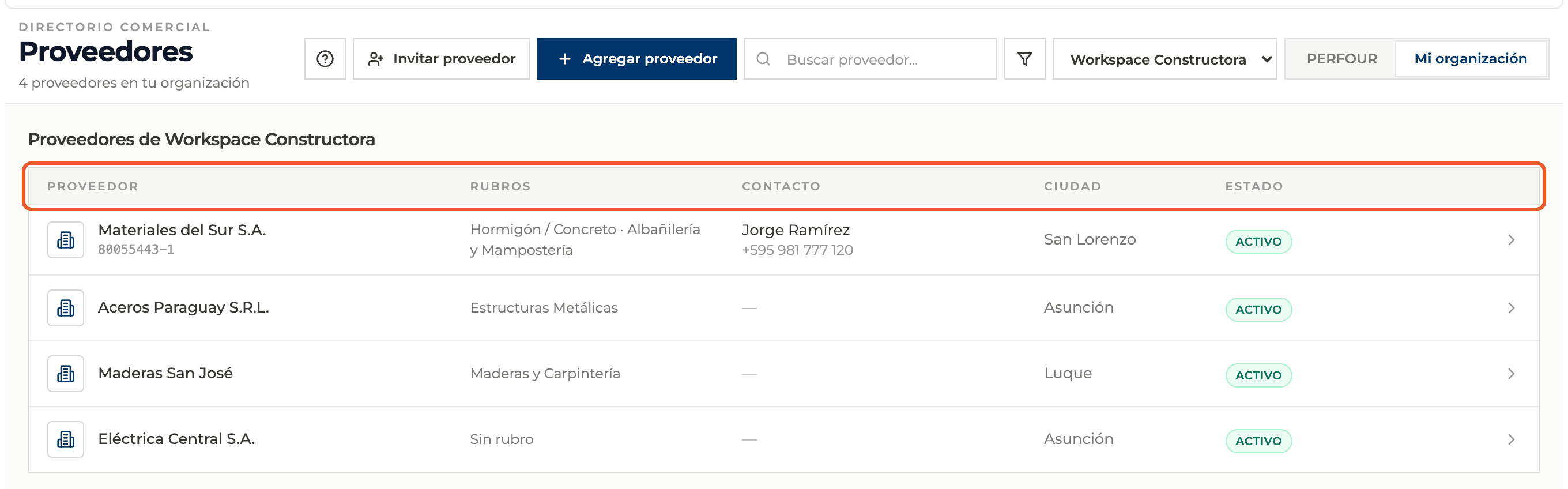
Each row shows the Supplier (with its tax ID), its Trades ("No trade" when empty), the Contact, the City and the Status: Active or Inactive.
- 05
Open a supplier
Click the row or card to open its profile, with its catalog, quotes, contracts, budget, finance and details.

What you'll learn
How what the supplier directory is: perfour and my organization works inside Perfour.
What information you need and how it stays connected to Suppliers.
How to preserve traceability and find the record later.
Frequently asked questions
Are the PERFOUR suppliers mine?+
No. They are a global directory that only the Perfour team can add and edit. You can browse them and see their catalog.
Who sees the suppliers in My organization?+
That organization's team. A supplier who registers through an invitation can also choose to appear in the global directory.
What do I see when there are no suppliers yet?+
My organization shows that there are no suppliers yet. You can add one manually or invite it to enter its own details.