Assign responsibles and roles
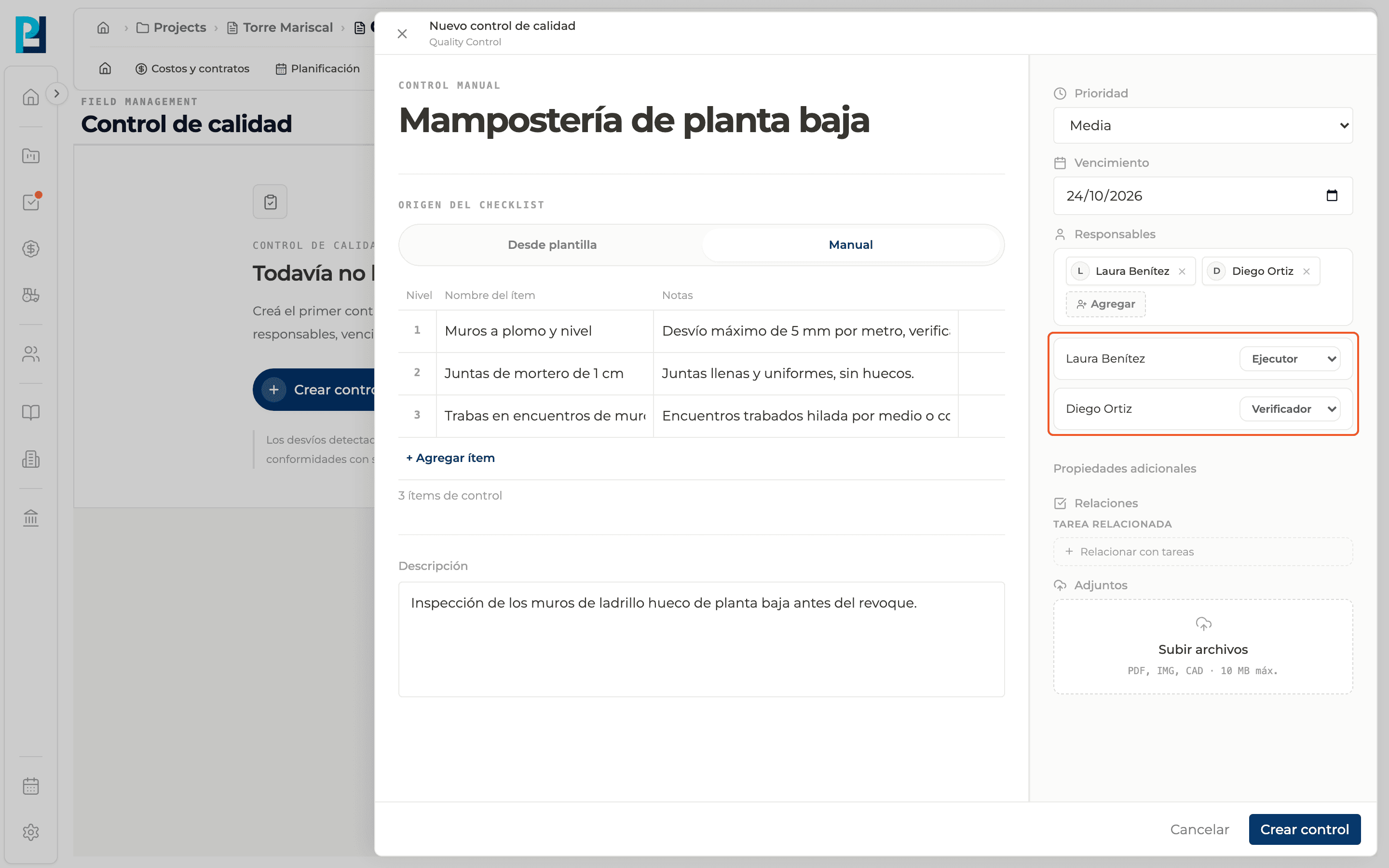
Every check needs at least one responsible, and each person has a role: Executor, Verifier or Observer.
How to complete responsibles and roles
- 01
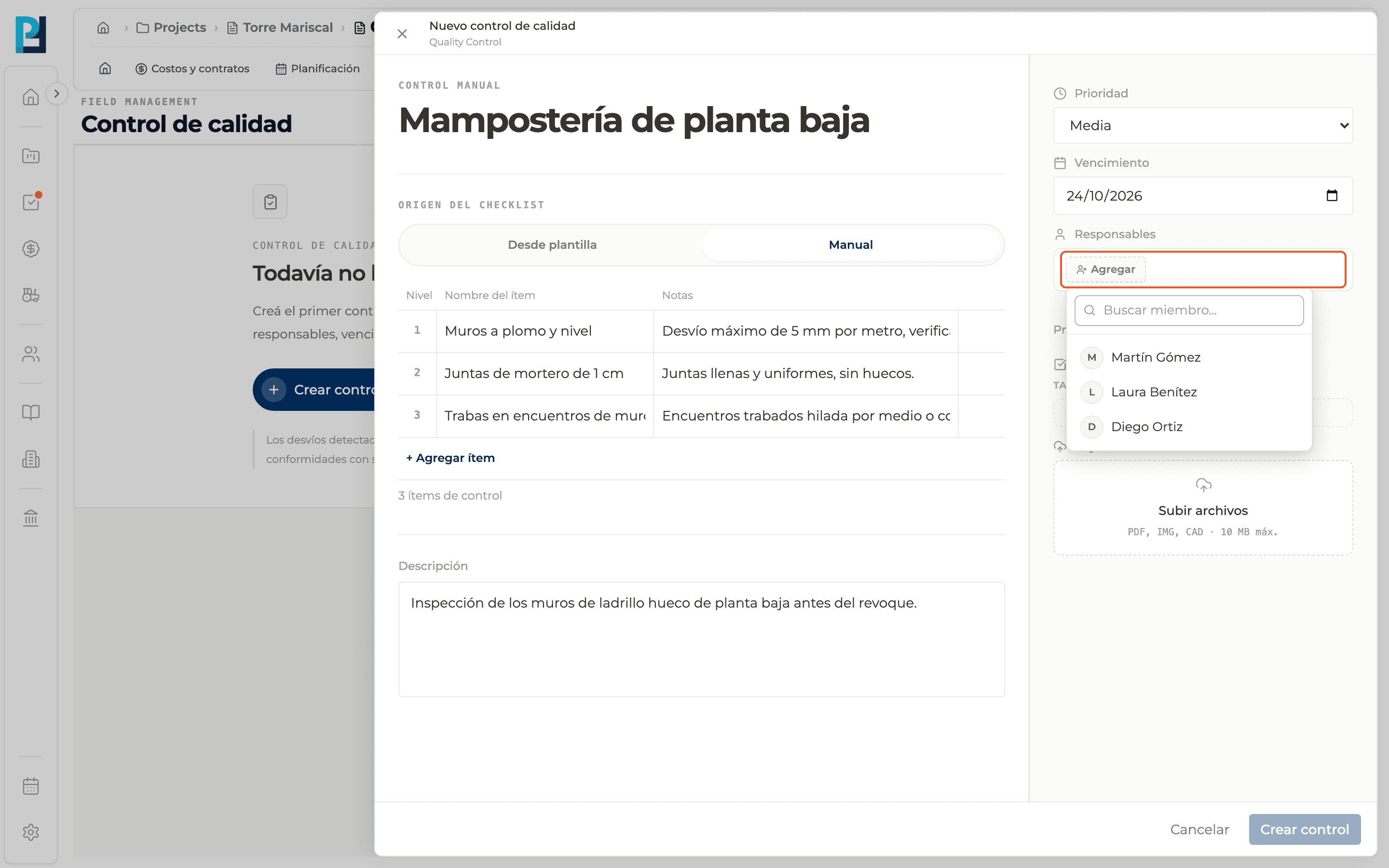
Add people
In the creation panel, Responsibles block, click Add and pick project members. You can search by name.
- 02
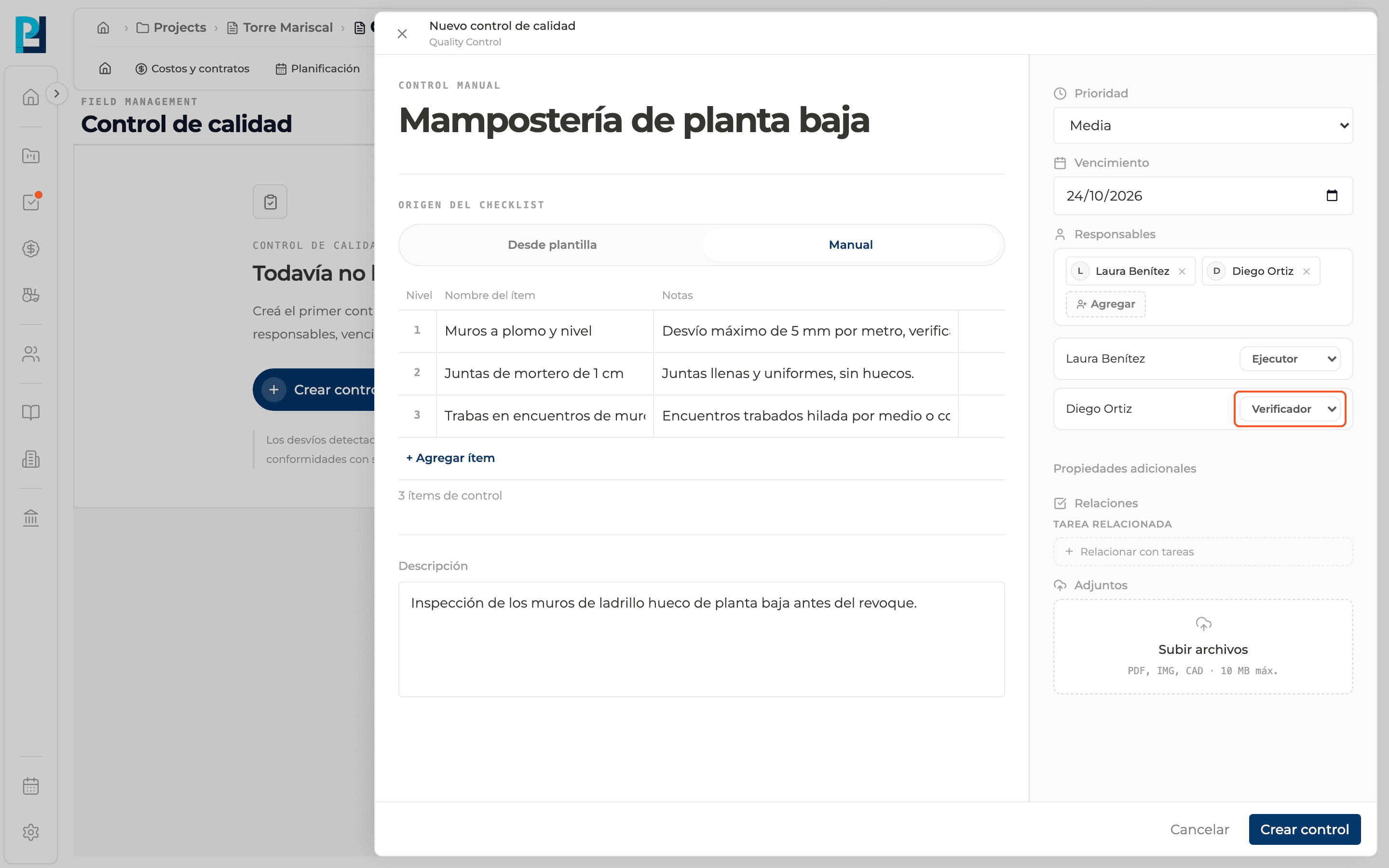
Choose each person's role
Each person shows below with a role selector: Executor (default), Verifier or Observer.
- 03
Review the list
You can add several people. Removing someone from the selector also removes their role.
- 04
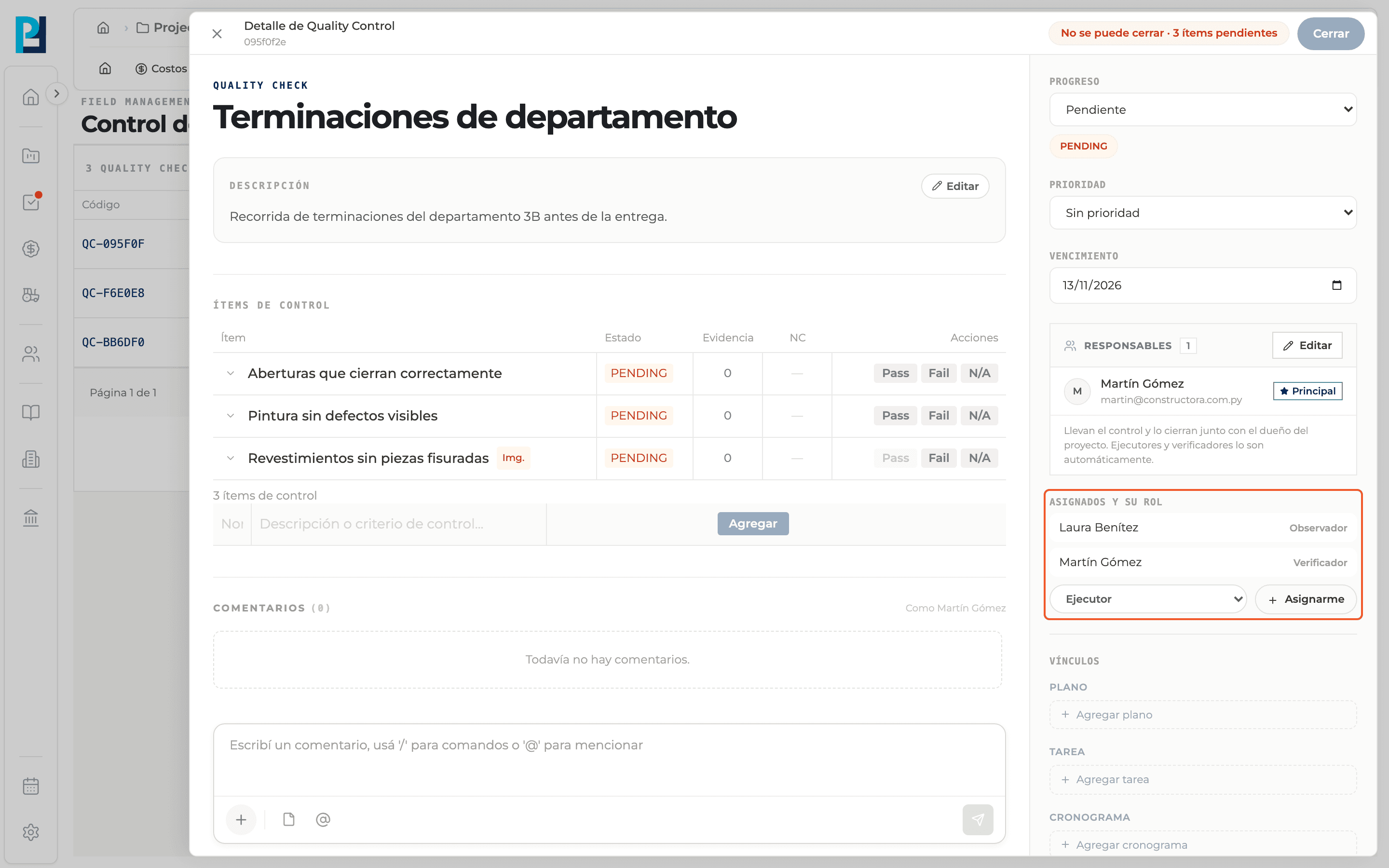
After creating the check
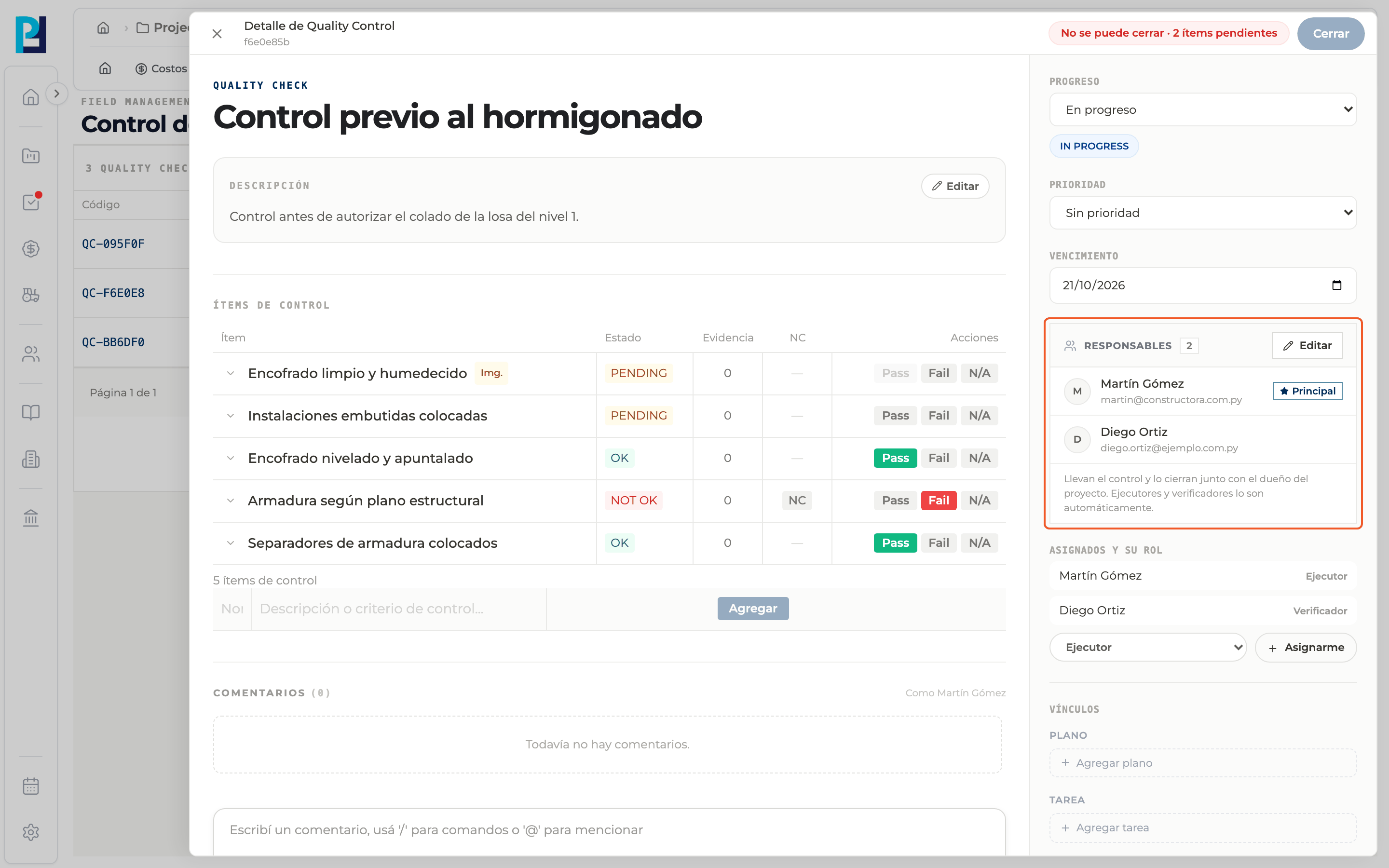
In the detail, Assignees and their role shows each person with their role. To add yourself, pick a role and click Assign me.
- 05
Check responsibles
The Responsibles block lists who runs the check and closes it together with the project owner; whoever created it is marked Main. Executors and verifiers are responsibles automatically. Use Edit to add or remove people.
What you'll learn
How assign responsibles and roles works inside Perfour.
What information you need and how it stays connected to Quality.
How to preserve traceability and find the record later.
Frequently asked questions
Can I assign someone who is not a project member?+
No. The selector only lists project members.
Can a check be created without responsibles?+
No. Create check is not enabled until there is at least one.