Create a check from a template
You reuse a predefined checklist: the name and the items are copied from the template.
How to complete check from template
- 01
Open the panel
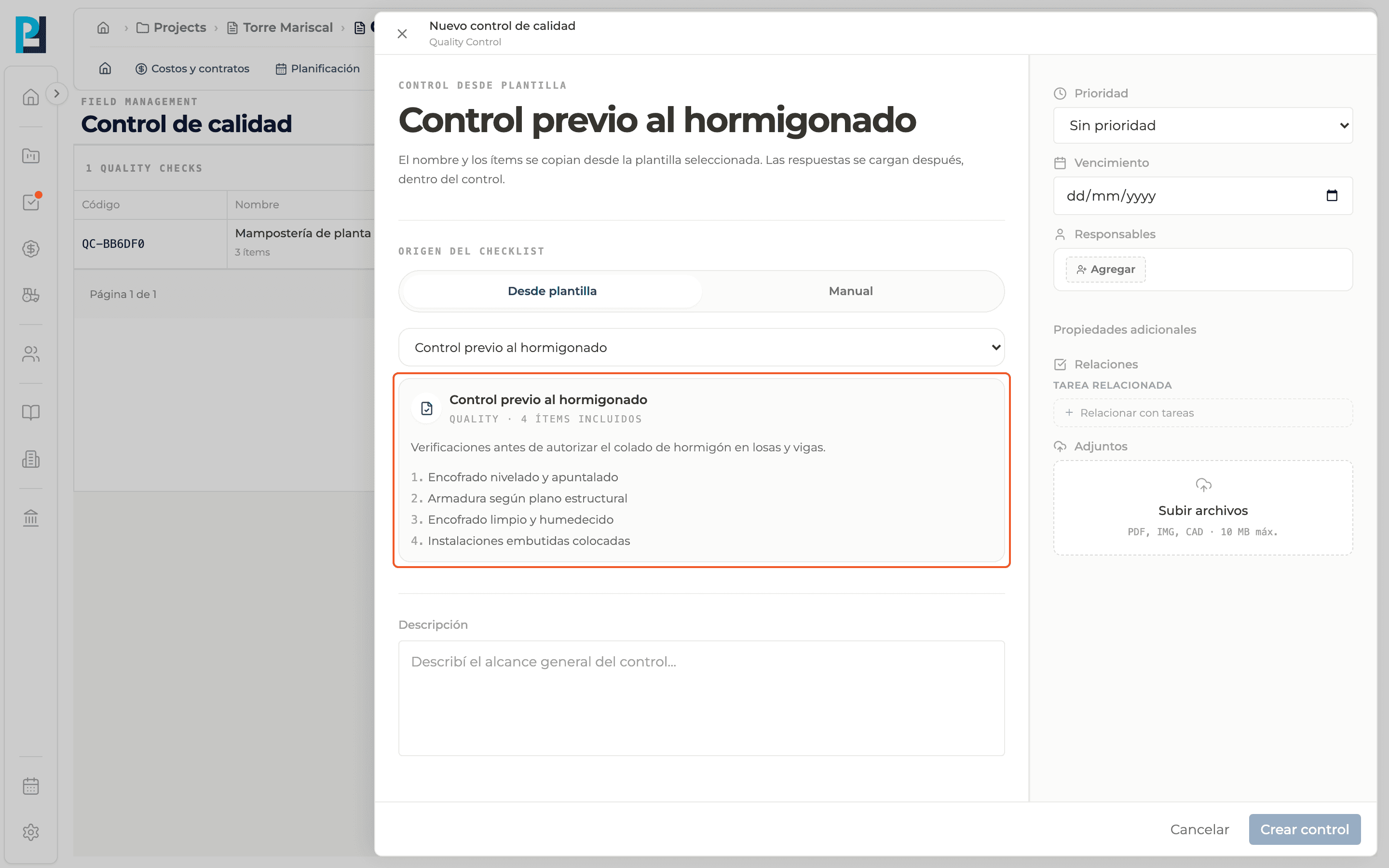
Click New check. The New quality check panel opens.
- 02
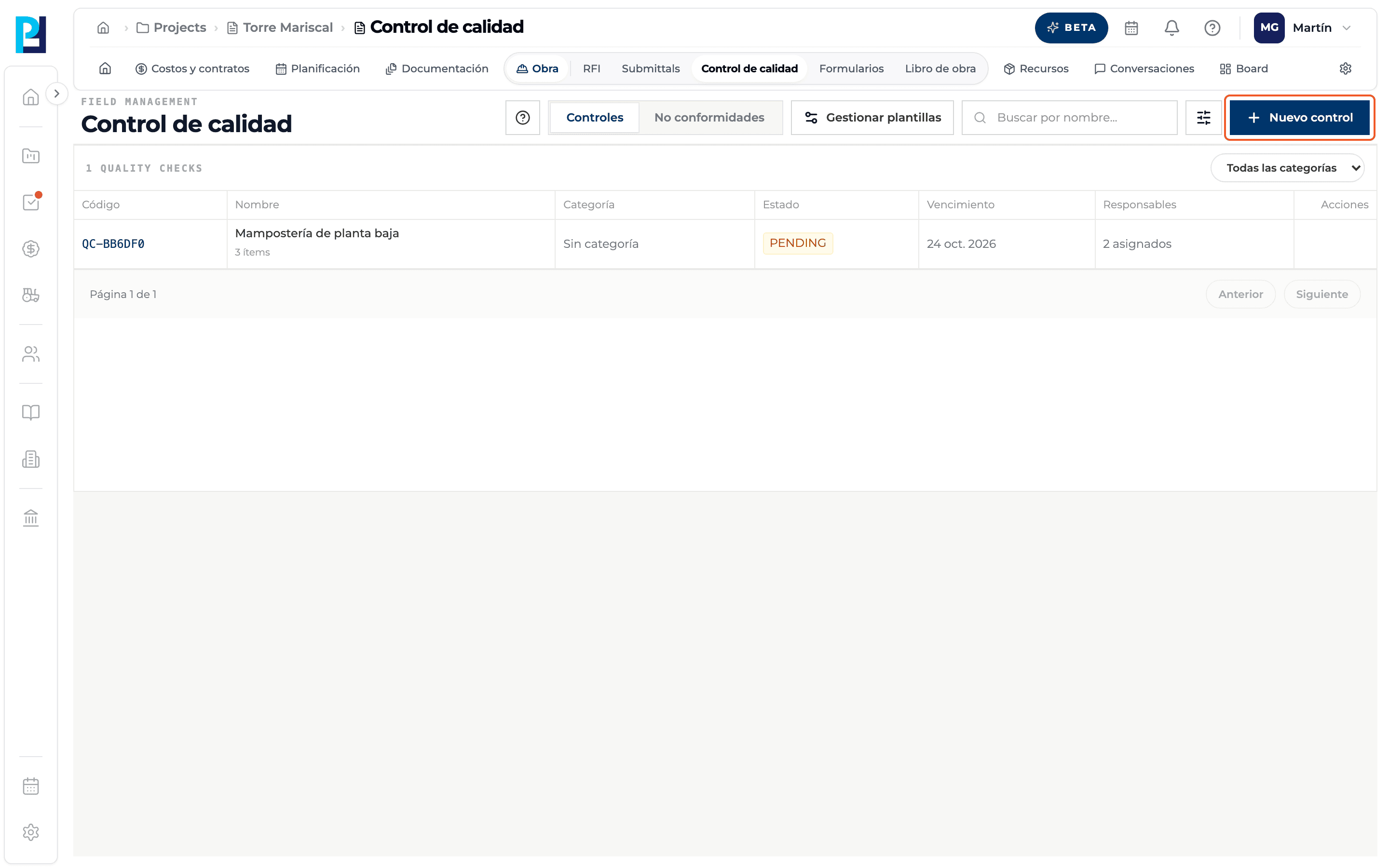
Choose the origin
Under Checklist origin select From template. Above the title you read "Check from template".
- 03
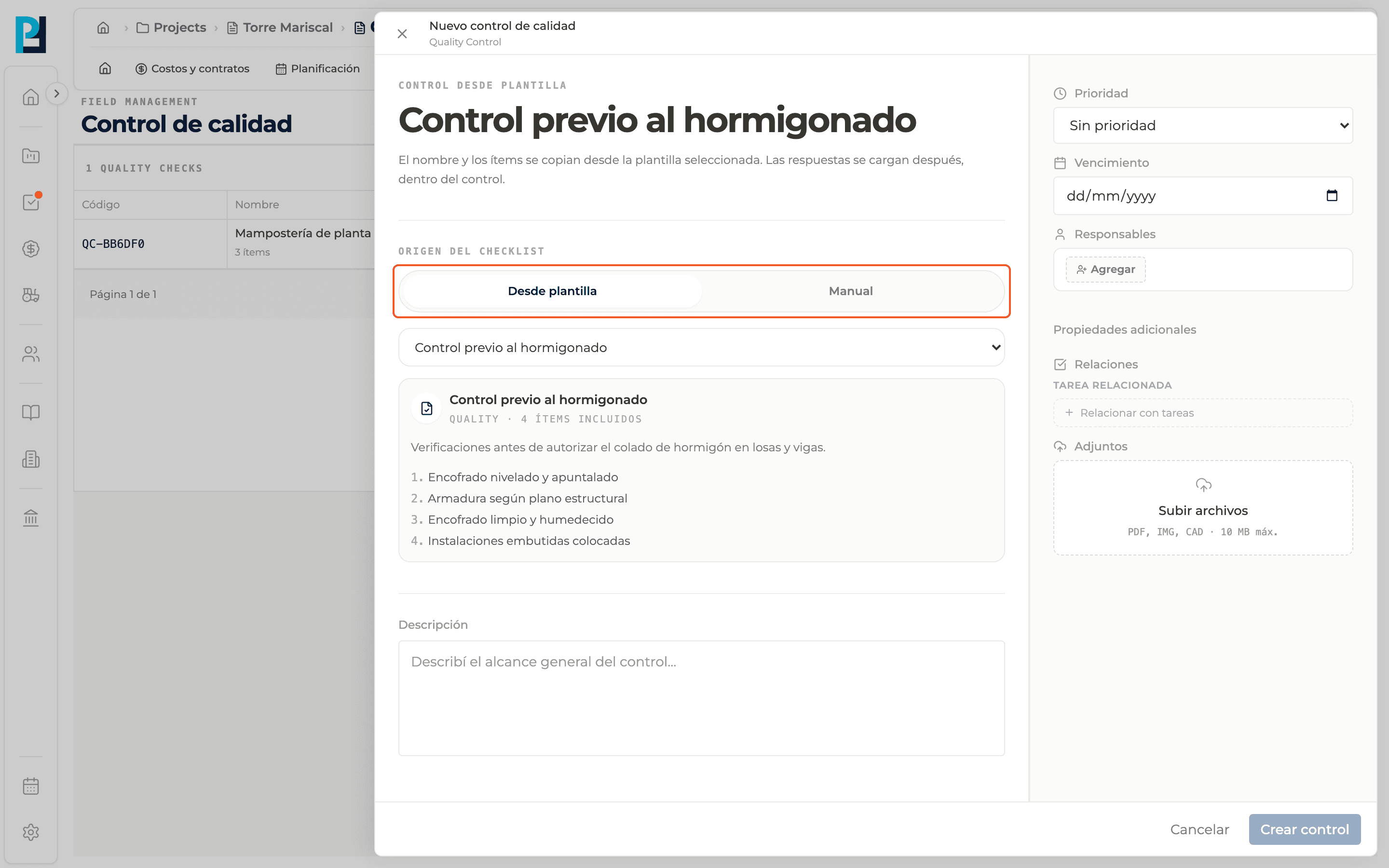
Pick the template
In the Choose template… selector pick one. If there are templates, Perfour preselects the first one.
- 04
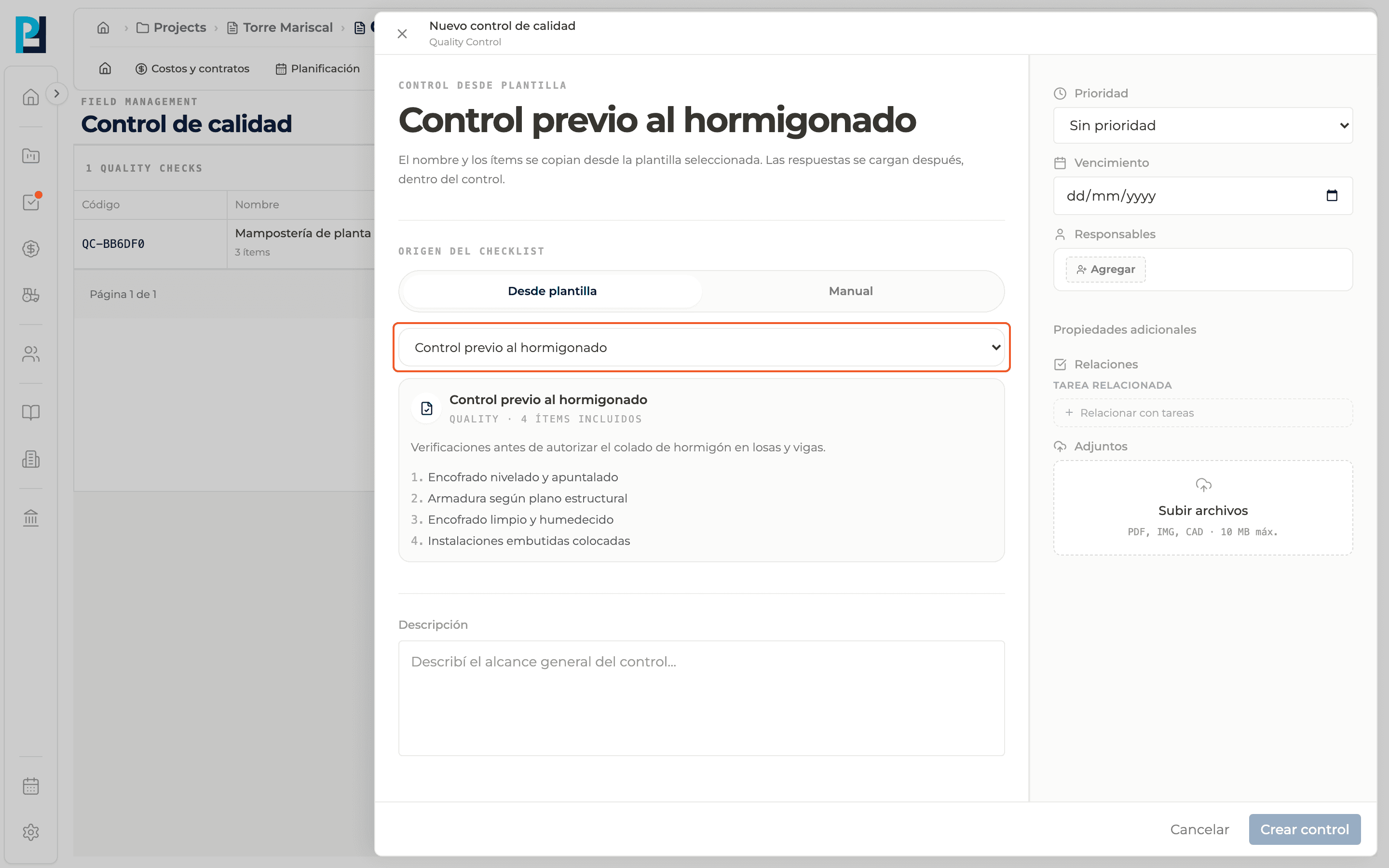
Review the preview
The card shows the name, the category, the number of included items, the description and the numbered list of items.
- 05
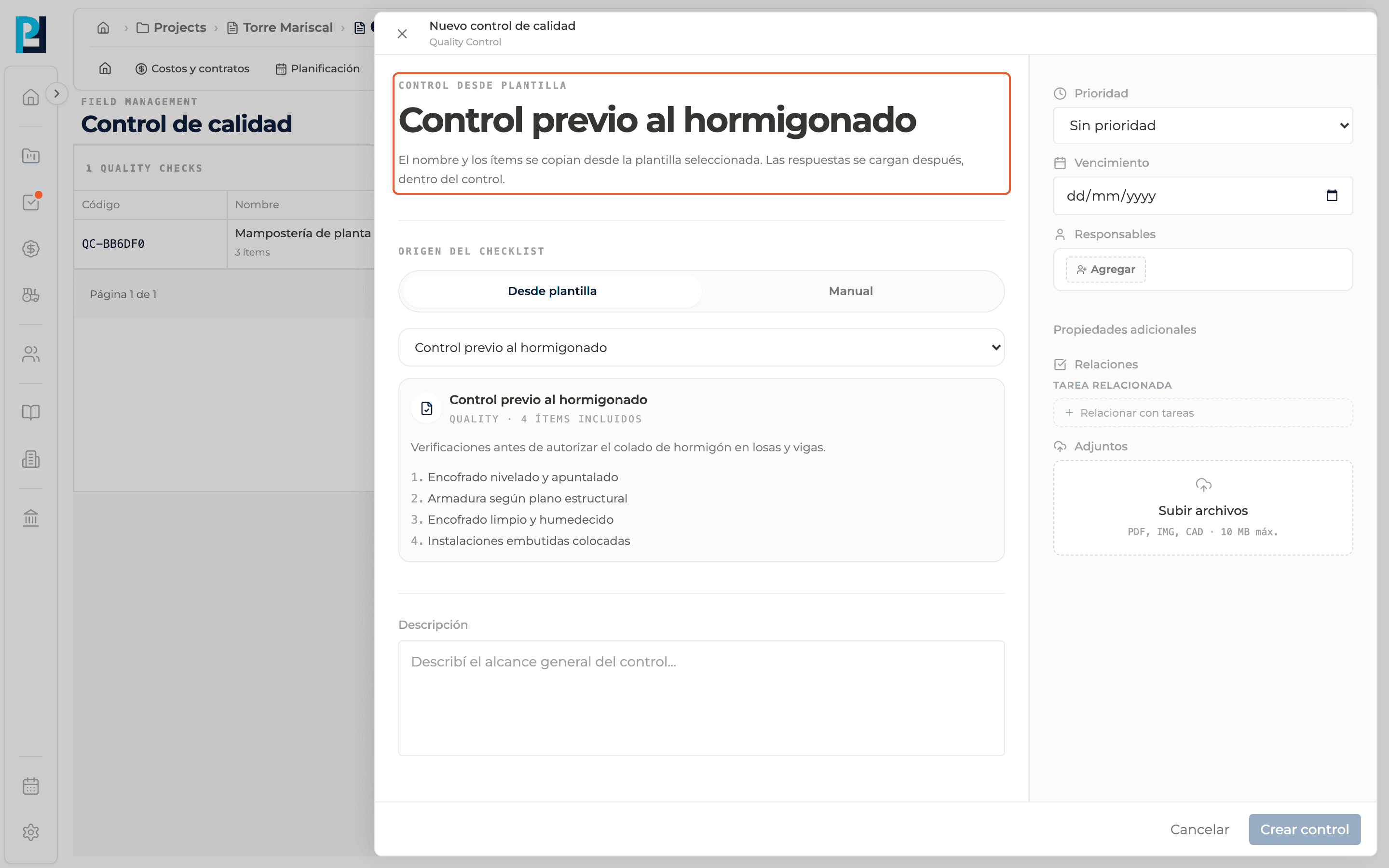
Understand what is copied
The title is locked because it comes from the template. As the notice says, the name and the items are copied from the template and the answers are recorded later, inside the check.
- 06
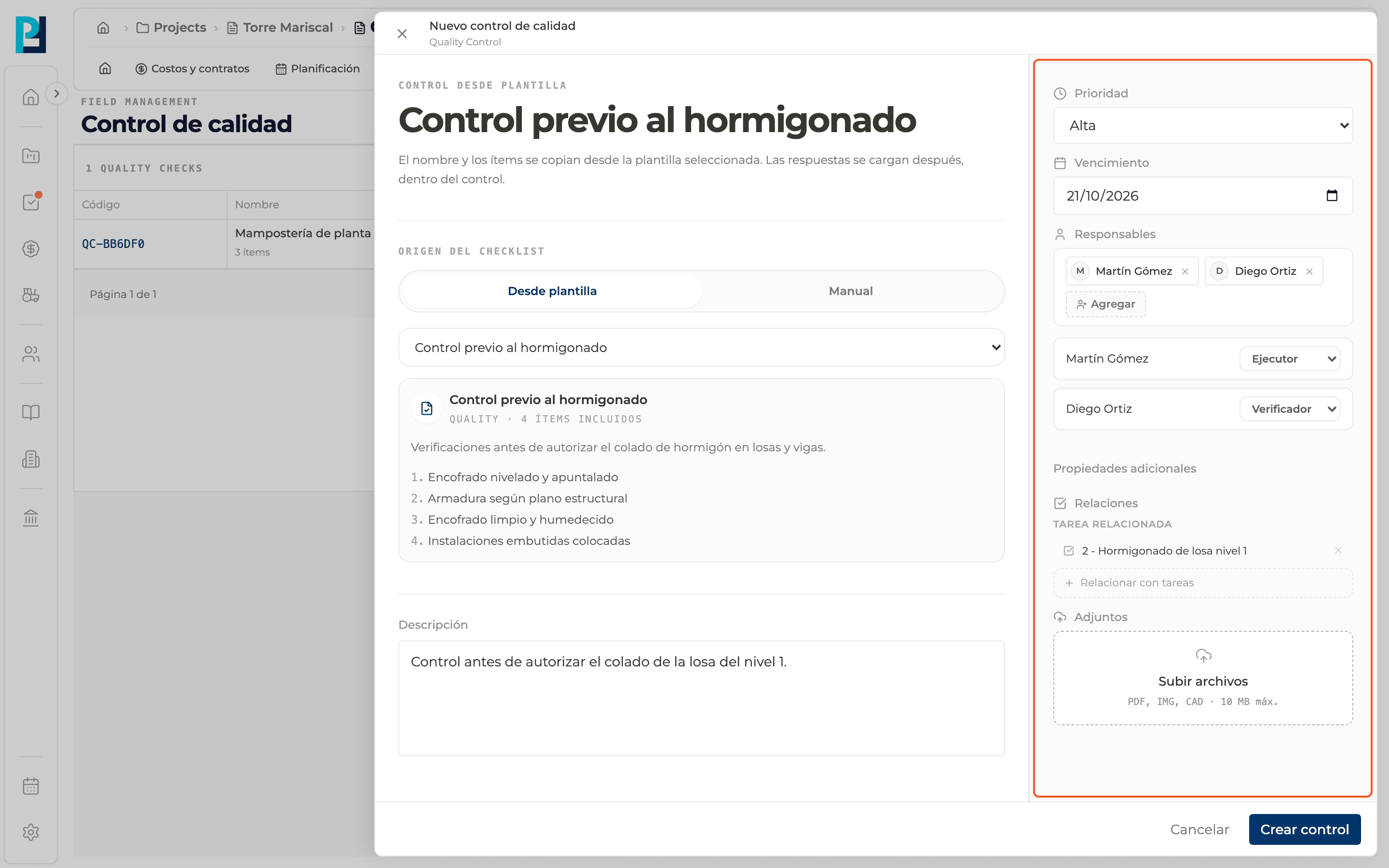
Fill in the rest
Description, Due date, Responsibles (required, each one with a role), Relations and Attachments.
- 07
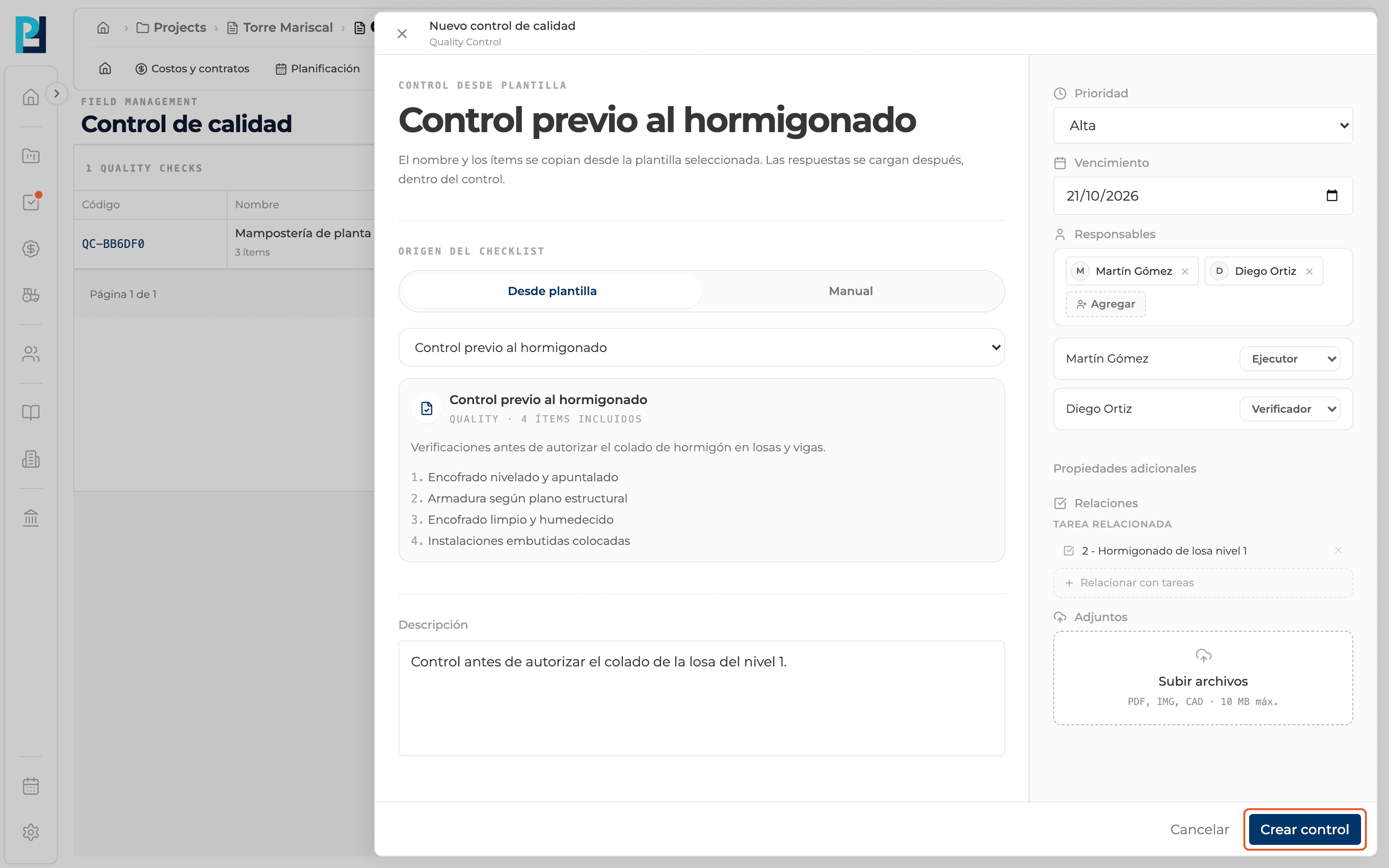
Create the check
Click Create check. The check shows in the table as PENDING.
What you'll learn
How create a check from a template works inside Perfour.
What information you need and how it stays connected to Quality.
How to preserve traceability and find the record later.
Frequently asked questions
Can I change the template's items when creating the check?+
Not at this step. You can add items later, inside the check.
I have no templates, what do I do?+
Create one in Manage templates or use Manual mode.
If I edit the template later, do existing checks change?+
No. Checks already created are not modified.