Create a manual quality check
You build a check from scratch and define the checklist items yourself.
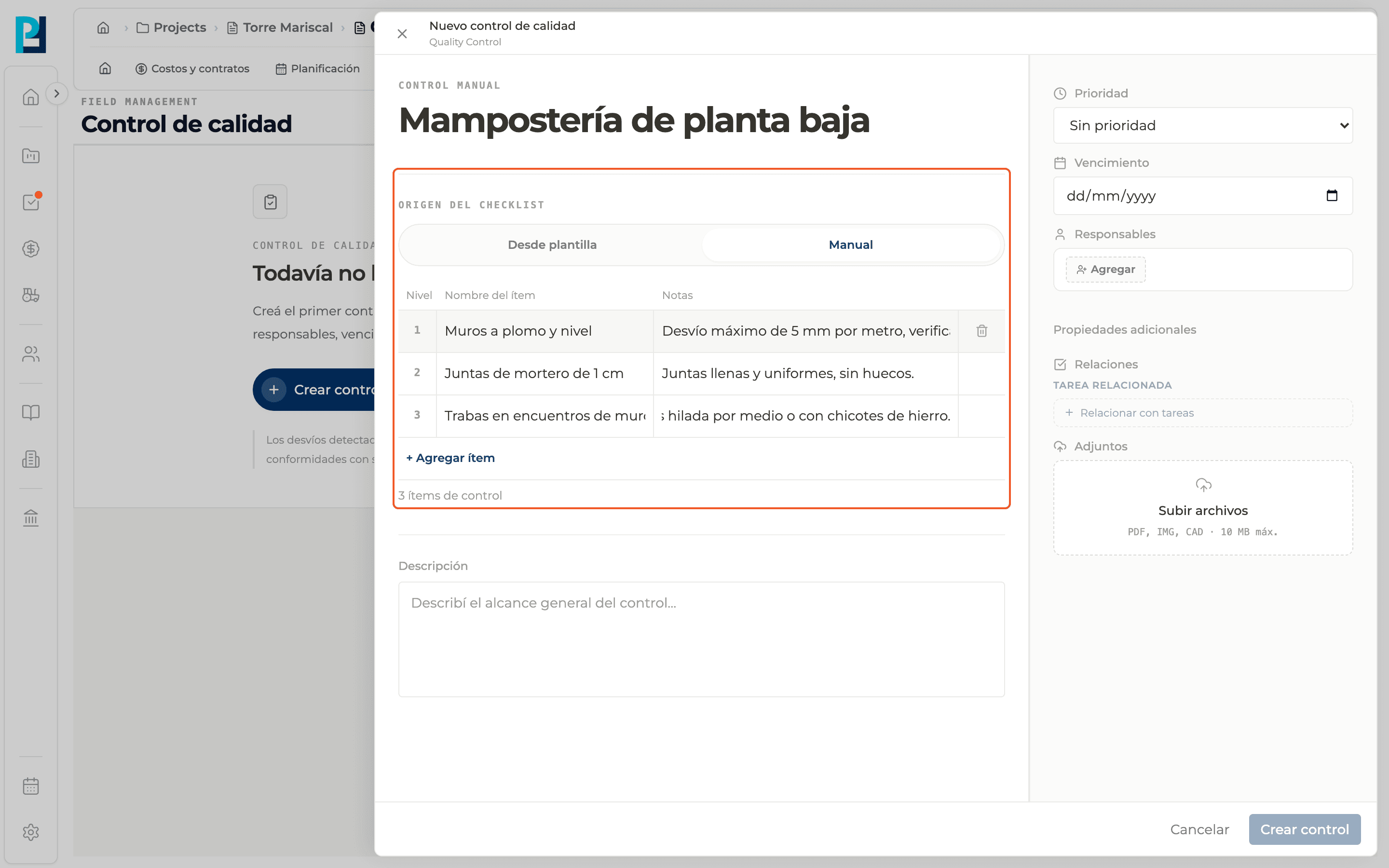
How to complete new manual check
- 01
Open the panel
In Quality control click New check (or Create check if the module is empty). The New quality check panel opens.
- 02
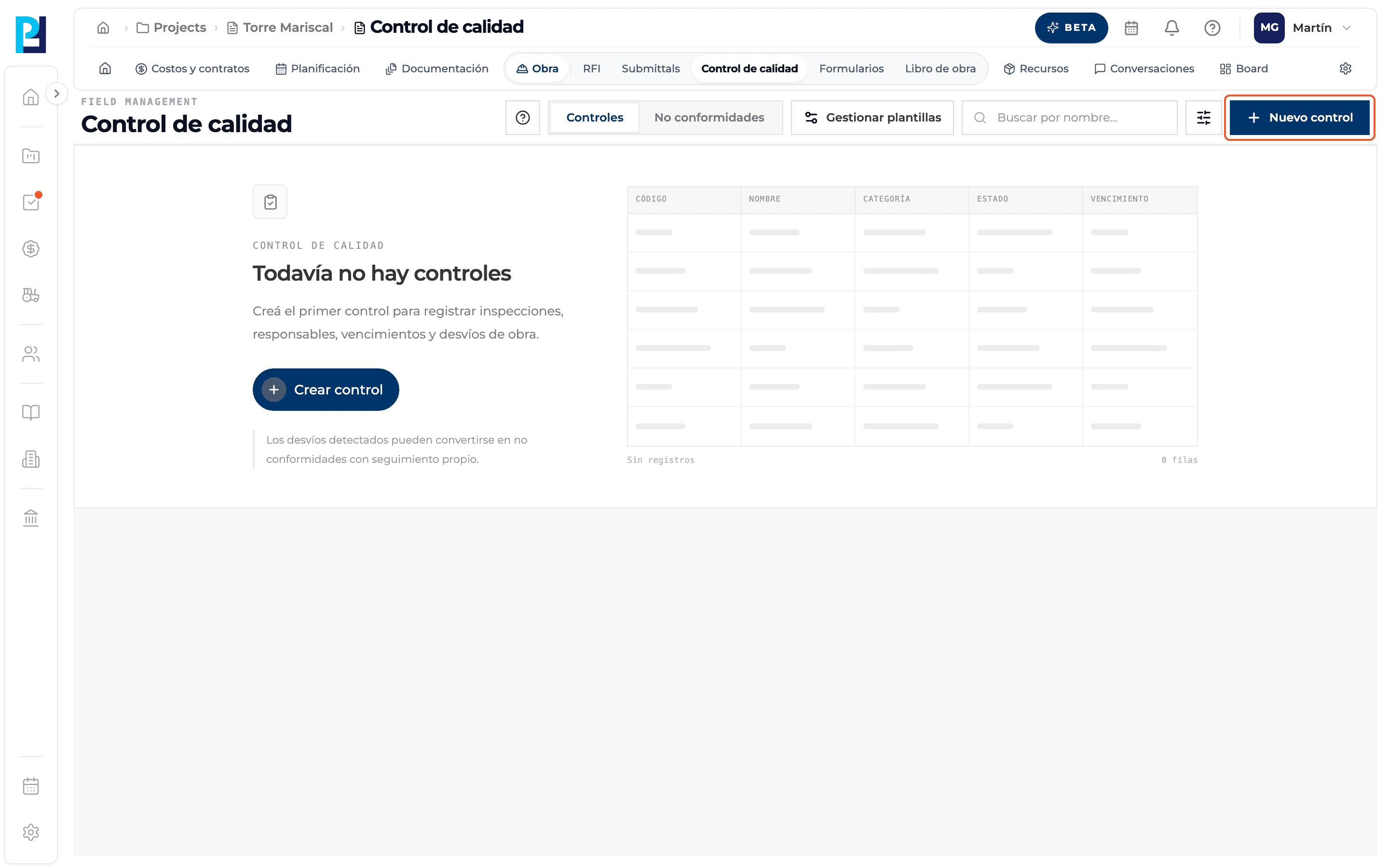
Choose the origin
Under Checklist origin select Manual. Above the title you read "Manual check".
- 03
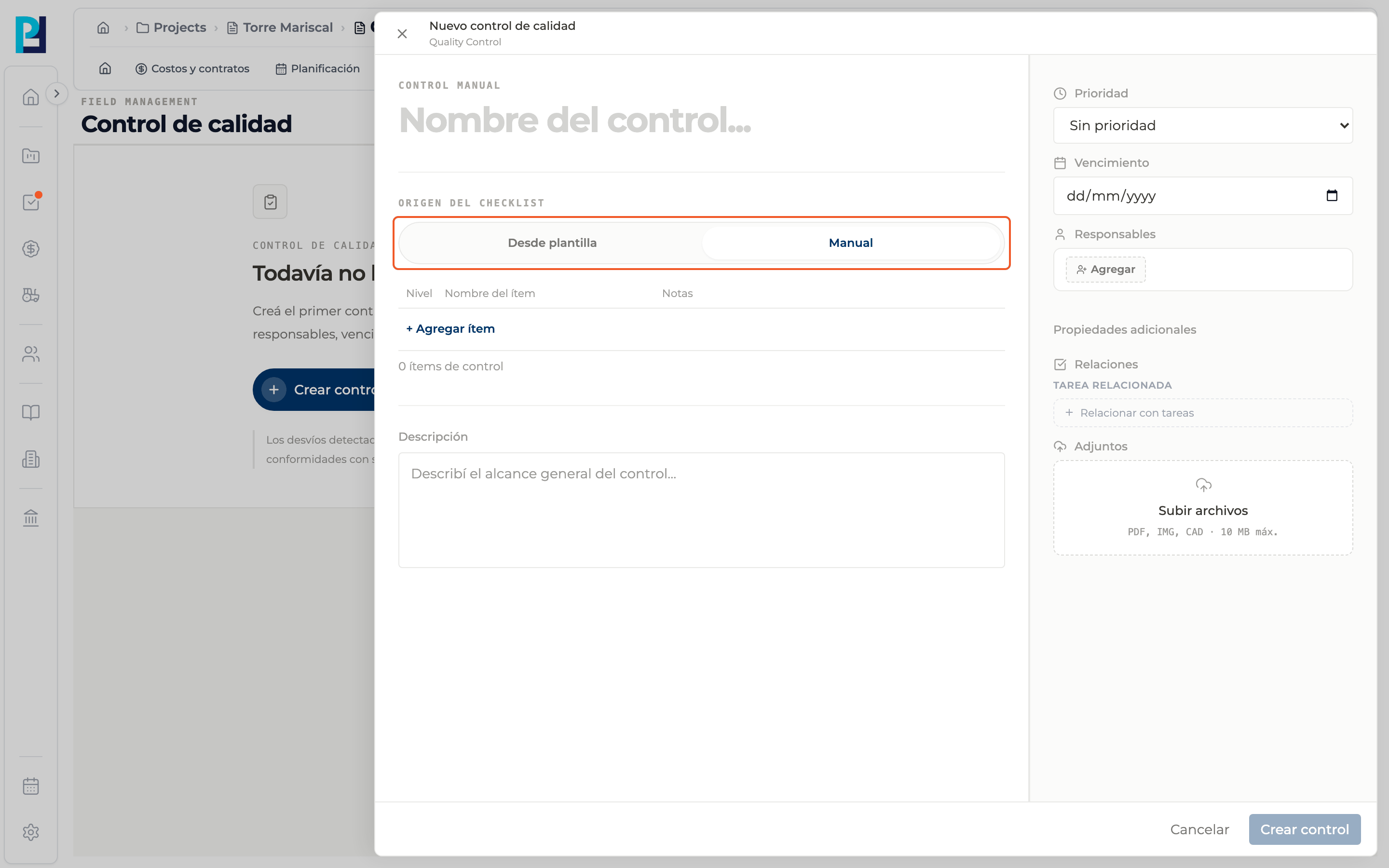
Write the name
Fill in the large title, Check name… It is required.
- 04
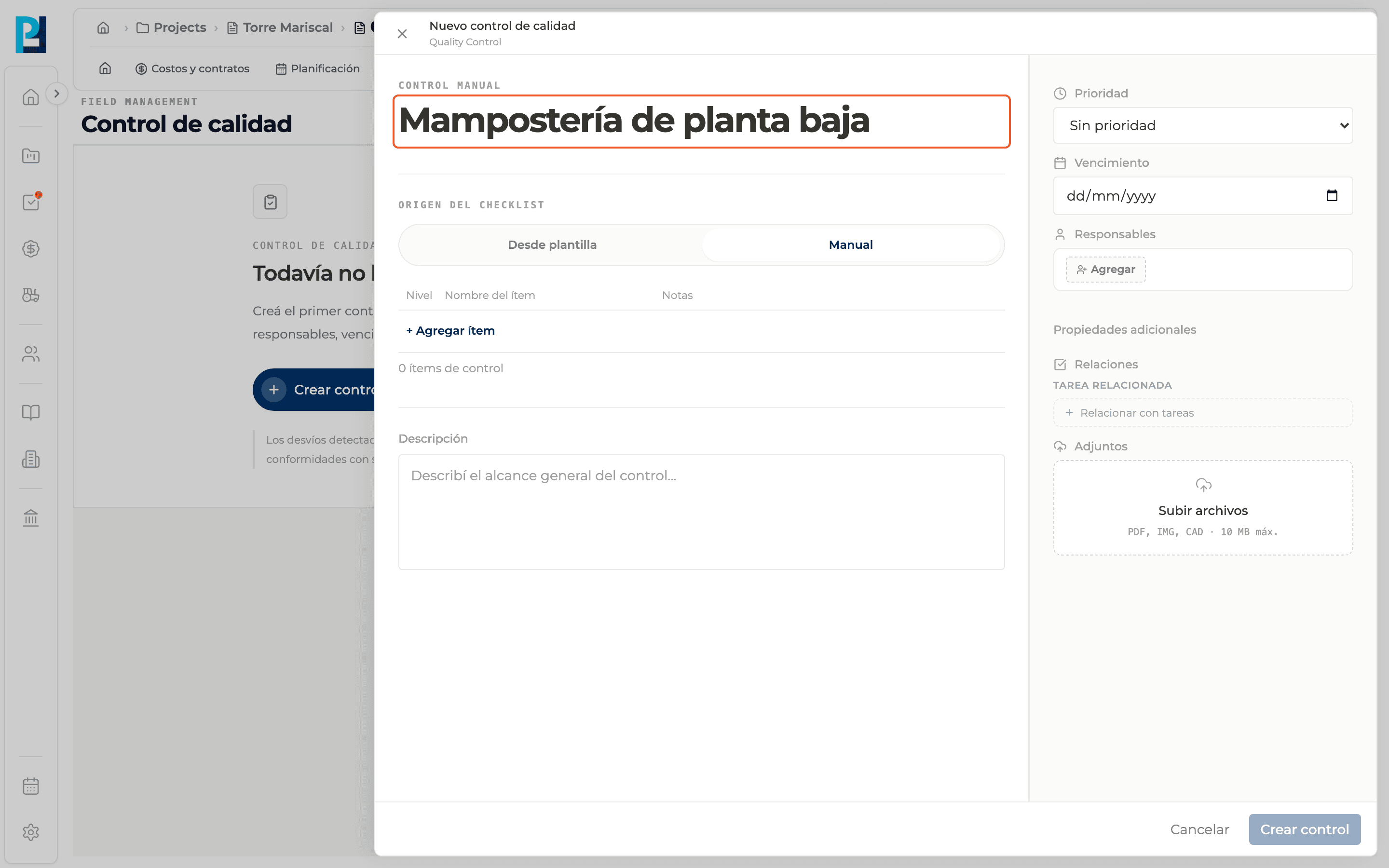
Build the items
Click + Add item and enter the name and, under Notes, the inspection criterion. Level is the order number (1, 2, 3…). The trash icon, shown on hover, removes an item. The item count shows below. You need at least one item with a name.
- 05
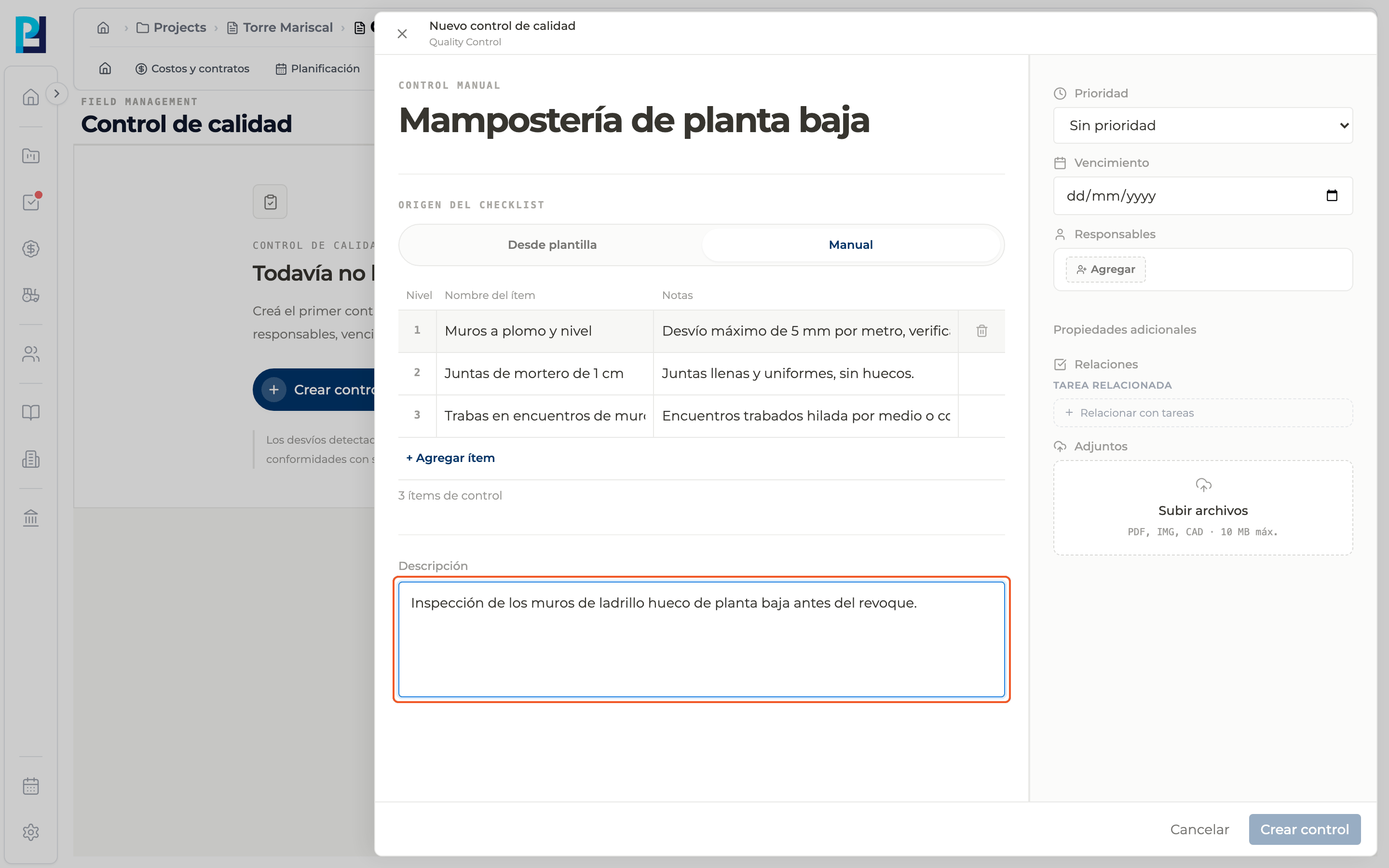
Describe the scope
Optional: use Description to explain what the inspection covers.
- 06
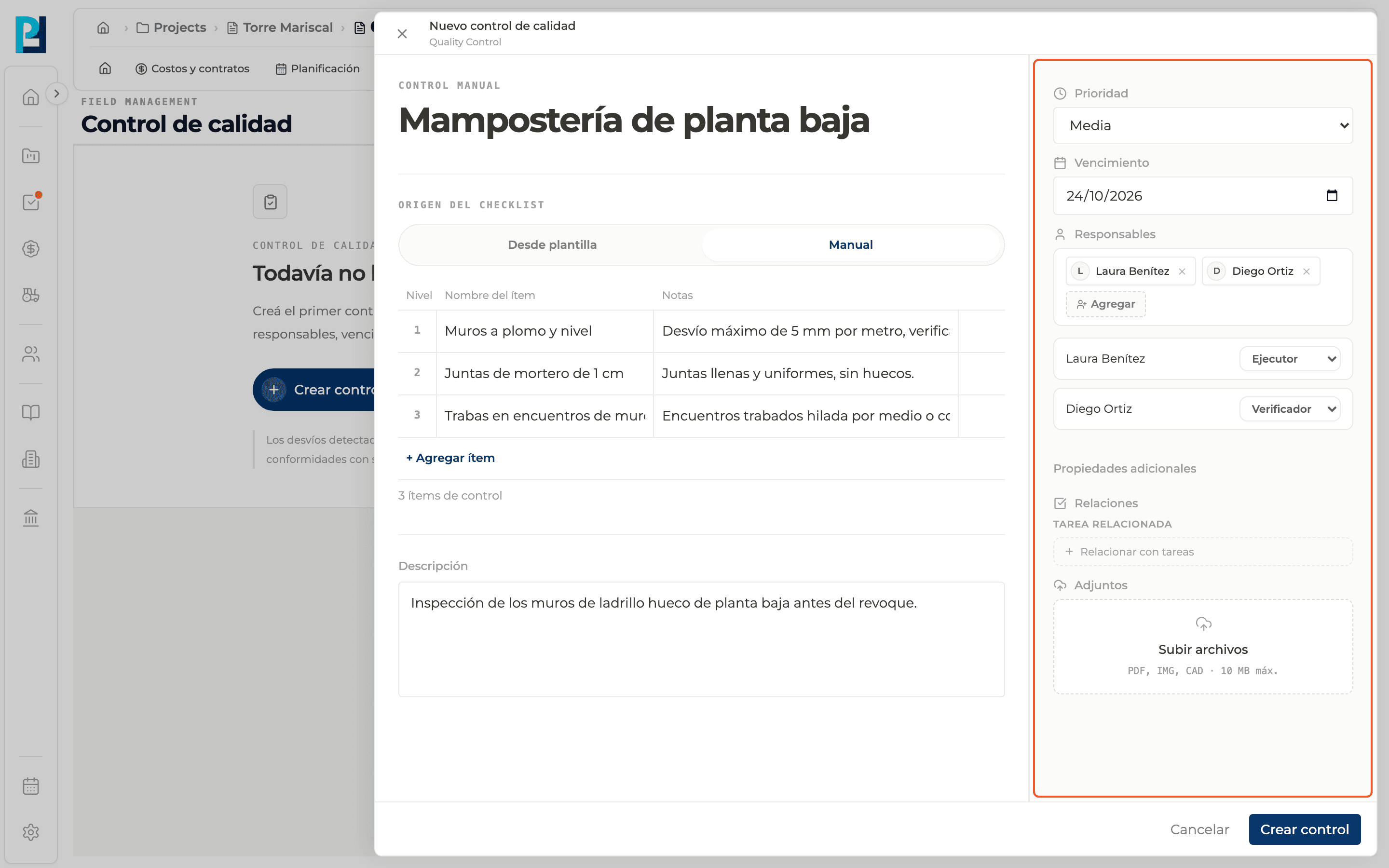
Fill in the right sidebar
Due date, Responsibles (required, each one with a role) and, under Additional properties, Relations and Attachments.
- 07
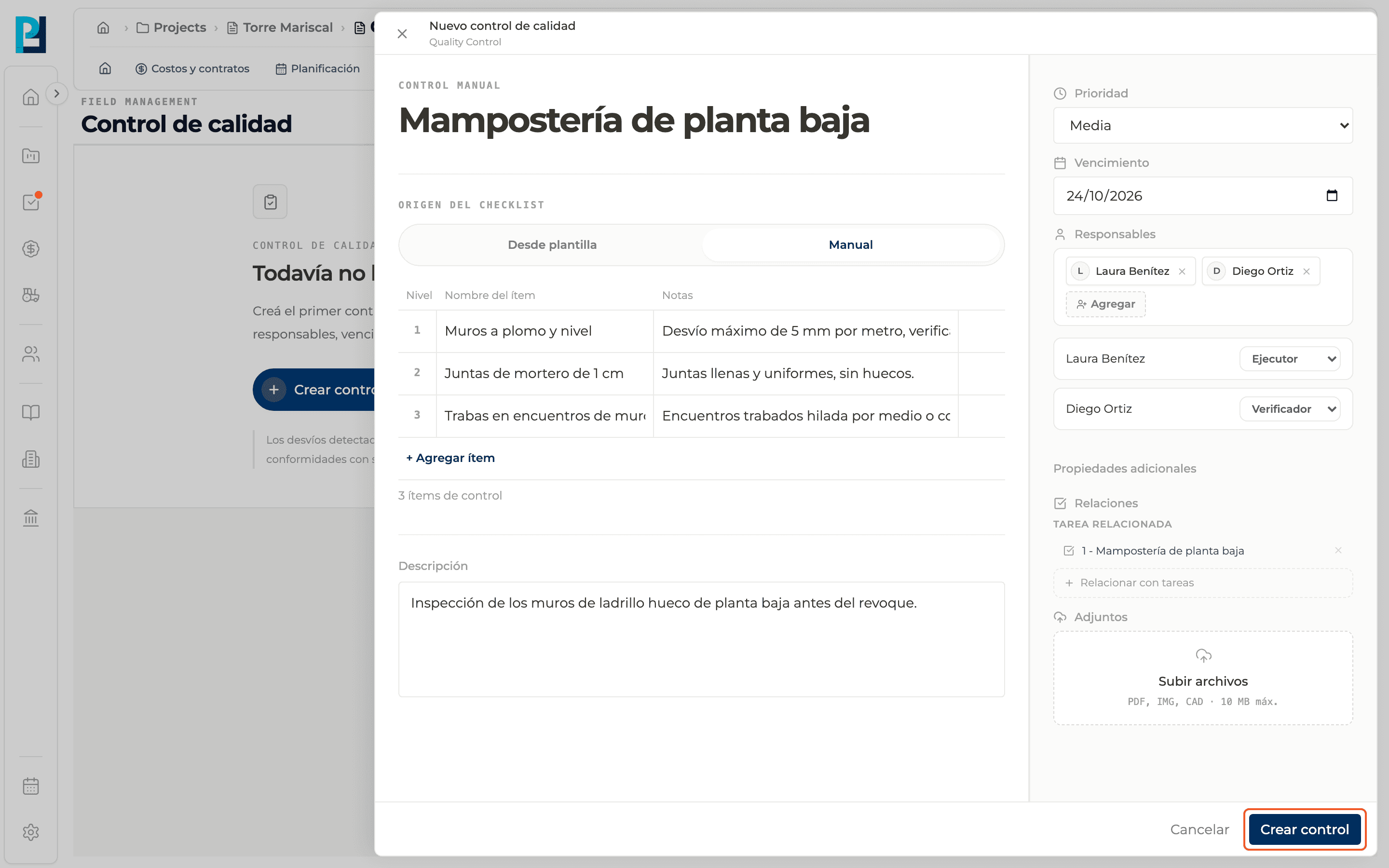
Create the check
Click Create check. The button is enabled once there is a name, at least one item with a name and at least one responsible. Cancel or the X close the panel without saving.
- 08
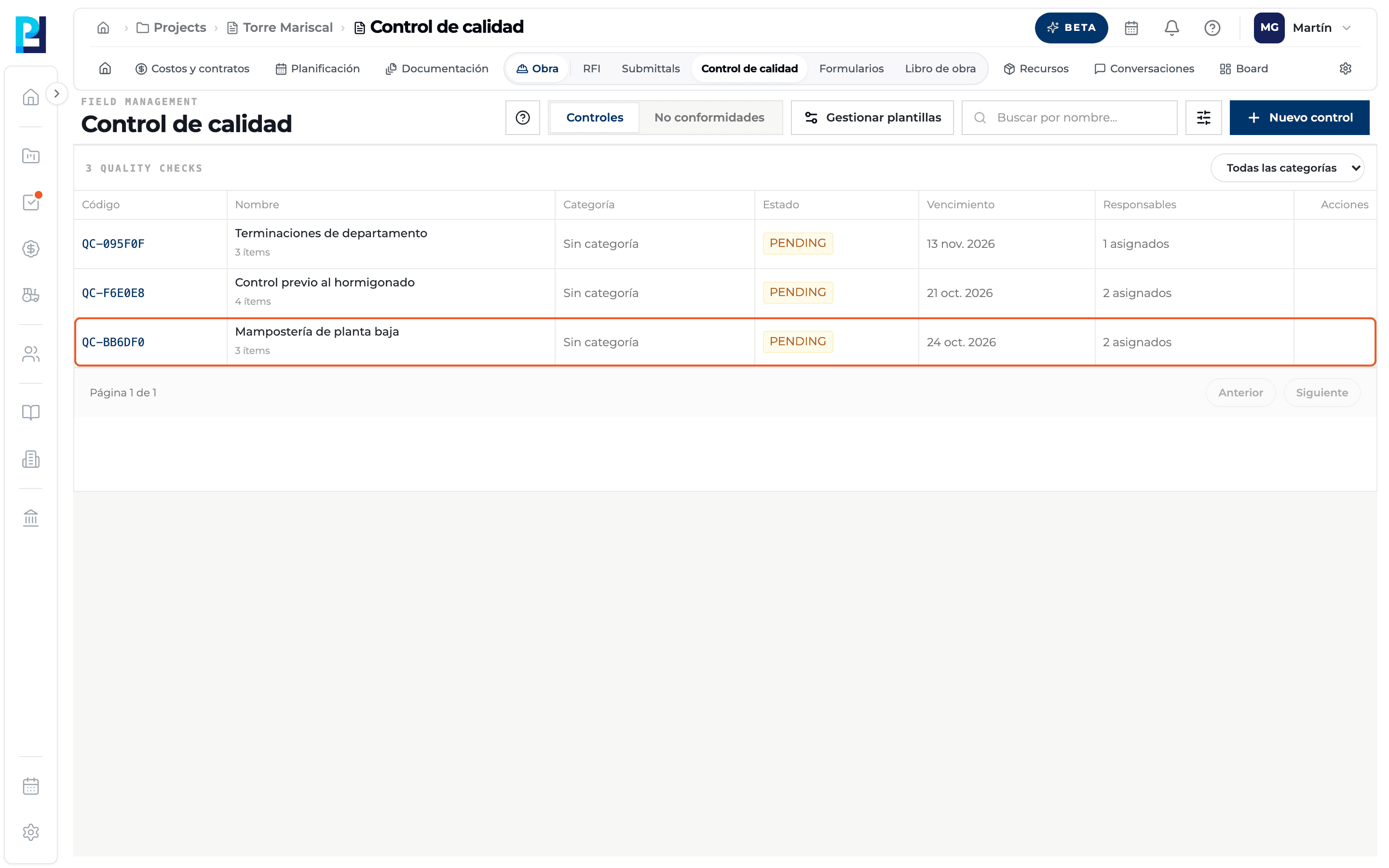
Result
The check shows in the Checks table as PENDING, with its QC-XXXXXX code and number of items. Click the row to open it.
What you'll learn
How create a manual quality check works inside Perfour.
What information you need and how it stays connected to Quality.
How to preserve traceability and find the record later.
Frequently asked questions
Why is Create check disabled?+
The name, an item with a name or a responsible is missing.
Can I add items later?+
Yes, from the check's detail, at the bottom of the items table.
Who is the main responsible?+
Whoever creates the check, besides the responsibles you choose.