Quality / 18
Search and page through checks
Find a check by its name and go through the list page by page.
1 minutes
Step by step
How to complete checks list
- 01
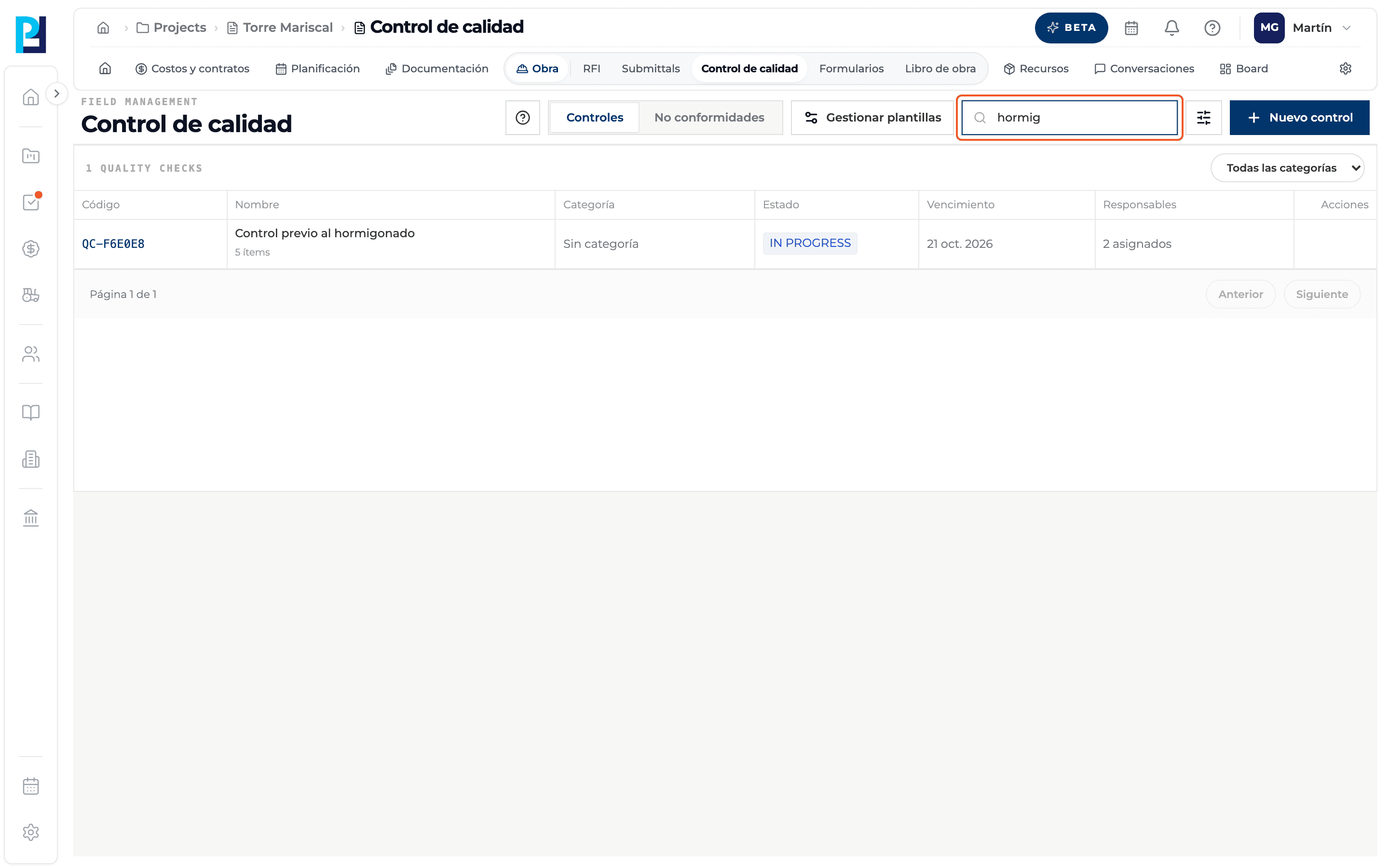
Search
In Search by name… type part of the check's name or of an assigned person's name. The table filters as you type.
- 02
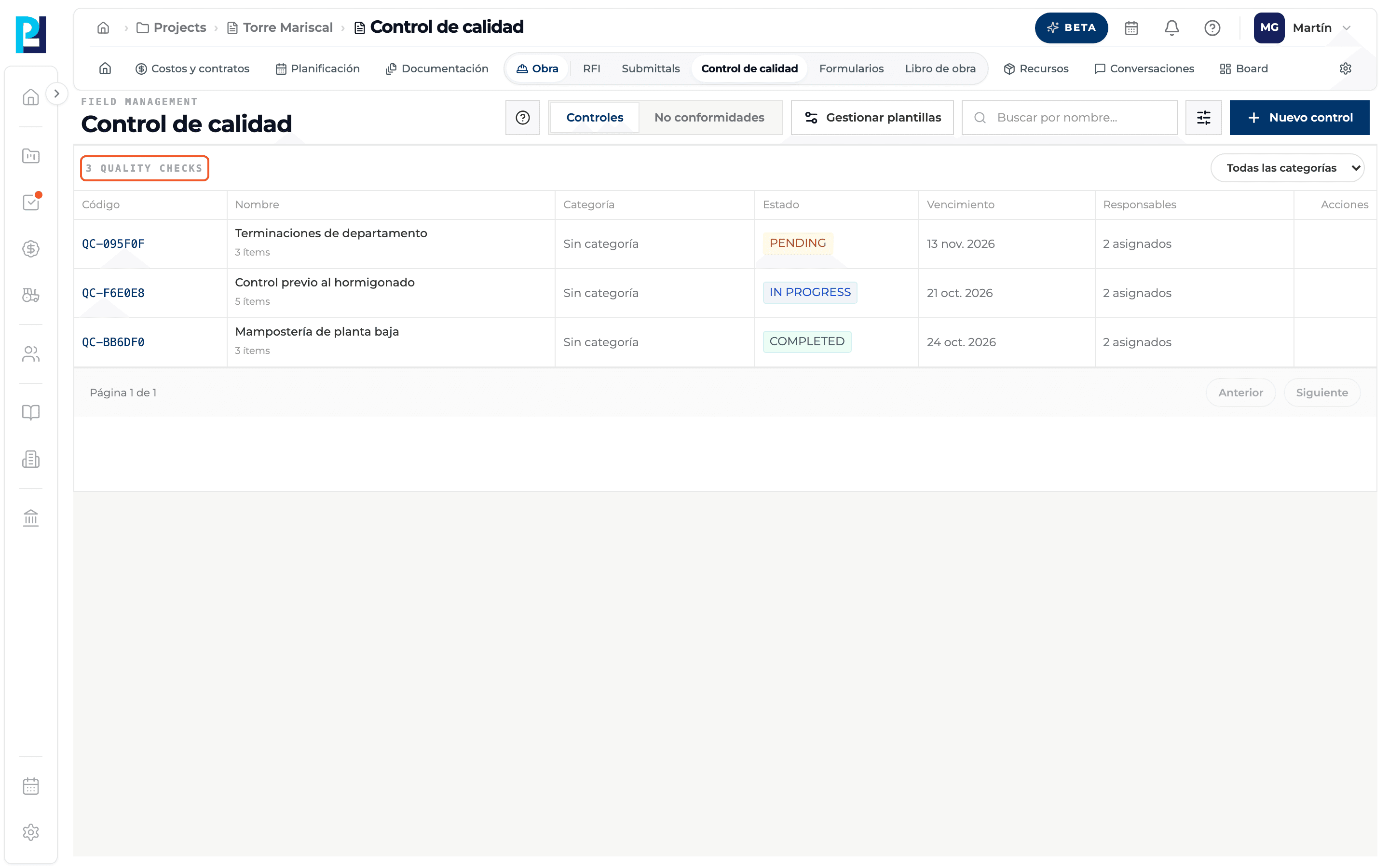
See the counter
Above the table you see how many checks match.
- 03
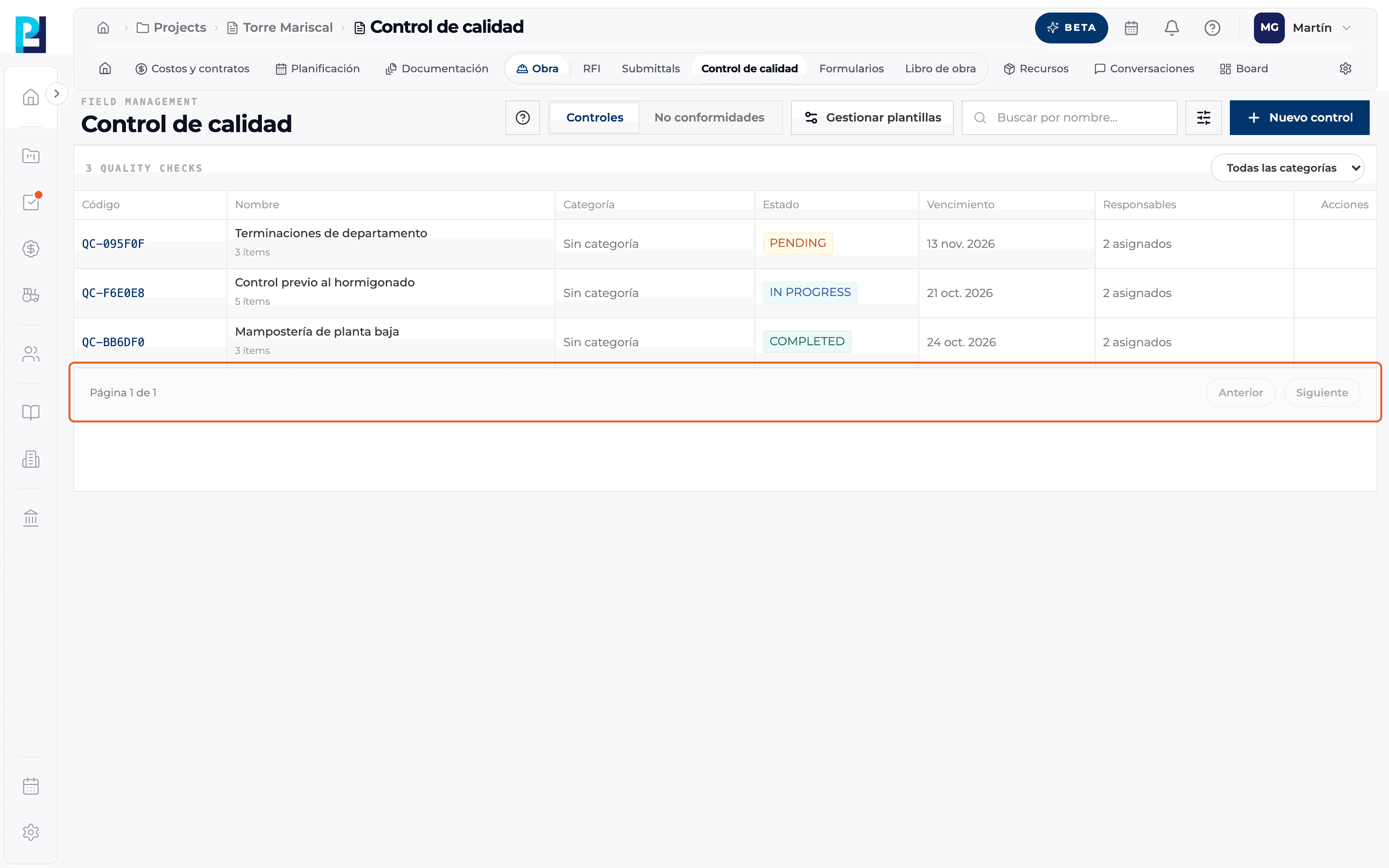
Page through
At the bottom you read "Page X of Y", with the Previous and Next buttons.
- 04
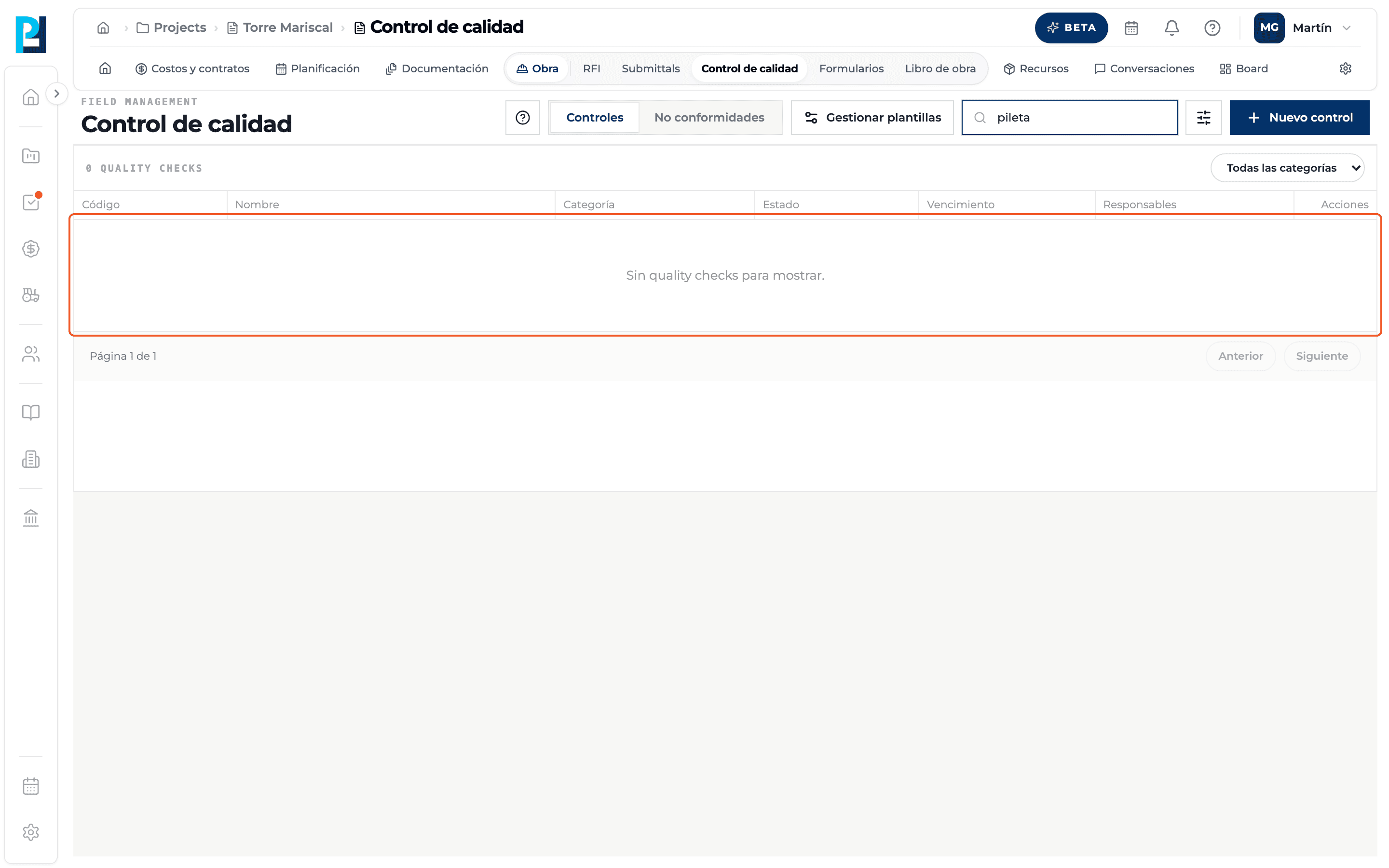
No results
If nothing matches, the table says there are no quality checks to show. Clear the search to see them all again.
What you'll learn
How search and page through checks works inside Perfour.
What information you need and how it stays connected to Quality.
How to preserve traceability and find the record later.
FAQ
Frequently asked questions
Which fields does it search?+
The check's name and the names of the assigned people. It does not search by code or item.