What quality control is and how the module is organized
The module records inspections (checks) with a checklist, responsibles and a due date, and follows up the non-conformities raised by the deviations found.
How to complete quality control
- 01
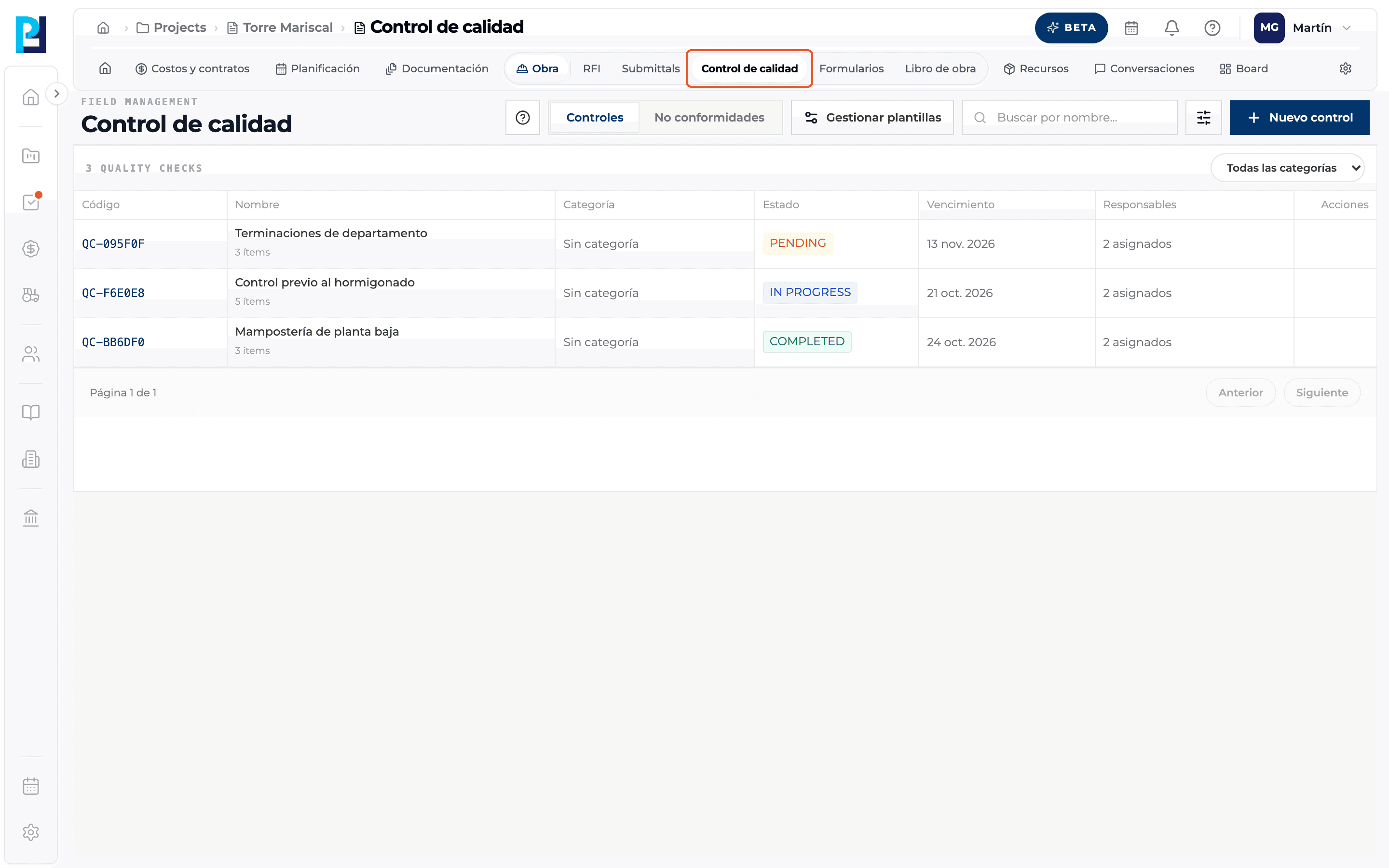
Open Quality control
In the project open Site → Quality control. You need permission to view quality; without it the module does not open.
- 02
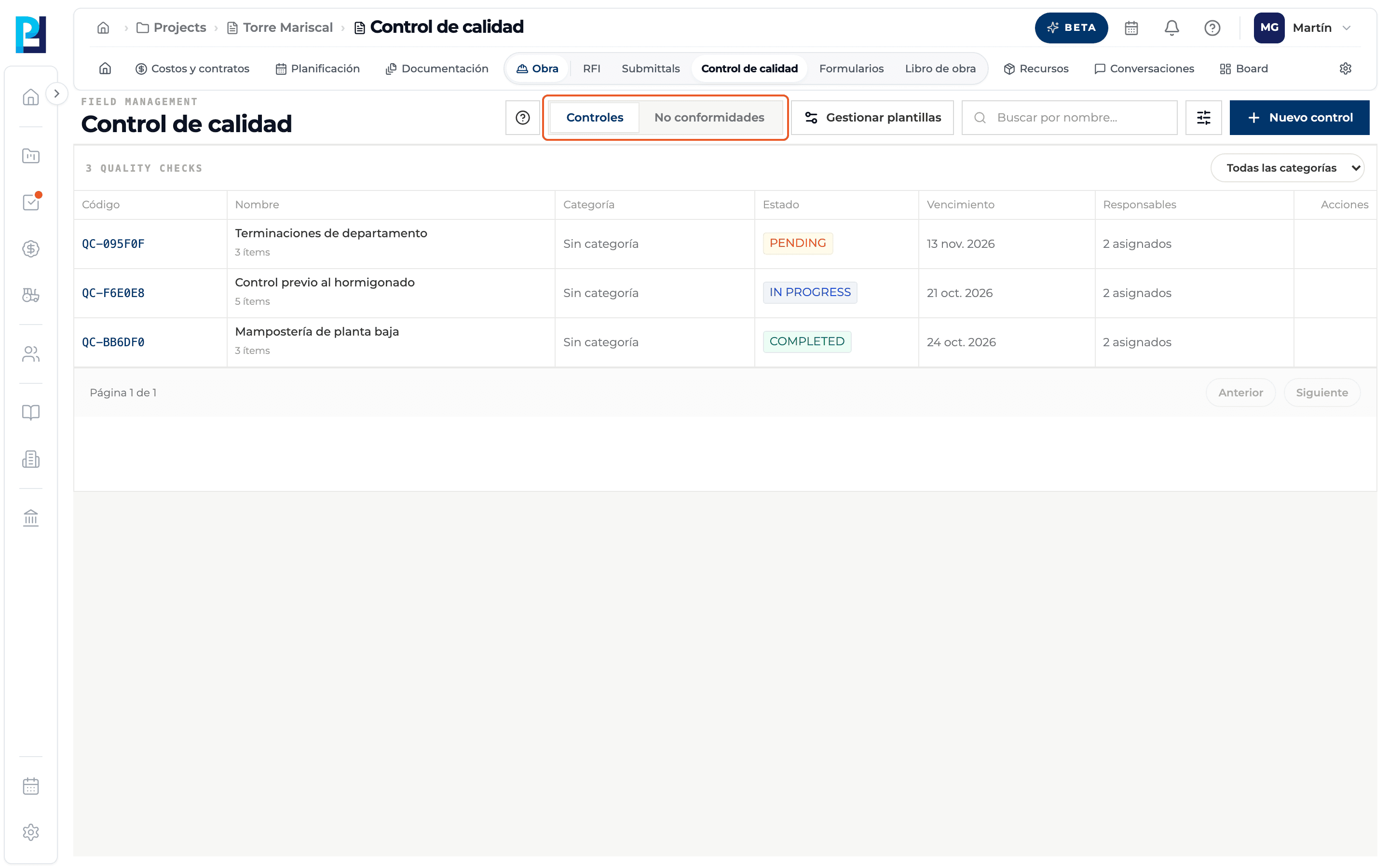
Learn the two tabs
Checks lists the project's inspections. Non-conformities lists the deviations found, with their severity, status and responsible.
- 03
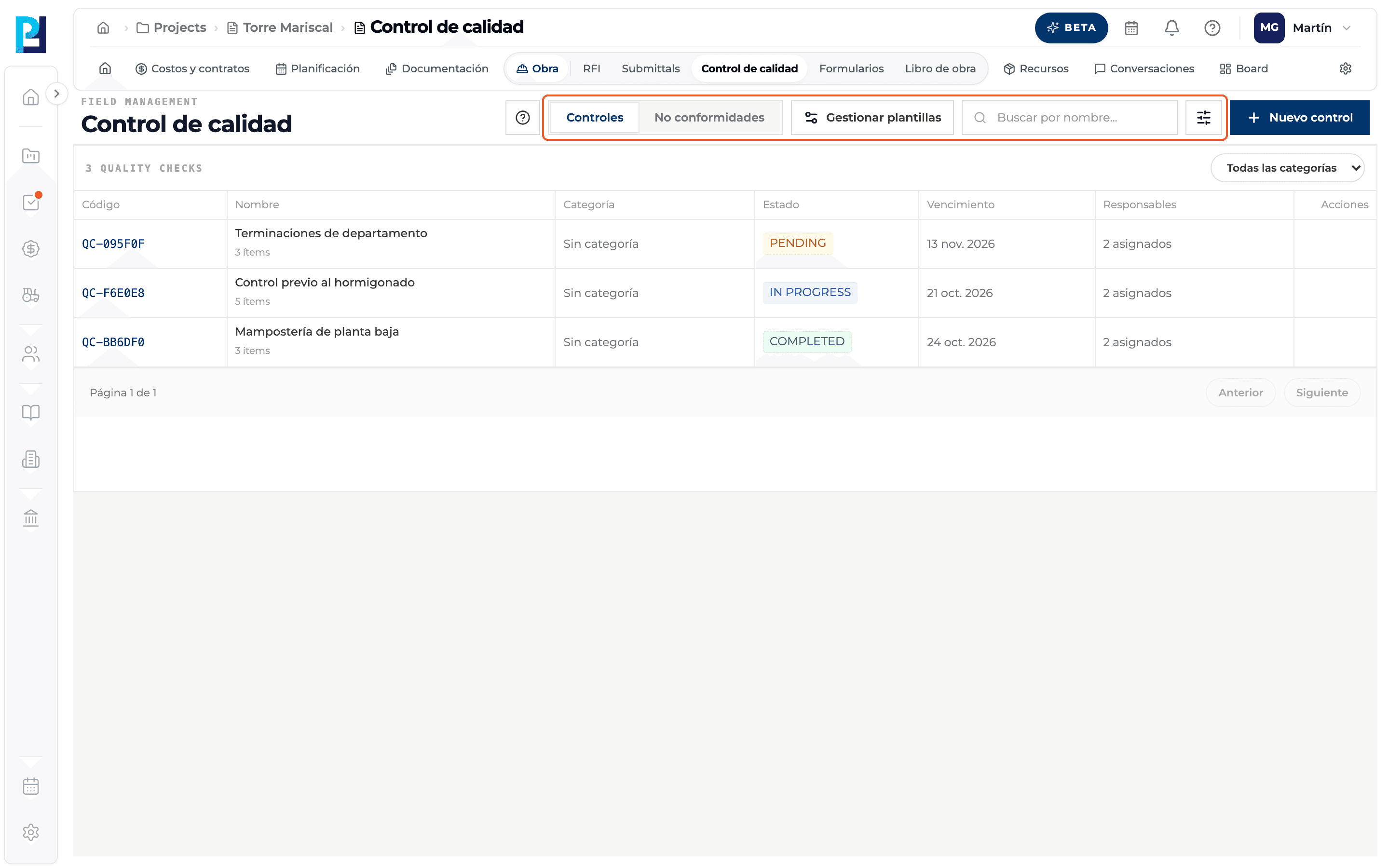
Learn the header
Manage templates (only on the Checks tab), the Search by name… box and the main New check button.
- 04
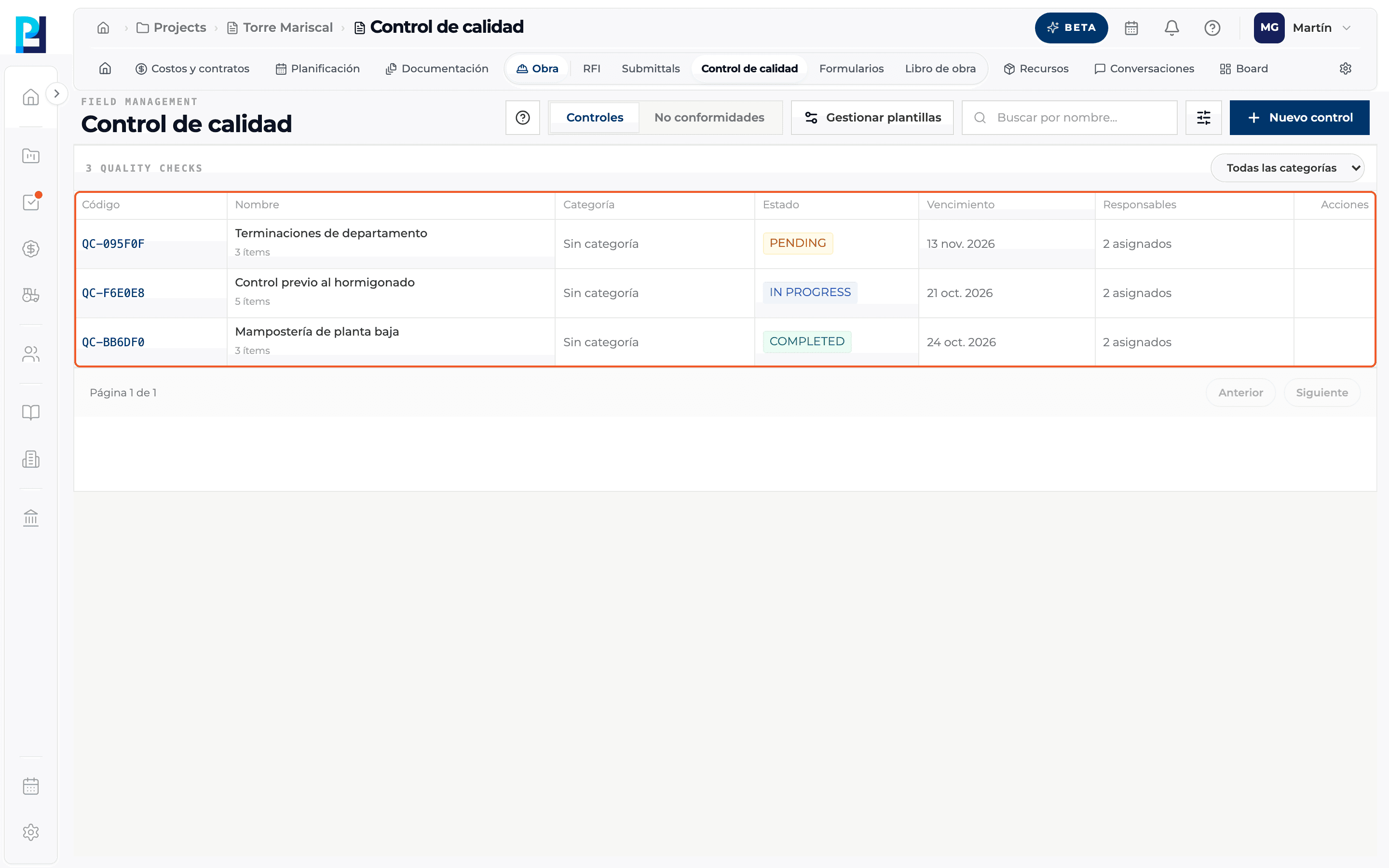
Read the checks table
Code (QC-XXXXXX), Name with the number of items, Category, Status, Due date, Responsibles and Actions. Click a row to open the check's detail.
- 05
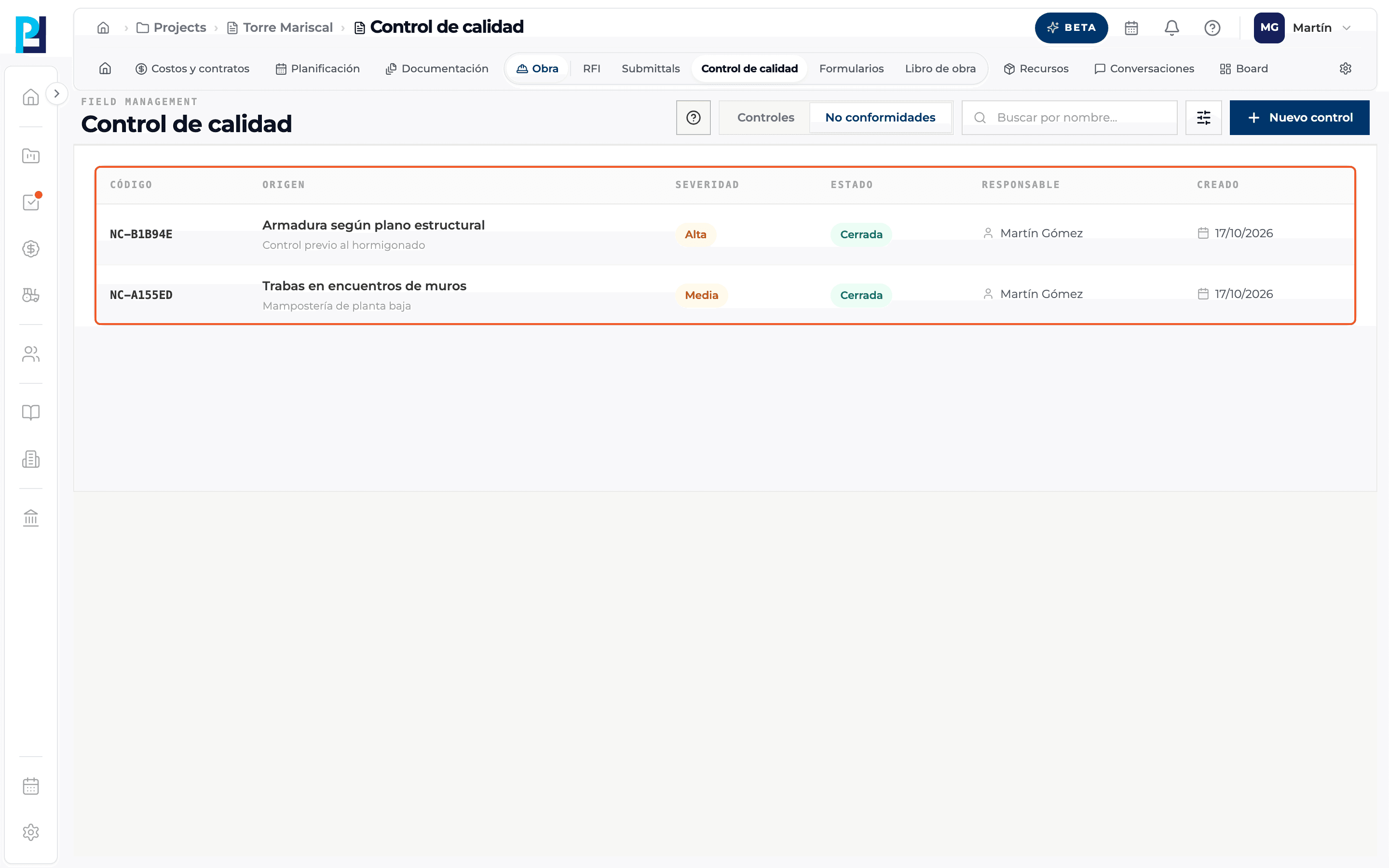
Read the non-conformities table
Code (NC-XXXXXX), Origin (the failed item and its check), Severity, Status, Responsible and Created.
- 06
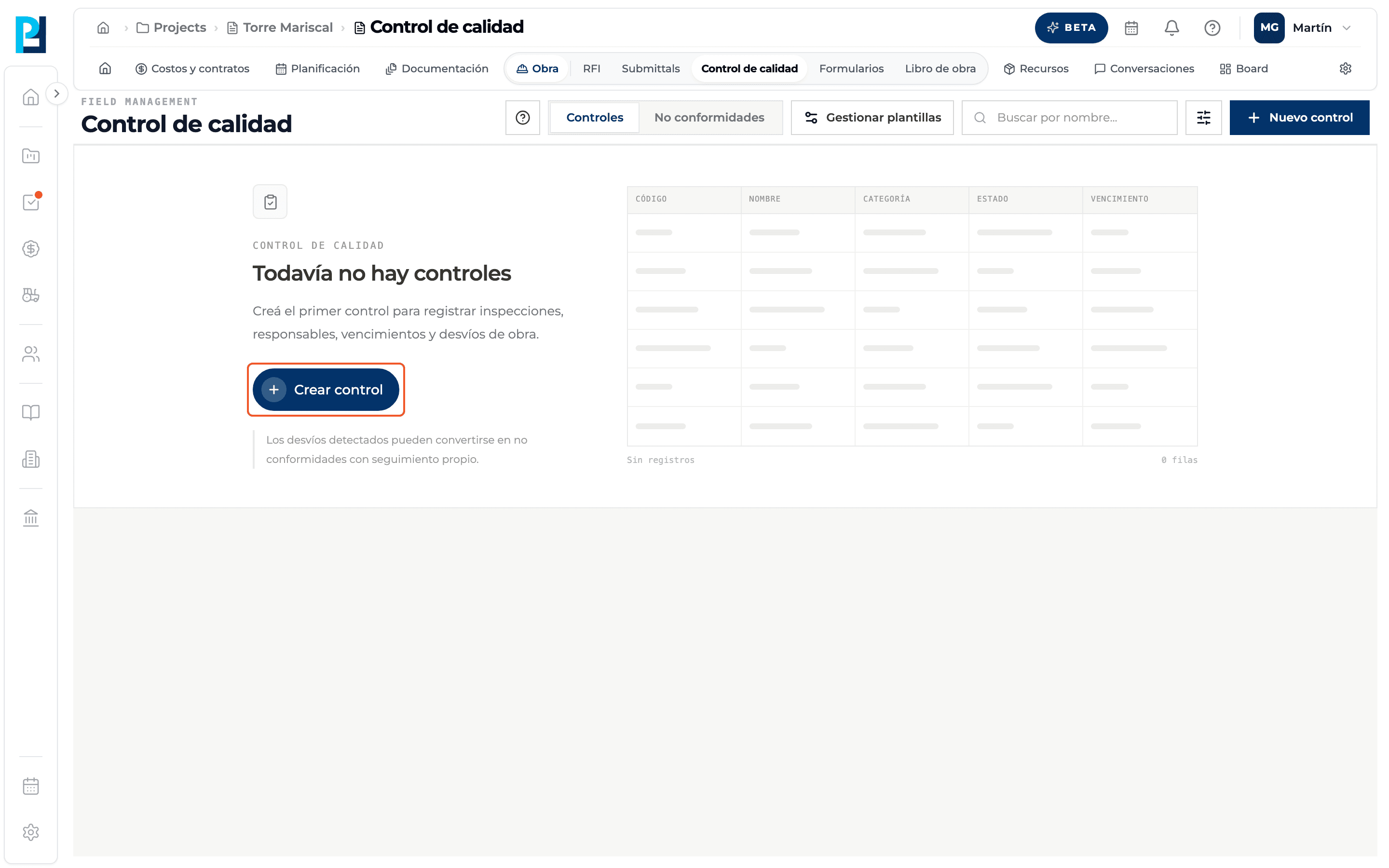
See the empty state
With no checks yet you see "There are no checks yet" with the Create check button. On Non-conformities the empty state says there are none yet: they appear when an item of a check fails.
What you'll learn
How what quality control is and how the module is organized works inside Perfour.
What information you need and how it stays connected to Quality.
How to preserve traceability and find the record later.
Frequently asked questions
What is the difference between a check and a non-conformity?+
The check is the inspection with its checklist. The non-conformity is the specific deviation of a failed item, with its own follow-up: severity, responsible, response and resolution.
Can I create a non-conformity by hand?+
No. They are created when you mark an item of a check as Fail.
Why can't I see Manage templates?+
It only shows on the Checks tab.