Create a submittal
Panel to record a submittal with type, description, related drawing, responsibles, due date and attachments.
How to complete new submittal
- 01
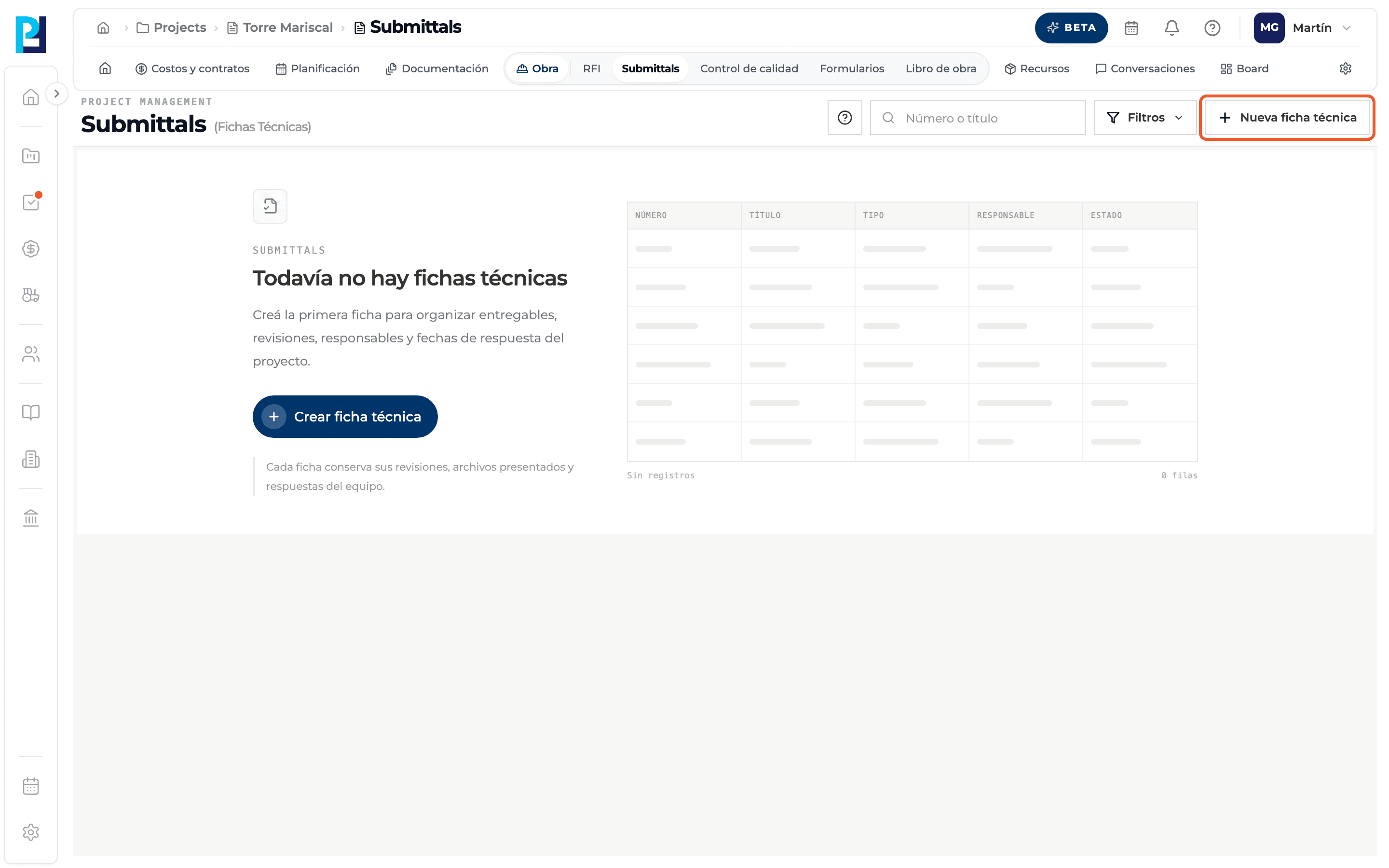
Open the panel
In Submittals click New submittal, top right. If the project has no submittals yet, you can also use Create submittal from the empty state.
- 02
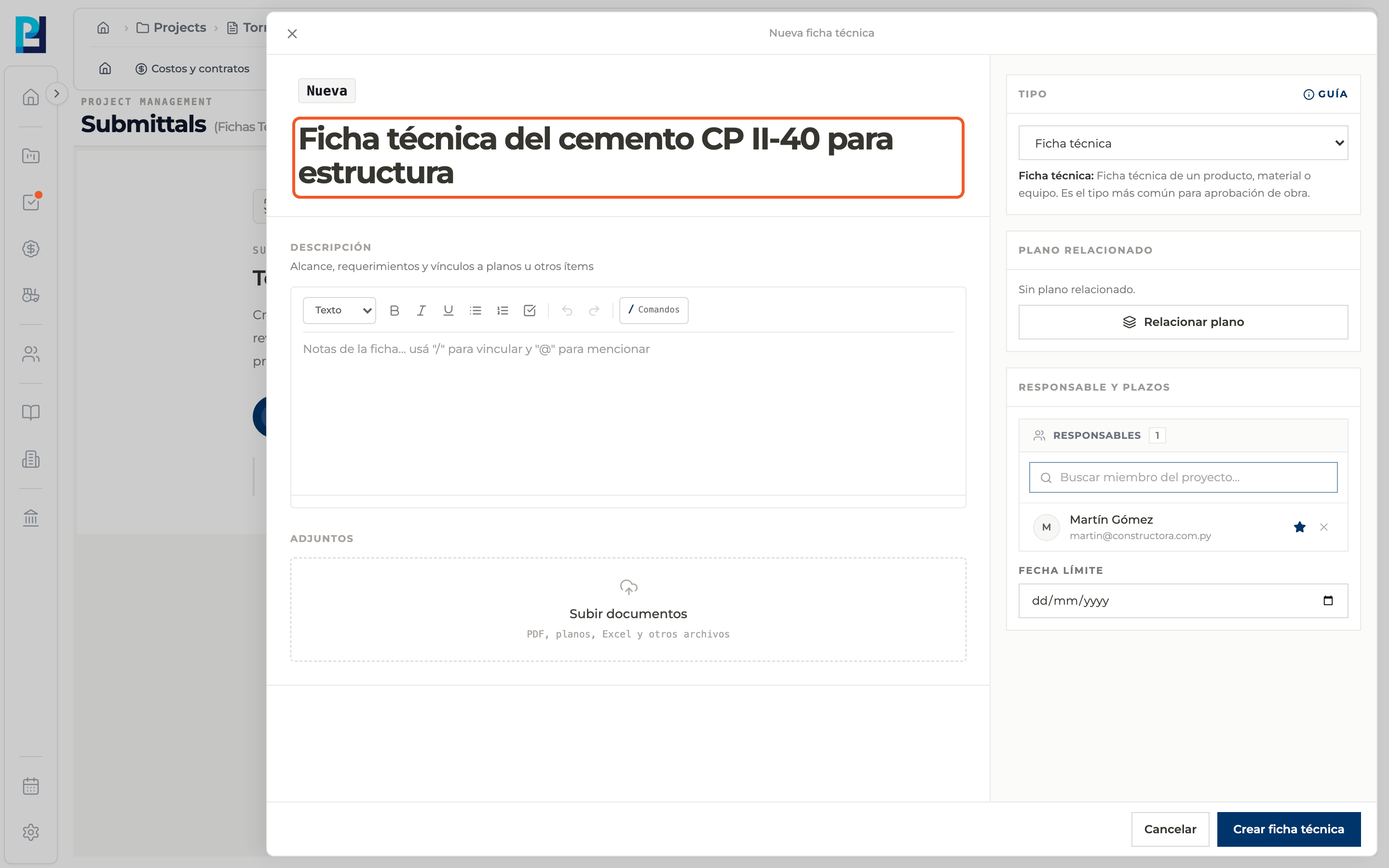
Write the title
It is required and must be at least 5 characters long.
- 03
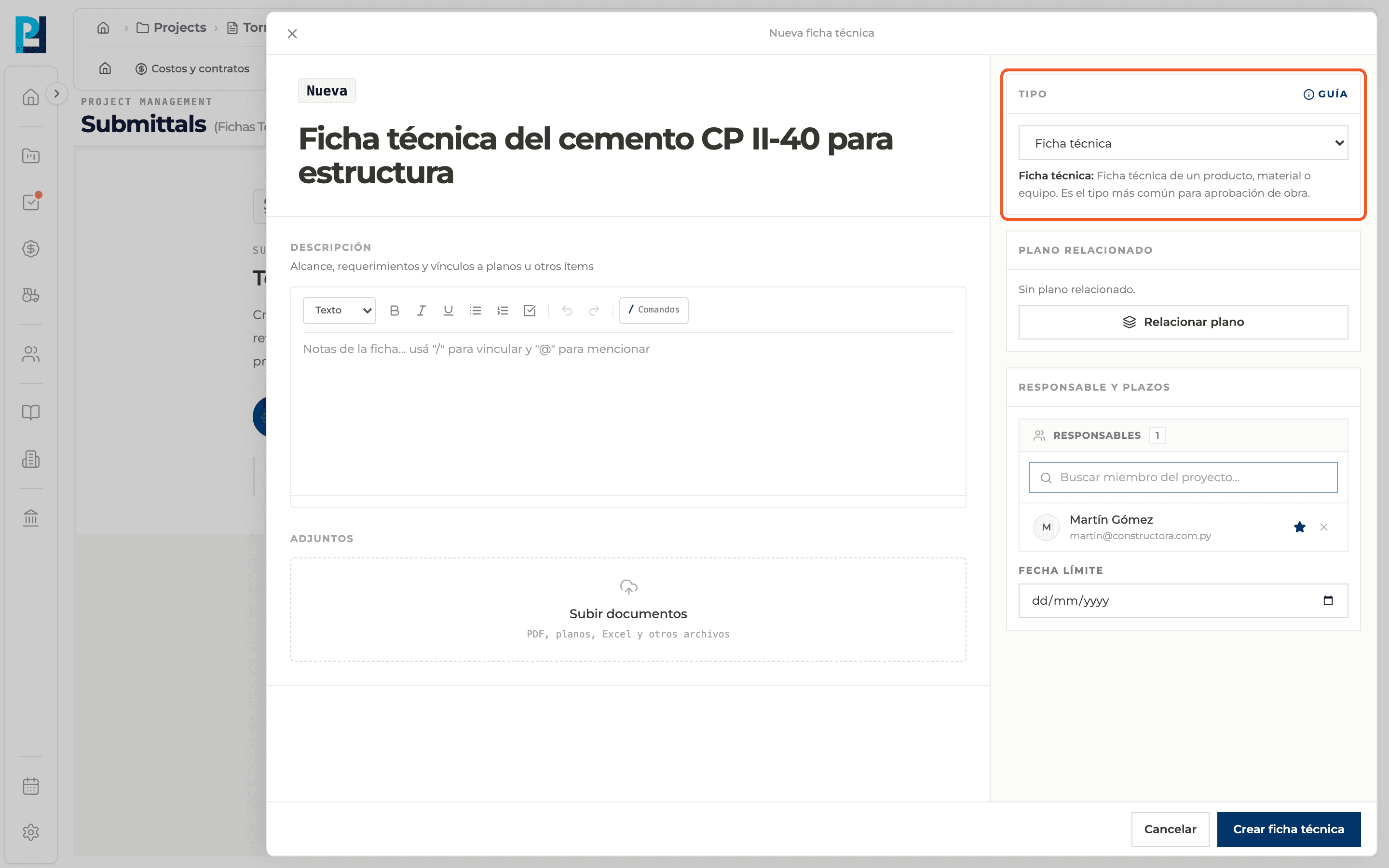
Choose the type
It defaults to Product data. The selected type is explained below the selector, and the Guide button shows all types.
- 04
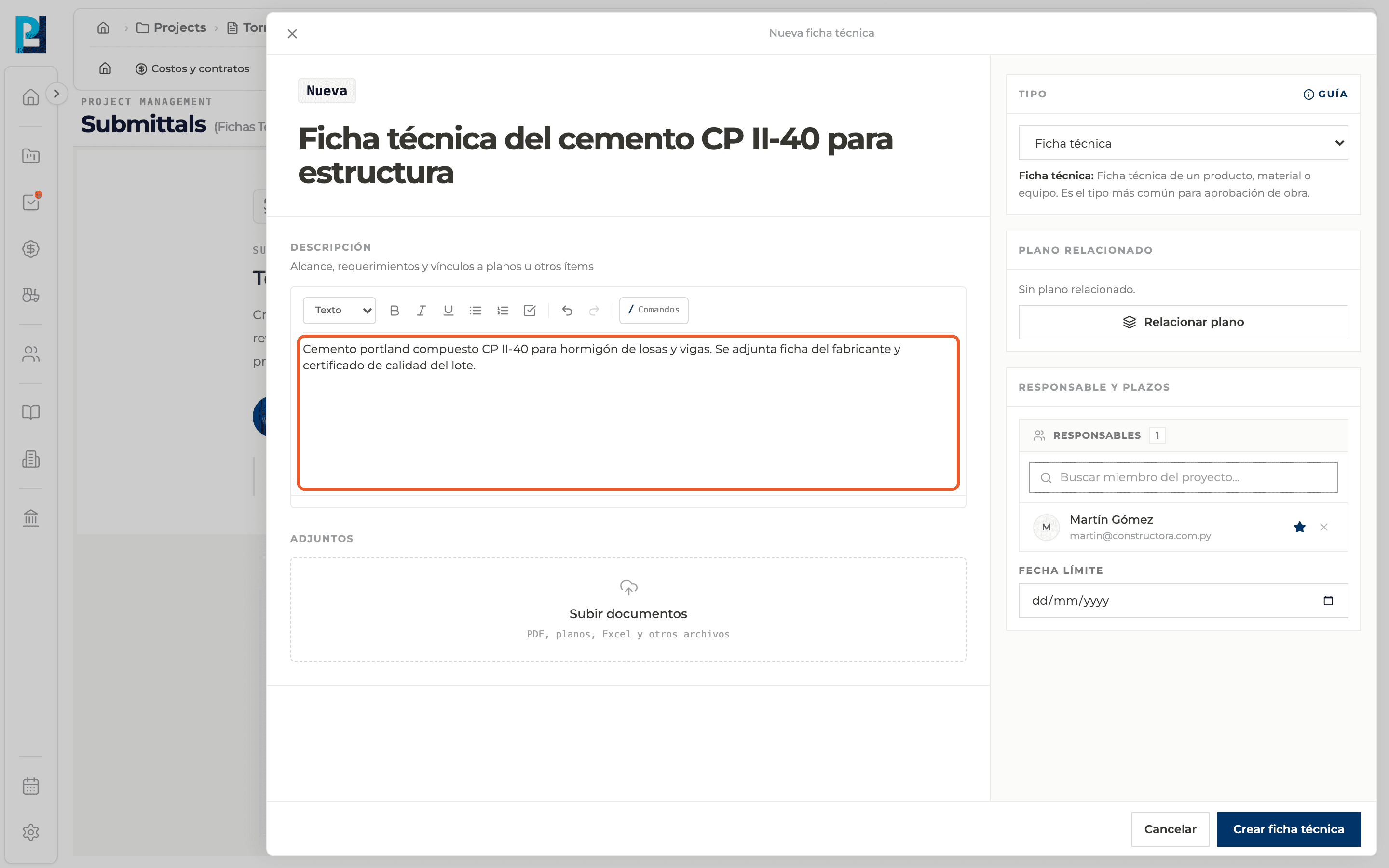
Fill in the description
Optional: scope, requirements and links. It supports / to link and @ to mention.
- 05
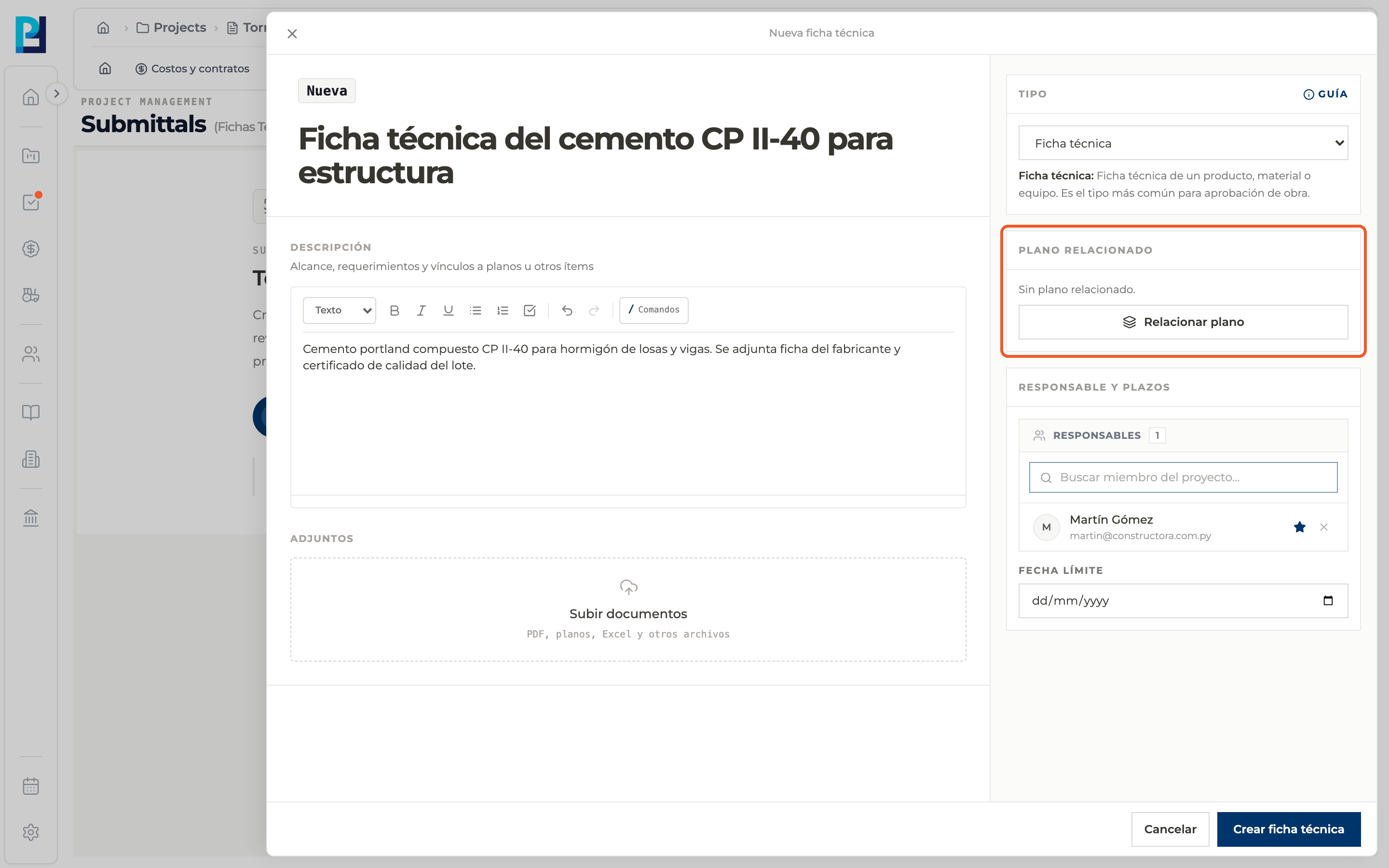
Relate a drawing
Optional: in Related drawing use Relate drawing and pick the project sheet.
- 06
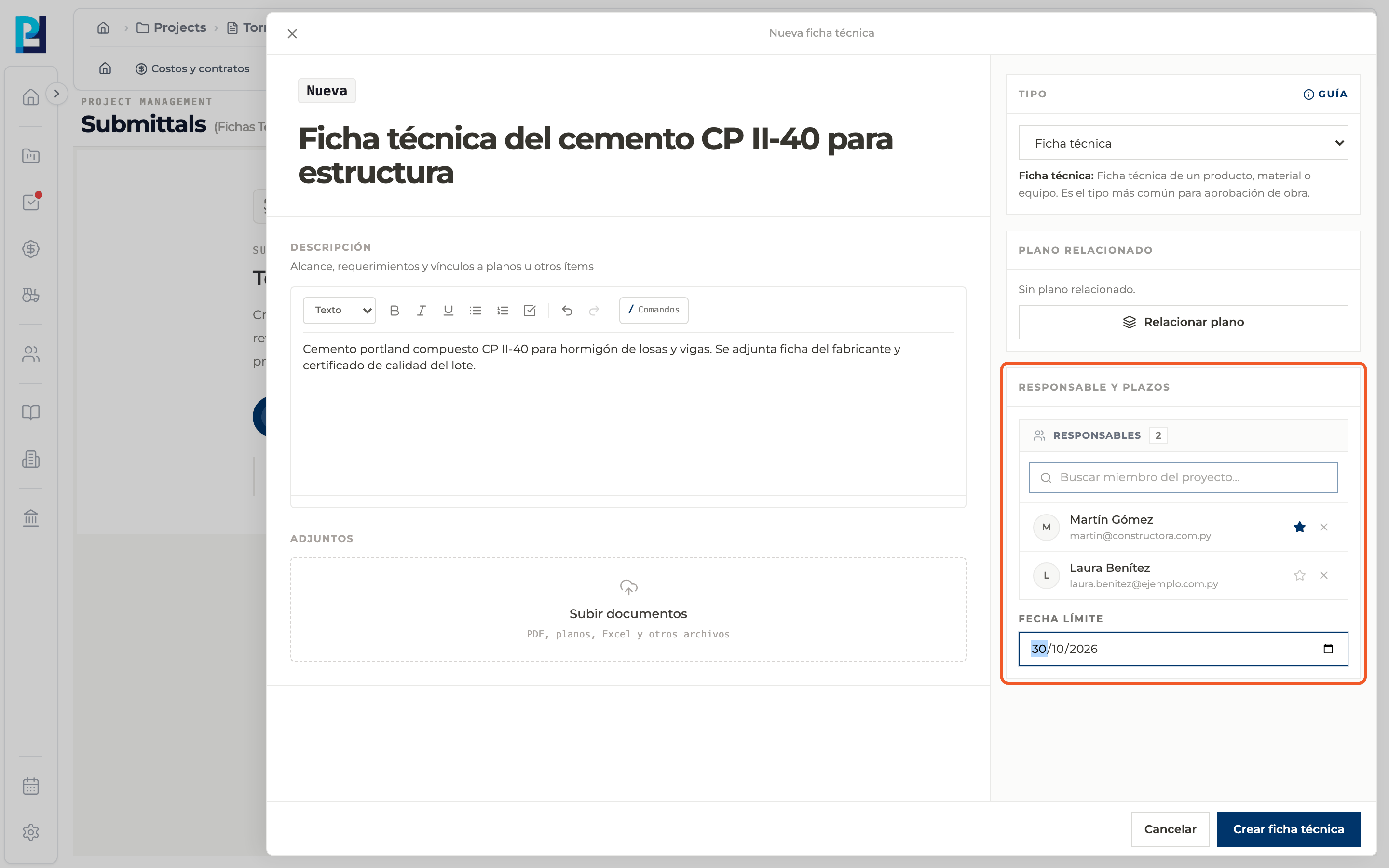
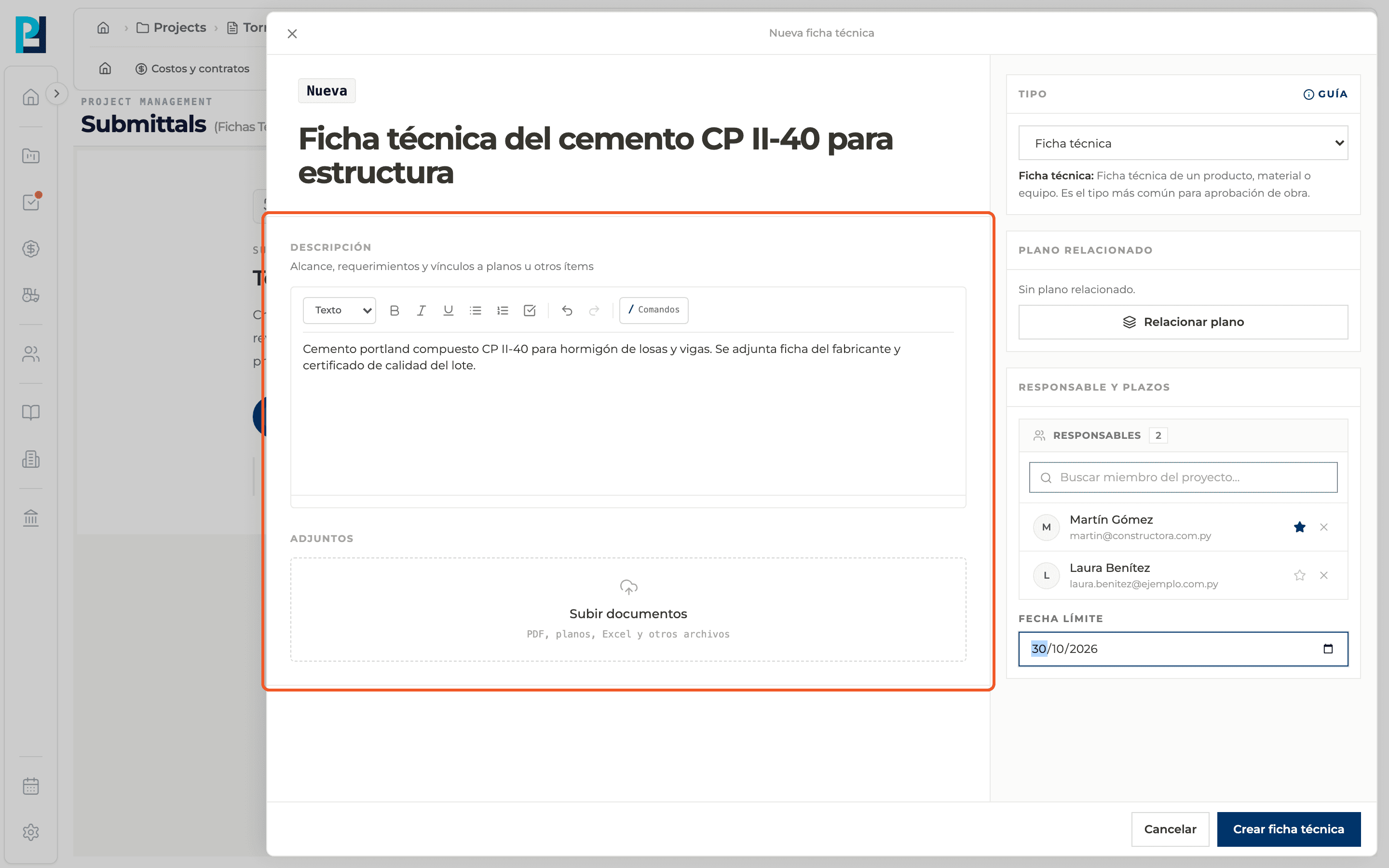
Check responsibles and deadline
Whoever creates the submittal is listed as main responsible. Search project members to add more, and set the Due date if you already know it.
- 07
Add attachments
Optional: in Attachments use Upload documents to add PDFs, drawings, Excel and other files.
- 08
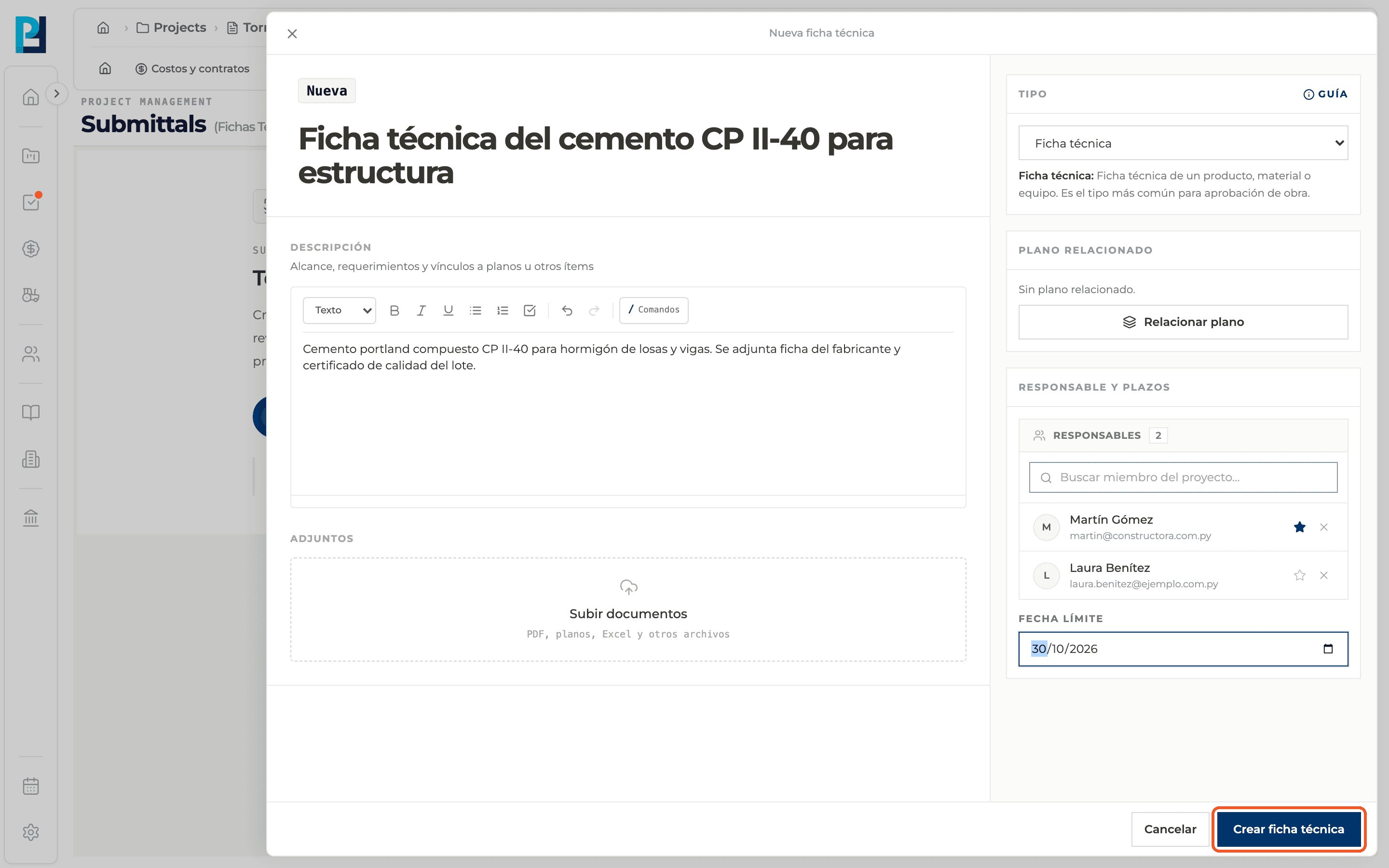
Create the submittal
Click Create submittal. The detail of the new submittal opens, for example SUB-001, as a Draft.
What you'll learn
How create a submittal works inside Perfour.
What information you need and how it stays connected to Submittals.
How to preserve traceability and find the record later.
Frequently asked questions
Is it sent for review when created?+
No. It stays as a Draft until you use Send for review.
Is the due date required?+
Not when creating. When sending for review you must set the response due date.
Can I leave without saving?+
Yes, with Cancel or the panel's X.