Submittals / 17
Search and filter the list
Find submittals by number or title and filter them by status and type.
2 minutes
Step by step
How to complete submittal list
- 01
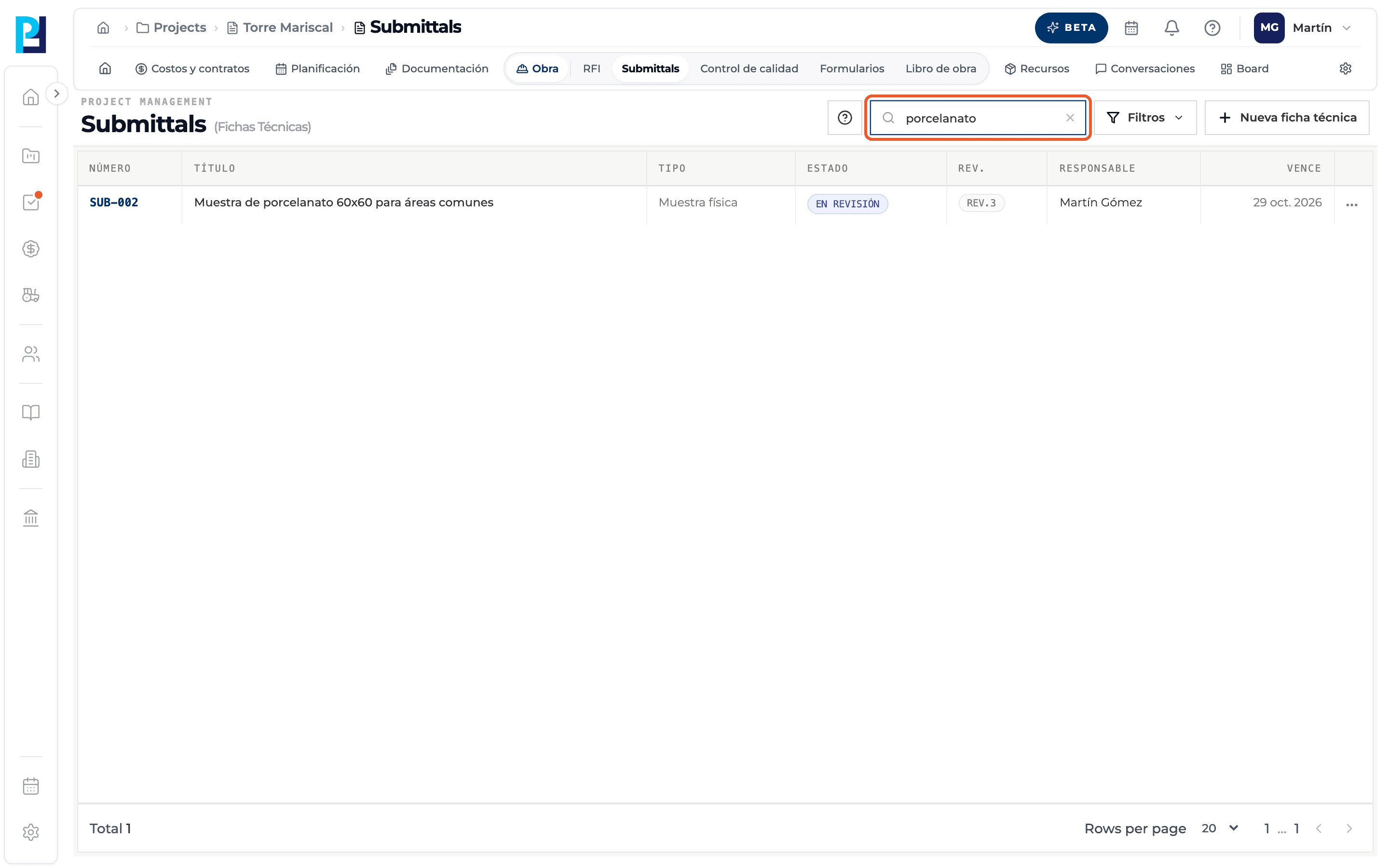
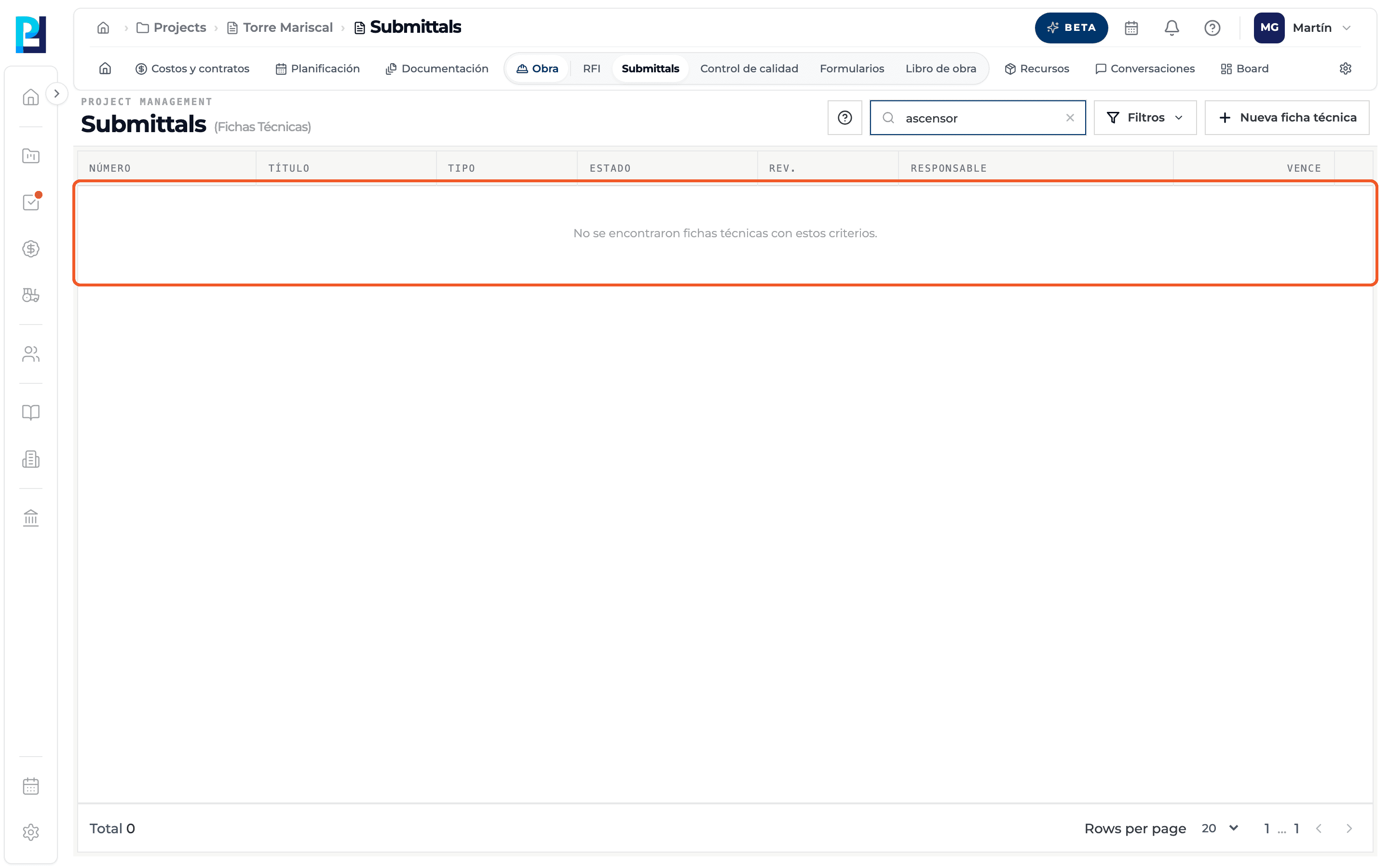
Search
Type in the number or title search box. The X clears it.
- 02
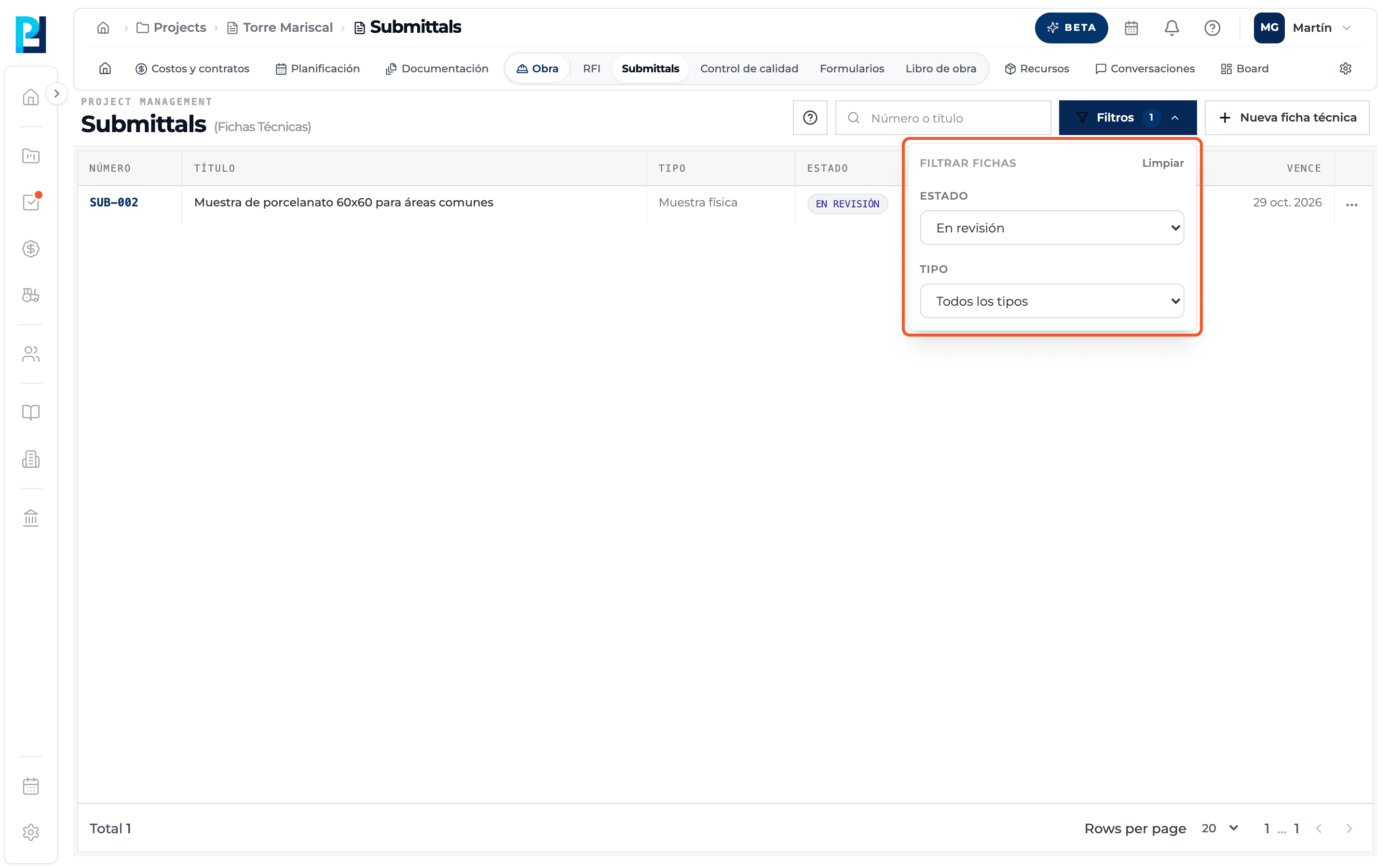
Filter
Open Filters and choose a Status and a Type. The button shows how many filters are active.
- 03
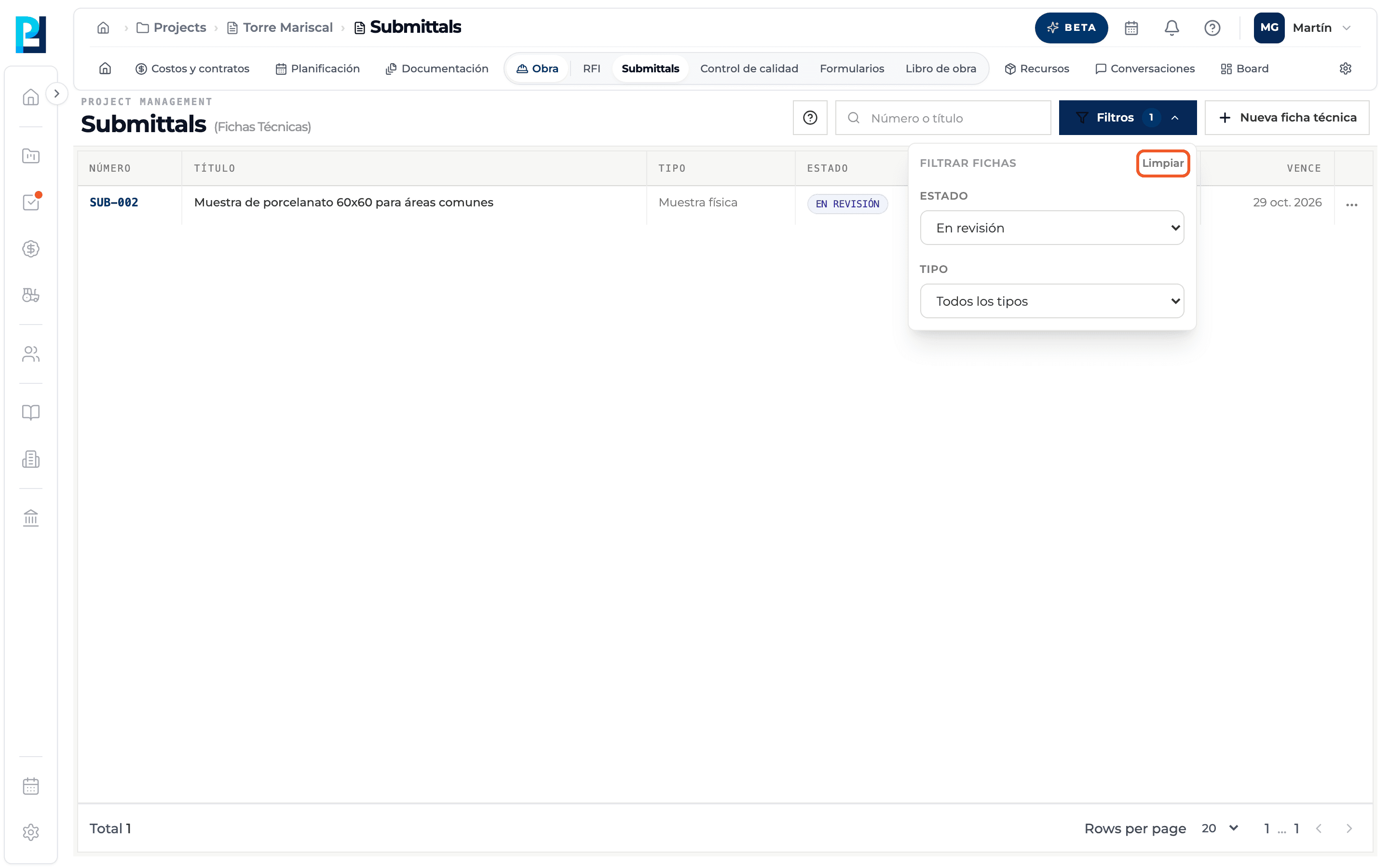
Clear the filters
Clear, inside the panel, shows all submittals again.
- 04
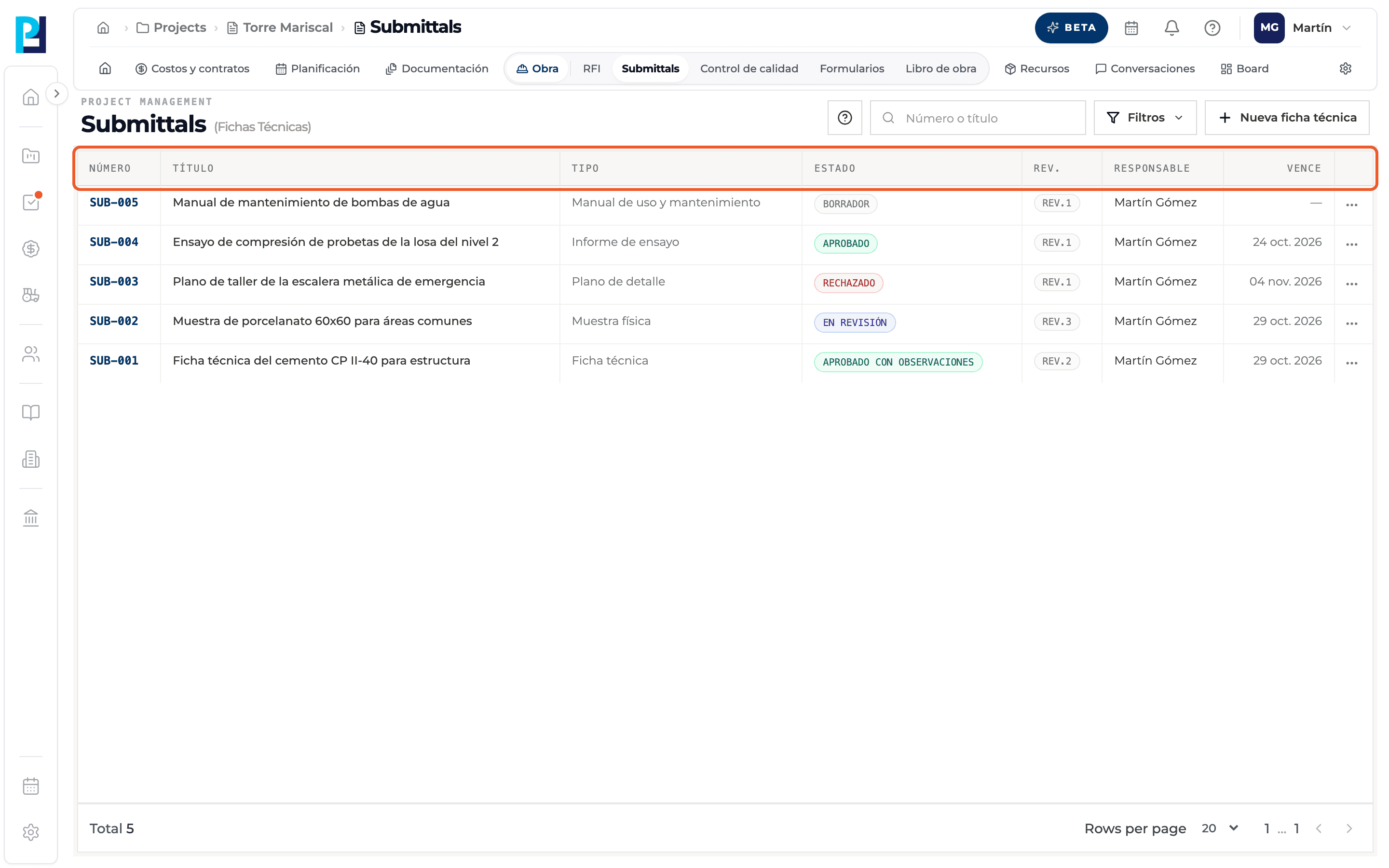
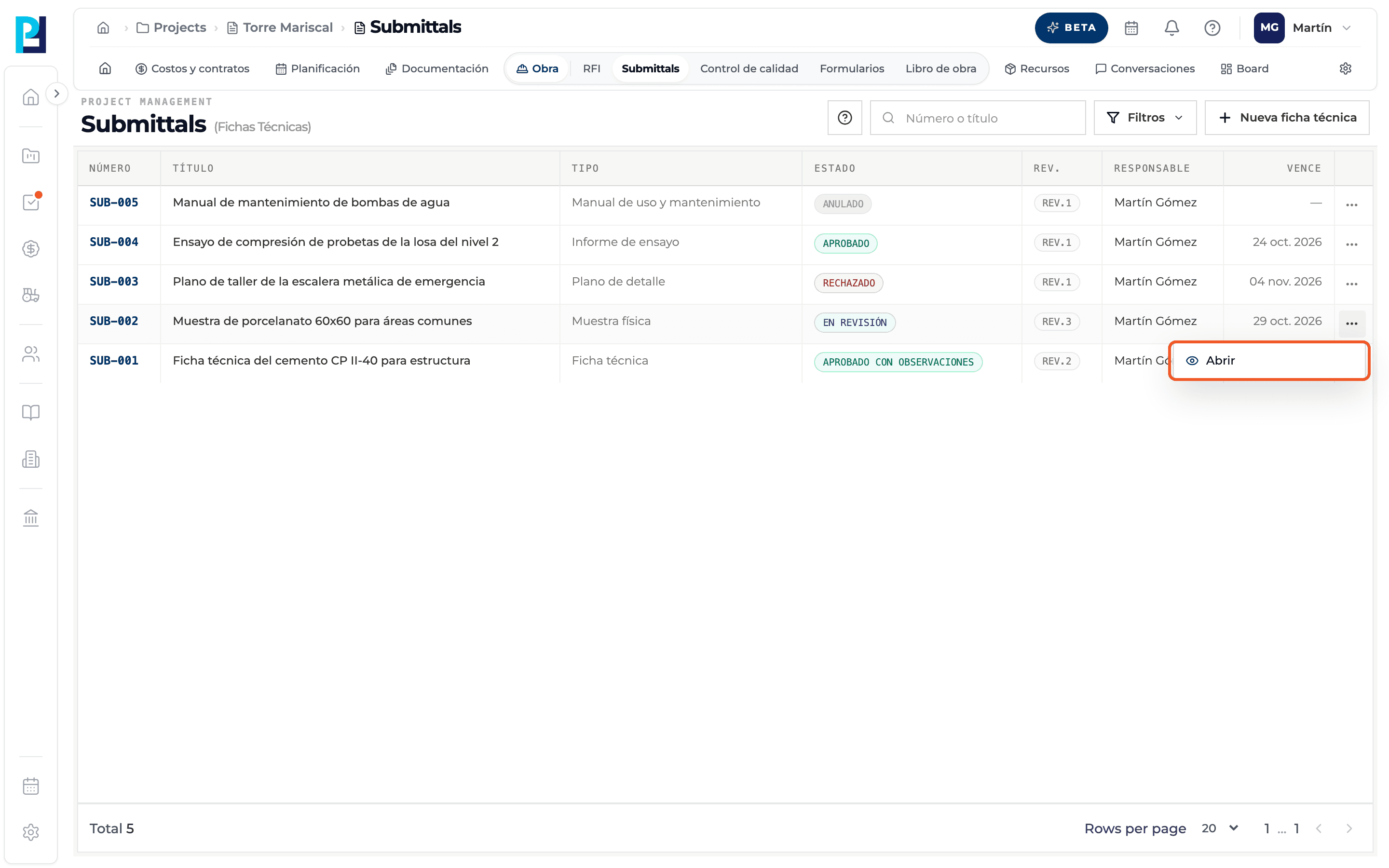
Read the columns
Number, Title, Type, Status, Rev., Responsible and Due.
- 05
Open a submittal
Click the row, or the row's ⋯ menu → Open.
- 06
No results
If nothing matches, the list says no submittals were found for those criteria.
What you'll learn
How search and filter the list works inside Perfour.
What information you need and how it stays connected to Submittals.
How to preserve traceability and find the record later.
FAQ
Frequently asked questions
How do I know which submittals are waiting for me?+
Filter by In review and open them: those waiting for your decision show the Respond to review tag.
Is there a filter by date or responsible?+
No, only by status and type.