What a submittal is and how its status flow works
A submittal is the documentation package presented to approve a material, product or piece of work before using it on site. It goes through revisions: it is sent, a reviewer decides and, if needed, it is corrected and presented again.
How to complete submittals
- 01
Open Submittals
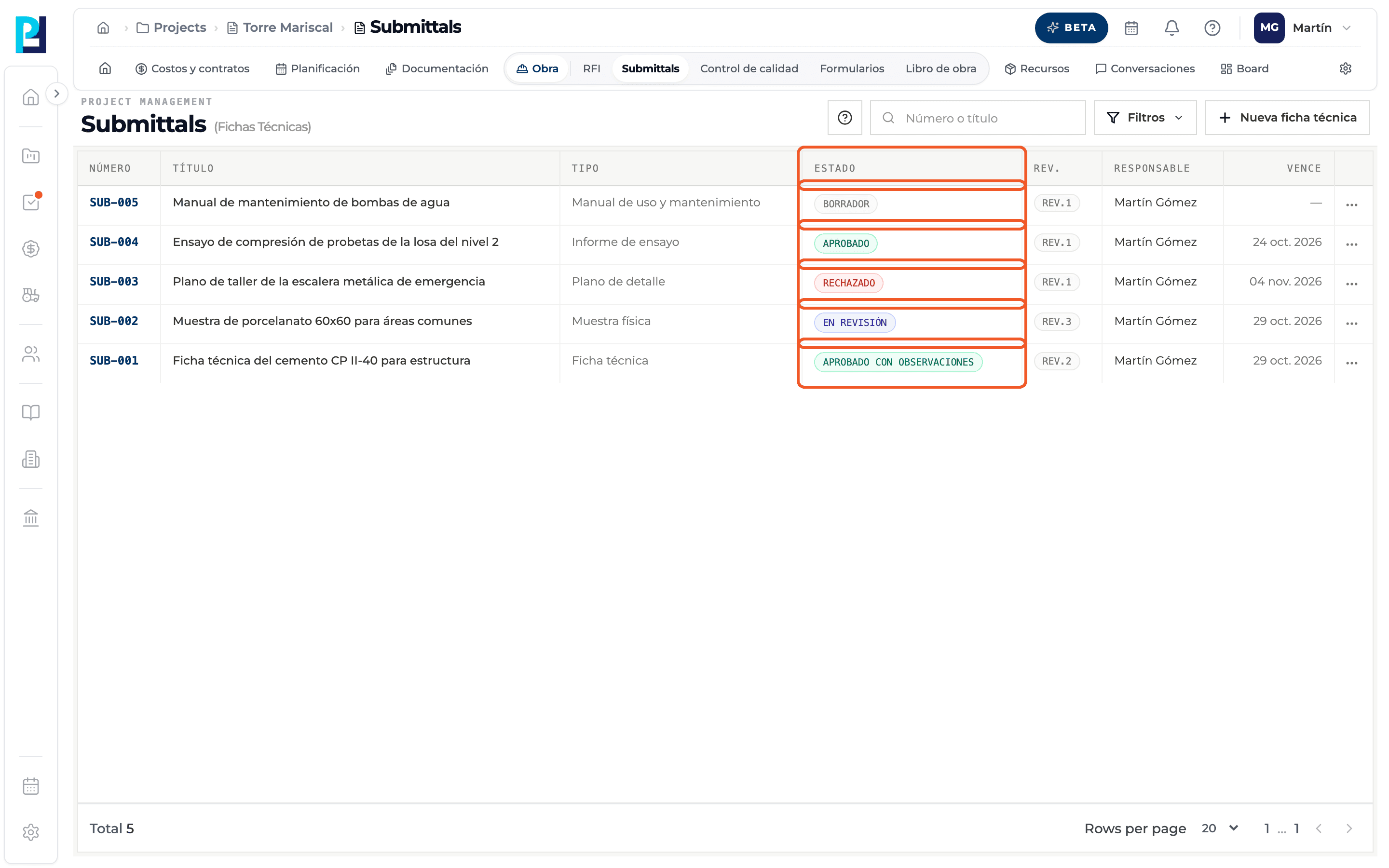
In the project open Site → Submittals. The list shows Number, Title, Type, Status, Rev., Responsible and Due.
- 02
Learn the numbering
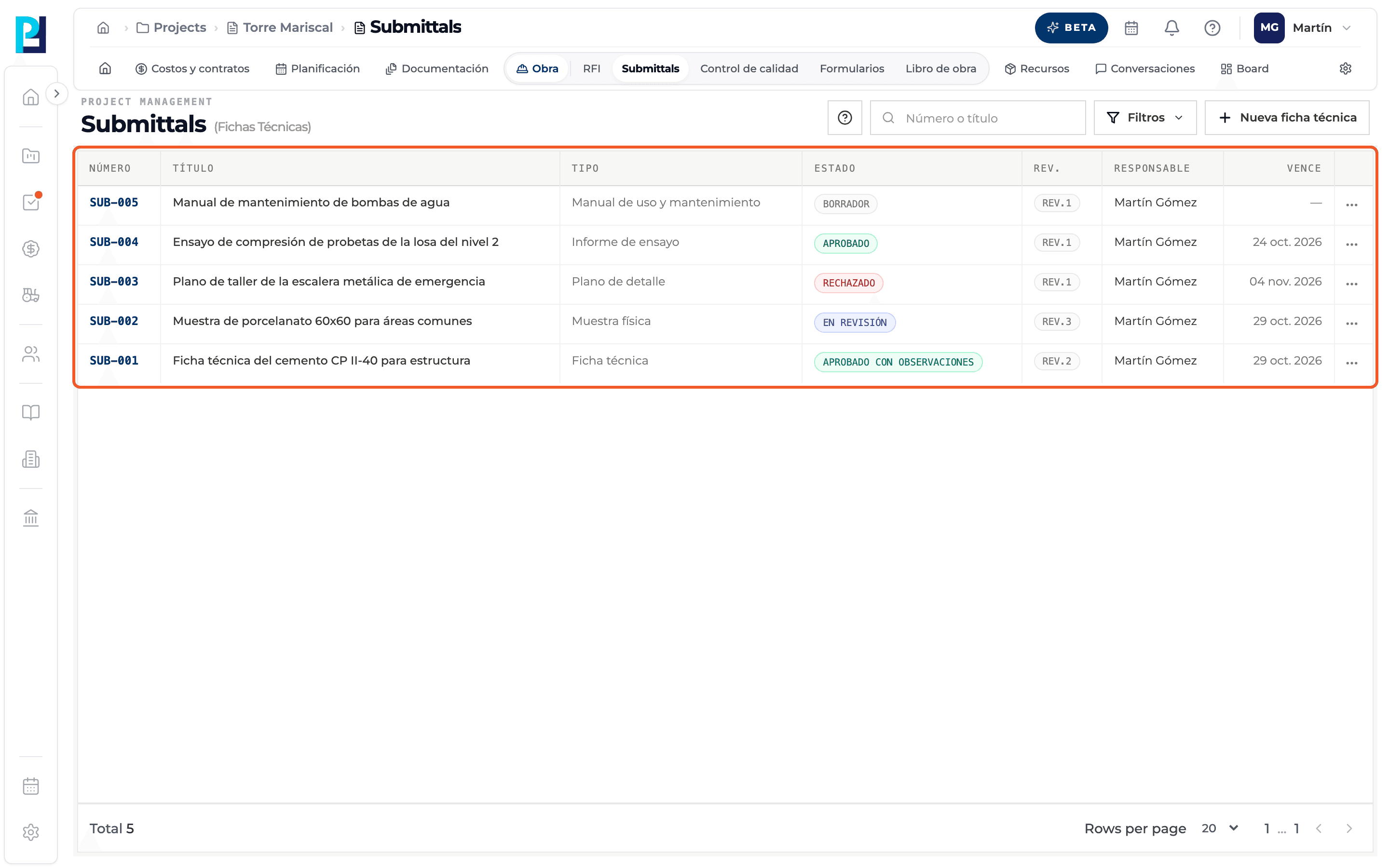
Each submittal gets an automatic number per project (SUB-001, SUB-002…) and starts at revision 1.
- 03
Learn the statuses
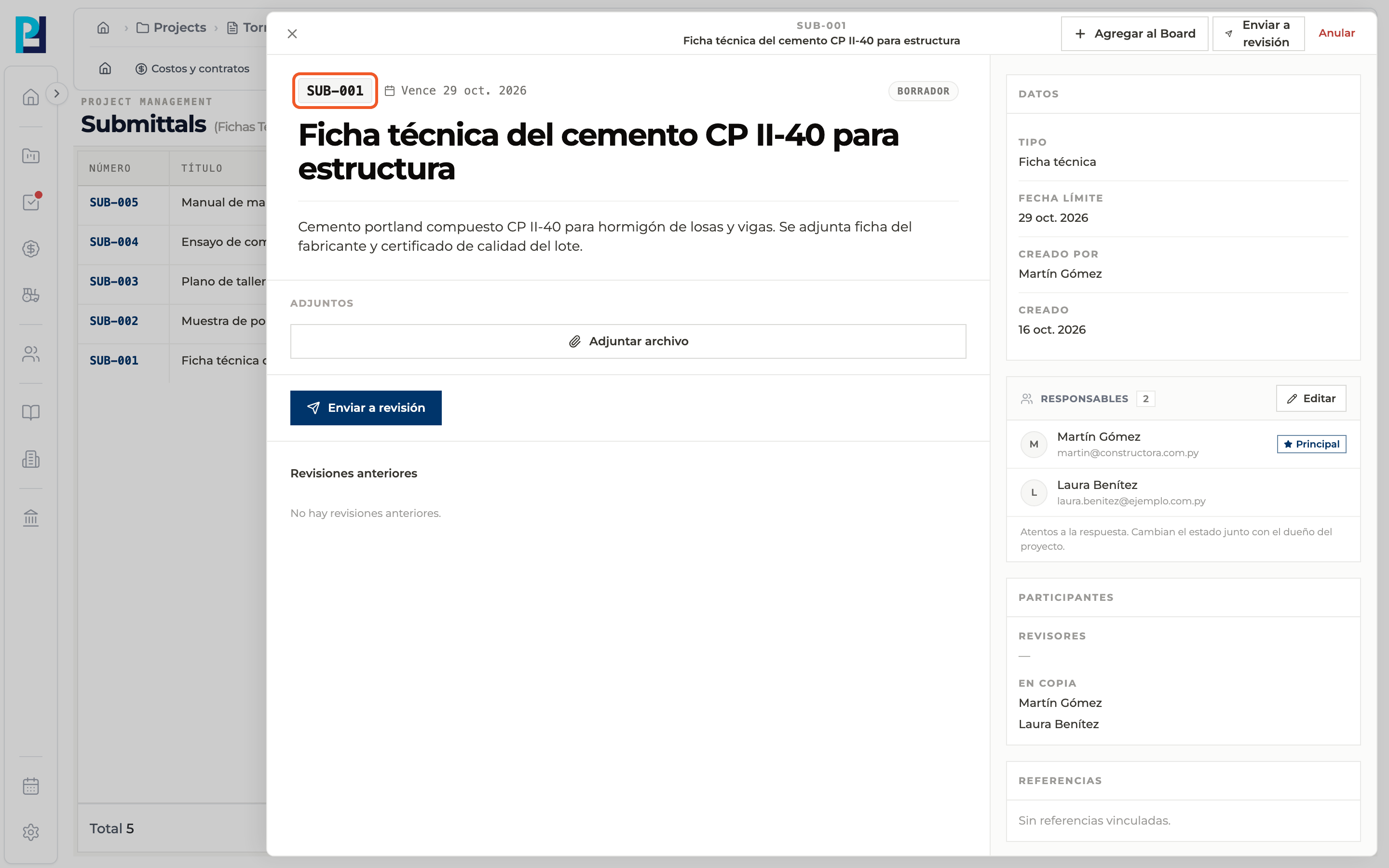
Draft: not sent for review yet. In review: waiting for the reviewer's decision. Approved: no further action needed. Approved with comments: it is approved, but the comments must be taken into account; it is not resubmitted. Revise and resubmit: the reviewer asked for changes and a new revision has to be presented. Rejected: the flow is over. Void: the submittal was taken out of the flow.
- 04
Follow the flow
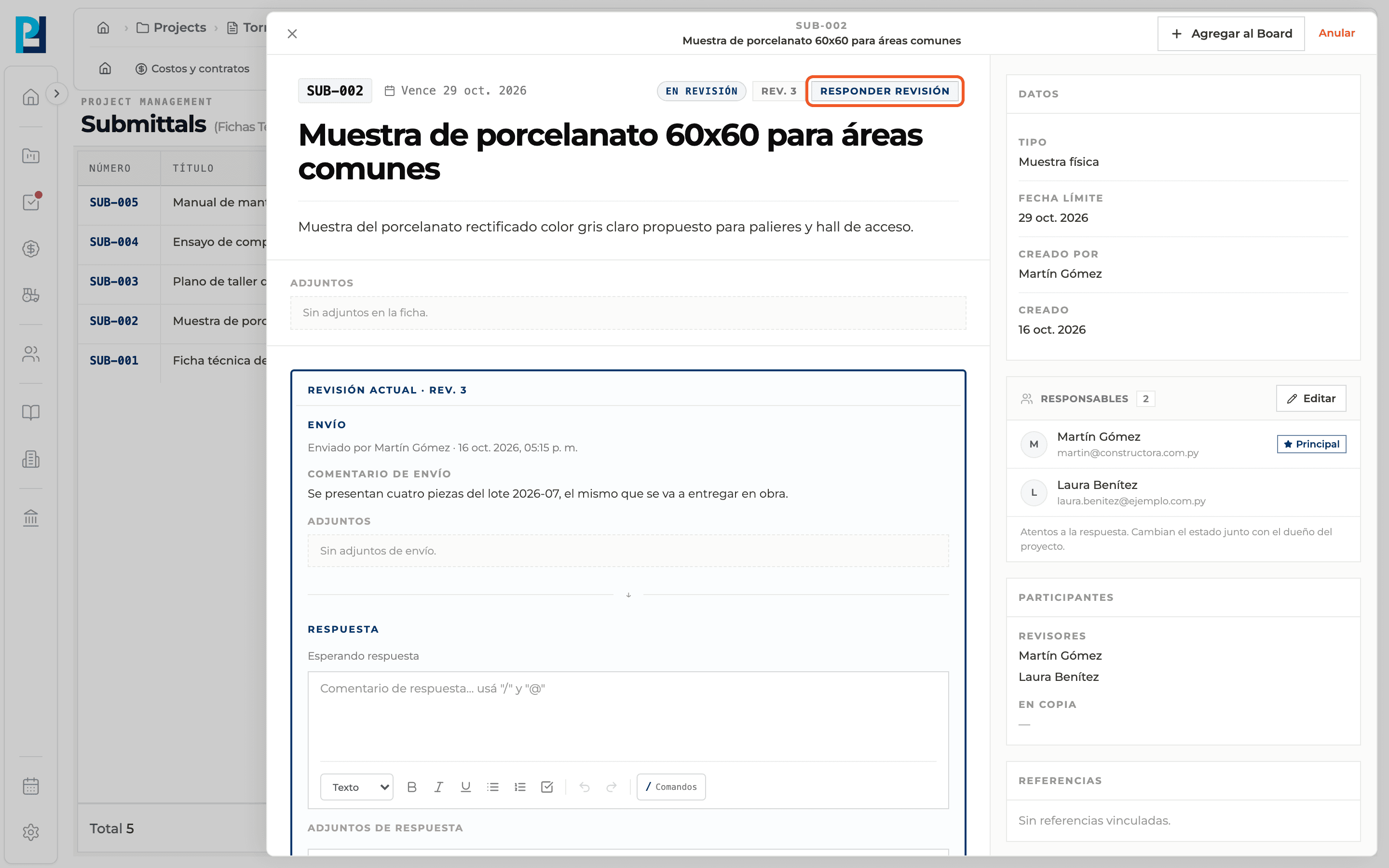
Draft → Send for review → In review → reviewer's decision. If changes are requested, a new revision is created and the submittal goes straight back to In review, with the same reviewers. The detail header shows the status and the revision number.
- 05
See what is on you
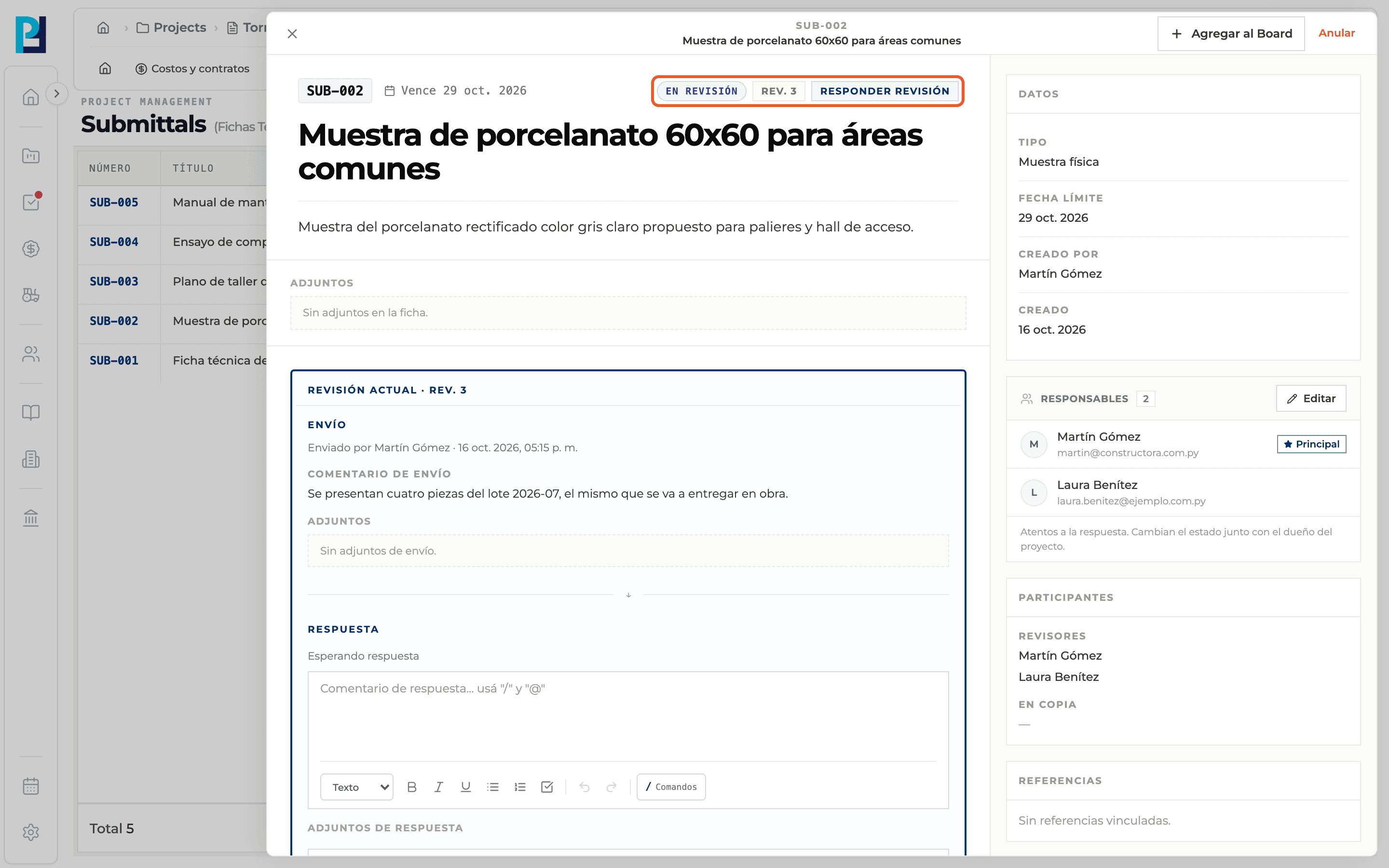
When a submittal in review is waiting for your decision, the header shows the Respond to review tag.
What you'll learn
How what a submittal is and how its status flow works works inside Perfour.
What information you need and how it stays connected to Submittals.
How to preserve traceability and find the record later.
Frequently asked questions
Is a submittal the same as a data sheet?+
Yes. In Perfour the Spanish screens call it "ficha técnica".
Does Approved with comments require resubmitting?+
No. It counts as approved.
What is the Pending submission status?+
It exists in the system, but no action in the web app puts a submittal in that status today. New submittals start as Draft.
Can I edit the submittal after sending it?+
The submittal's attachments can only be edited while it is a Draft. Later changes are presented in a new revision.