Responsibles, reviewers and people in copy
Responsibles follow the response, reviewers decide and people in copy follow the submittal.
How to complete participants
- 01
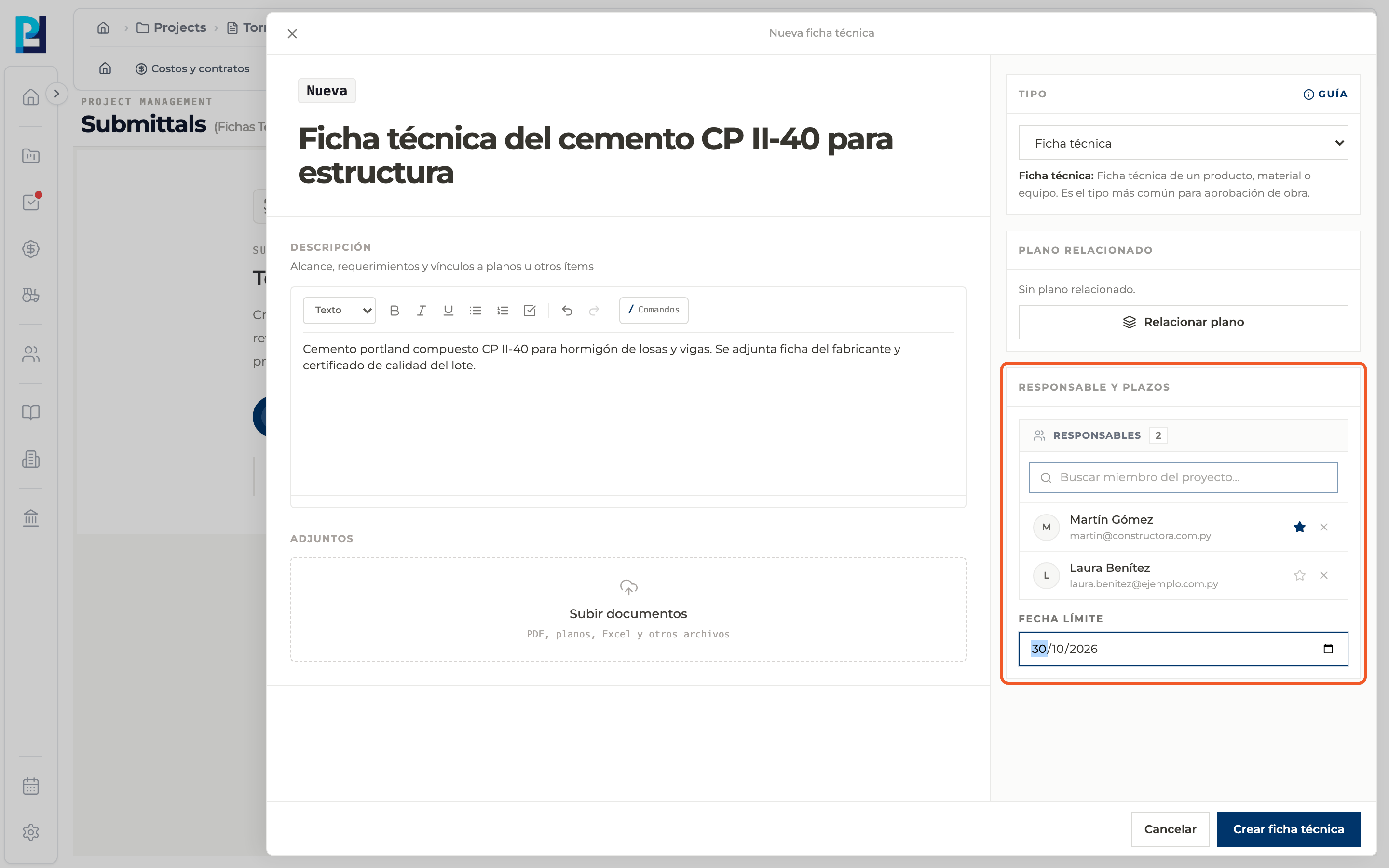
Add responsibles when creating
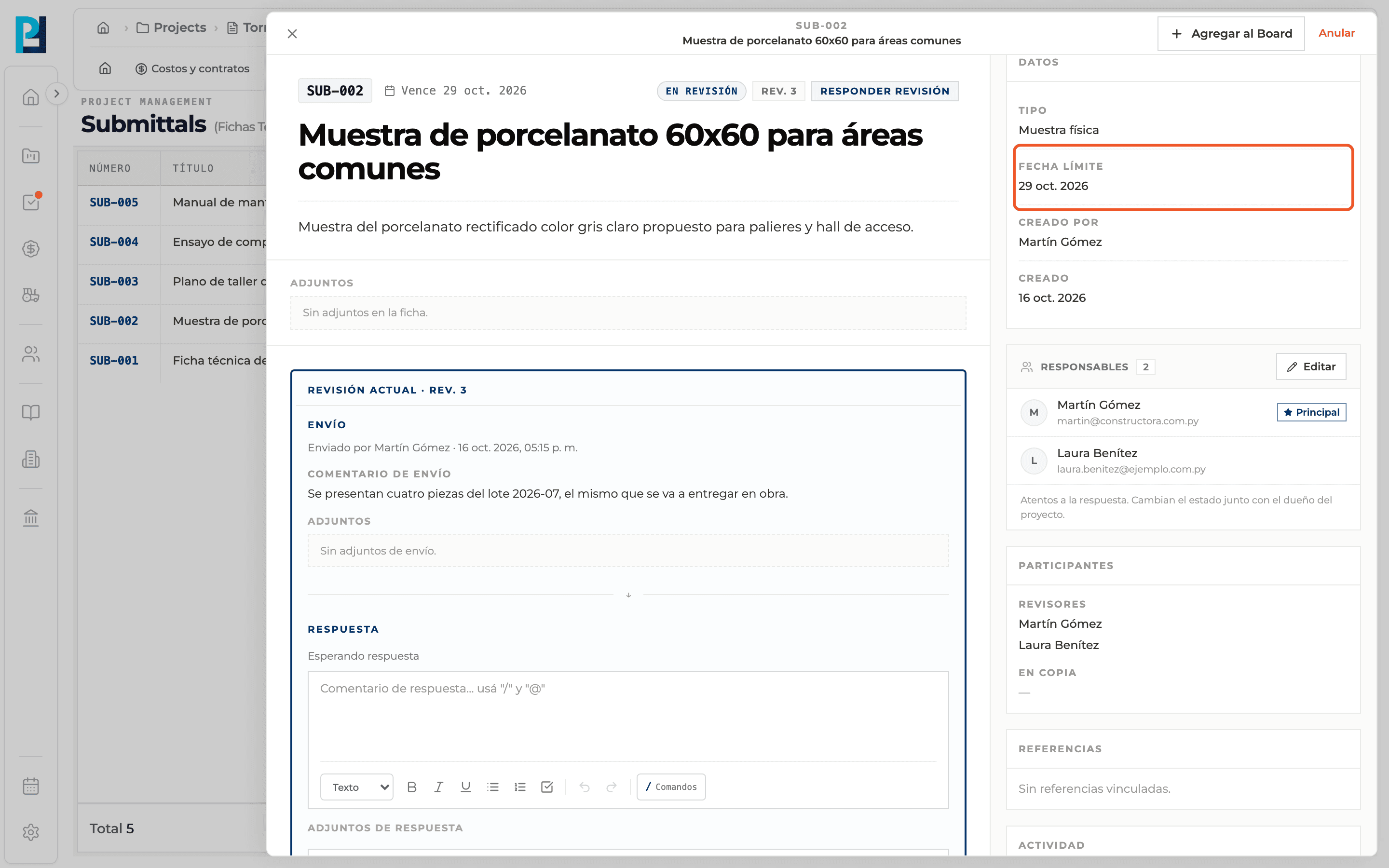
Under Responsible and deadlines you are already the main responsible. Search project members to add more; the star marks the main one.
- 02
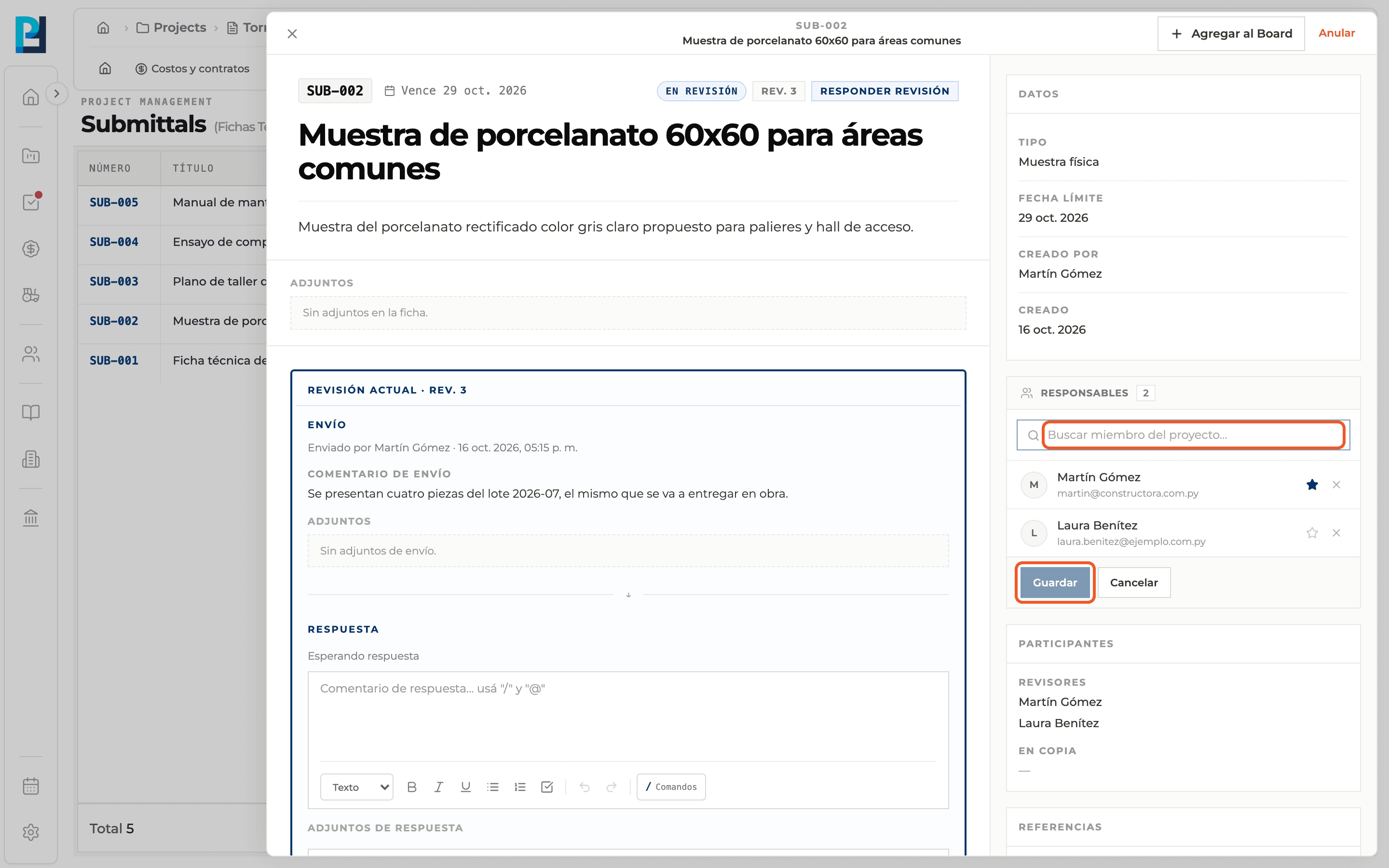
Edit responsibles in the detail
In the Responsibles block click Edit, search for a project member, mark the main one with the star and click Save.
- 03
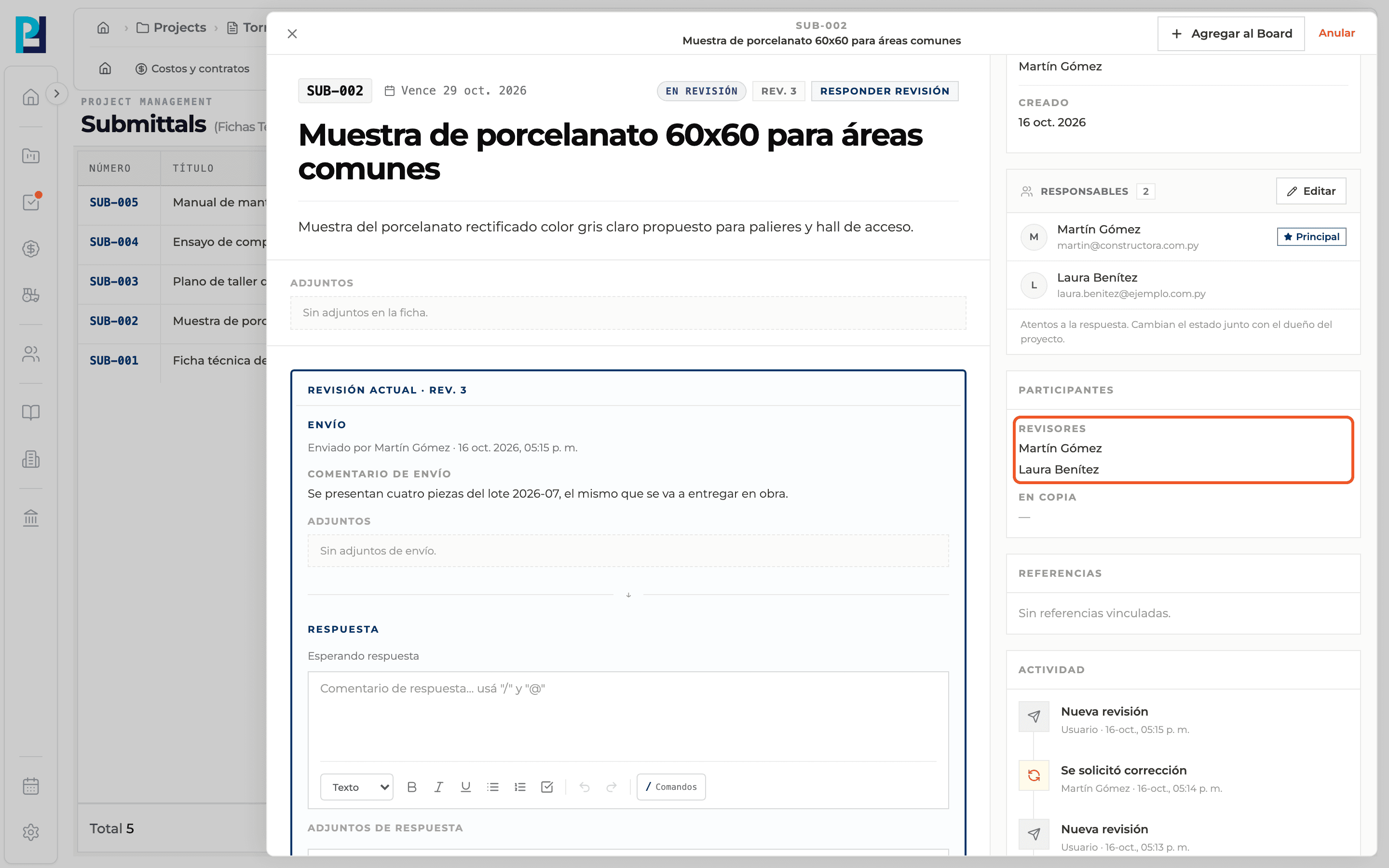
See the reviewers
Reviewers are chosen when sending for review and appear under Participants → Reviewers.
- 04
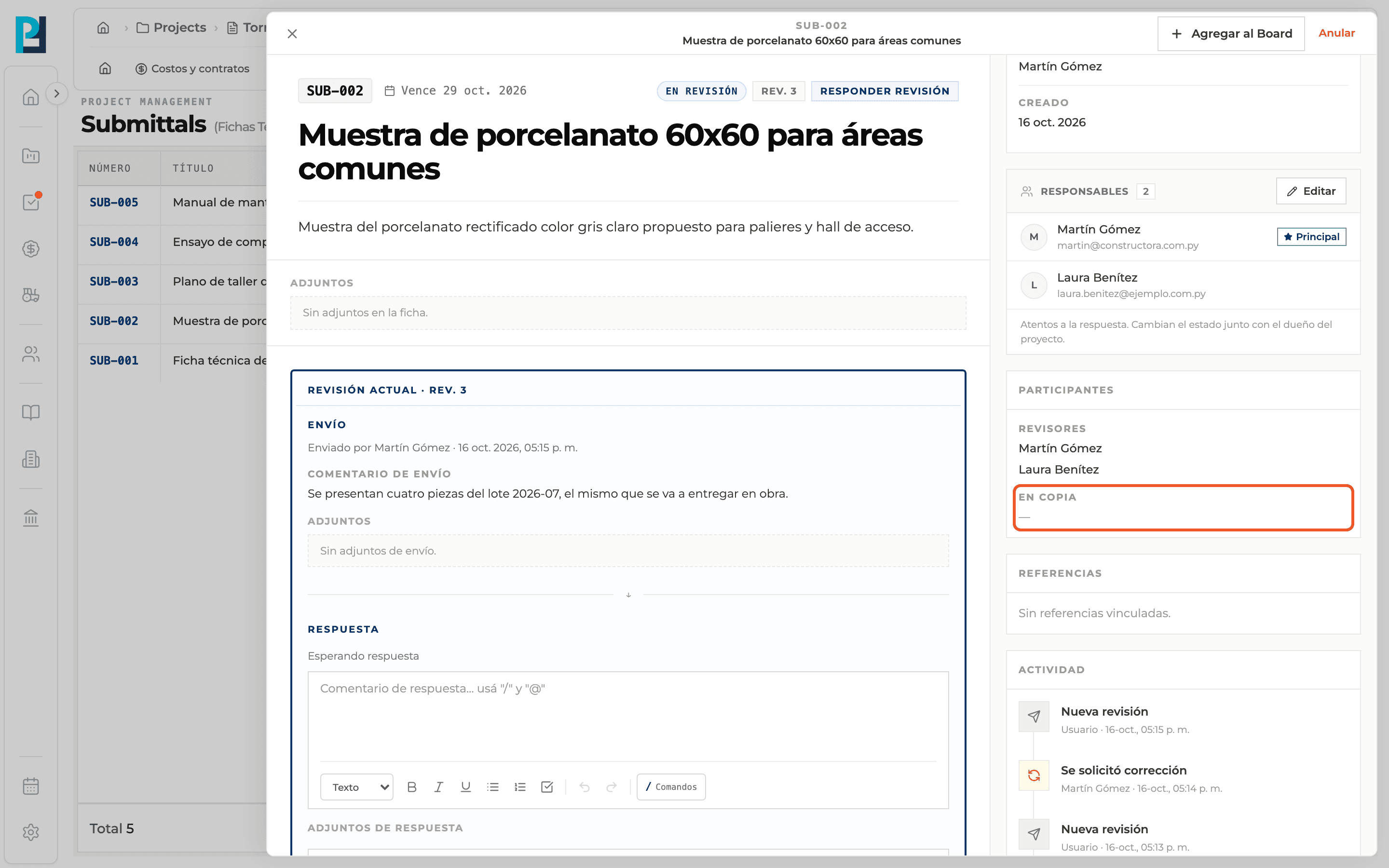
See who is in copy
In copy lists the responsibles who are not reviewers: they follow the submittal without deciding.
- 05
Check the due date
It appears under Data → Due date, next to the submittal number and in the list's Due column.
What you'll learn
How responsibles, reviewers and people in copy works inside Perfour.
What information you need and how it stays connected to Submittals.
How to preserve traceability and find the record later.
Frequently asked questions
What is the difference between responsible and reviewer?+
The responsible follows the response; the reviewer records the decision (approve, request changes or reject).
How do I add someone in copy?+
Add them as a responsible. If you do not pick them as a reviewer when sending, they stay in copy.
Is the main responsible automatically a reviewer?+
The send dialog checks them as reviewer, but you can change it.