Send the submittal for review
Moves the submittal from Draft to In review and lets the reviewers respond.
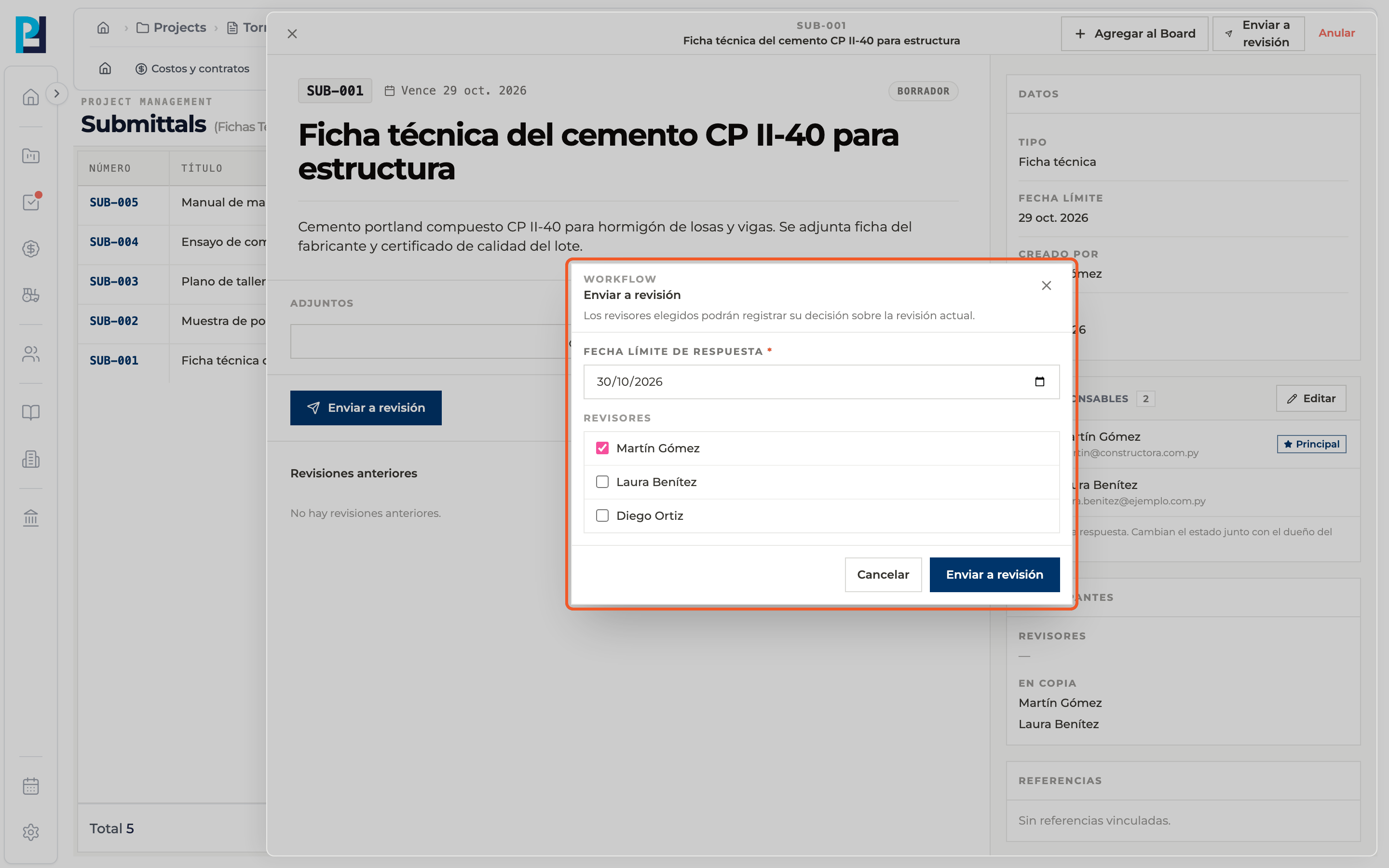
How to complete send for review
- 01
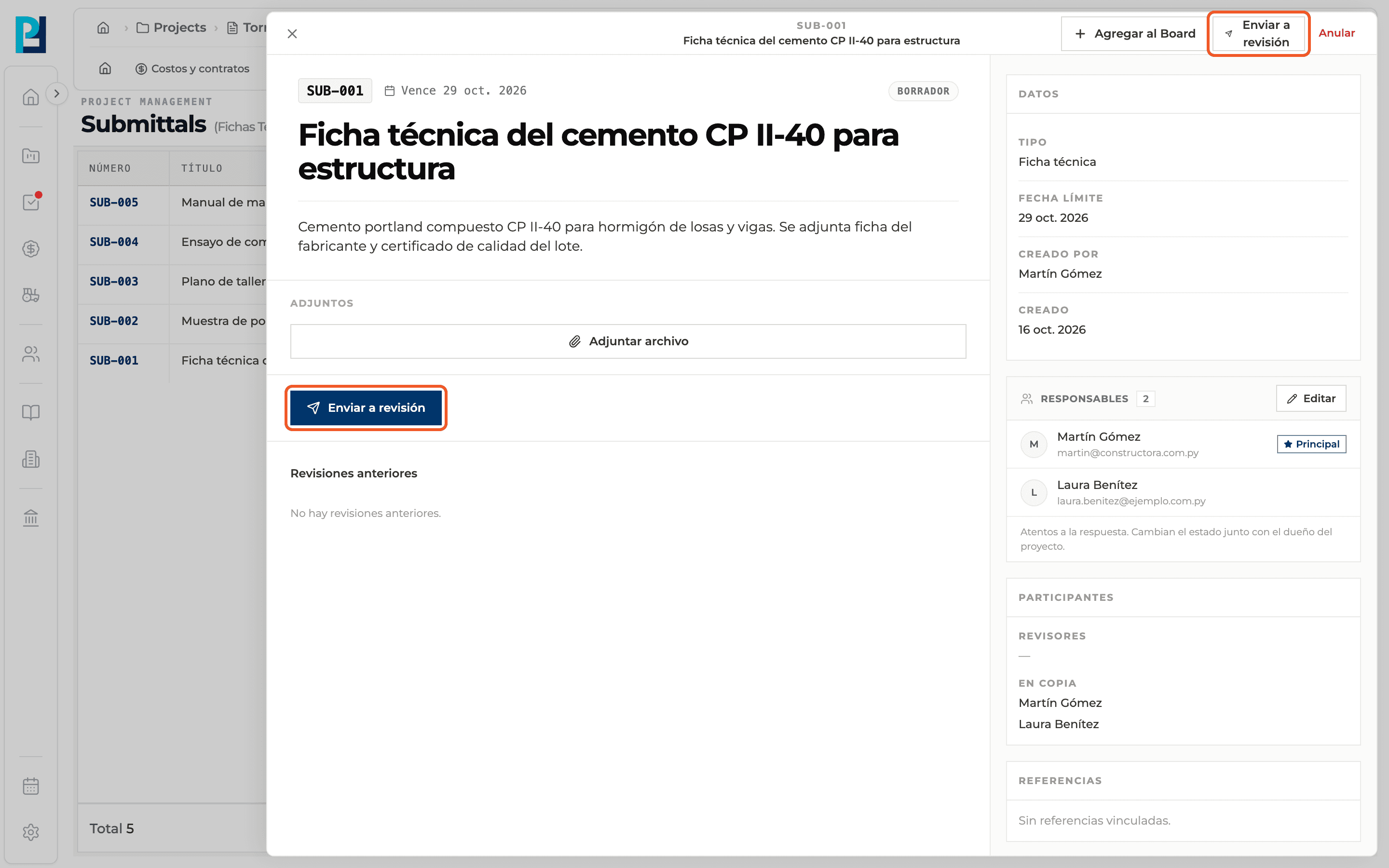
Open the submittal
From the list open a Draft submittal. The Send for review button is in the header and in the body of the detail.
- 02
Open the dialog
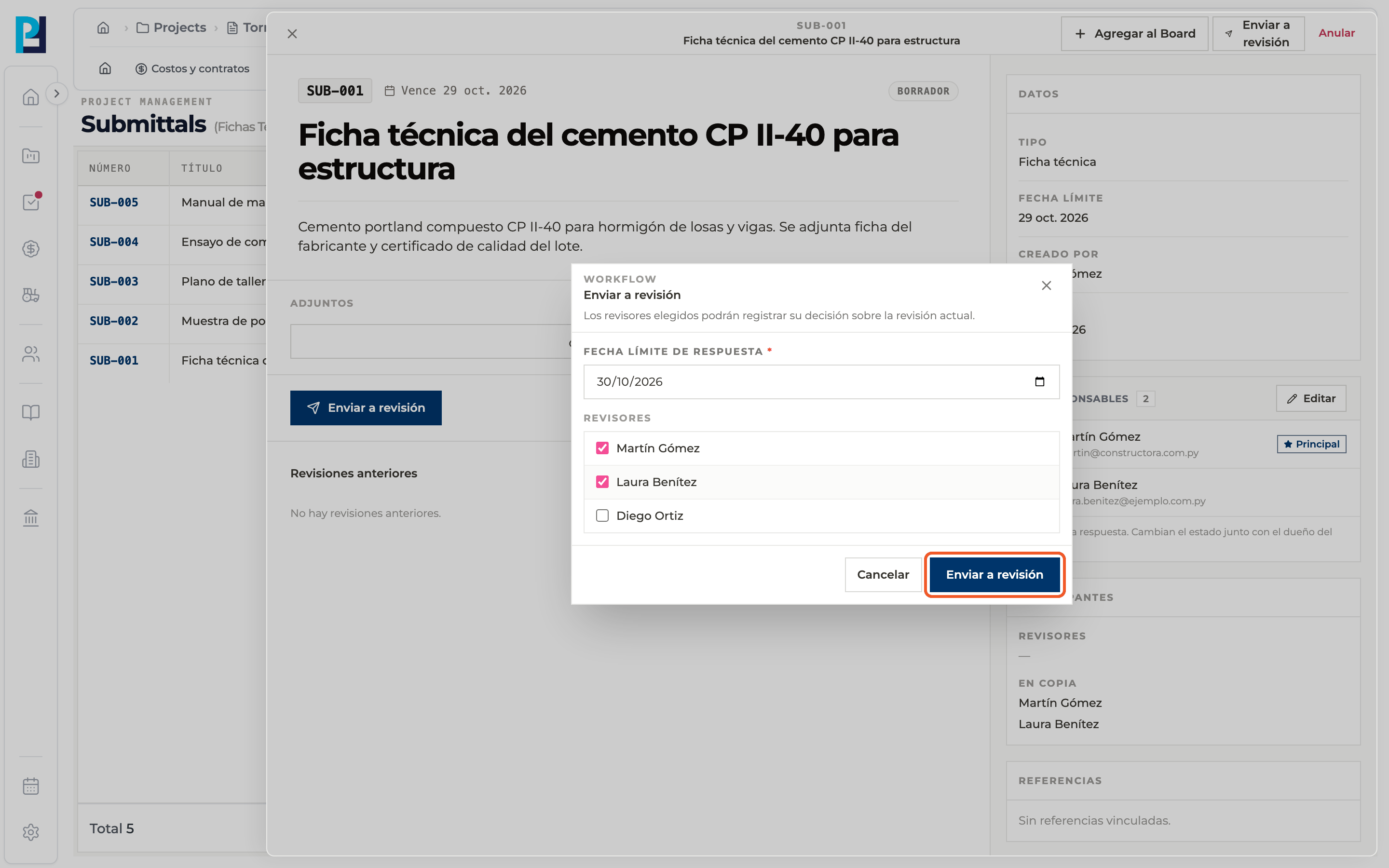
The send-for-review dialog explains that the chosen reviewers can record their decision on the current revision.
- 03
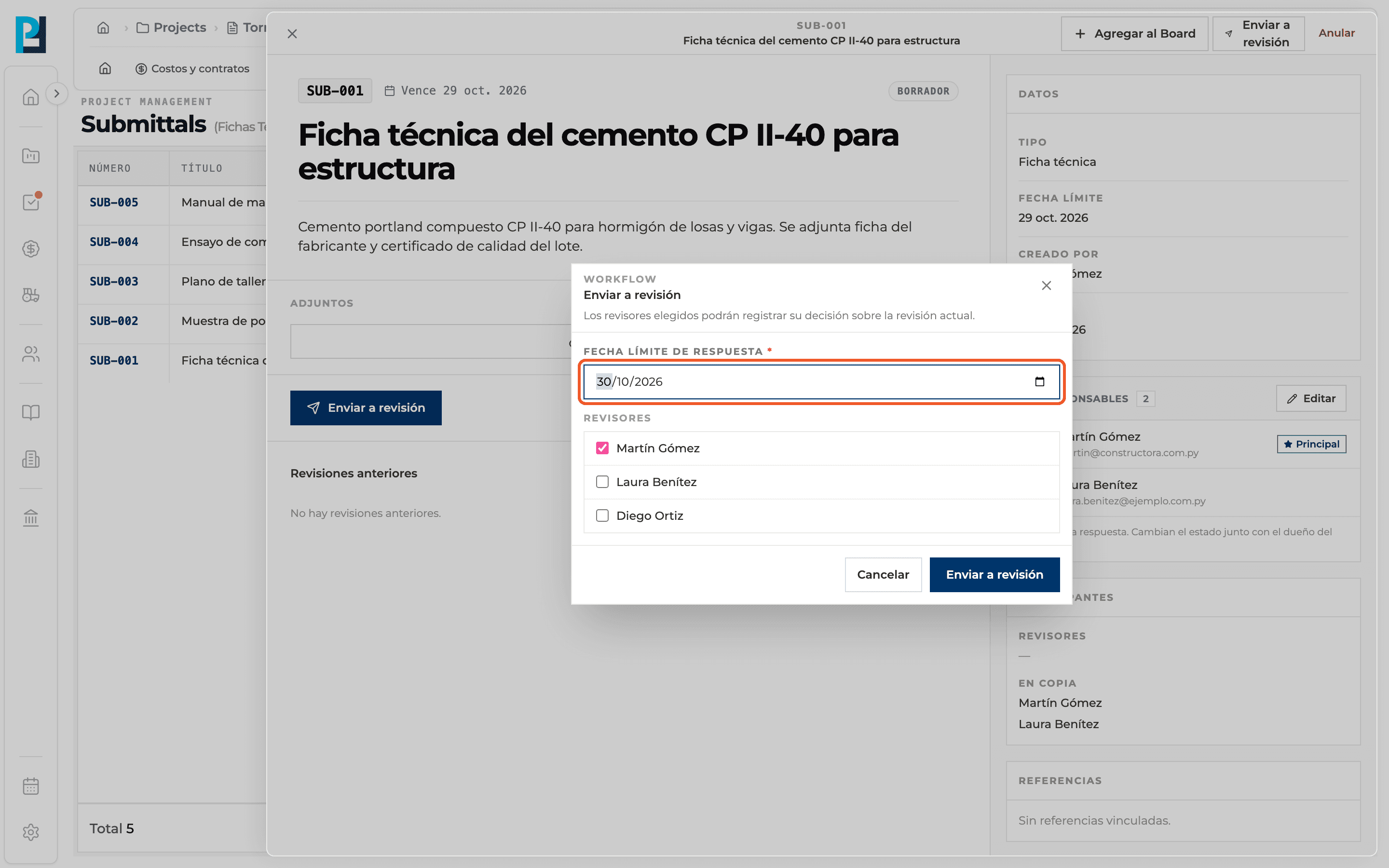
Set the due date
The response due date is required.
- 04
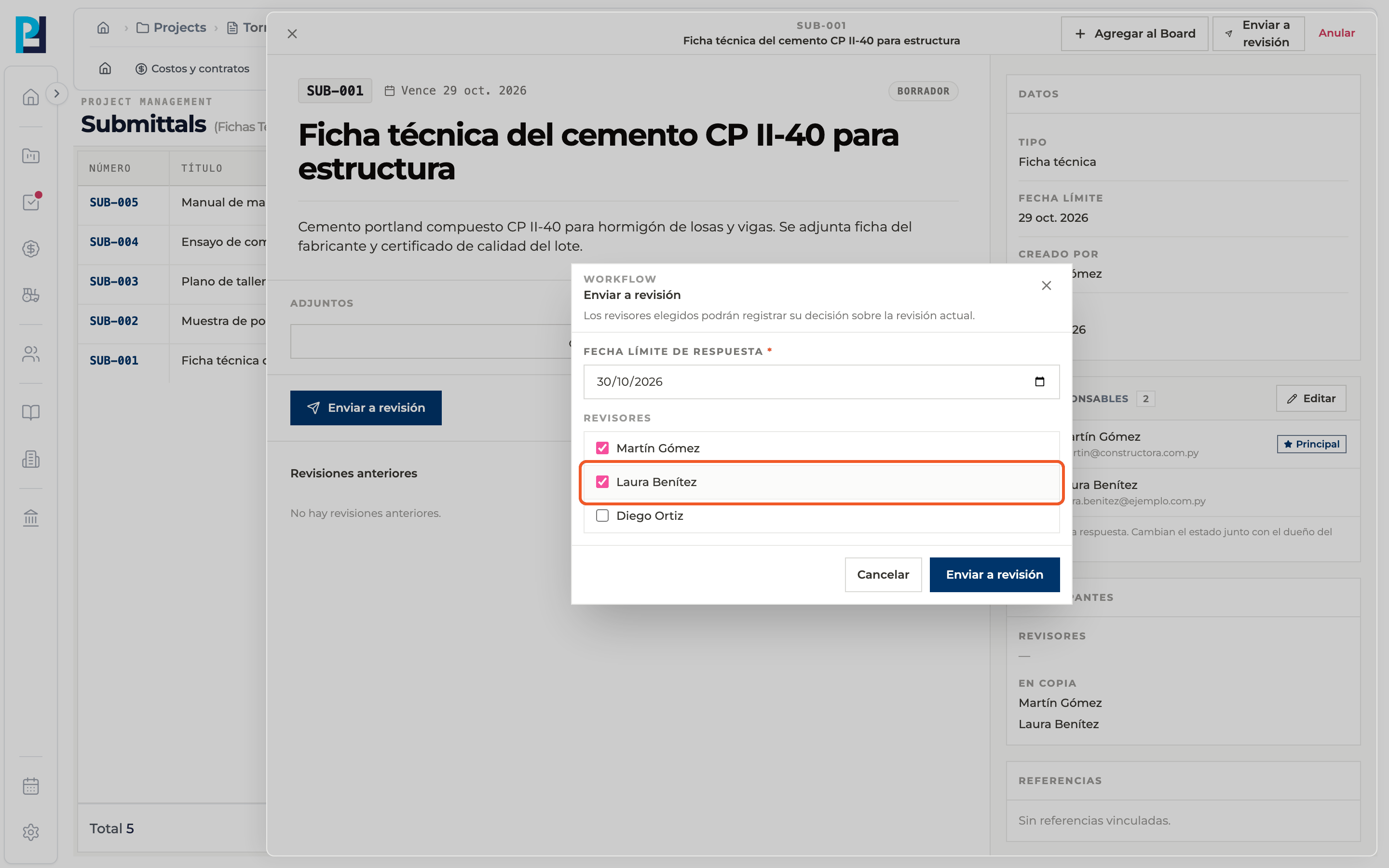
Choose the reviewers
Check the project members who will decide. The main responsible comes checked. At least one is required.
- 05
Send
Click Send for review. The submittal moves to In review and shows the current revision waiting for a response.
What you'll learn
How send the submittal for review works inside Perfour.
What information you need and how it stays connected to Submittals.
How to preserve traceability and find the record later.
Frequently asked questions
Can I undo the sending?+
There is no button to withdraw it. If the submittal has to be stopped, it can be voided.
What does the reviewer see?+
The Respond to review tag and the response form in the current revision.
Can I leave without sending?+
Yes, with Cancel or the dialog's X.