Create a daily log
A log is always created as a draft, and the day's content is added from there.
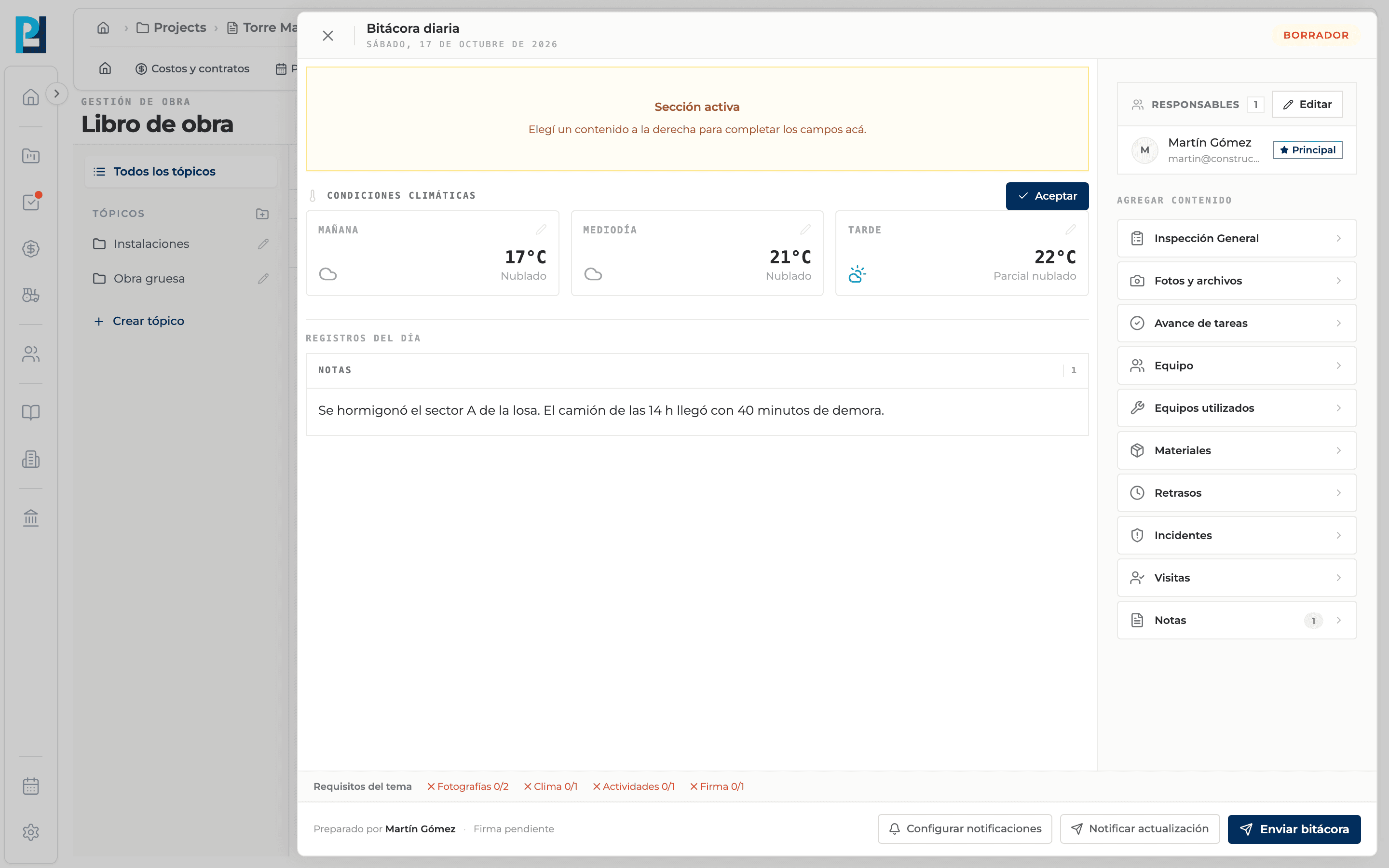
How to complete new log
- 01
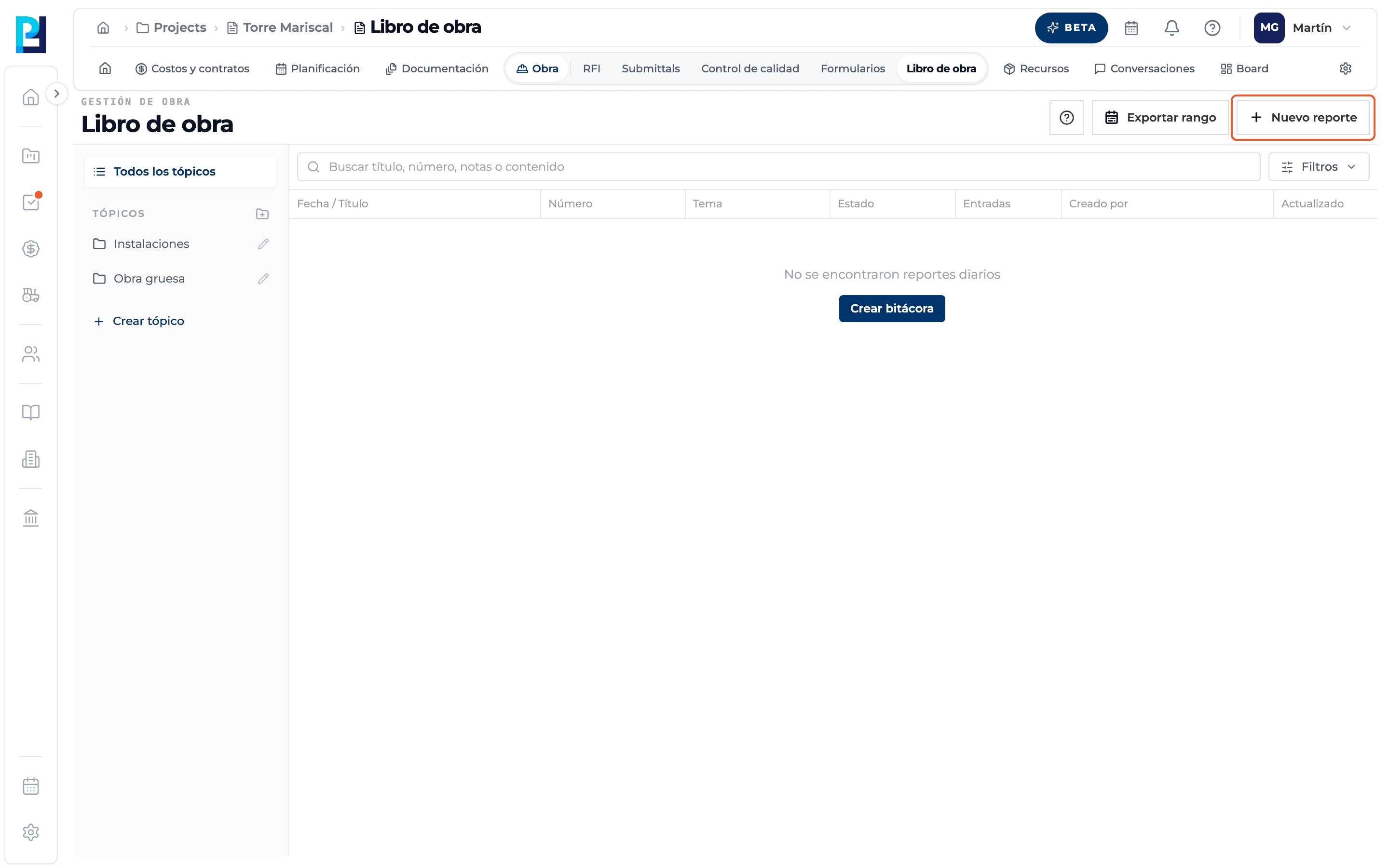
Open the panel
Click New report (or Create log if the list is empty). The New daily log panel opens with "Start log".
- 02
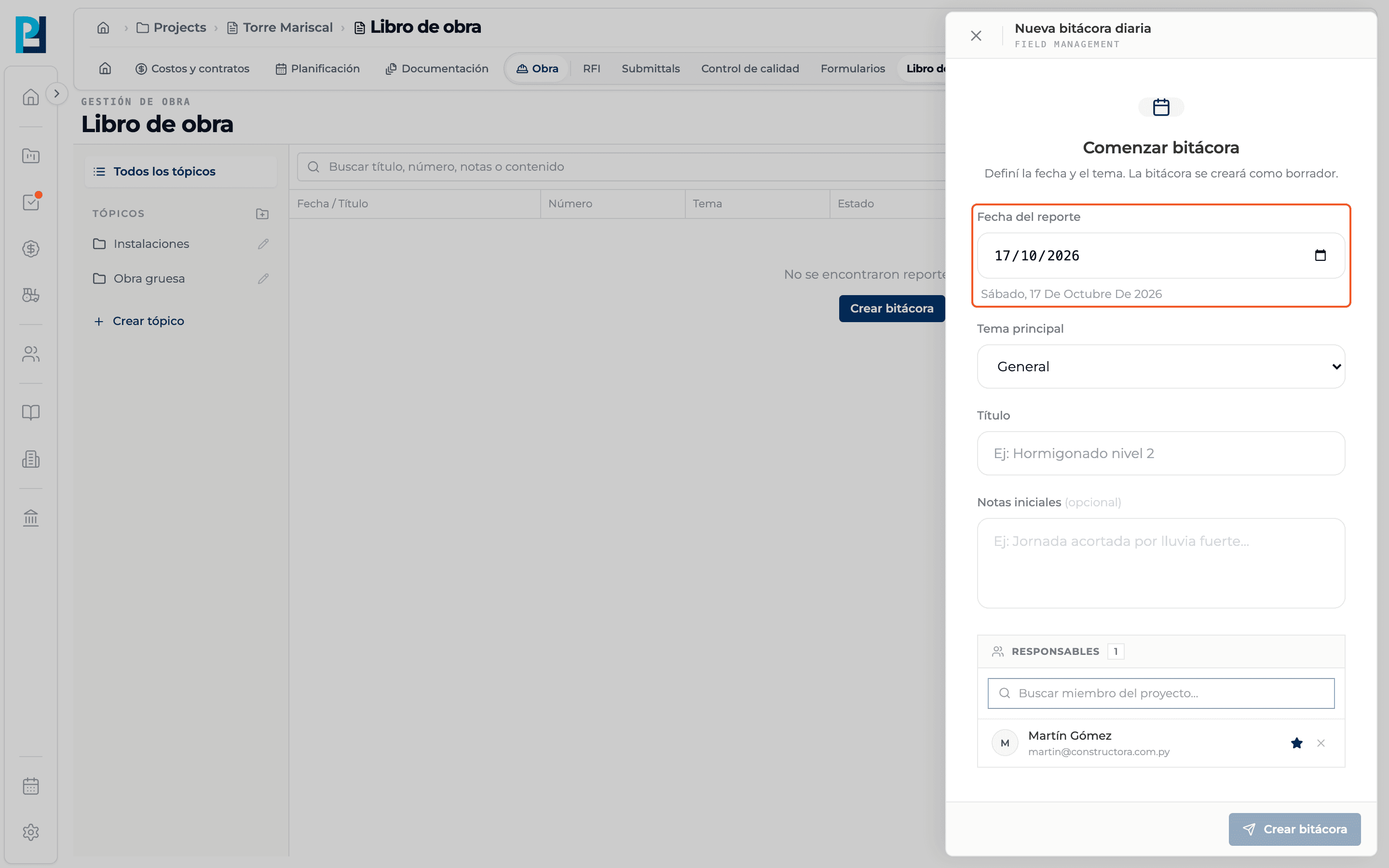
Pick the date
Report date defaults to today. The date is spelled out below so you can check it.
- 03
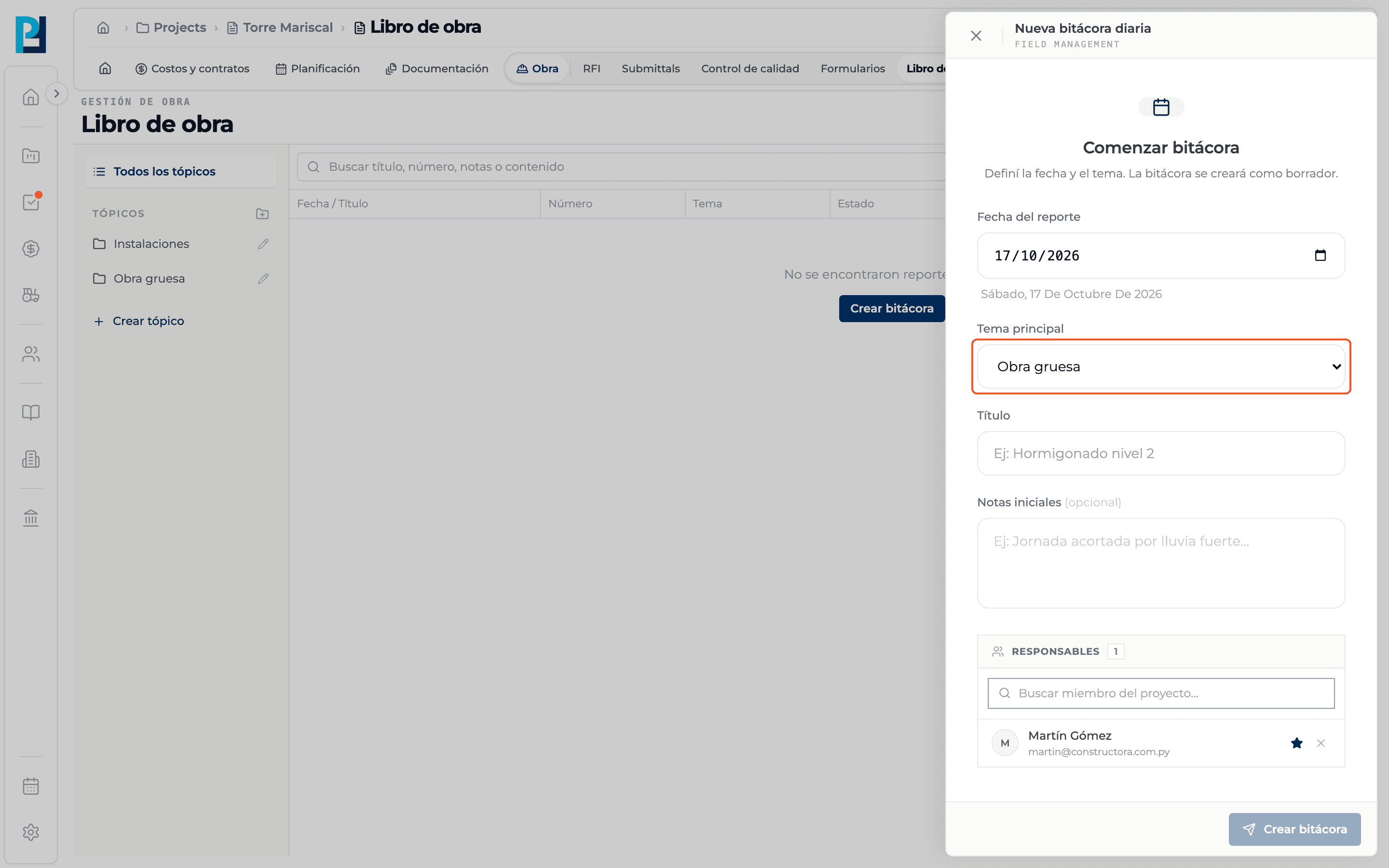
Pick the main topic
It defaults to General. The list shows the project's topics. If you came from a topic in the sidebar, that topic is locked.
- 04
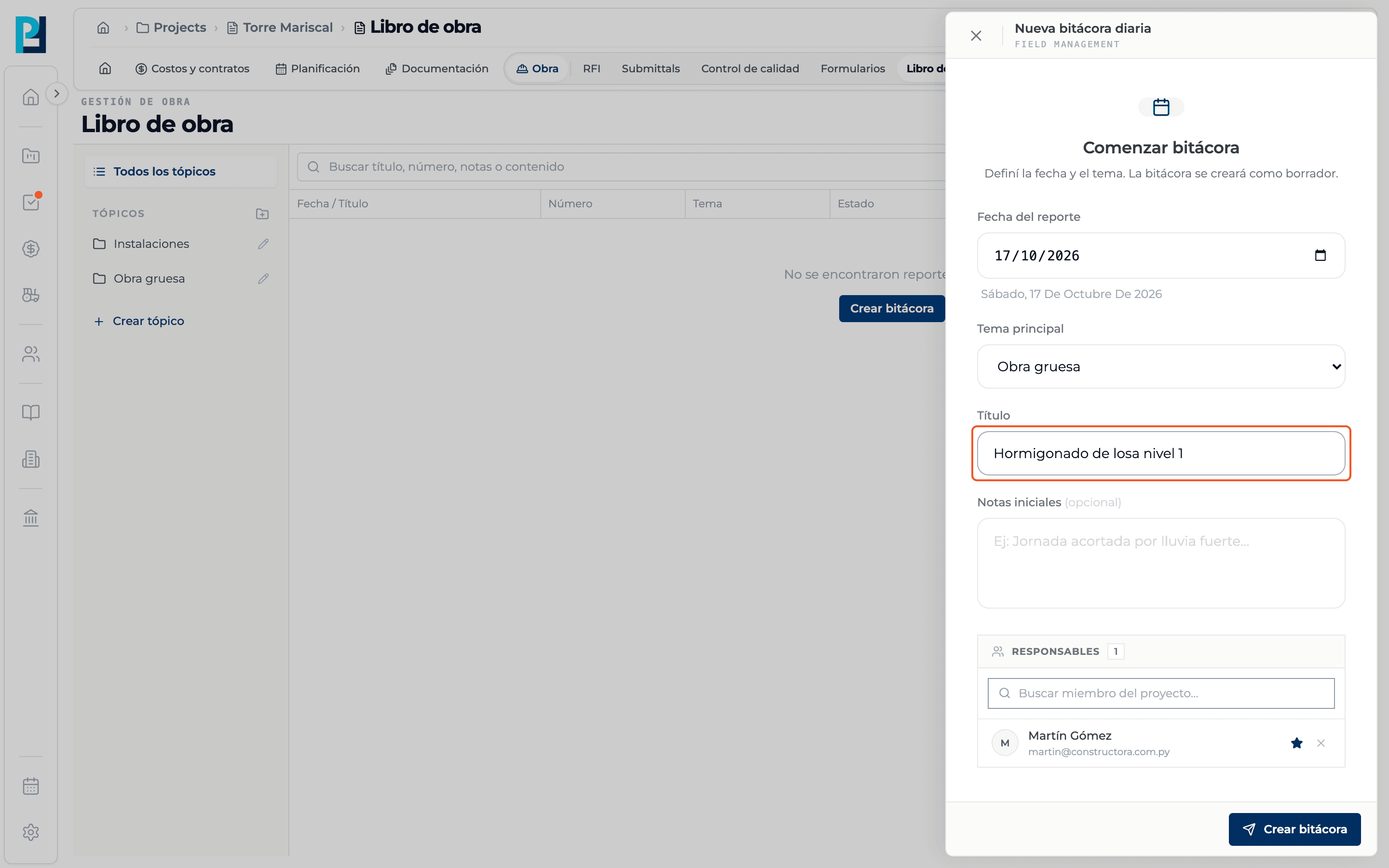
Write the title
For example "Level 1 slab pour" (up to 255 characters). It is required.
- 05
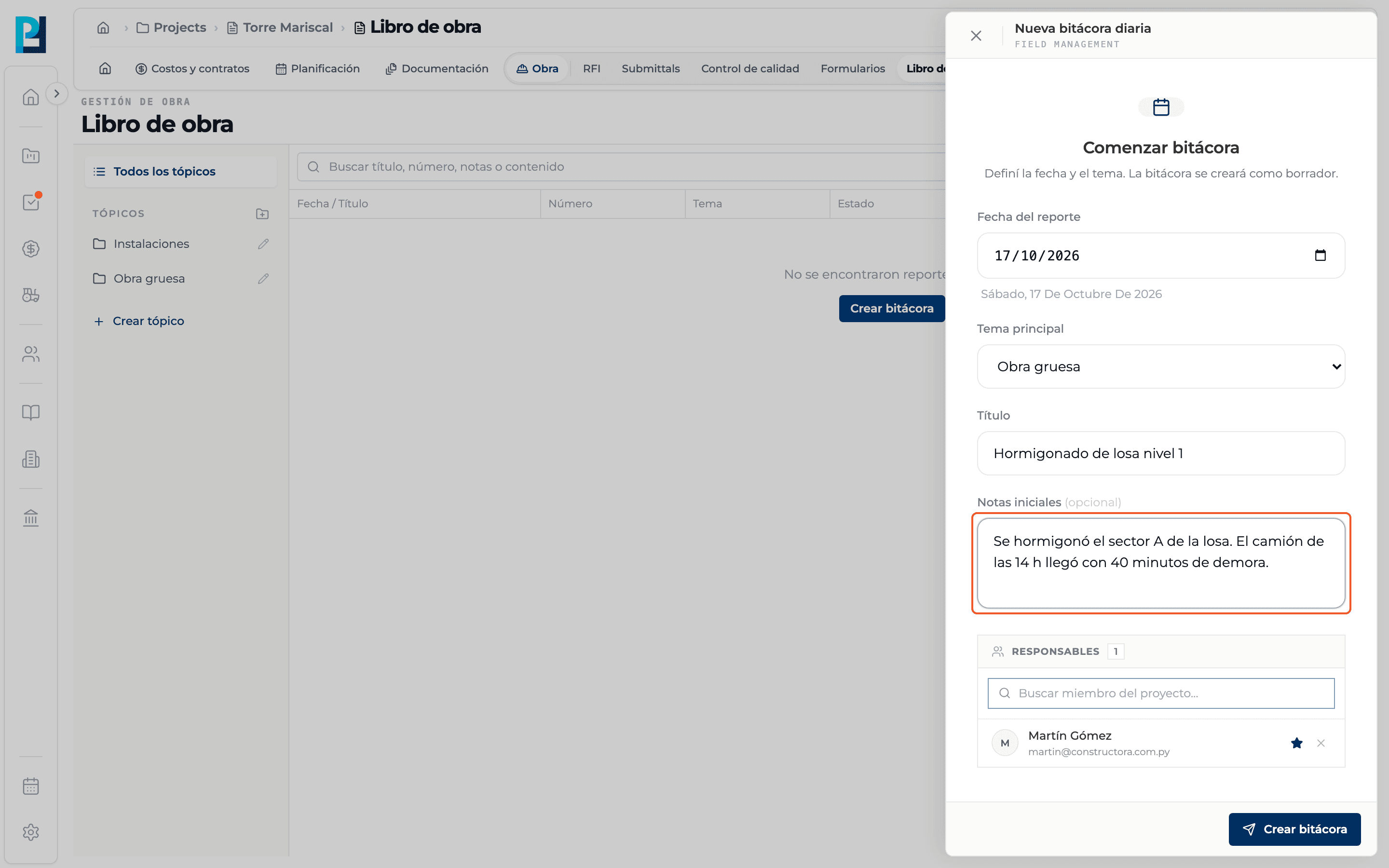
Optional: initial notes
If you fill them in, a Notes record is also created for the day.
- 06
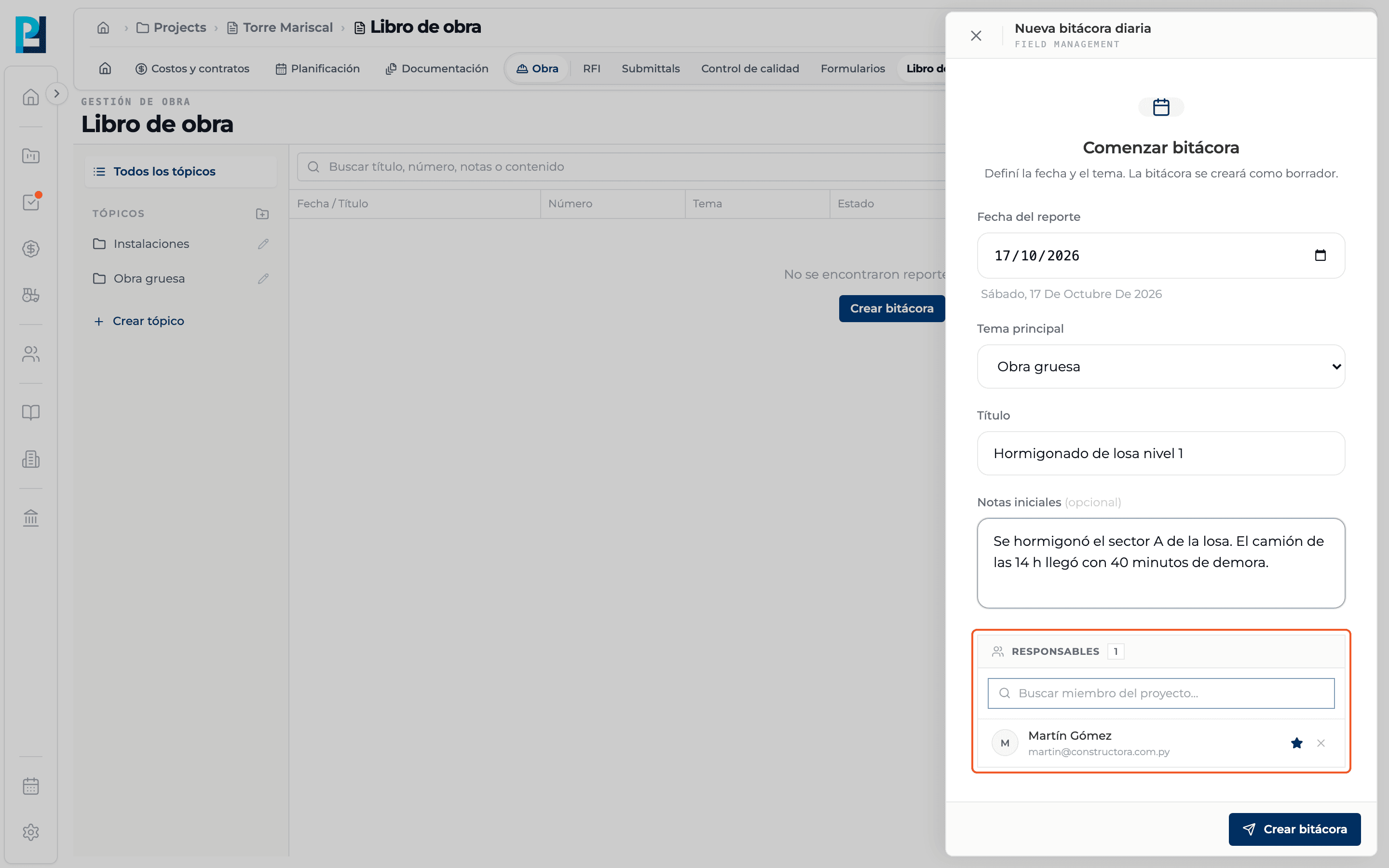
Review the responsibles
You start as the main responsible; you can search and add other project members.
- 07
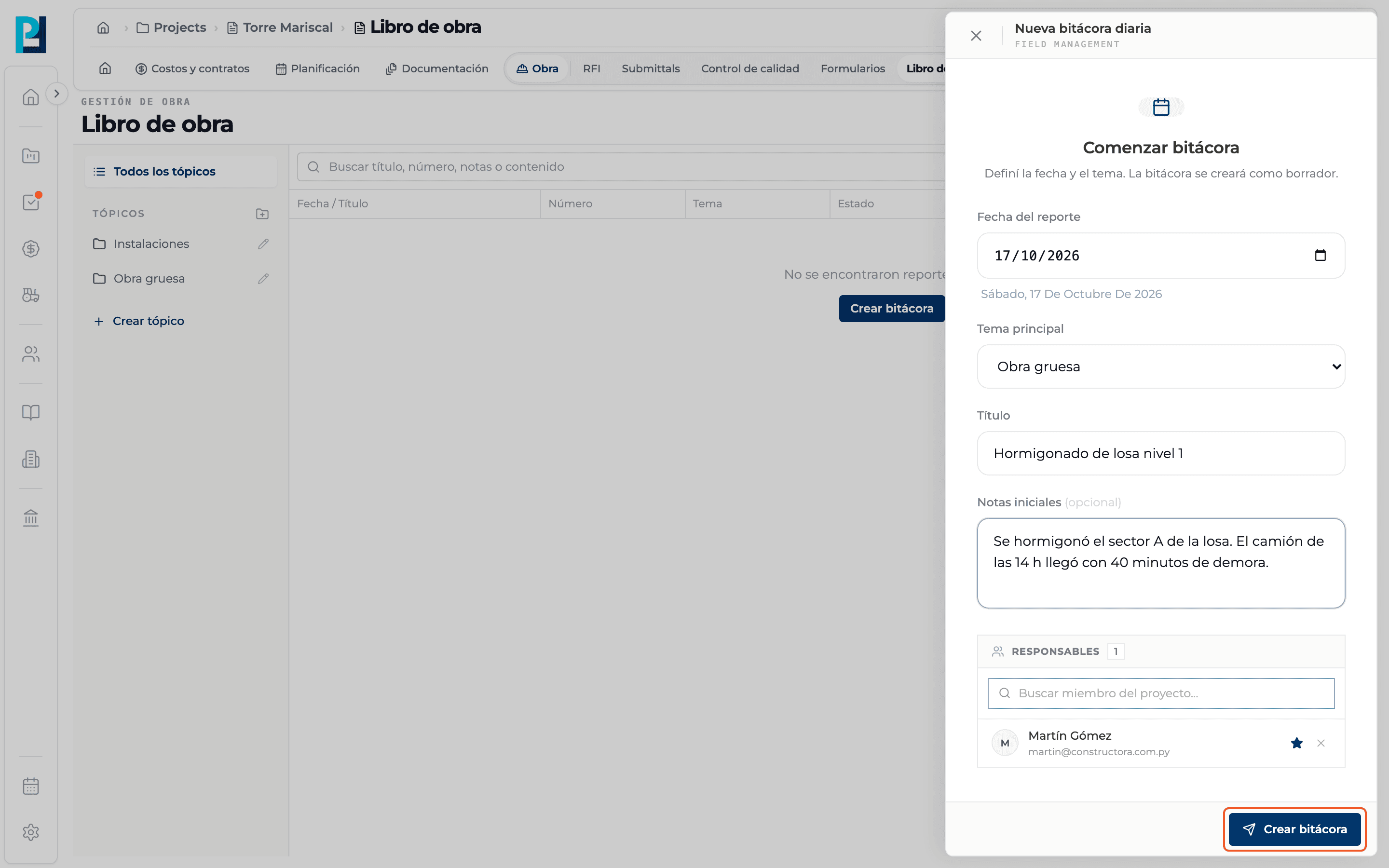
Create
Click Create log. The button is enabled once there is a date, a topic and a title.
- 08
The log opens
You see "Log created as draft" and the panel switches to the workspace: Draft badge, preloaded weather, the day's records and, on the right, Add content.
- 09
Back to the list
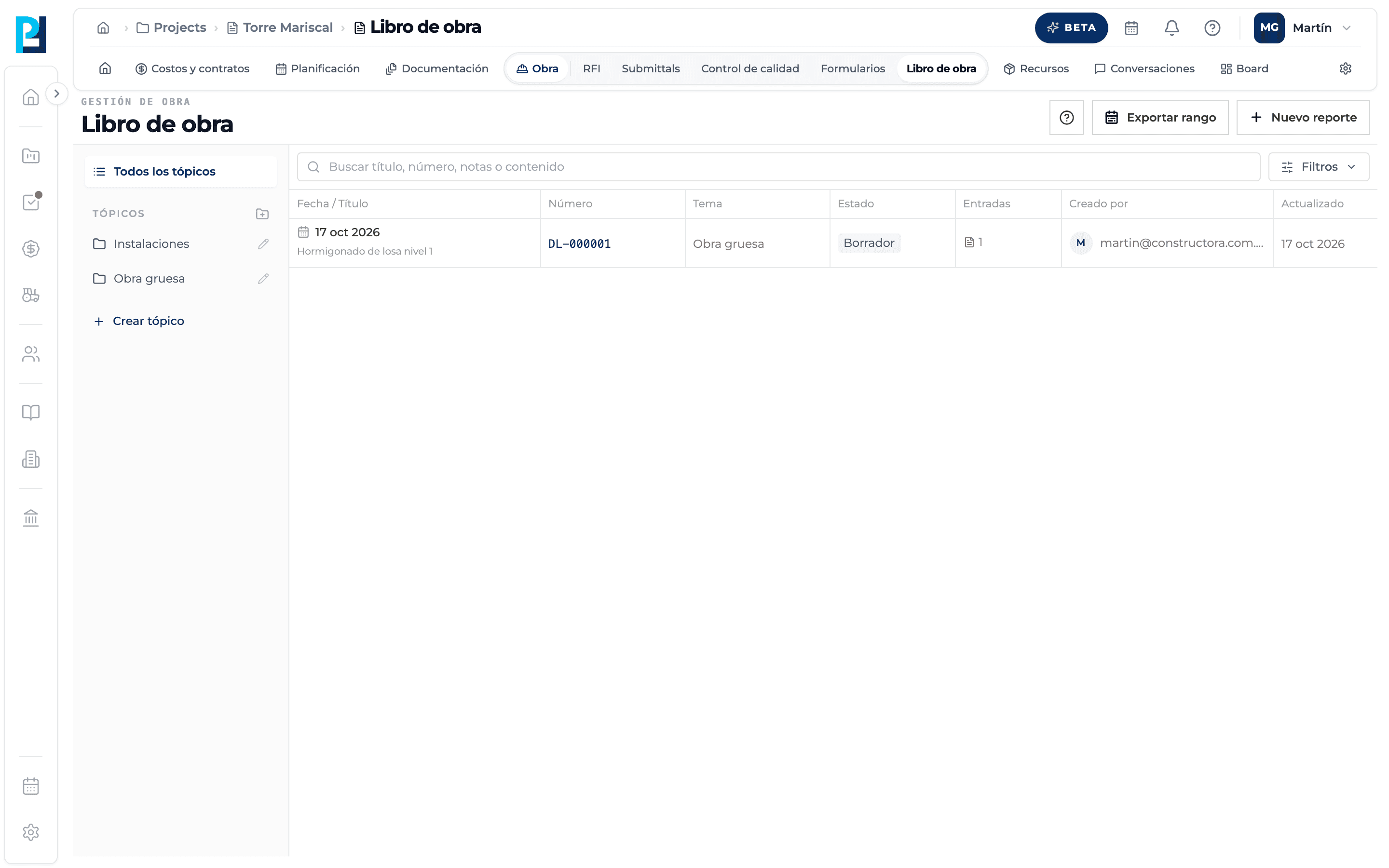
Close the panel with the X or by clicking outside. The log shows in the table as Draft.
What you'll learn
How create a daily log works inside Perfour.
What information you need and how it stays connected to Daily Logs.
How to preserve traceability and find the record later.
Frequently asked questions
I can't click Create log.+
The date, topic or title is missing, or you lack edit permission.
Can I create a log for a past date?+
Yes, change Report date. Weather is looked up for that date.
If the initial note fails, is the log lost?+
No. You see a message saying the log was created but the note could not be added, and you can add it from Add content → Notes.