Search and filter logs
The list searches by text and filters by topic, status and date range.
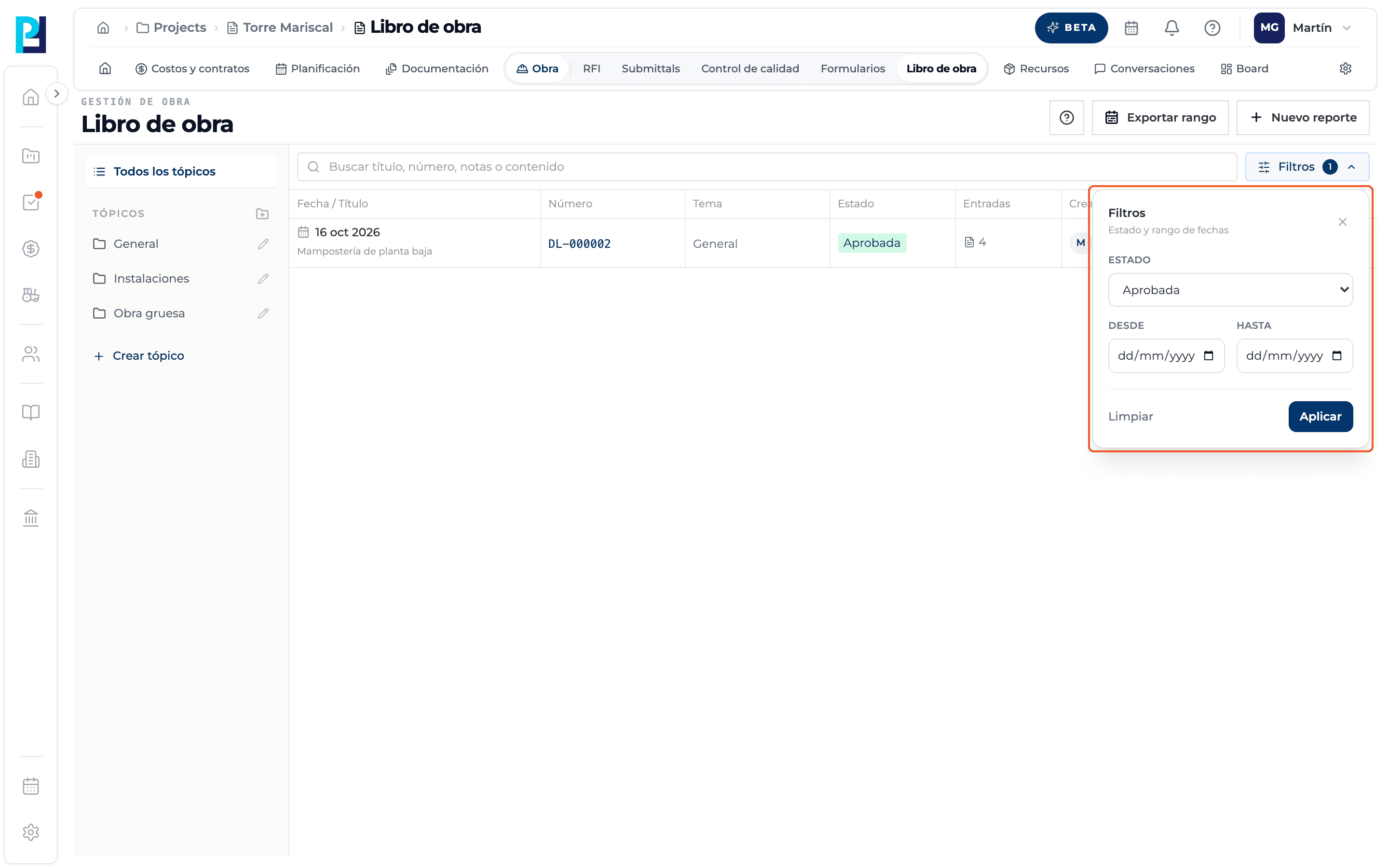
How to complete filters
- 01
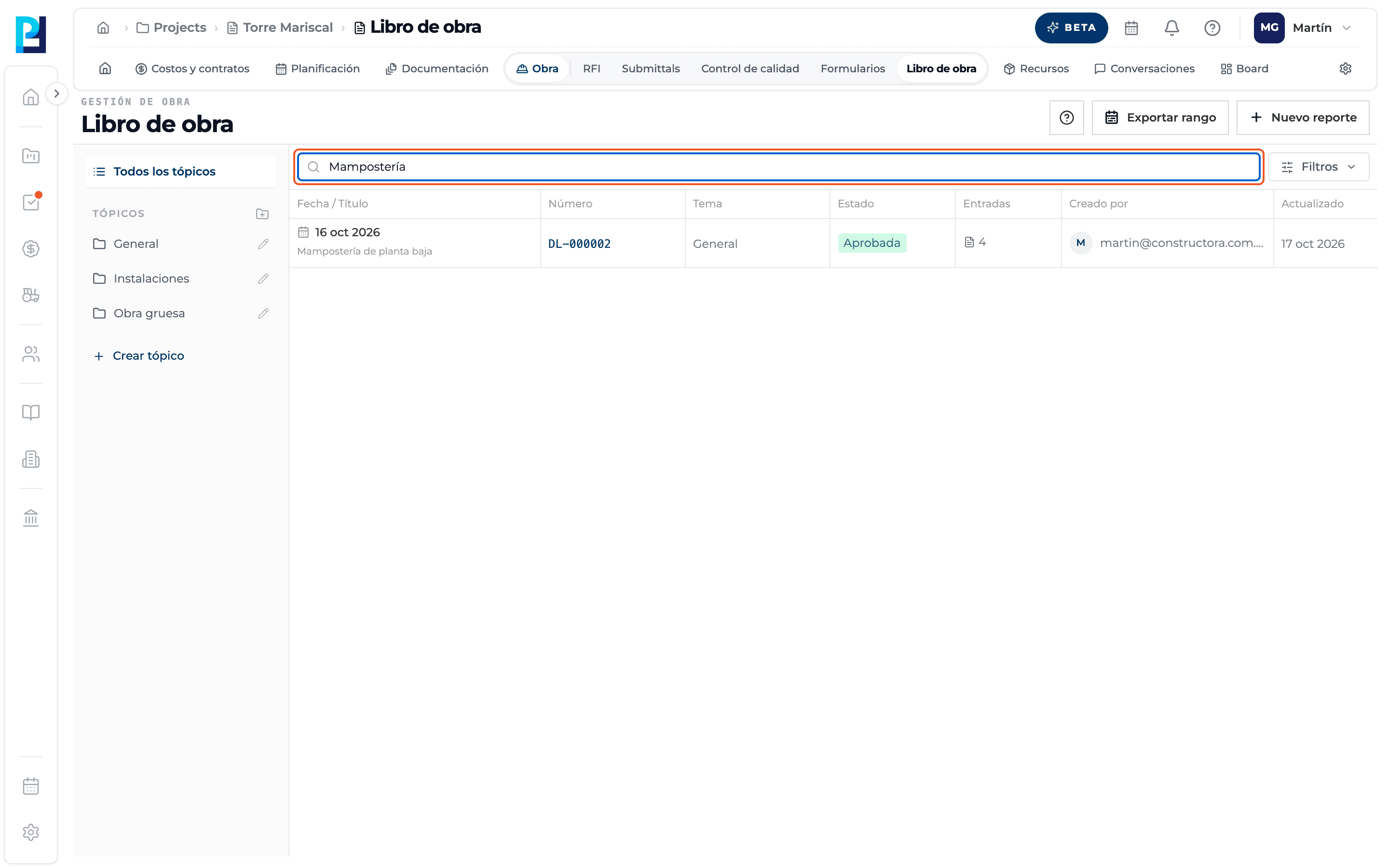
Search
Type in the title, number, notes or content search box; the list filters as you type.
- 02
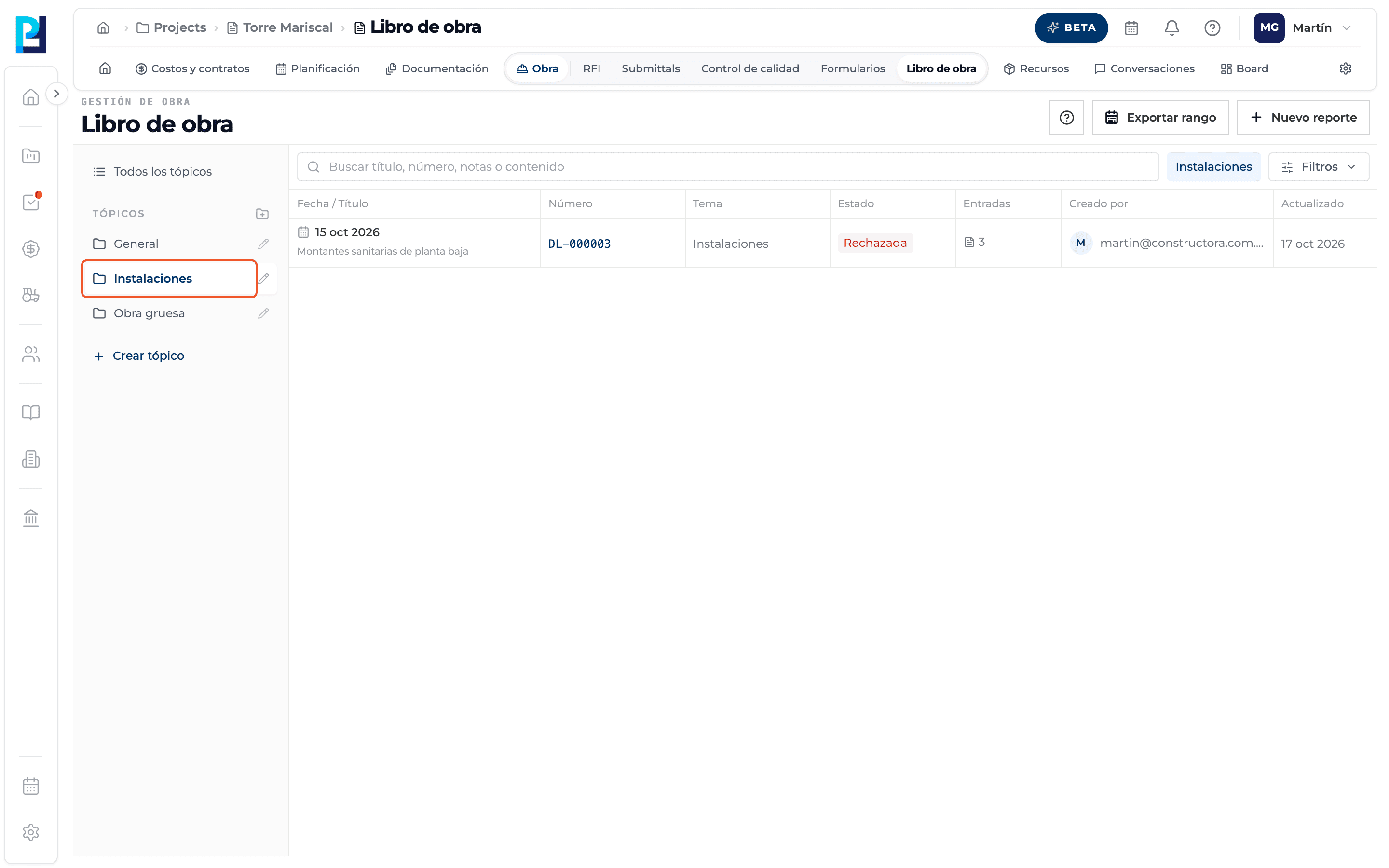
Filter by topic
Click a topic in the sidebar; it shows as a tag next to the search box. All topics clears it.
- 03
Open Filters
The panel has Status (All statuses, Draft, Submitted, Approved, Rejected) and the From / To range.
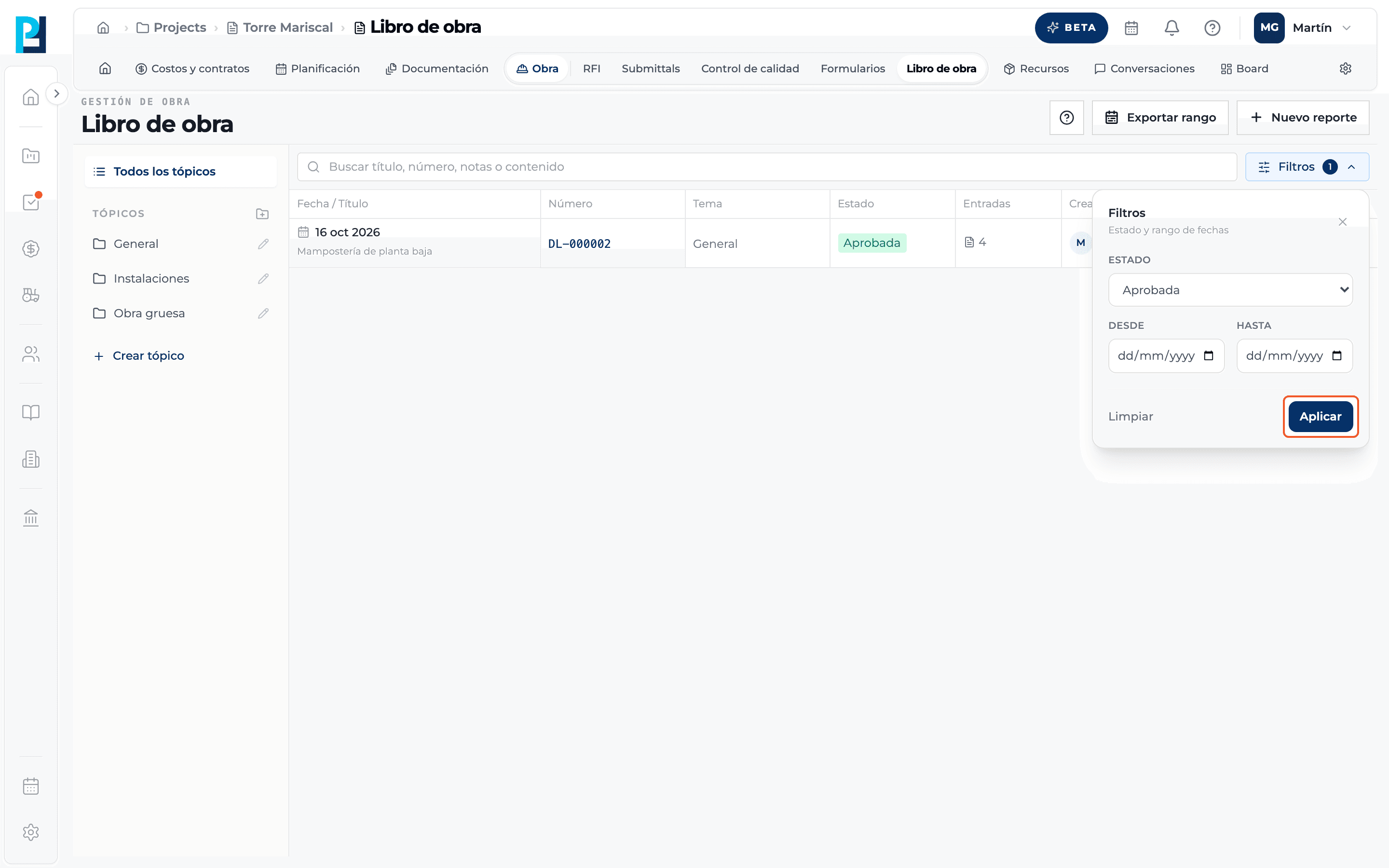
- 04
Apply
Click Apply. The Filters button shows how many filters are active; Clear removes them.
- 05
Page through
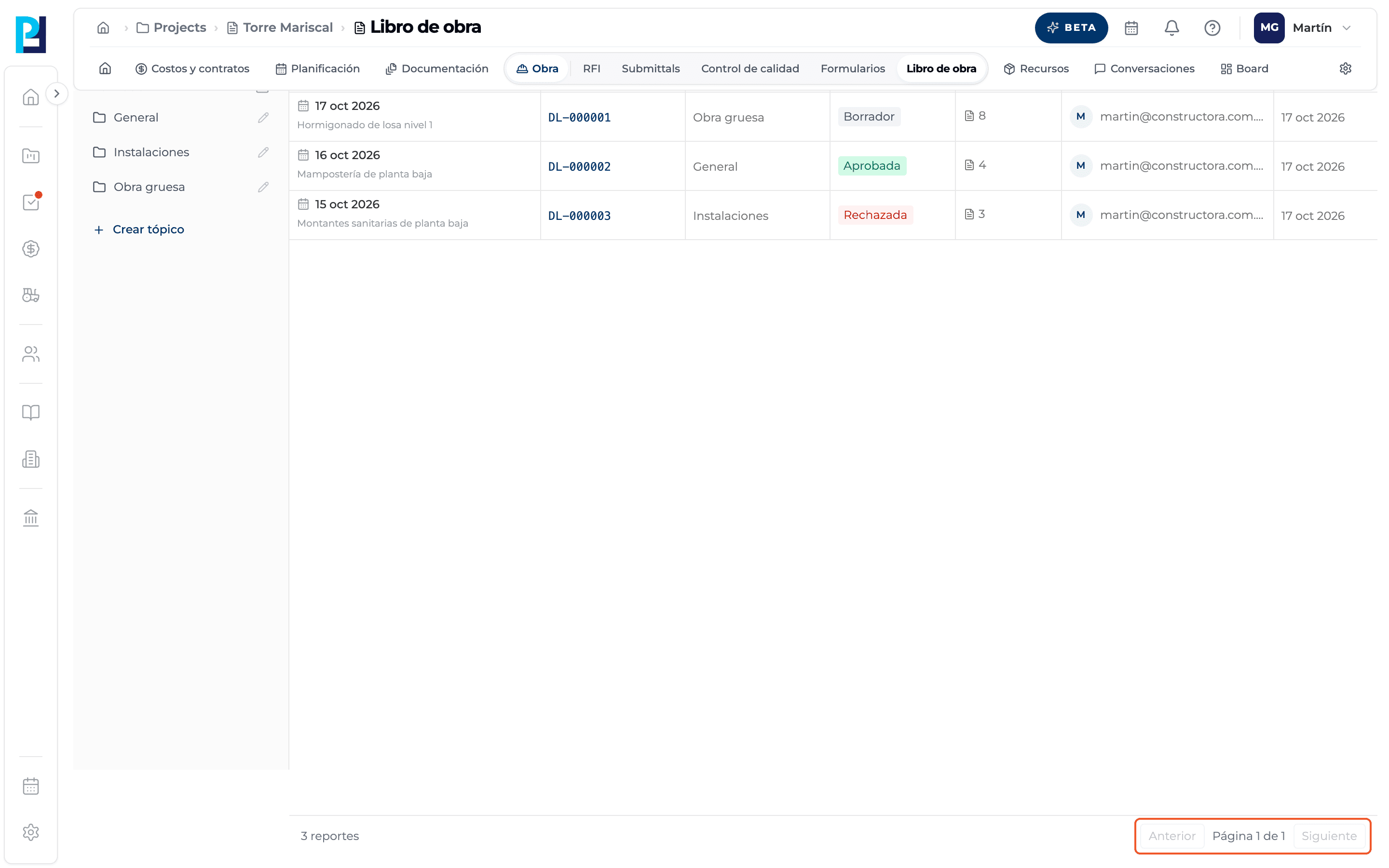
At the bottom you see the number of reports, Previous, "Page X of Y" and Next.
- 06
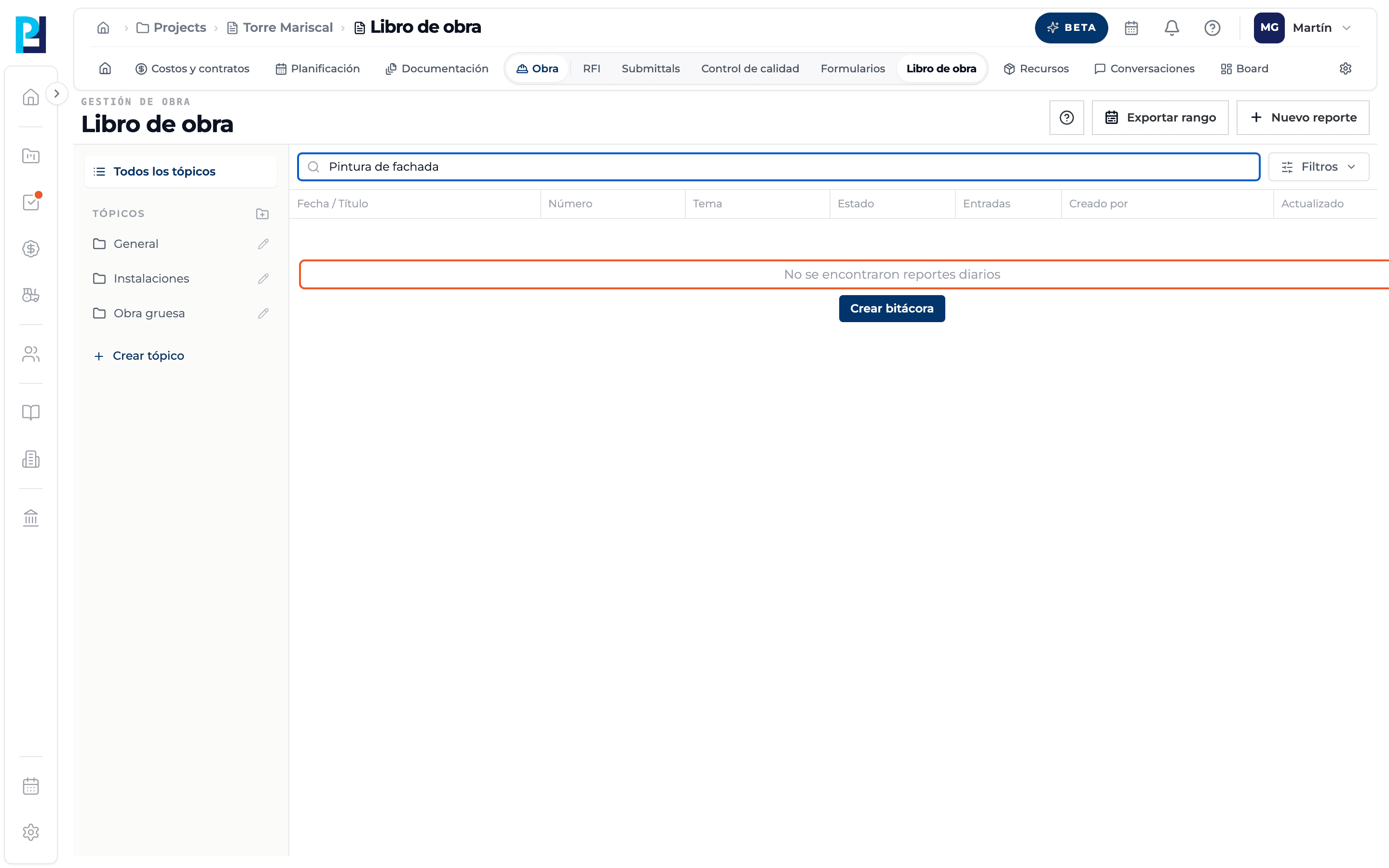
No results
If nothing matches, the list says no daily reports were found.
What you'll learn
How search and filter logs works inside Perfour.
What information you need and how it stays connected to Daily Logs.
How to preserve traceability and find the record later.
Frequently asked questions
Do filters combine?+
Yes: search, topic, status and dates apply together.