What the Daily log is and what each status means
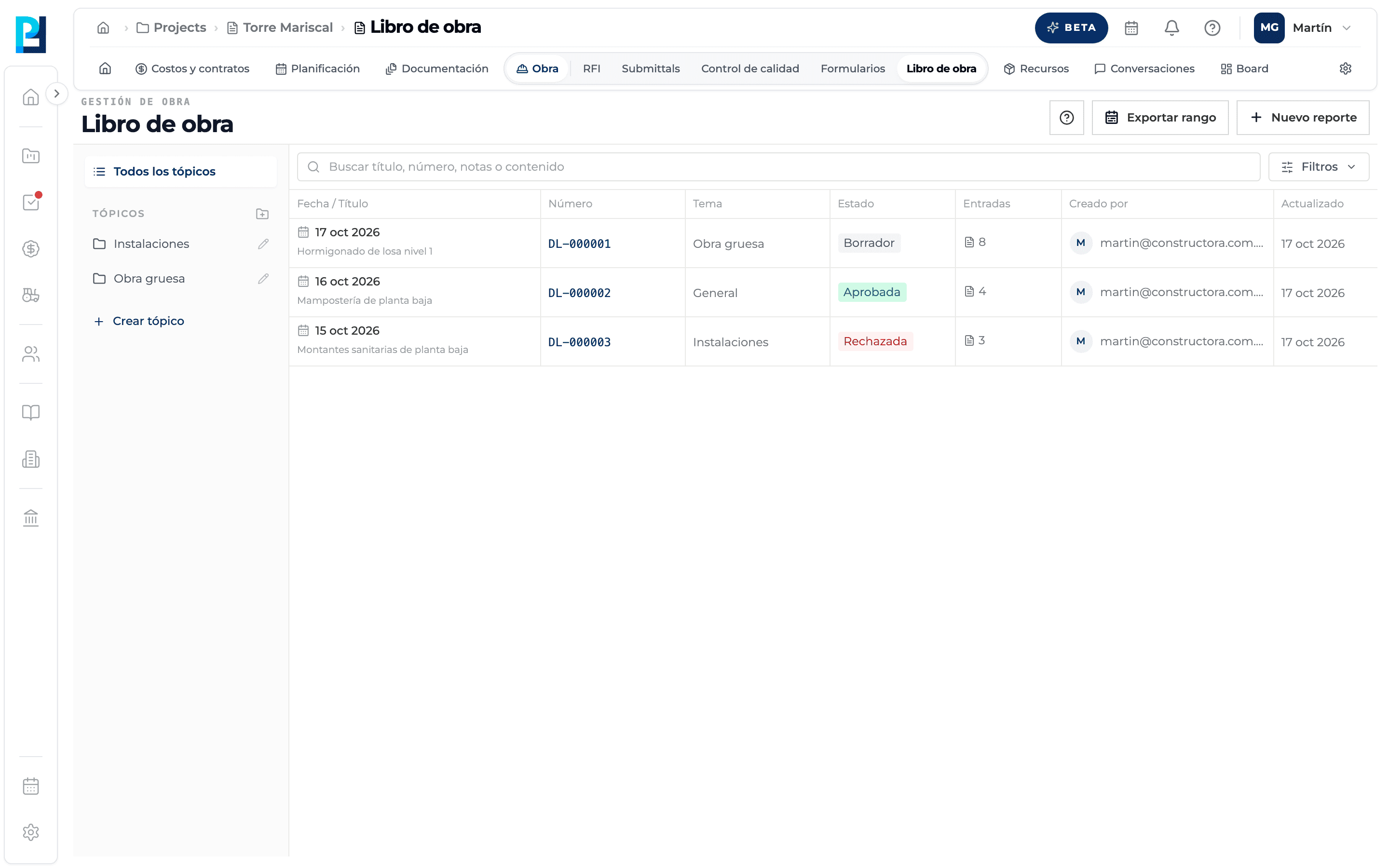
The Daily log records, day by day, what happened on site: weather, tasks, crew, equipment, materials, delays, incidents, visits, photos and notes. Each day is a log that is signed, submitted and approved.
How to complete daily log
- 01
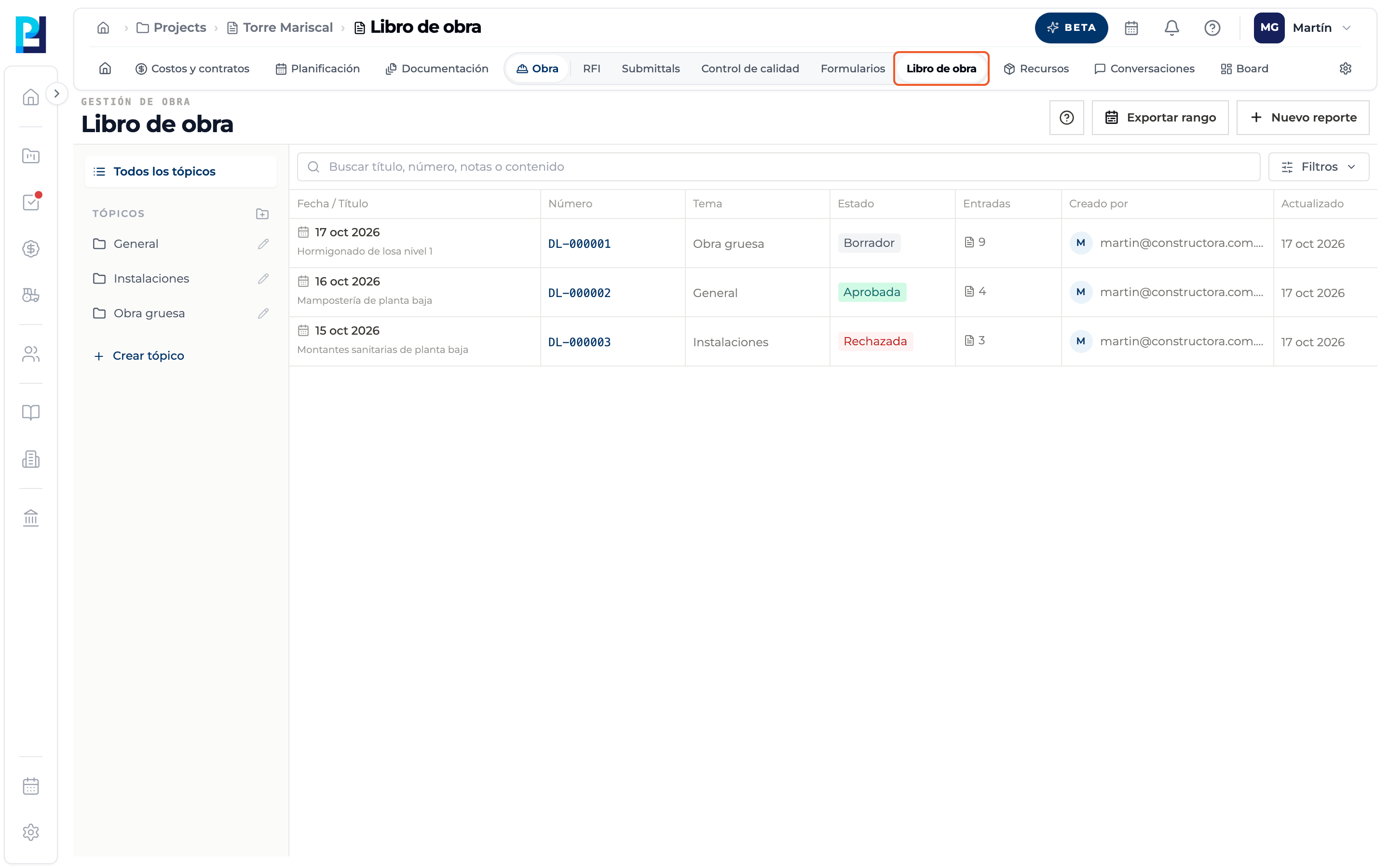
Open the module
In the project open Site → Daily log. You need permission to view the Daily log; without it the module does not open.
- 02
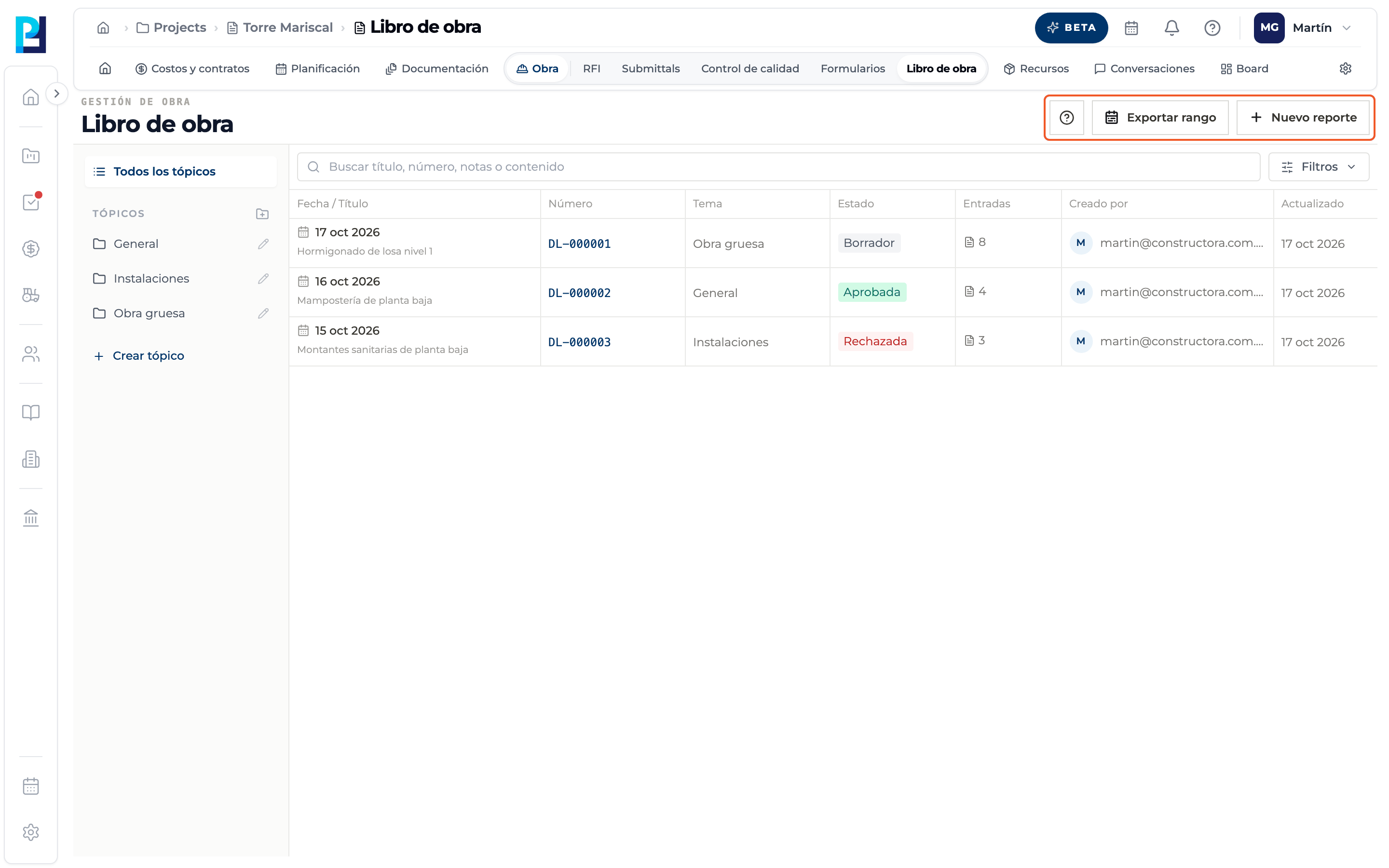
Learn the header
Top right you find Export range (if you can export) and New report (if you can edit the log). Without edit permission you do not see New report or the topic buttons, and logs open read-only.
- 03
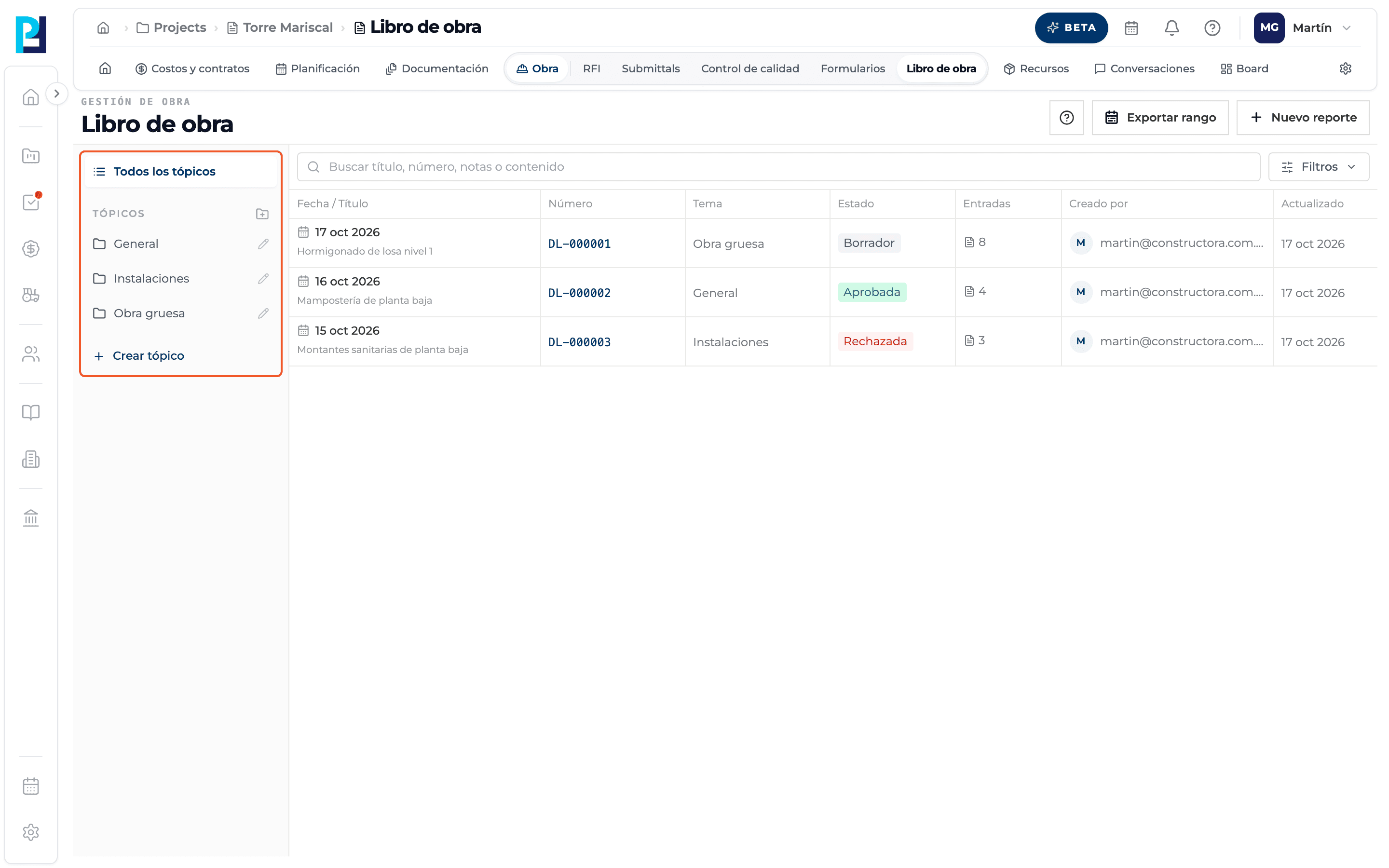
Read the topics bar
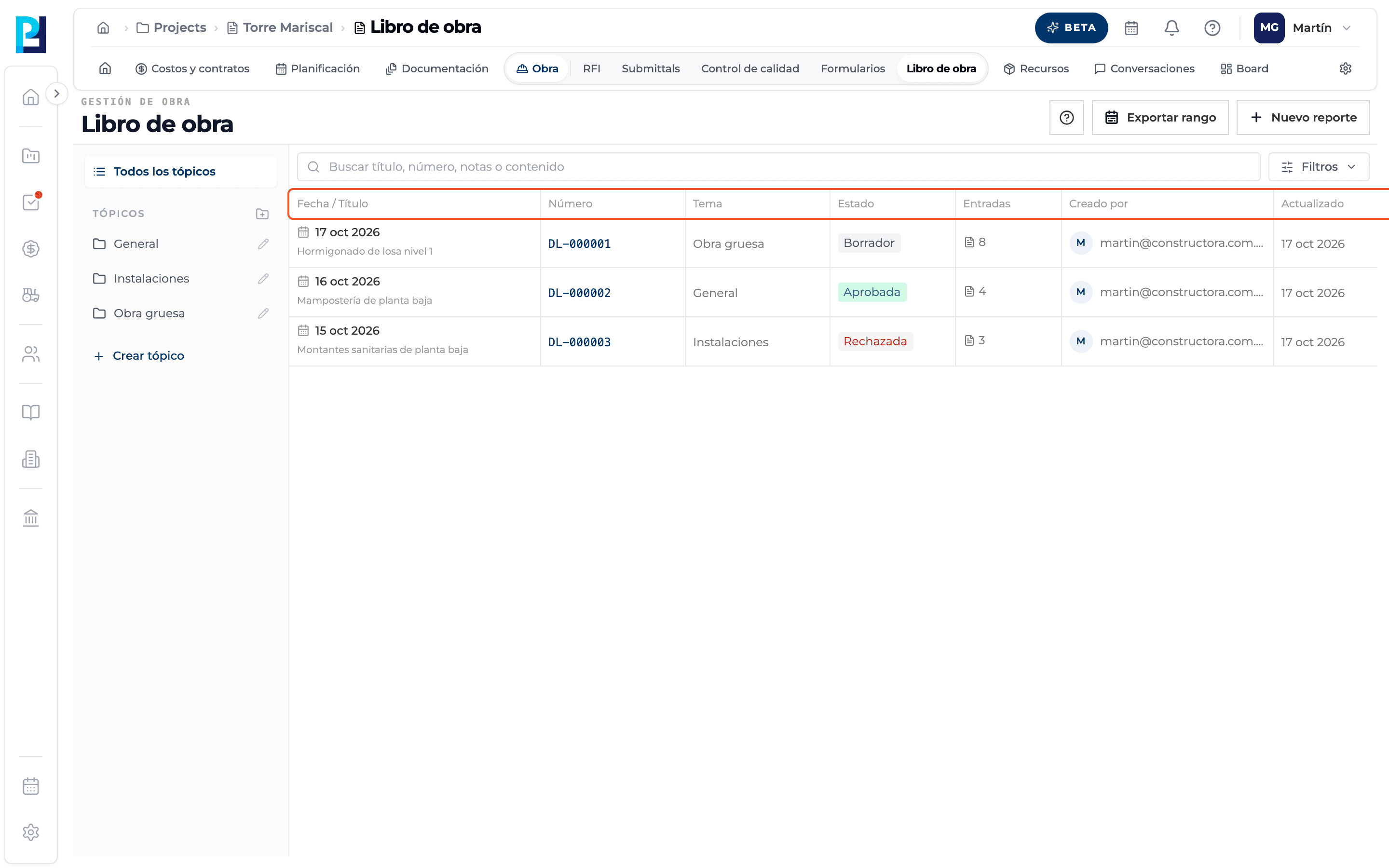
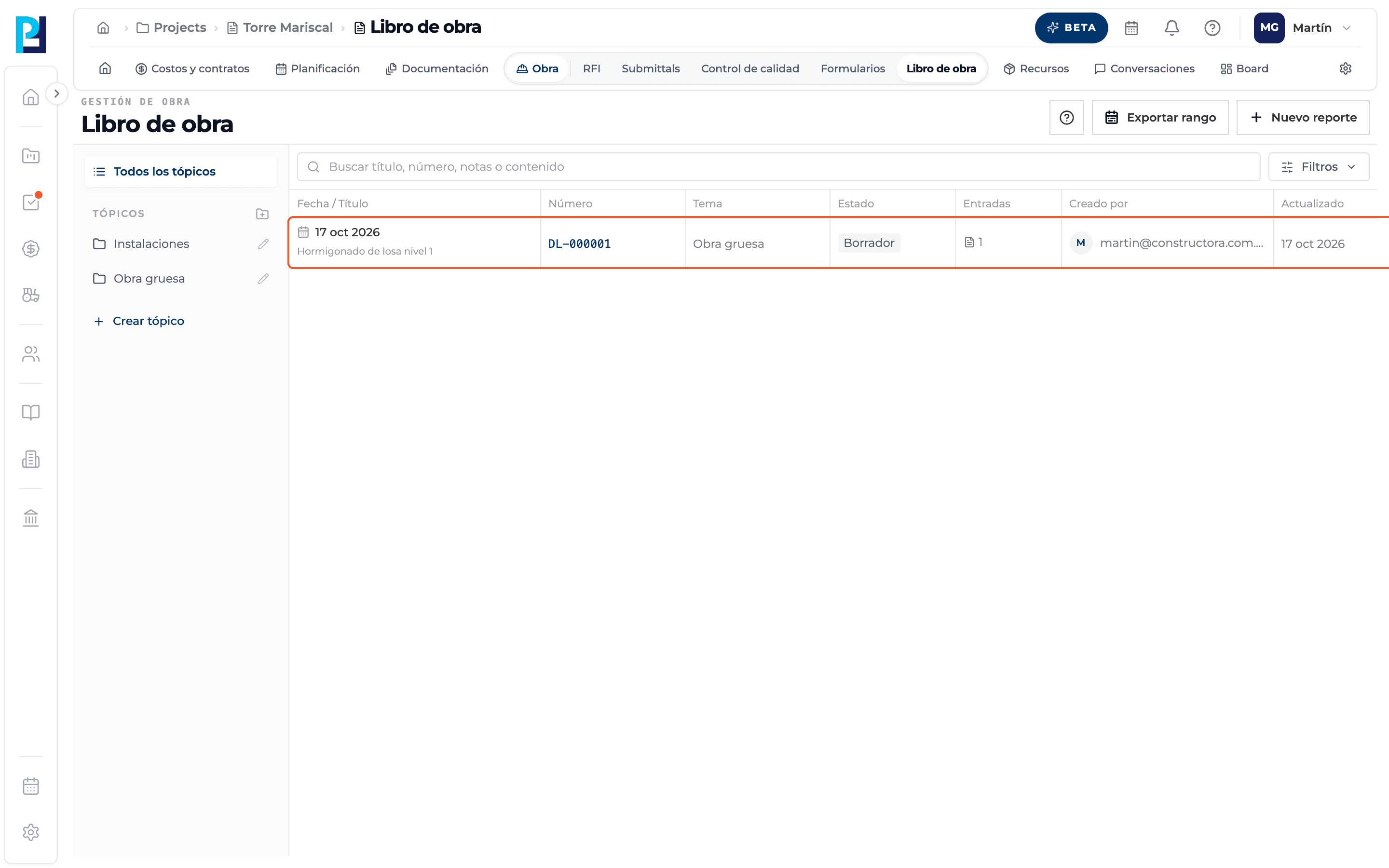
On the left are All topics and the project's topics. Click one to list only the logs of that topic.
- 04
Read the table
Columns: Date / Title, Number (DL-000001…), Topic, Status, Entries (number of records, weather included), Created by, Updated and Actions.
- 05
Learn the statuses
Draft: just created and editable; the only status in which it can be deleted. Submitted: signed and awaiting approval. Approved: closed and read-only. Rejected: sent back for corrections; it can be submitted again.
- 06
Open a log
Click the row or use Actions → View details. If you can edit and it is not approved, it opens ready to add content.
What you'll learn
How what the daily log is and what each status means works inside Perfour.
What information you need and how it stays connected to Daily Logs.
How to preserve traceability and find the record later.
Frequently asked questions
What does the Entries column count?+
The number of records in the log. Accepted weather counts too.
Why can't I see New report?+
You do not have edit permission for the Daily log in this project.
Who assigns the number?+
The system, sequentially within the project.