Visual guide
Link a 3D model to a drawing
Upload an RVT file from Files and link it to a sheet. This example ends while the model is still being prepared.
4 minutes
Step by step
Follow each step on screen
- 01
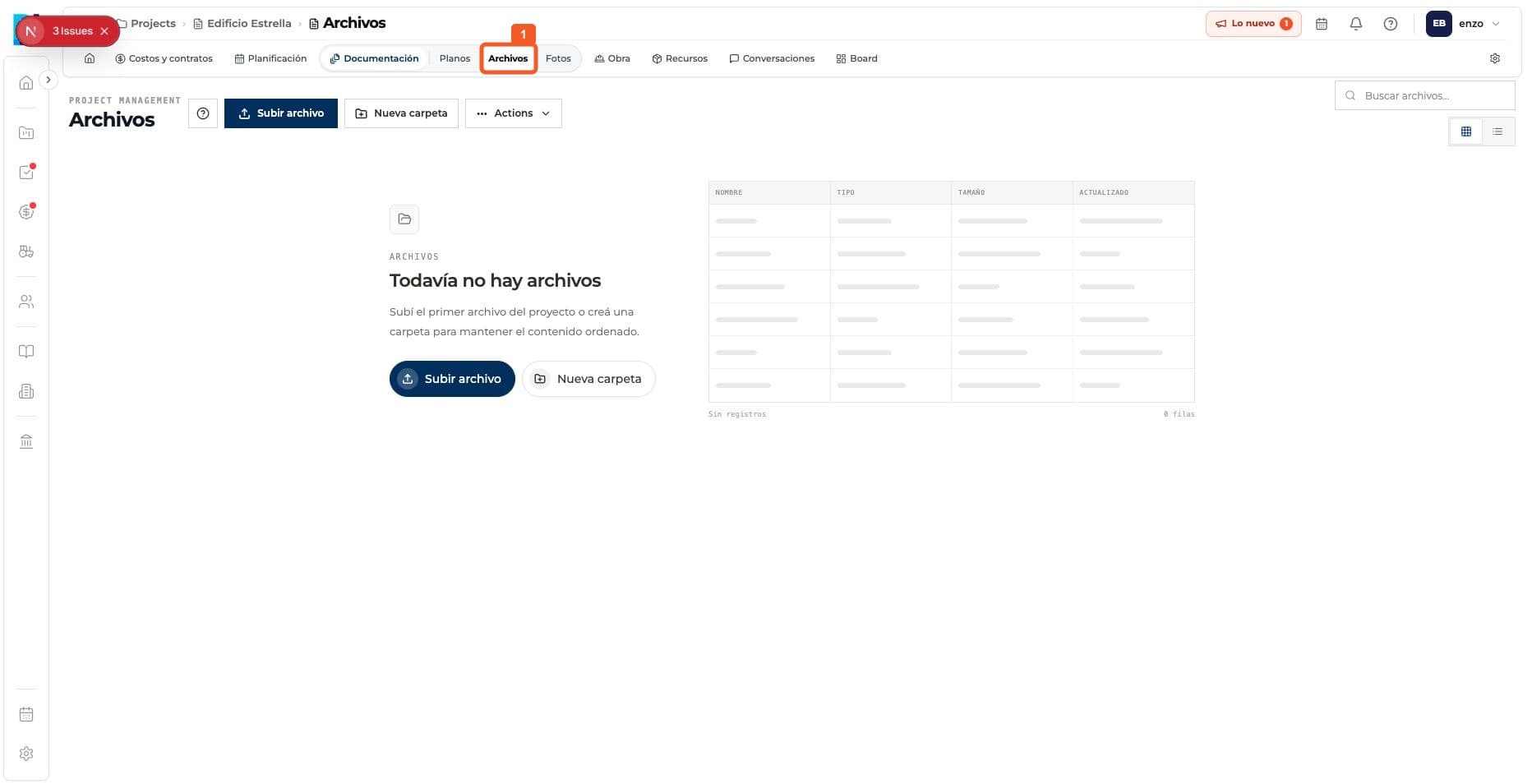
Open the project's Files module.
- 02
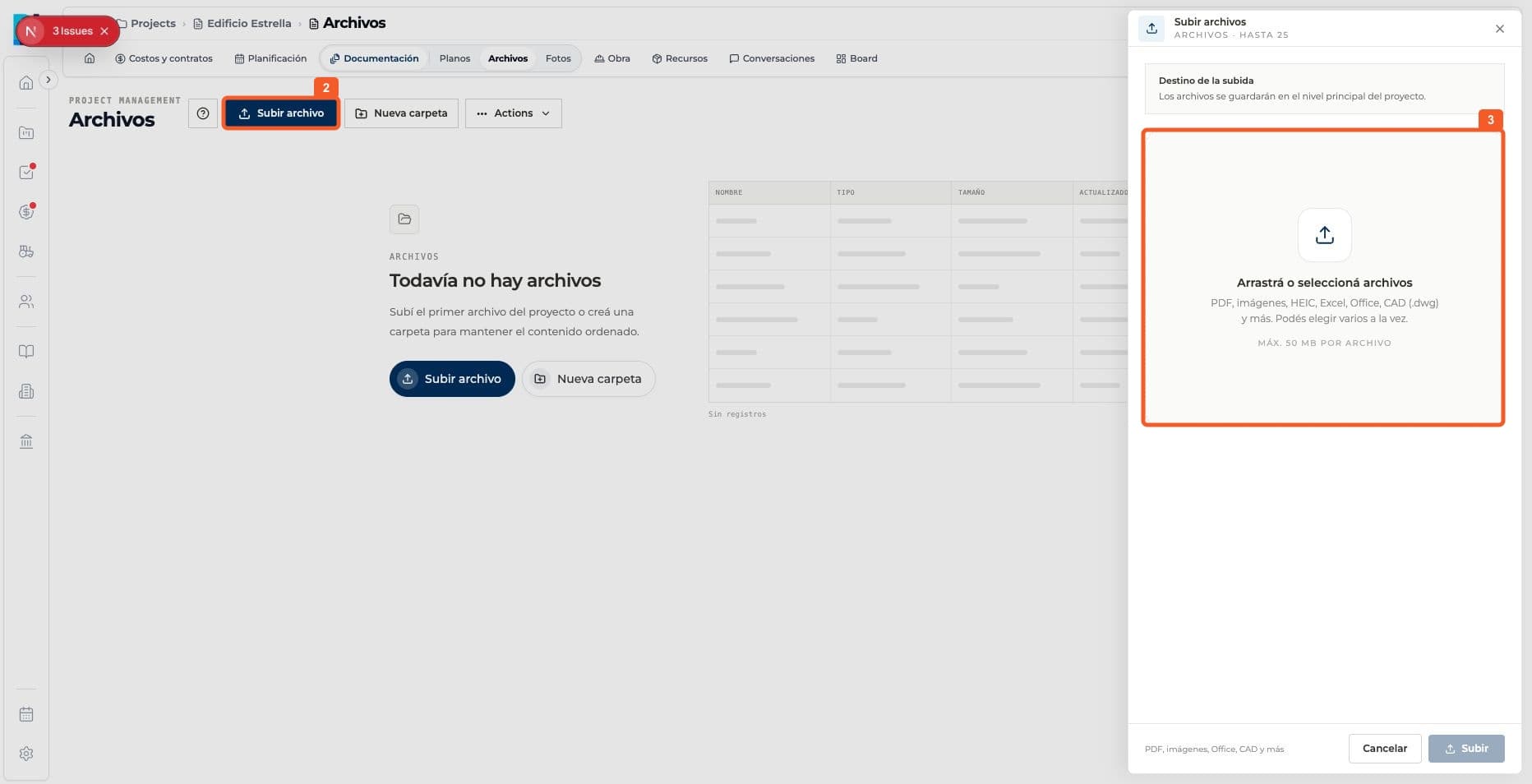
Select Upload file and choose the RVT model.
- 03
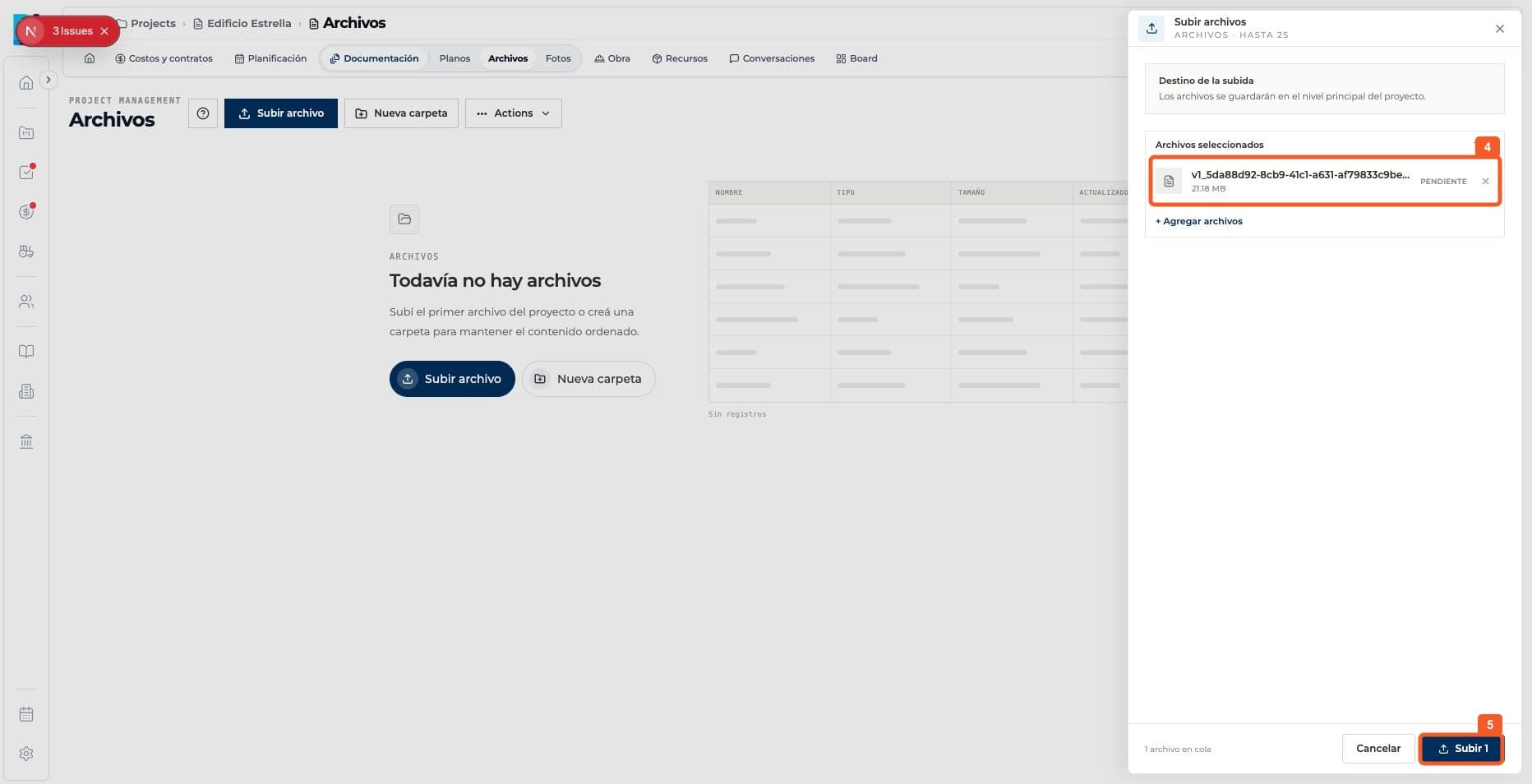
Review the selected file and confirm the upload.
- 04
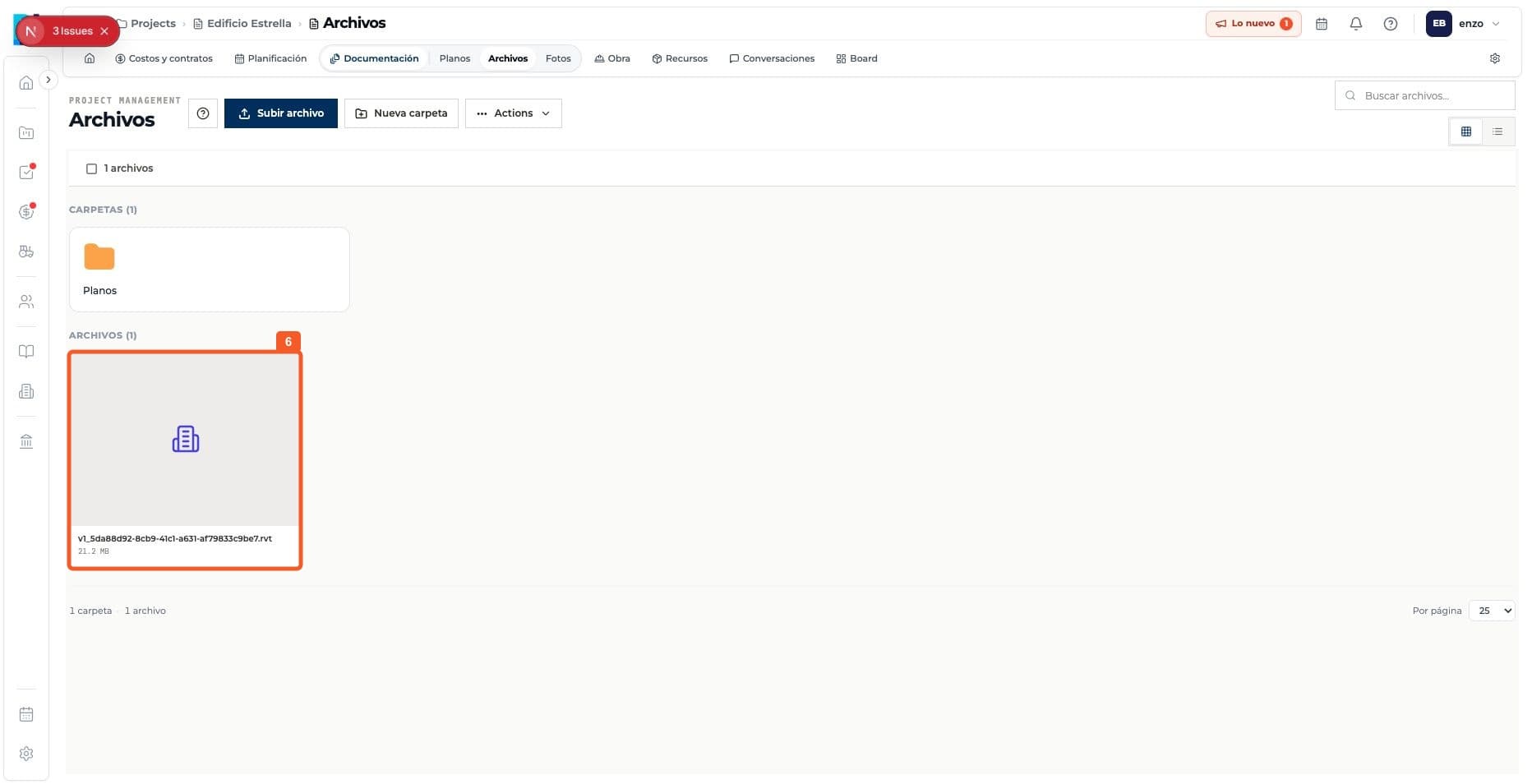
Check that the model appears in Files.
- 05
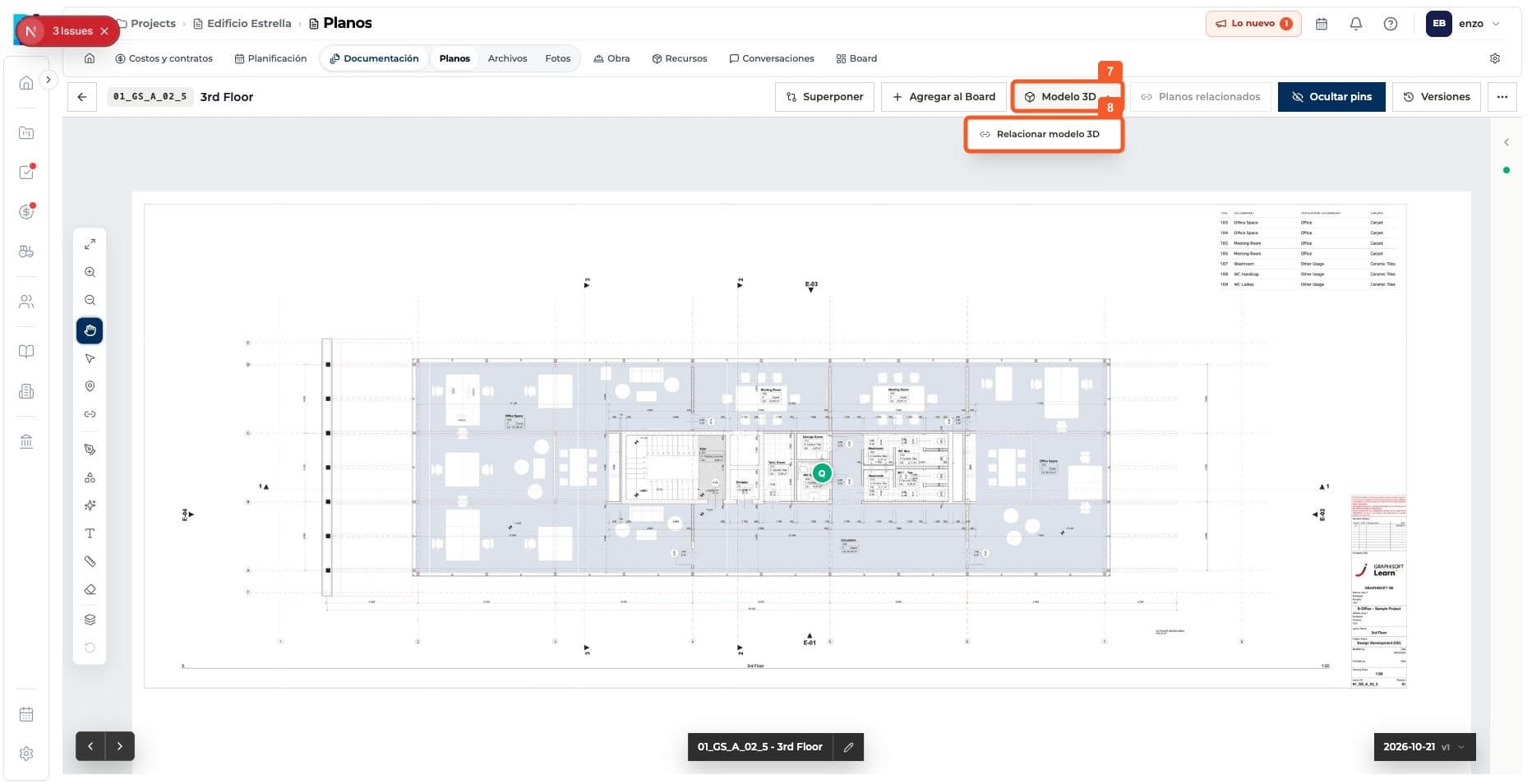
In the drawing viewer, open 3D Model and choose Link 3D model.
- 06
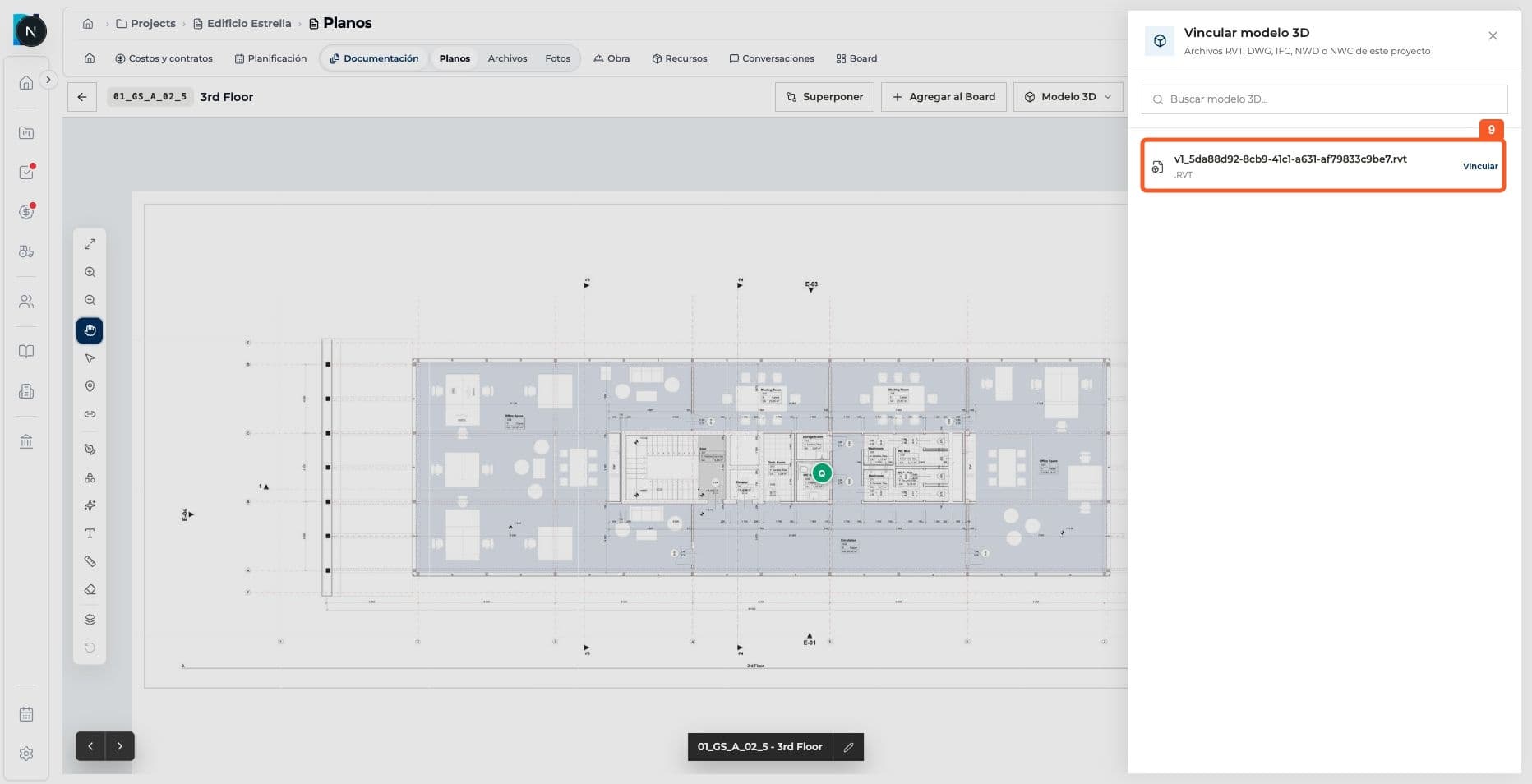
Select Link next to the RVT file.
- 07
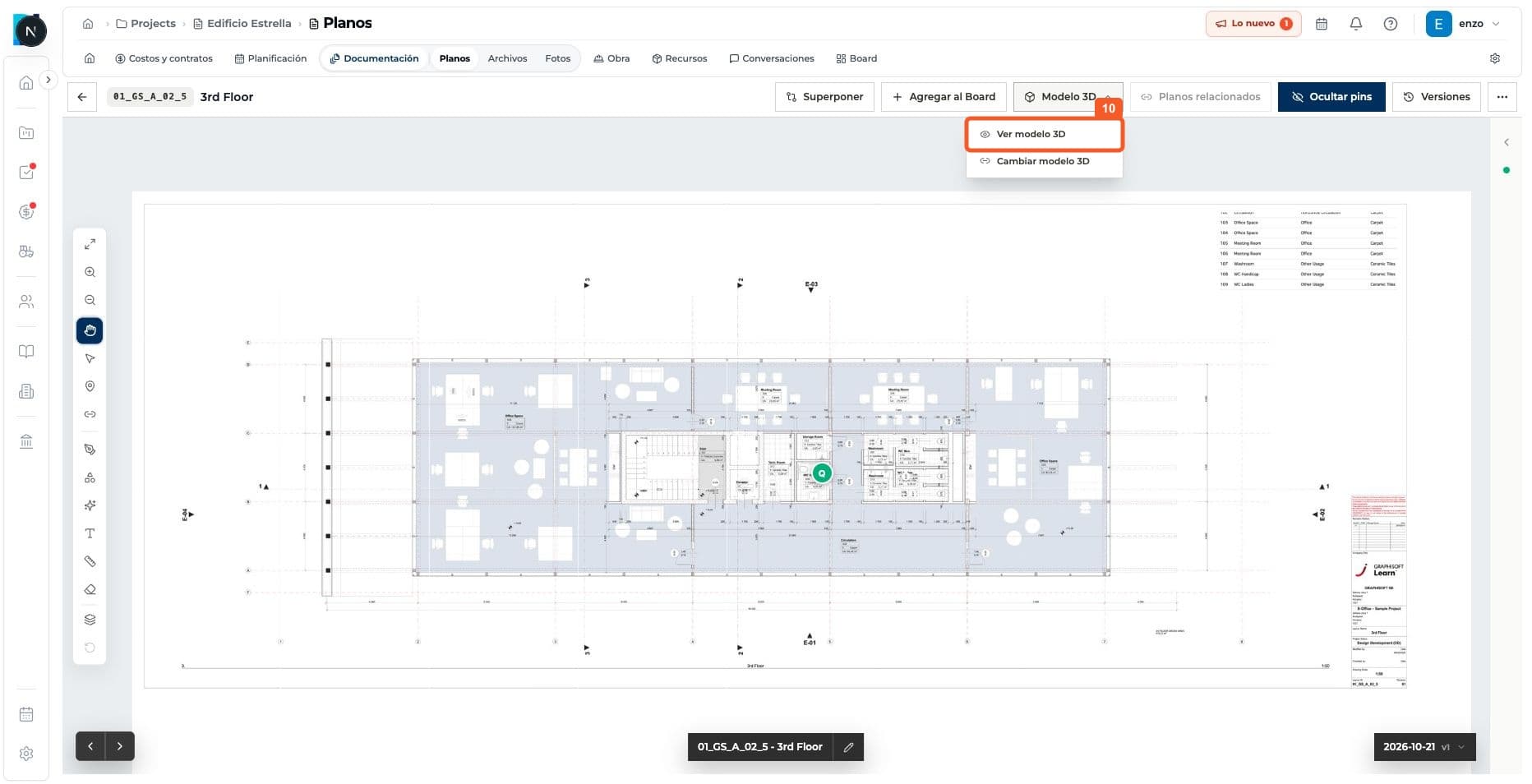
Open View 3D model from the drawing menu.
- 08
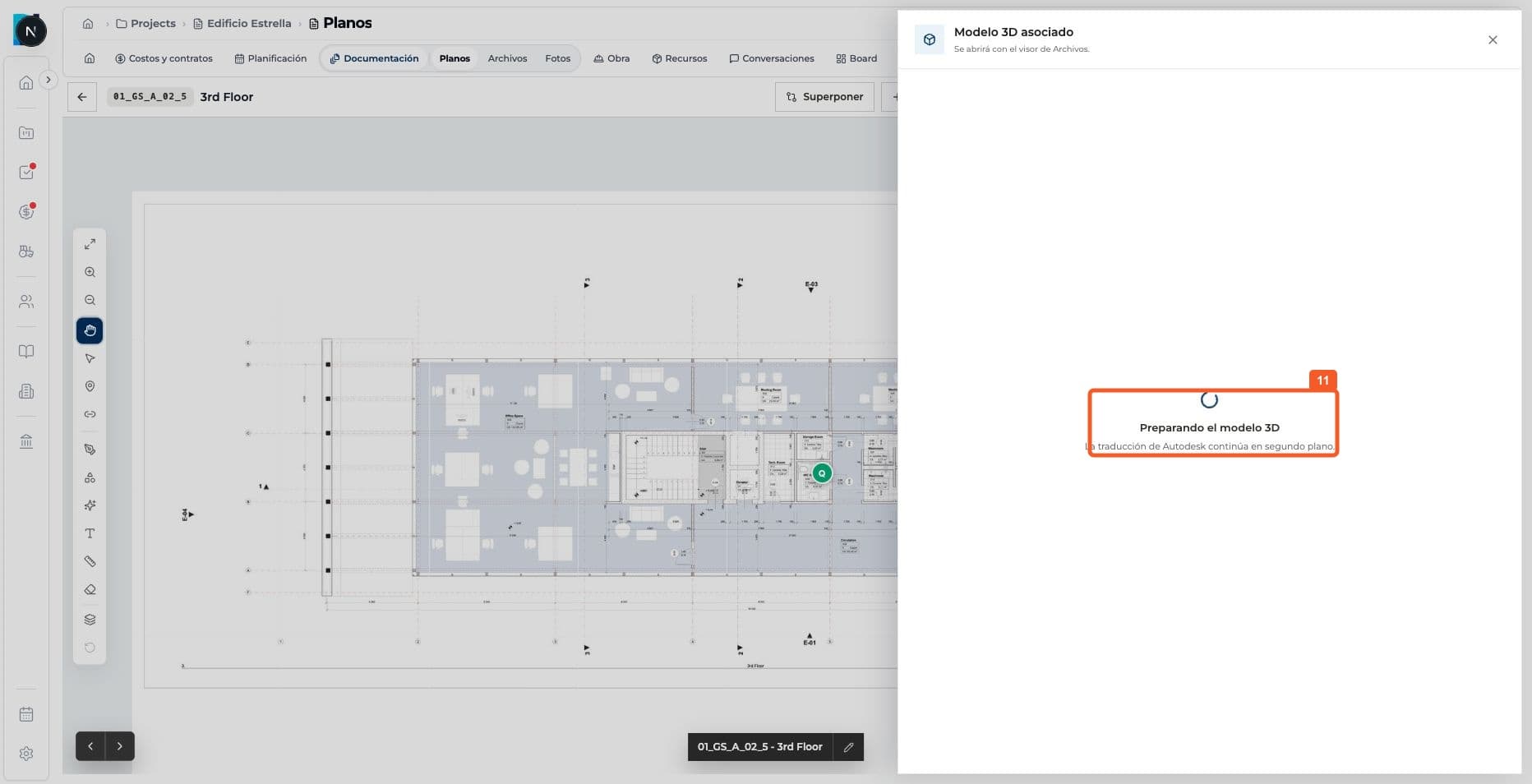
Check the Preparing 3D model status; rendering may continue in the background.
Keep learning