Visual guide
Draw on a drawing
Use the drawing tool to mark an area directly on the sheet.
2 minutes
Step by step
Follow each step on screen
- 01
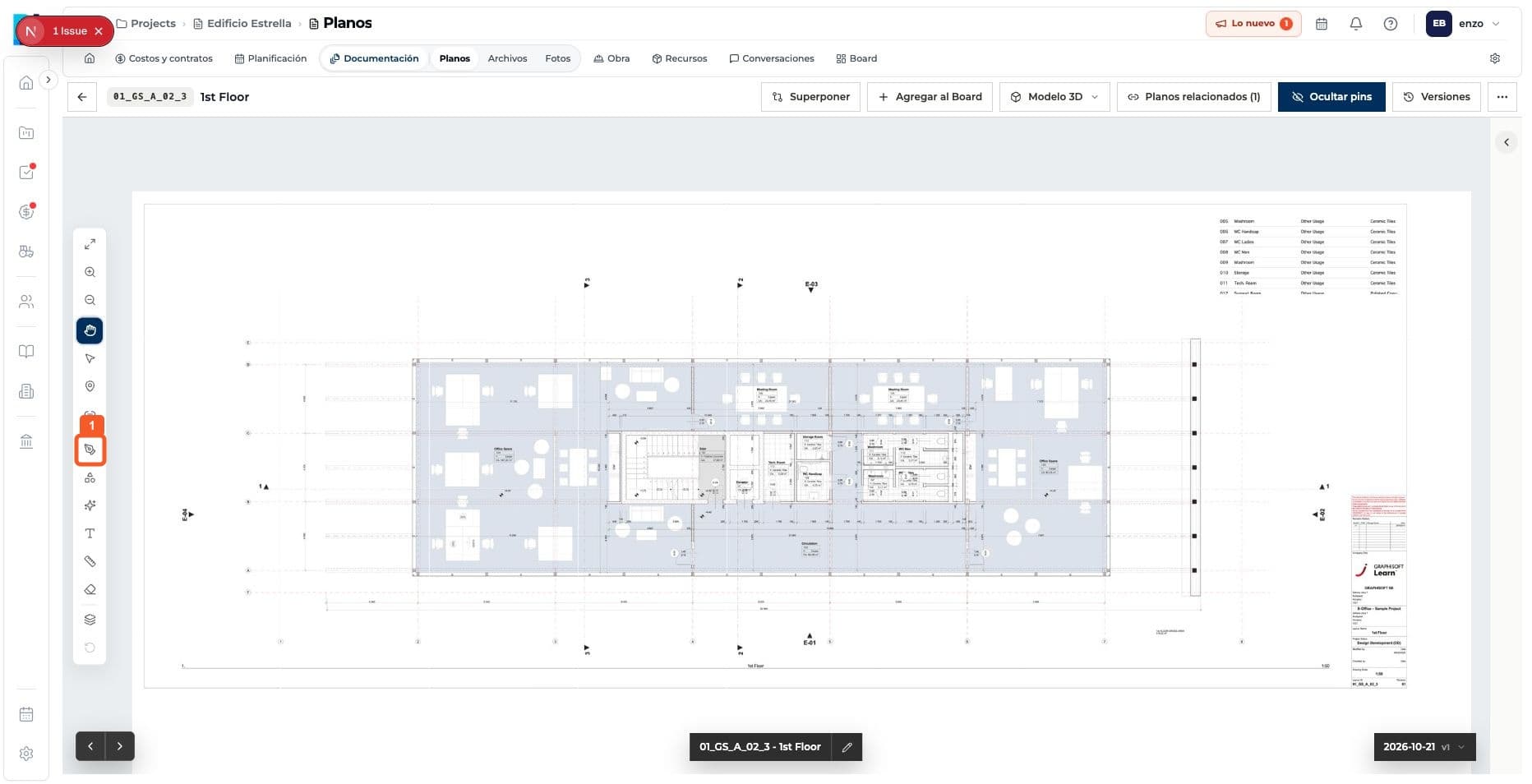
Open the drawing tool.
- 02
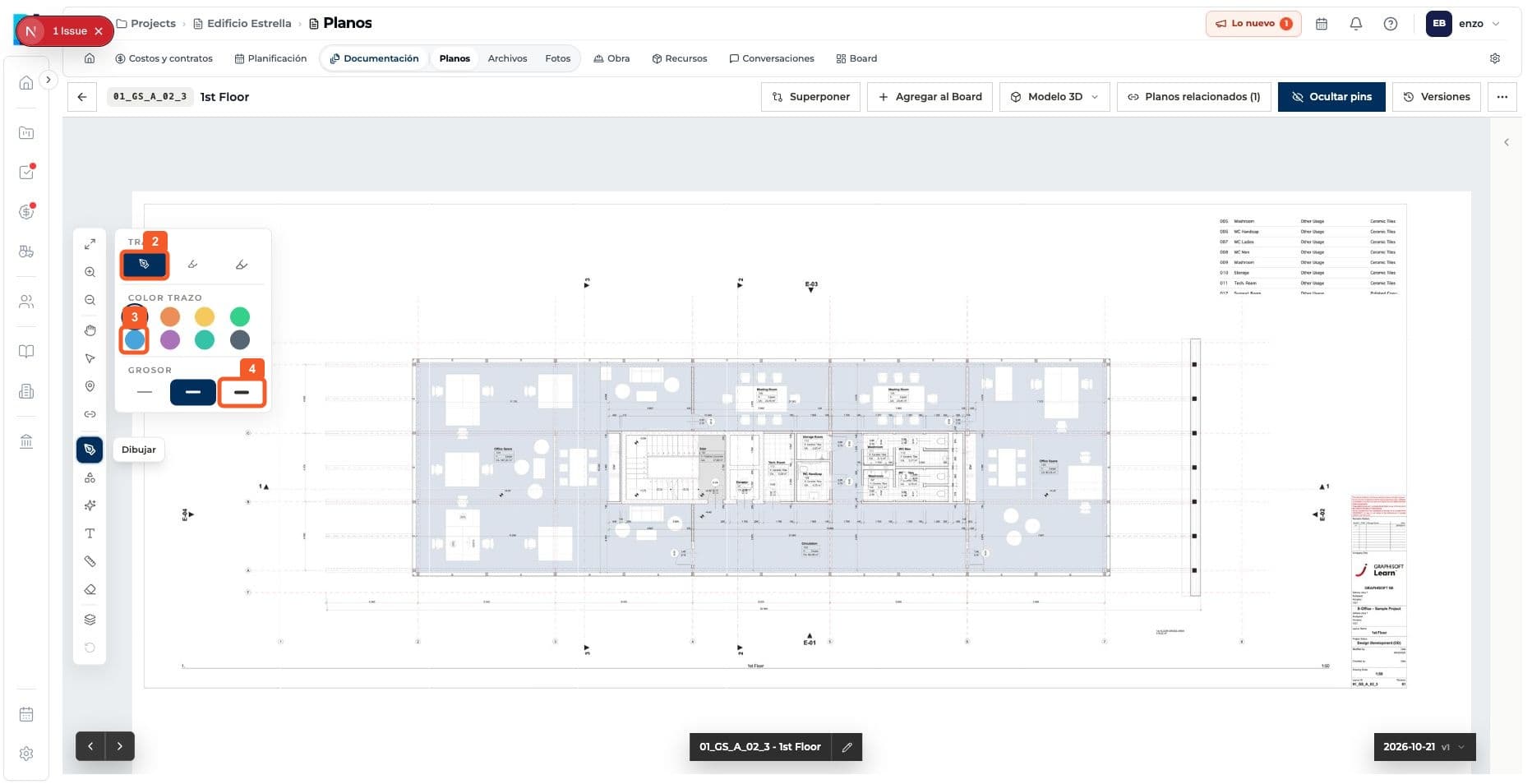
Choose the stroke, color and thickness.
- 03
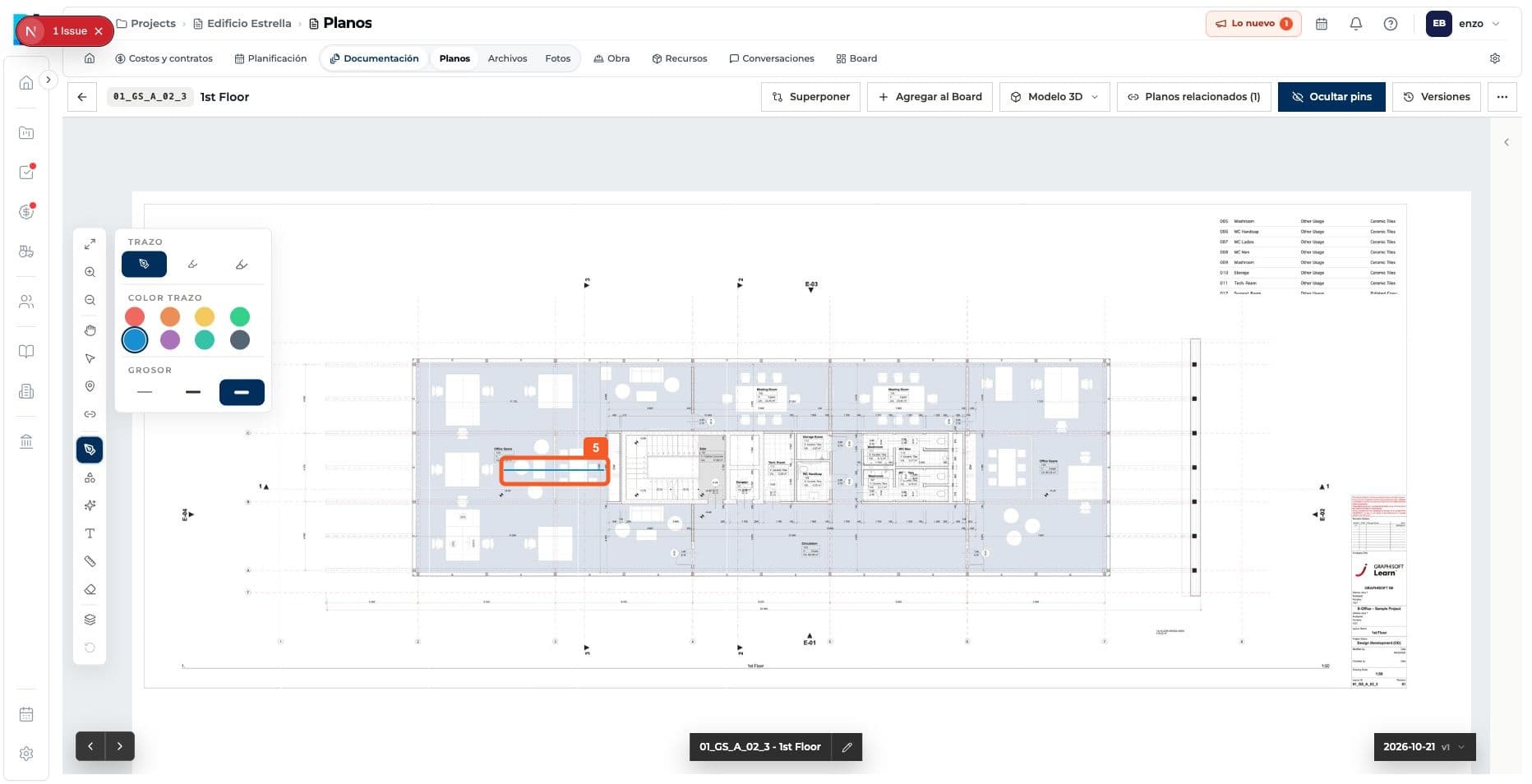
Draw on the sheet and check the stroke.
Keep learning