Visual guide
Link one drawing to another
Place a link on one sheet that opens another drawing directly.
3 minutes
Step by step
Follow each step on screen
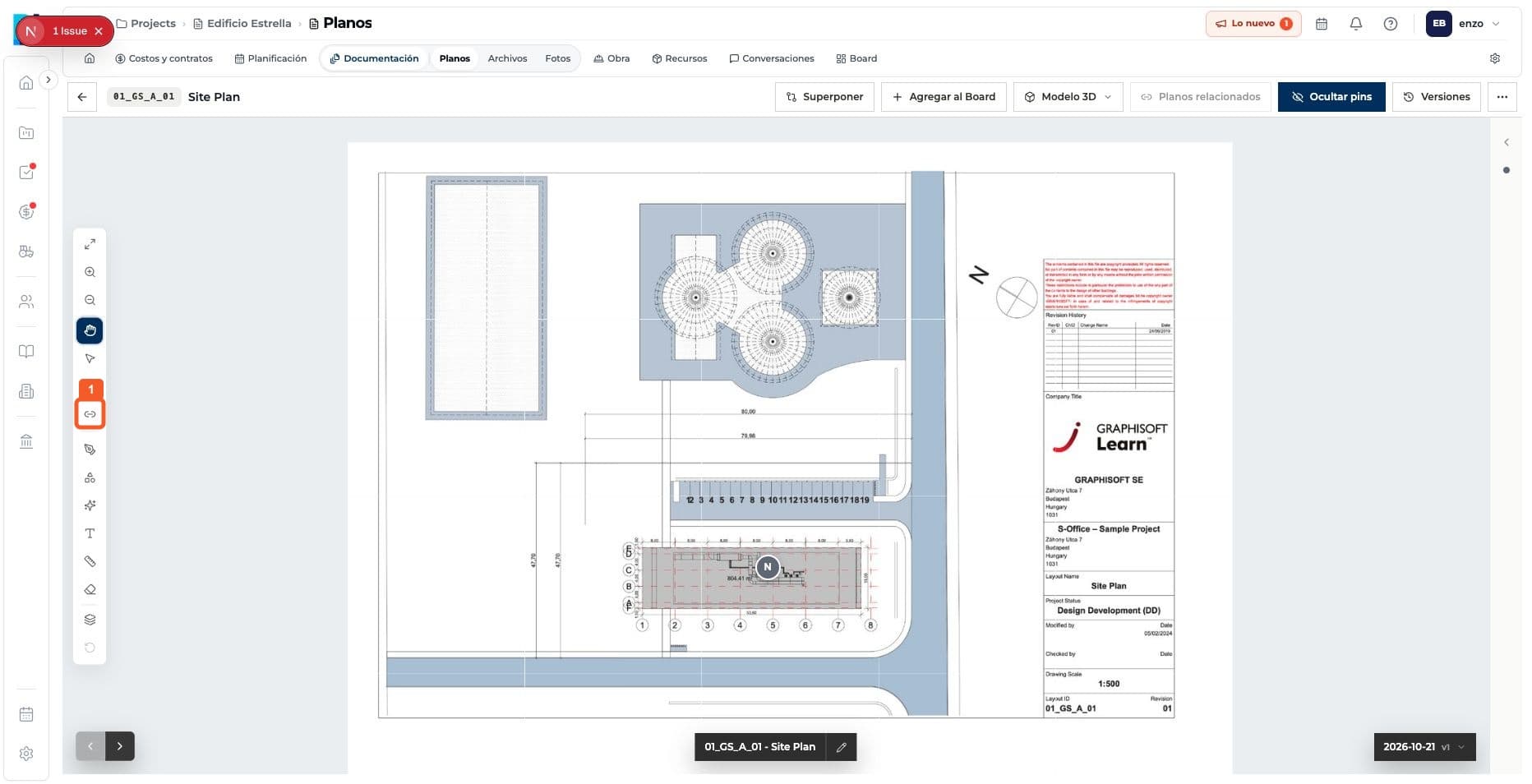
- 01
Open the hyperlink tool.
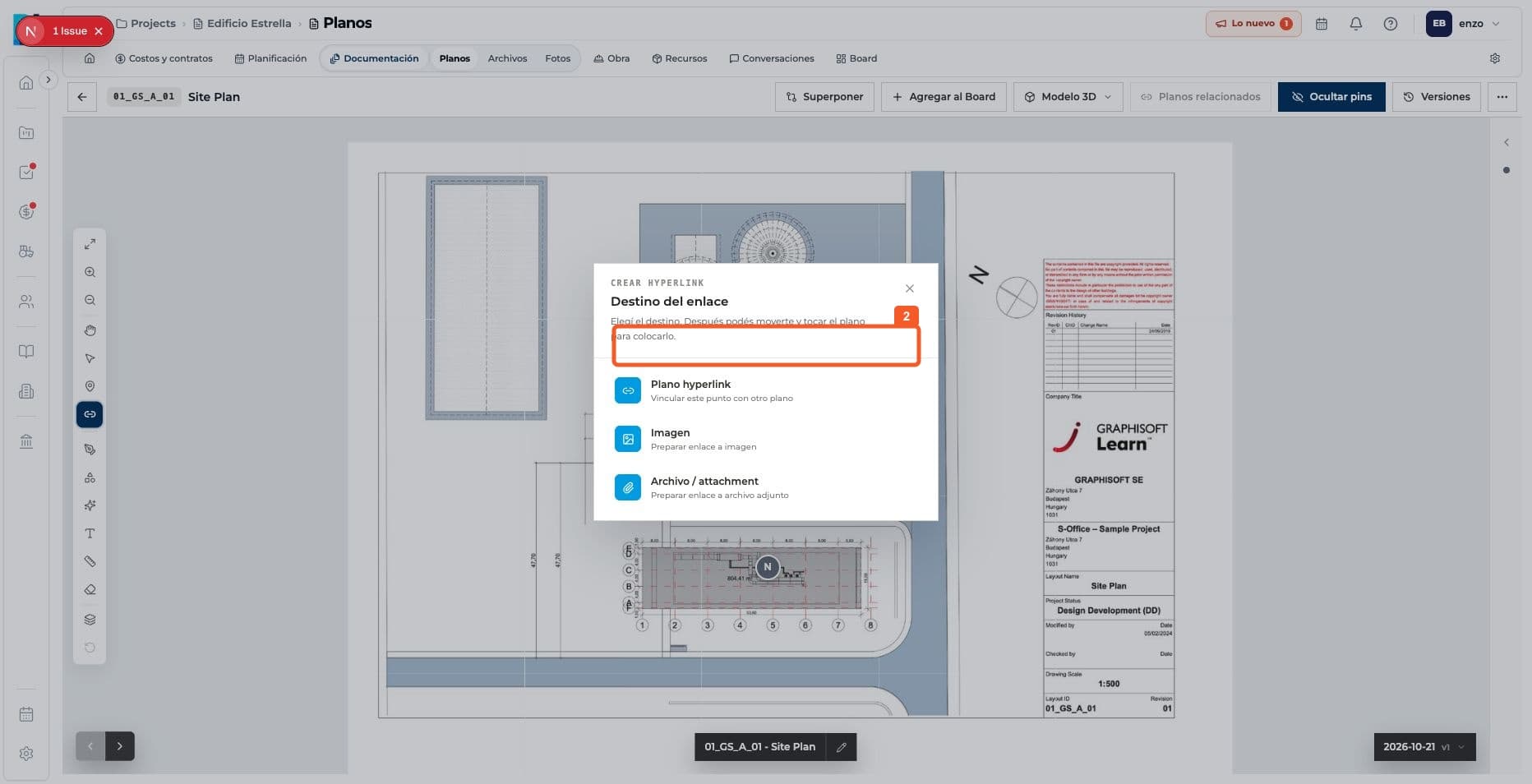
- 02
Choose to link another drawing.
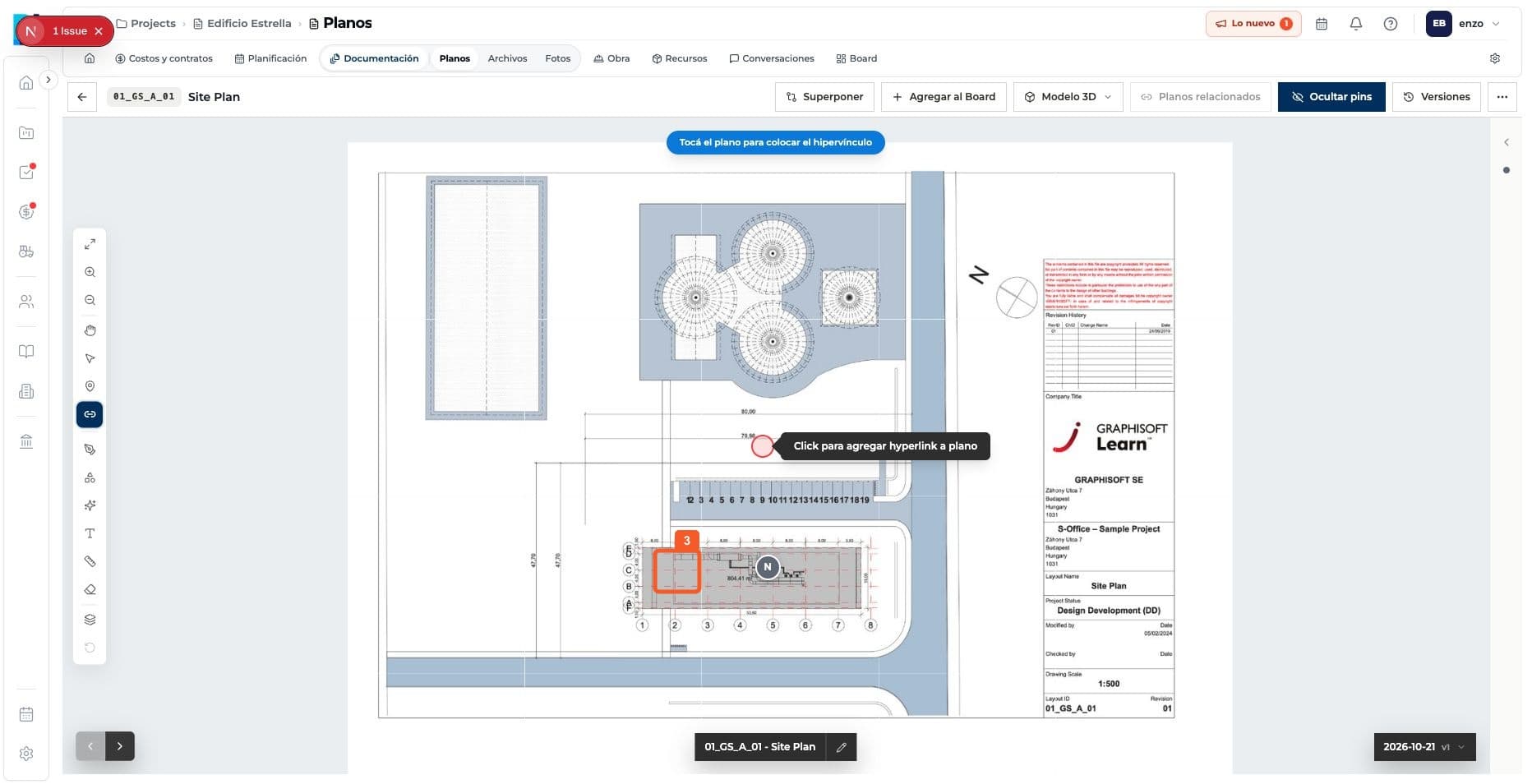
- 03
Place the link on the source drawing.
- 04
Open the folder containing the destination drawing.
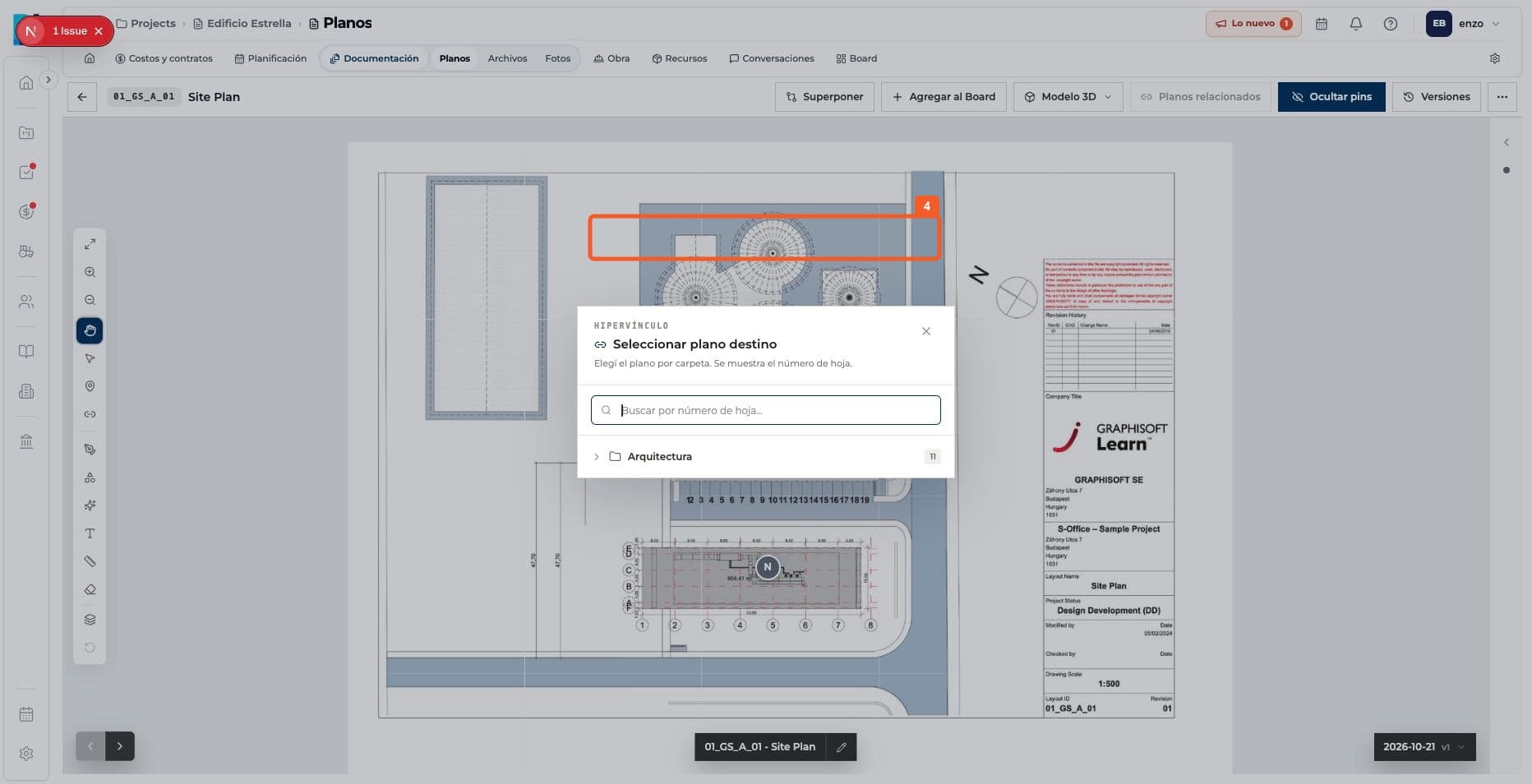
- 05
Select the destination drawing.
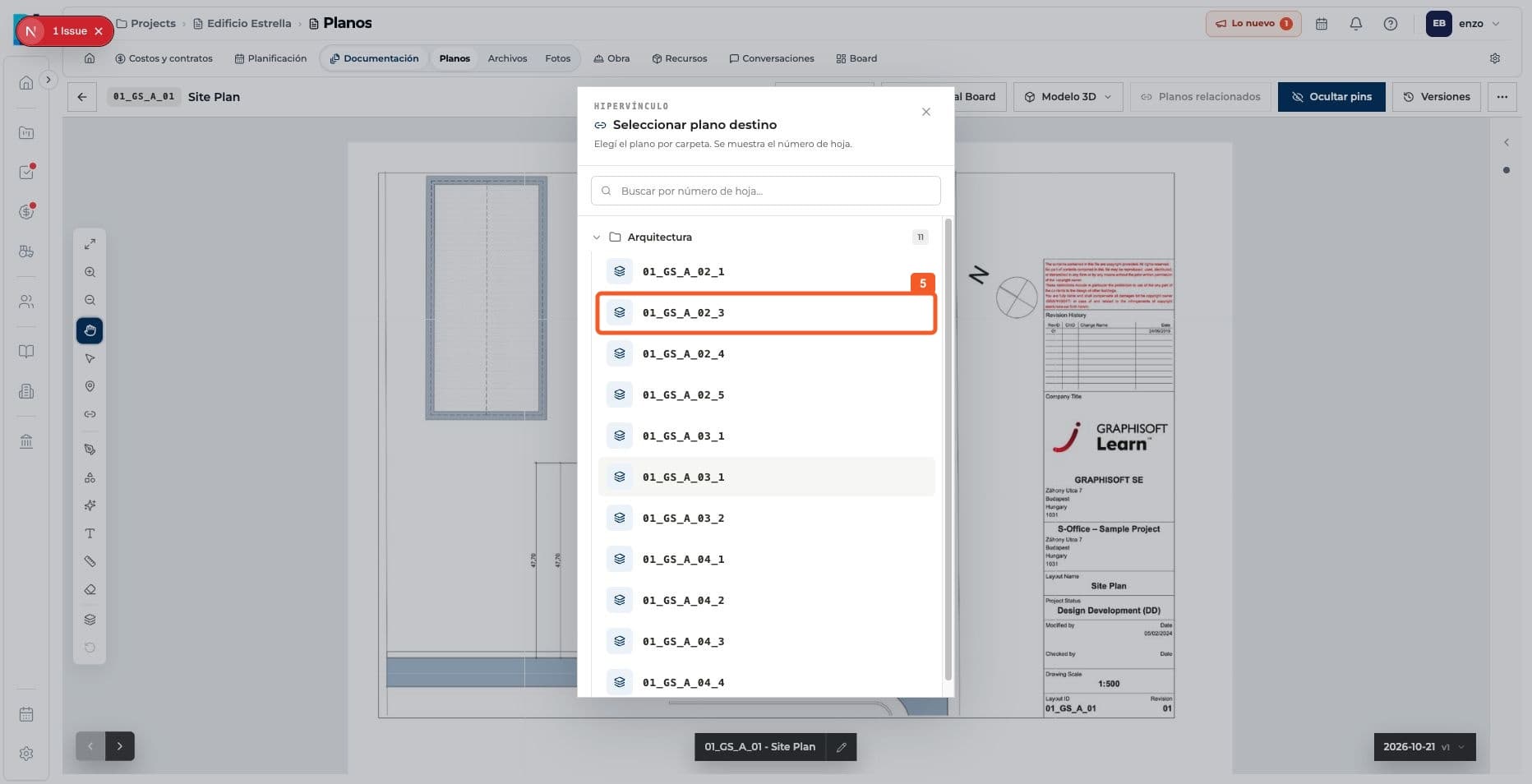
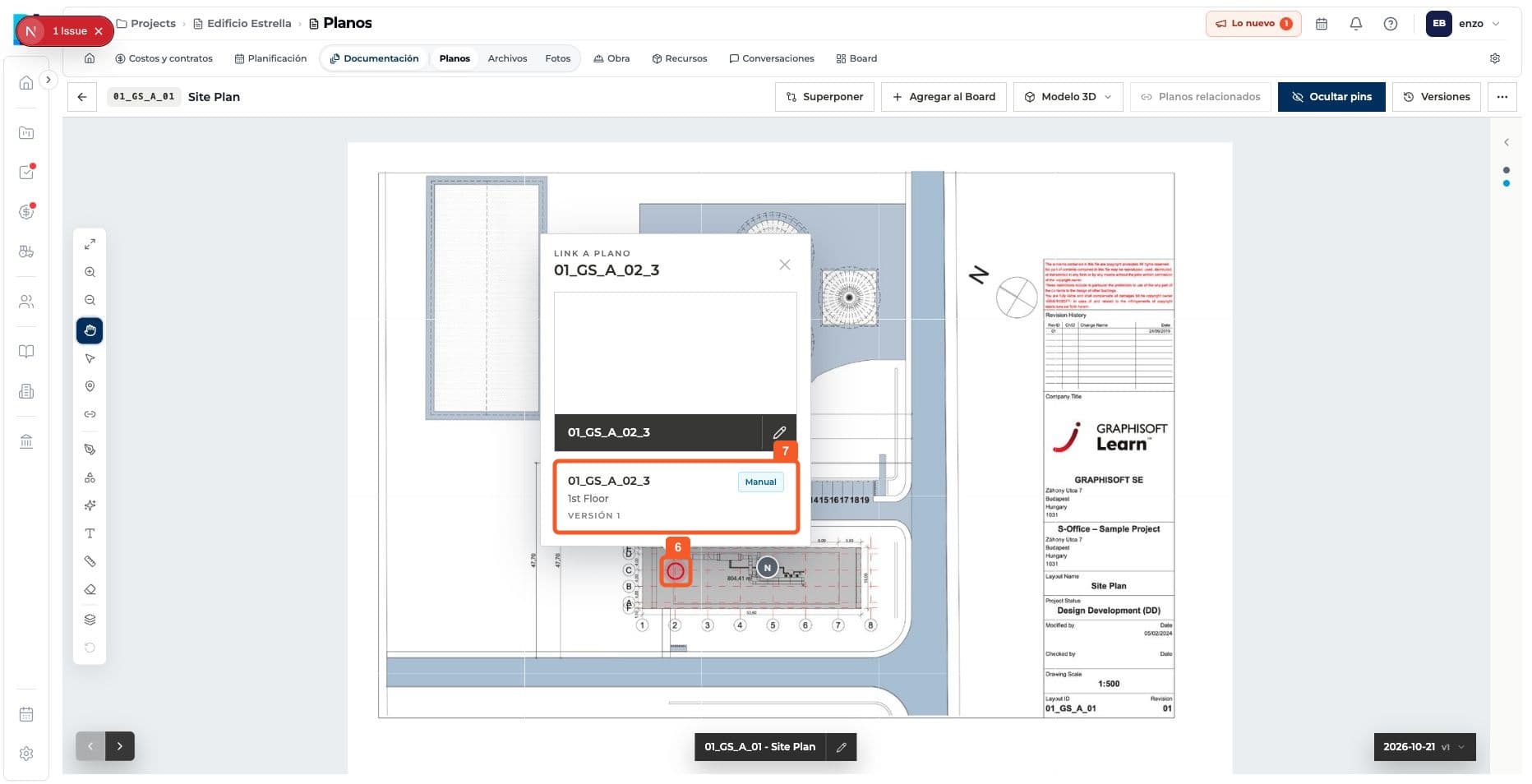
- 06
Check that the link has been created.
Keep learning