Visual guide
Overlay two drawings
Compare two sheets in the viewer by adjusting opacity and alignment. The overlay shown is a working view.
3 minutes
Step by step
Follow each step on screen
- 01
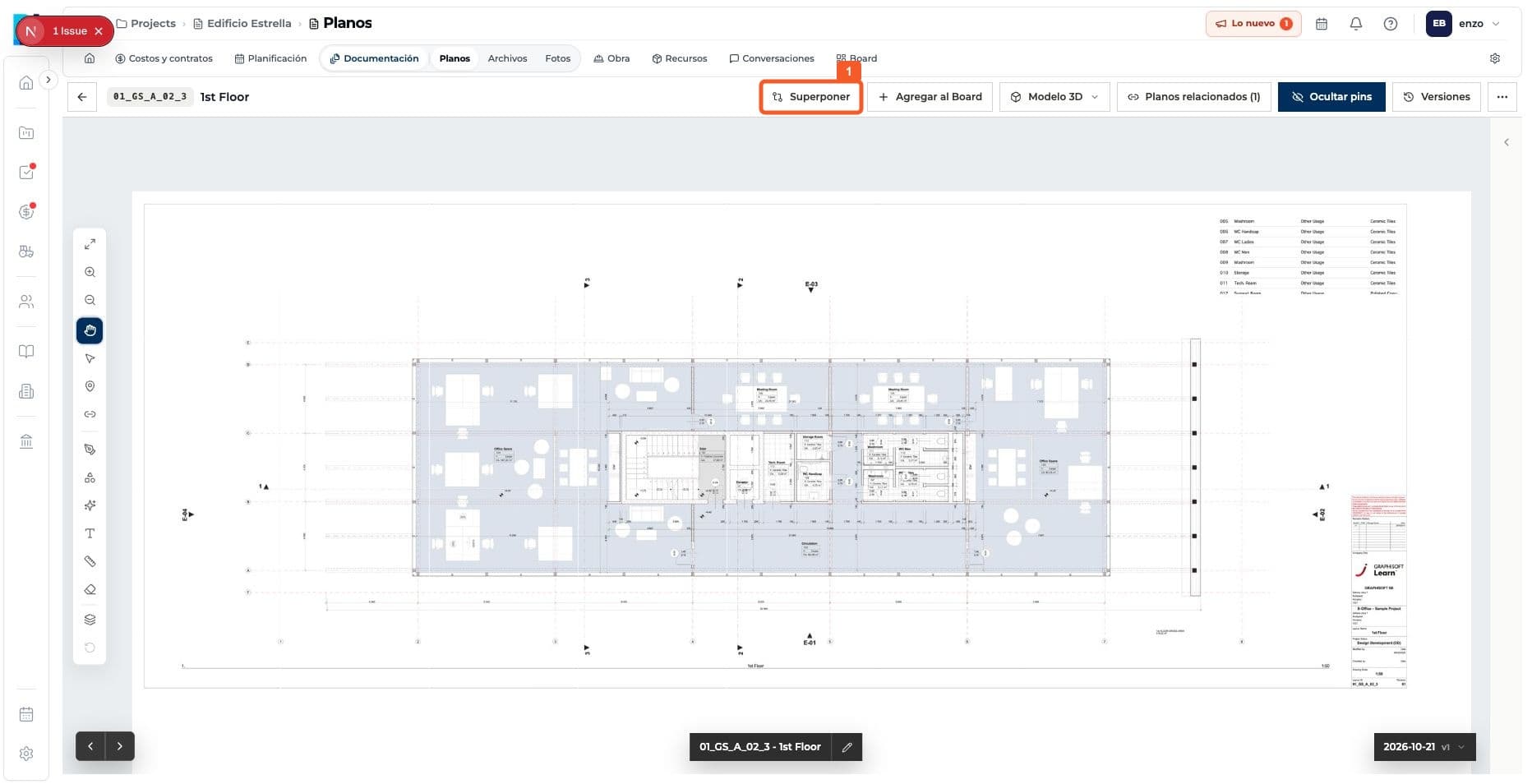
Select Overlay in the viewer.
- 02
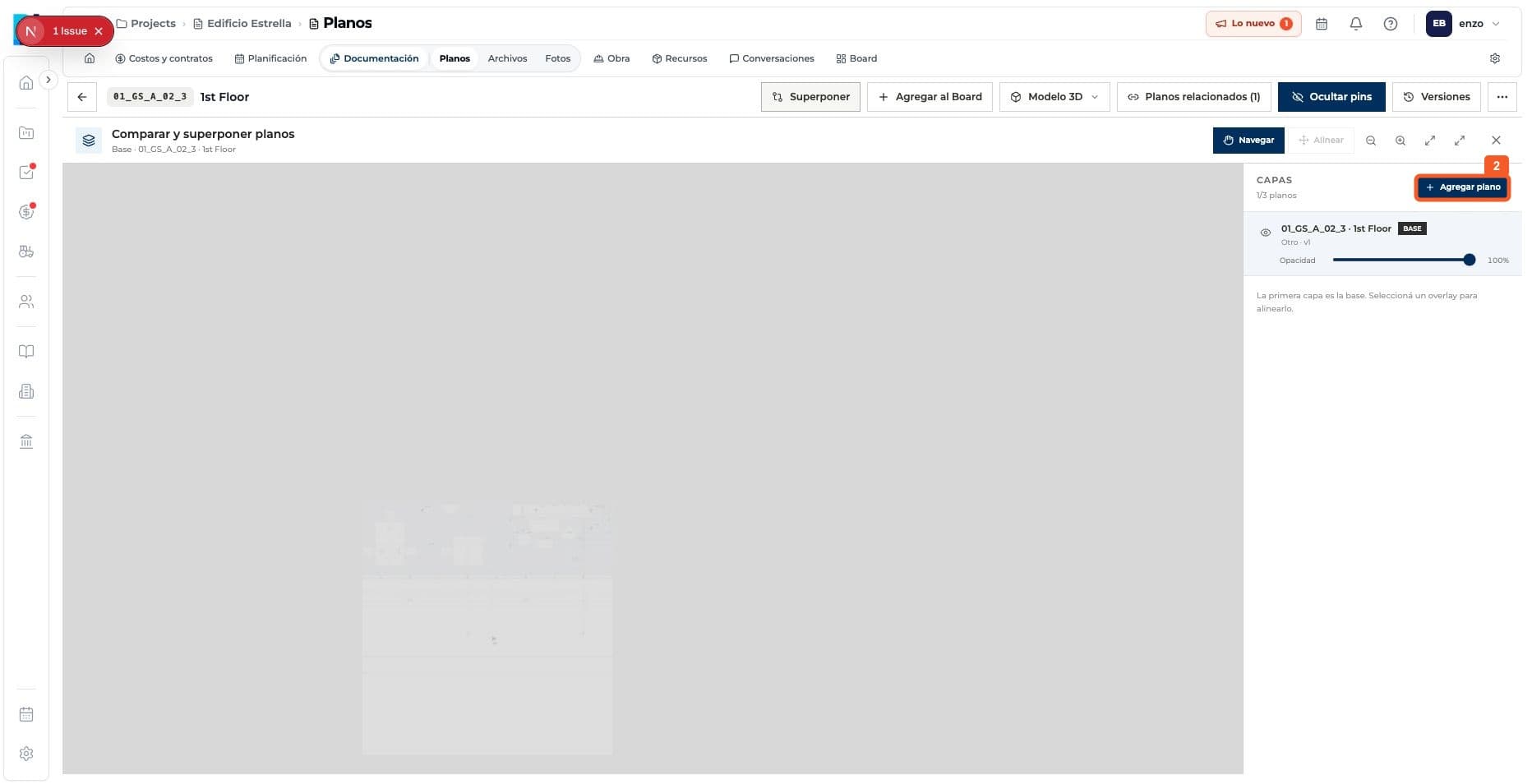
Add a second drawing.
- 03
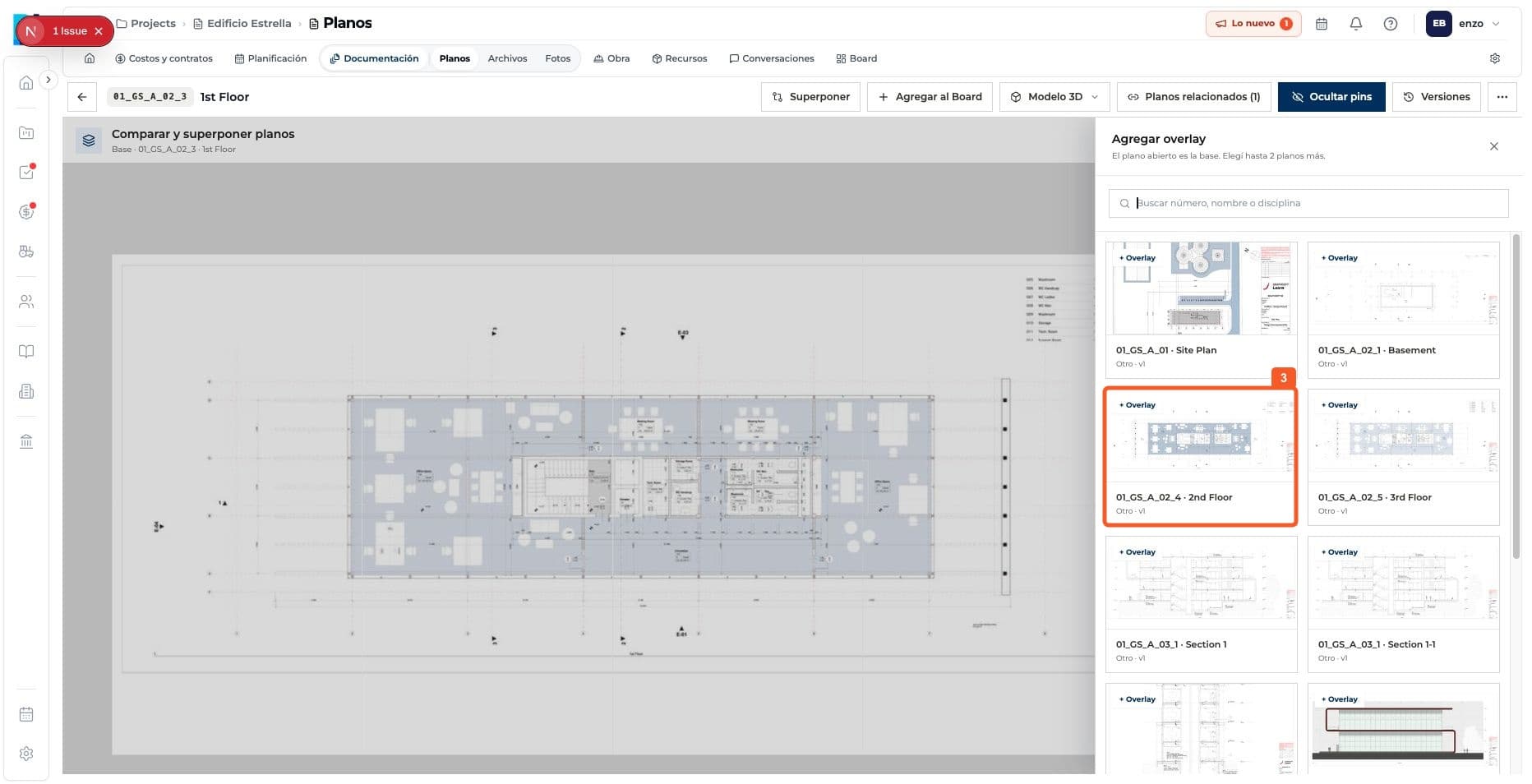
Choose the sheet to compare.
- 04
Adjust opacity and use the alignment controls.
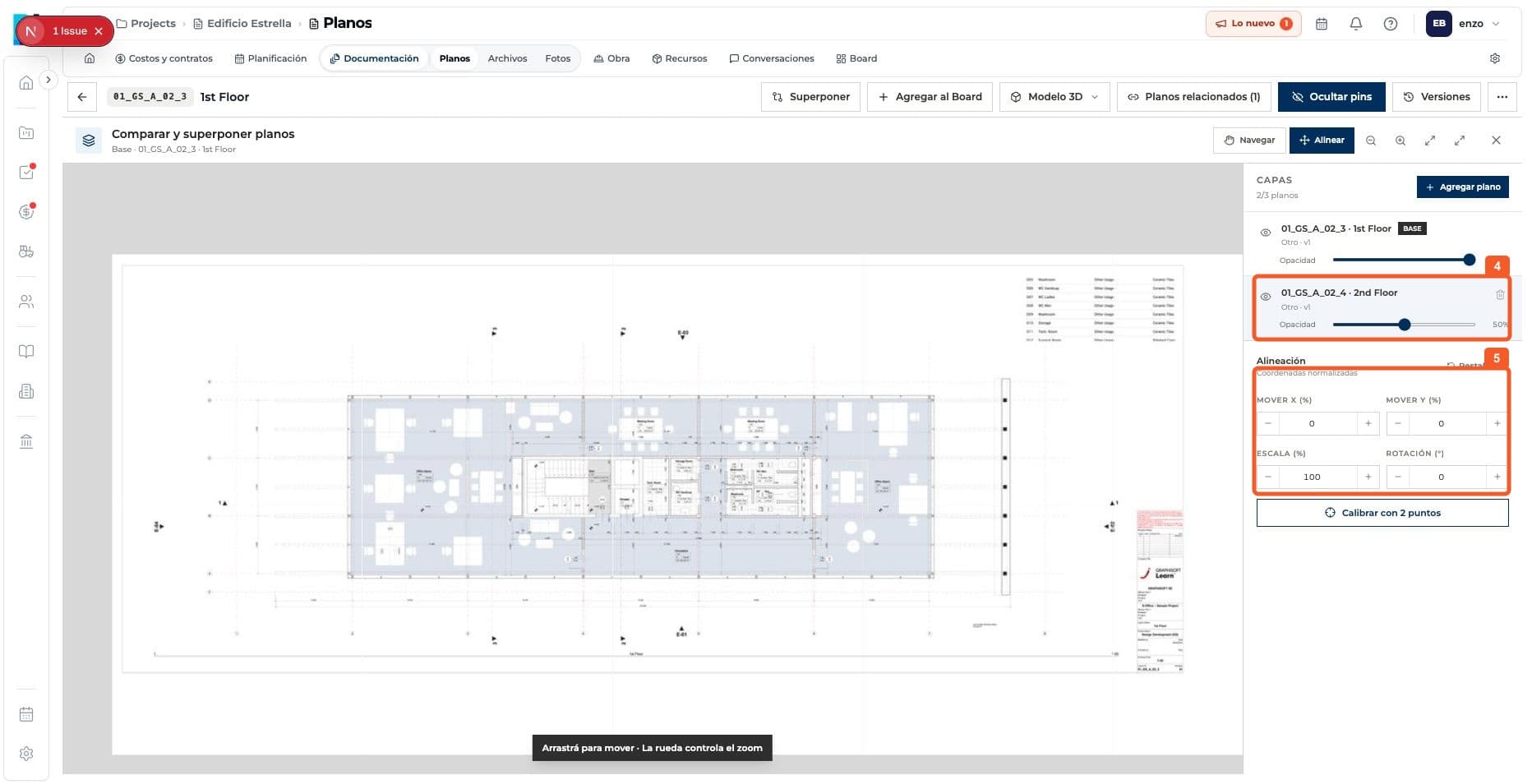
- 05
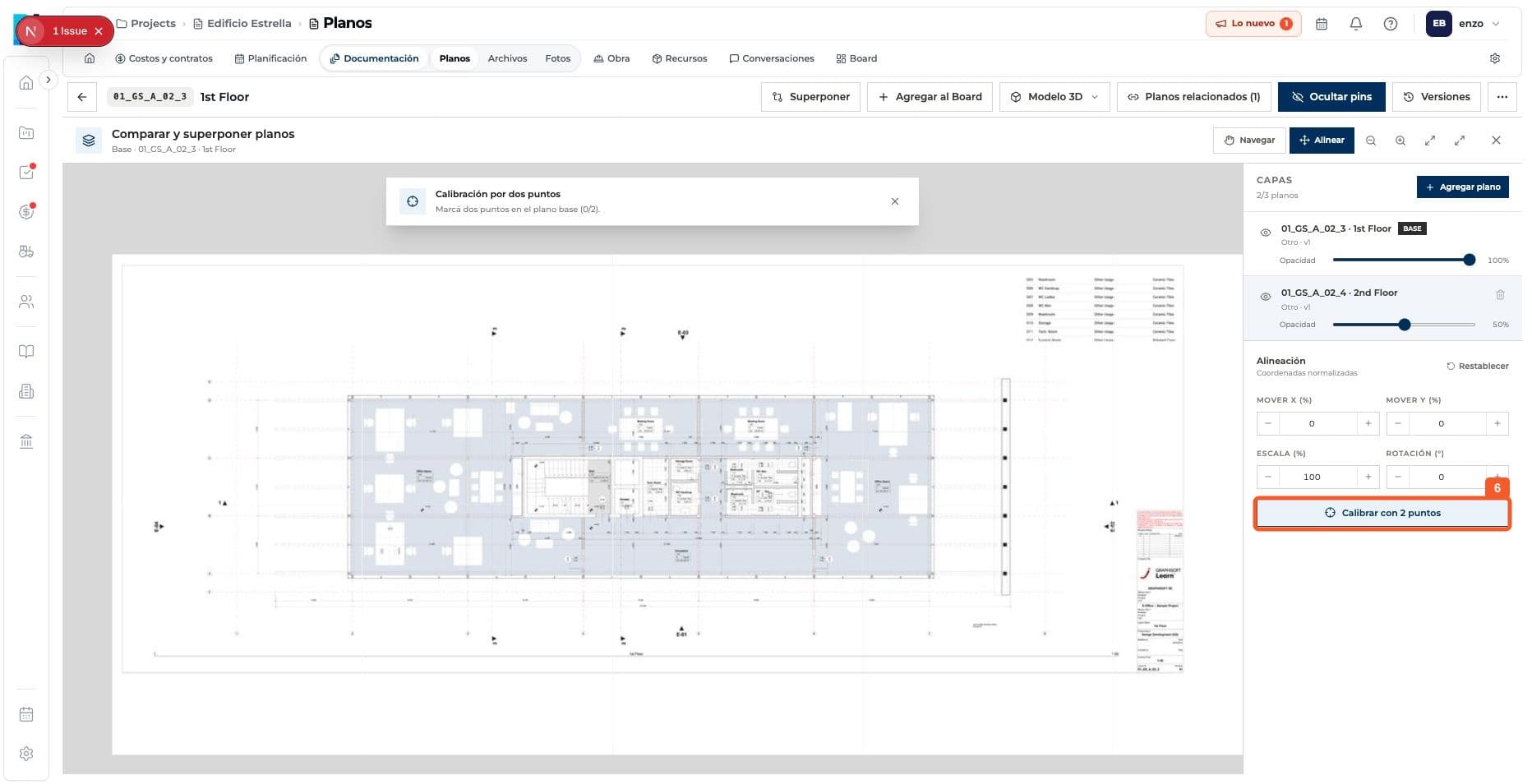
If needed, calibrate the fit using two points.
Keep learning