Visual guide
Share a drawing with another project
Select a sheet and a destination project to share its current version.
3 minutes
Step by step
Follow each step on screen
- 01
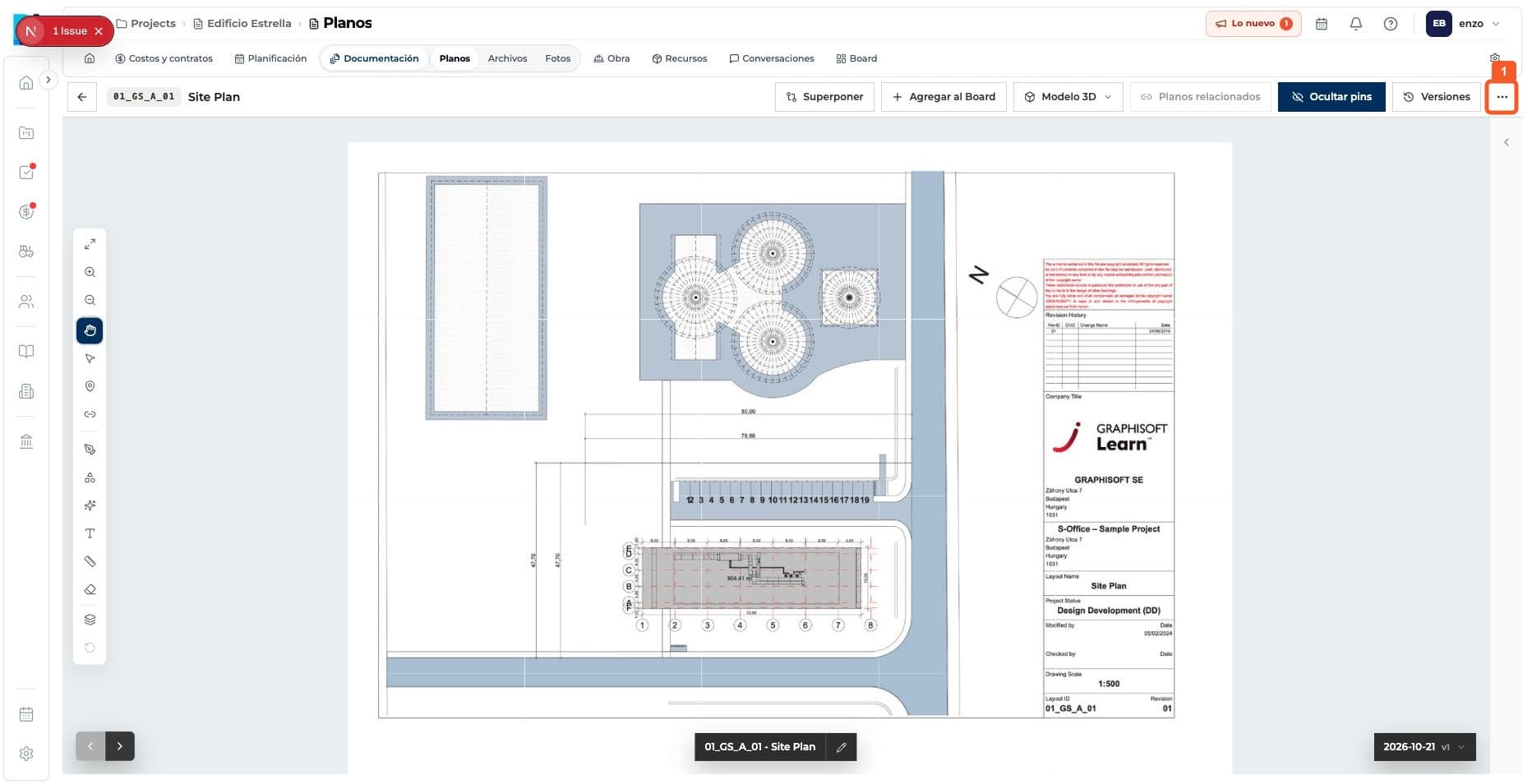
Open Actions in Drawings.
- 02
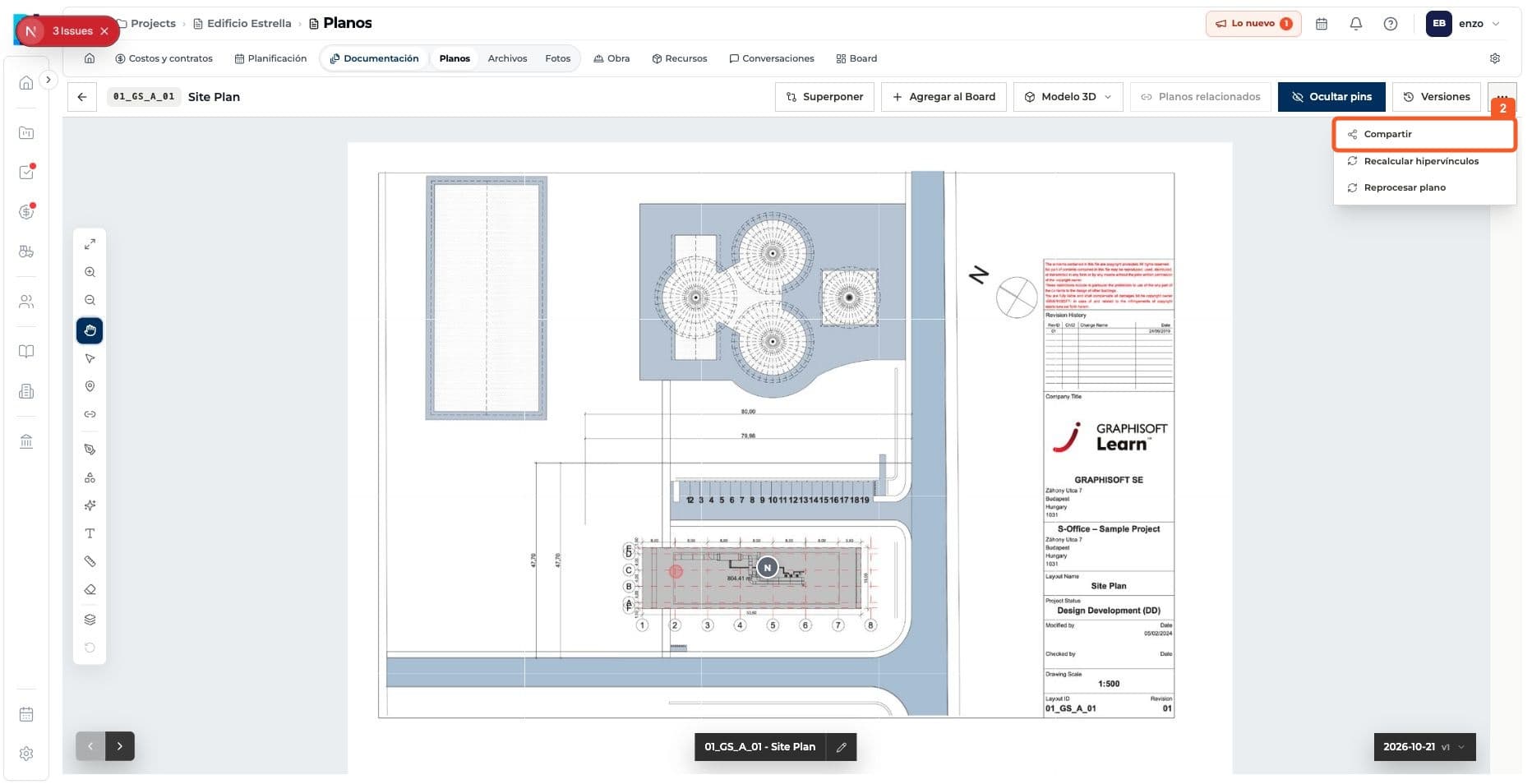
Choose Share.
- 03
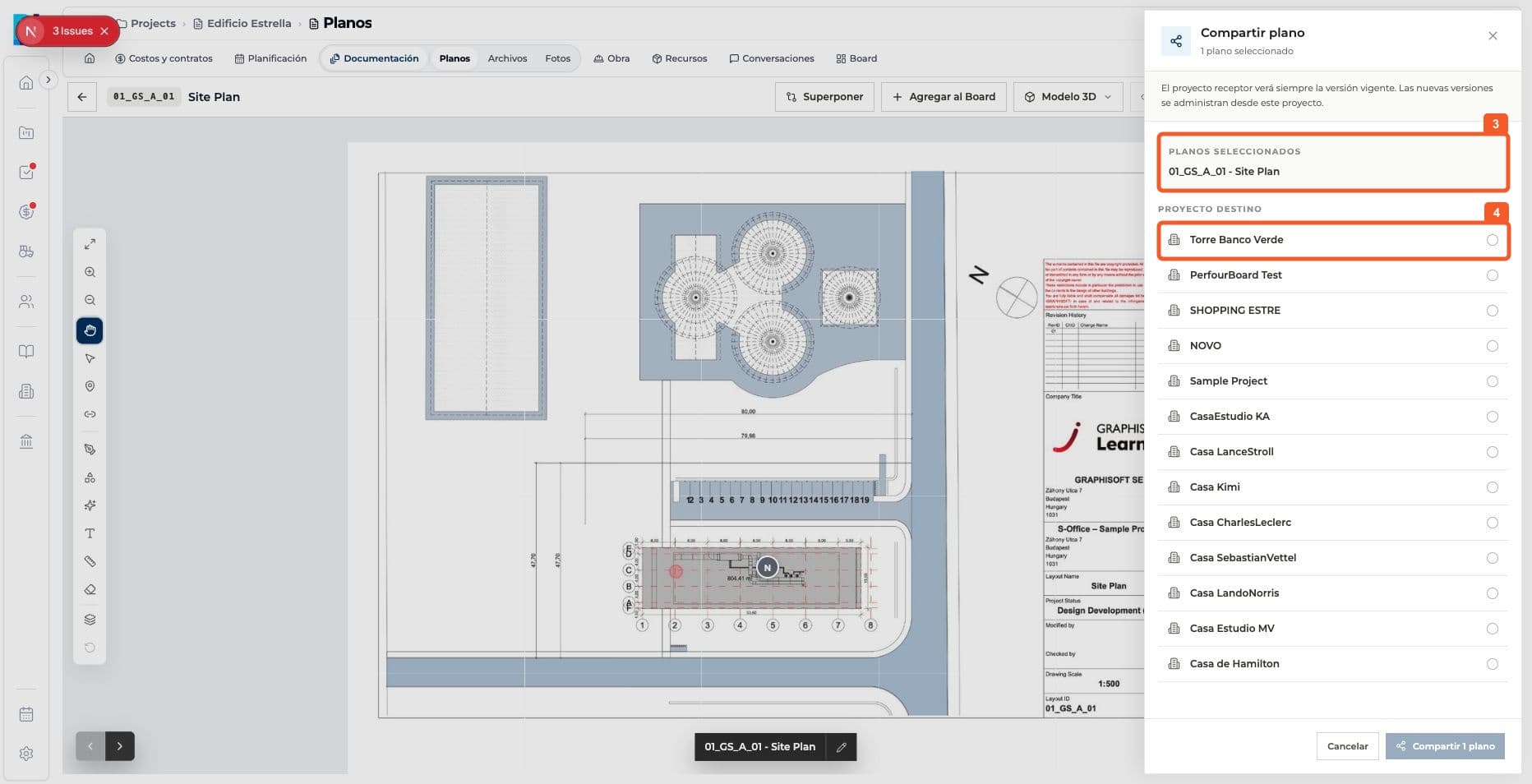
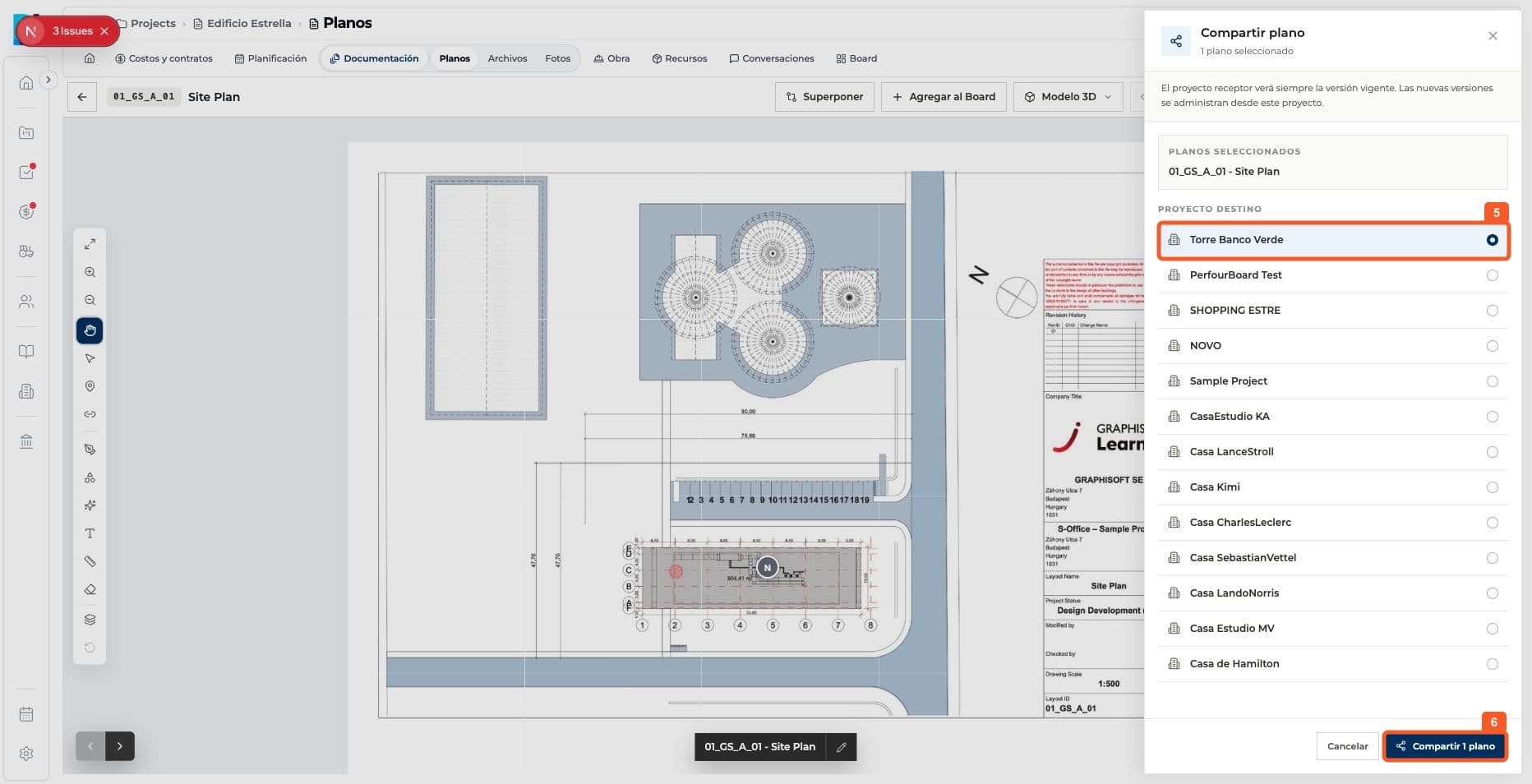
Review the selected drawing and destination options.
- 04
Select the destination project and confirm Share 1 drawing.
- 05
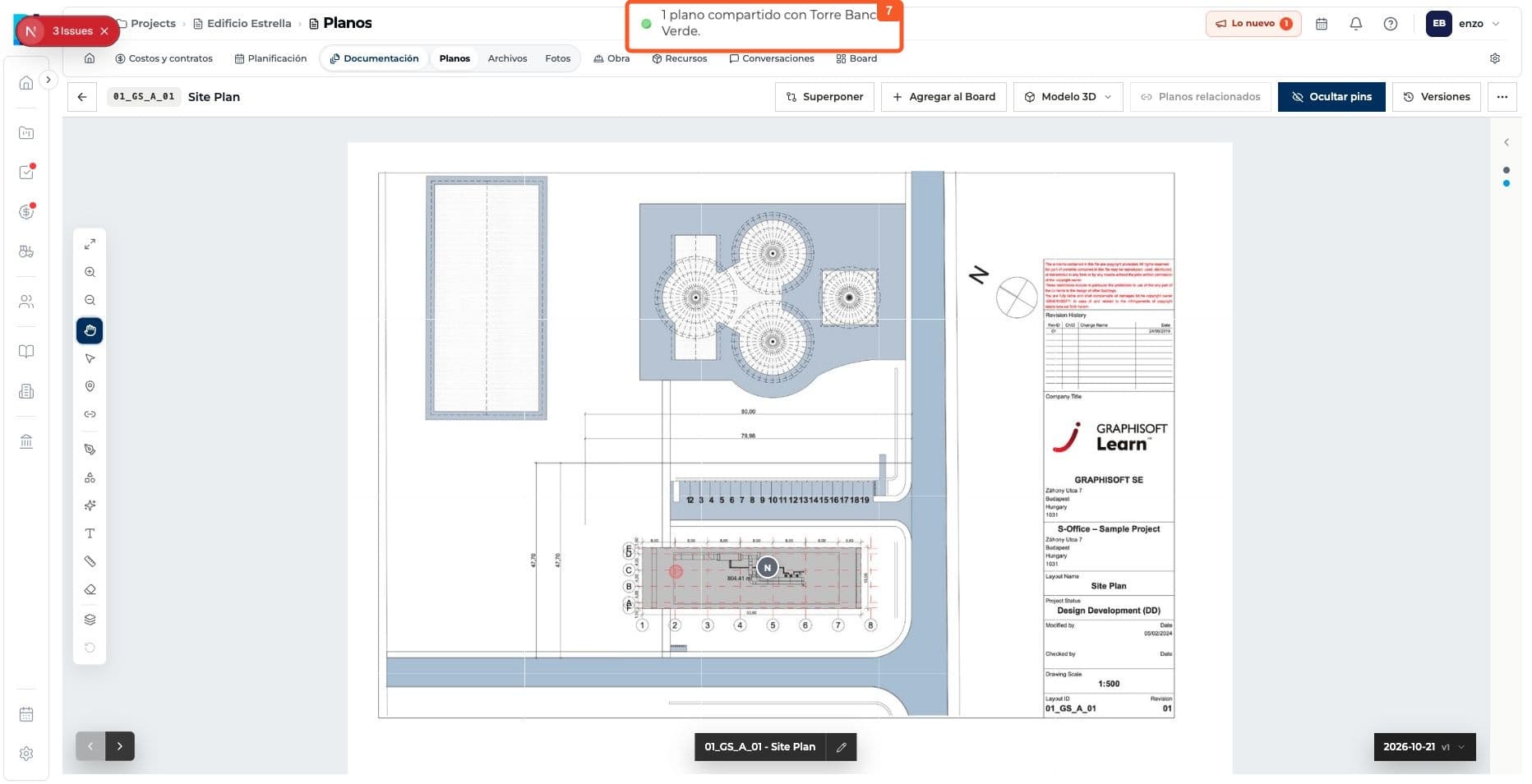
Check the confirmation message.
Keep learning