Visual guide
Follow an RFI
Find an RFI, identify its status and respondent, add a comment and review the official answer and history.
6 minutes
Step by step
Follow each step on screen
- 01
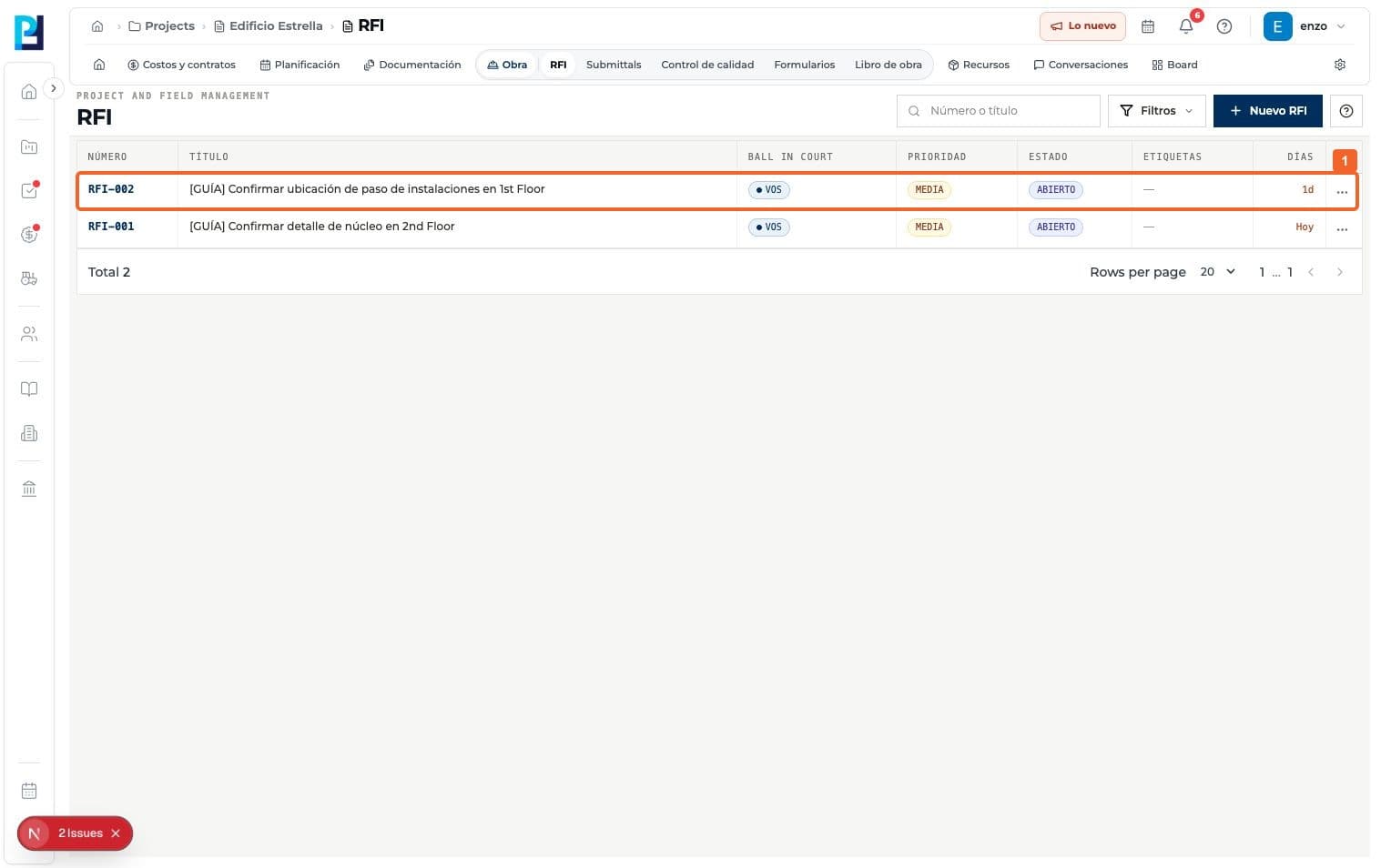
Search the RFI list by number or title and open the record.
- 02
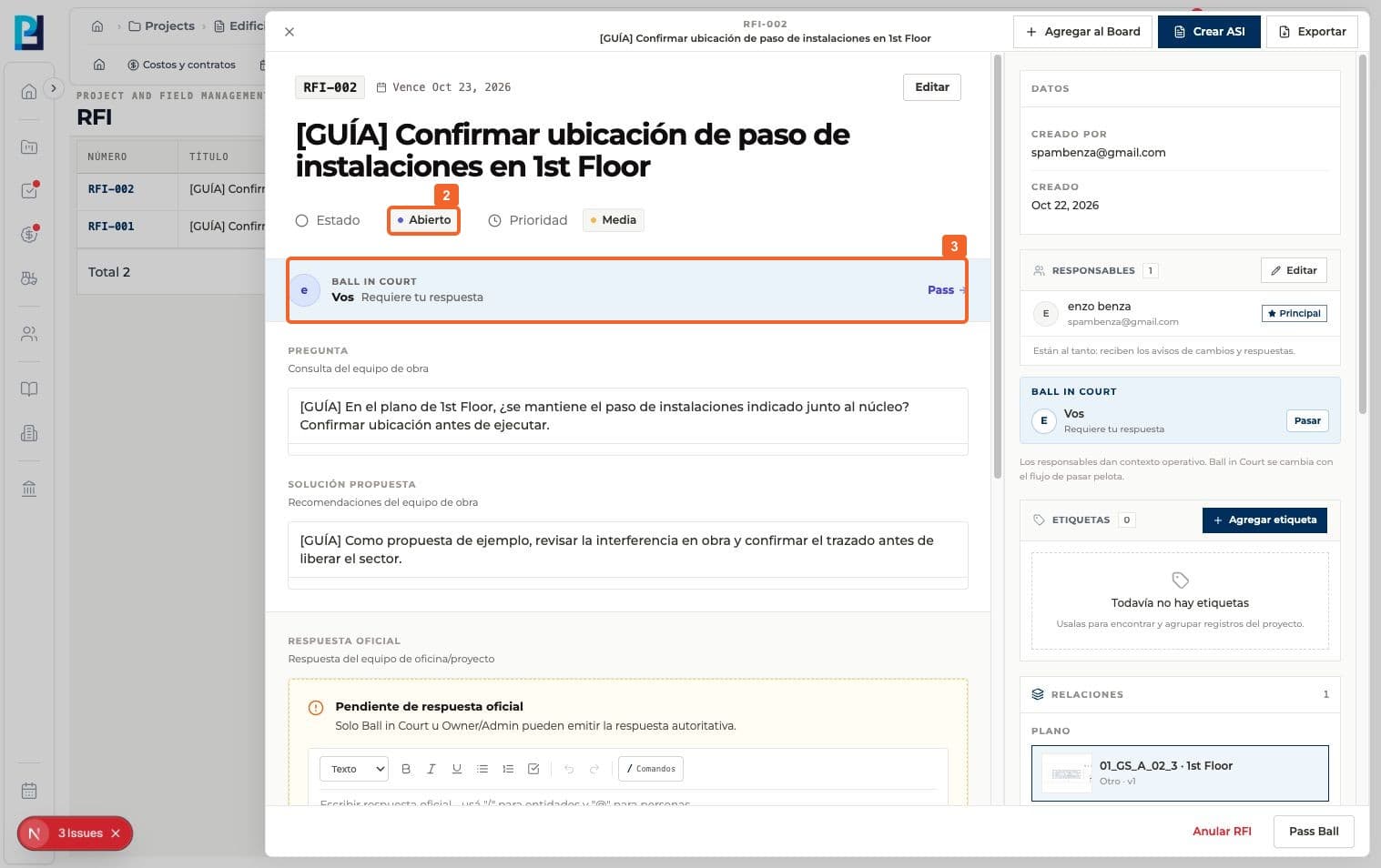
Review its Status. The example starts Open.
- 03
Check Ball in Court to see who owes the answer; this can differ from the people listed as owners.
- 04
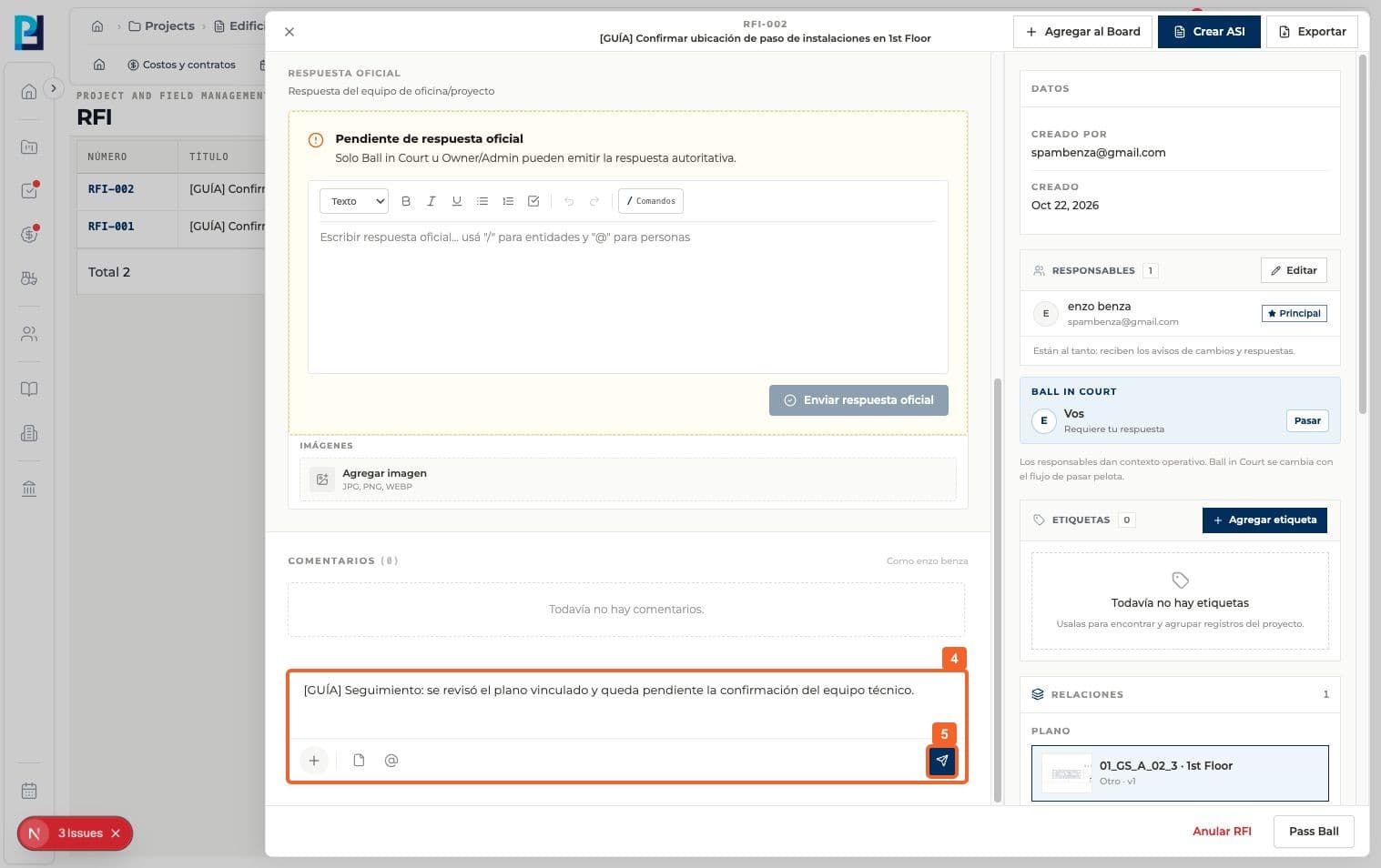
Under Comments, write a follow-up update.
- 05
Send the comment.
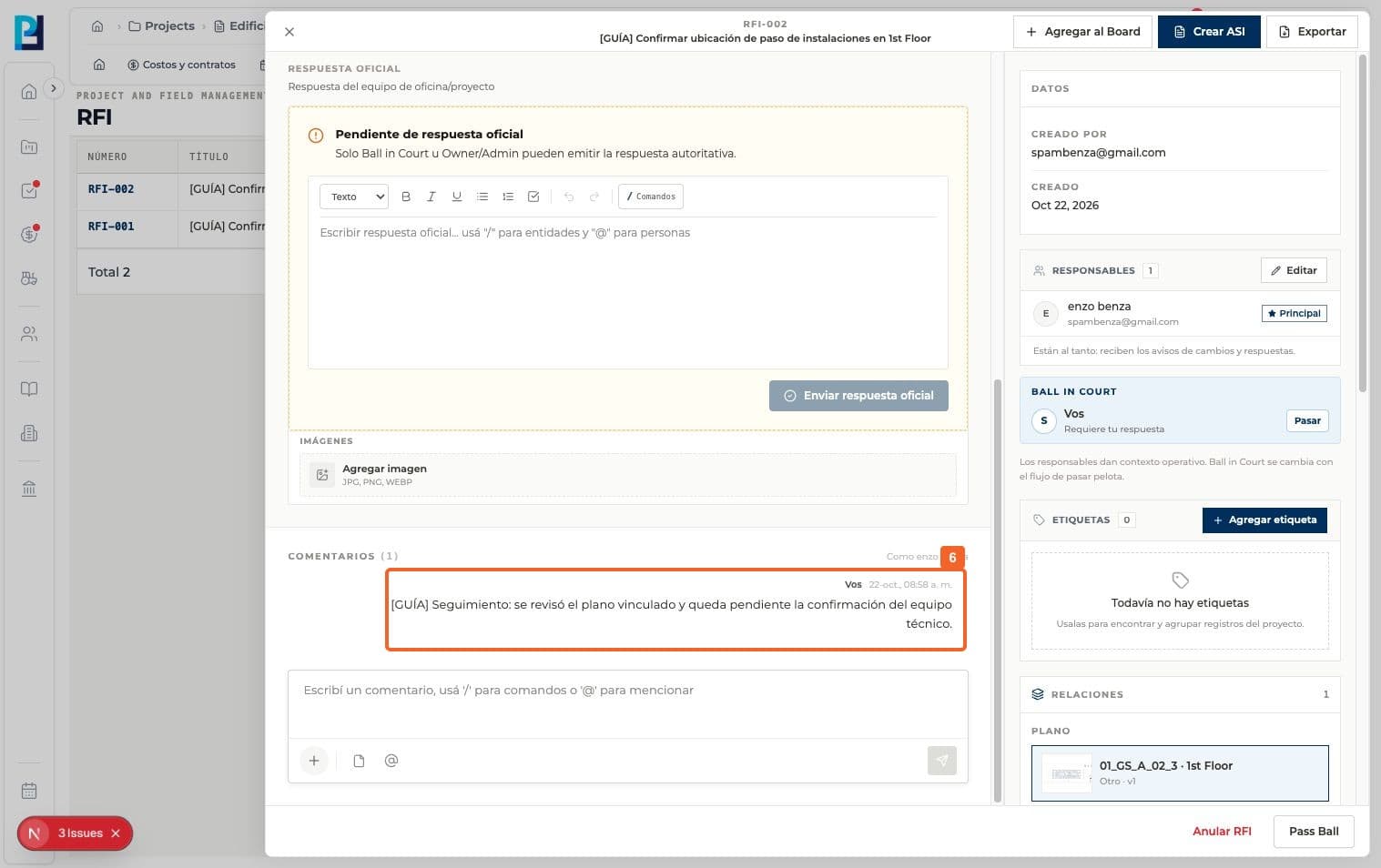
- 06
Verify it appears in the conversation. A comment does not replace an official answer.
- 07
If you have the required permission, write an Official answer in its own section.
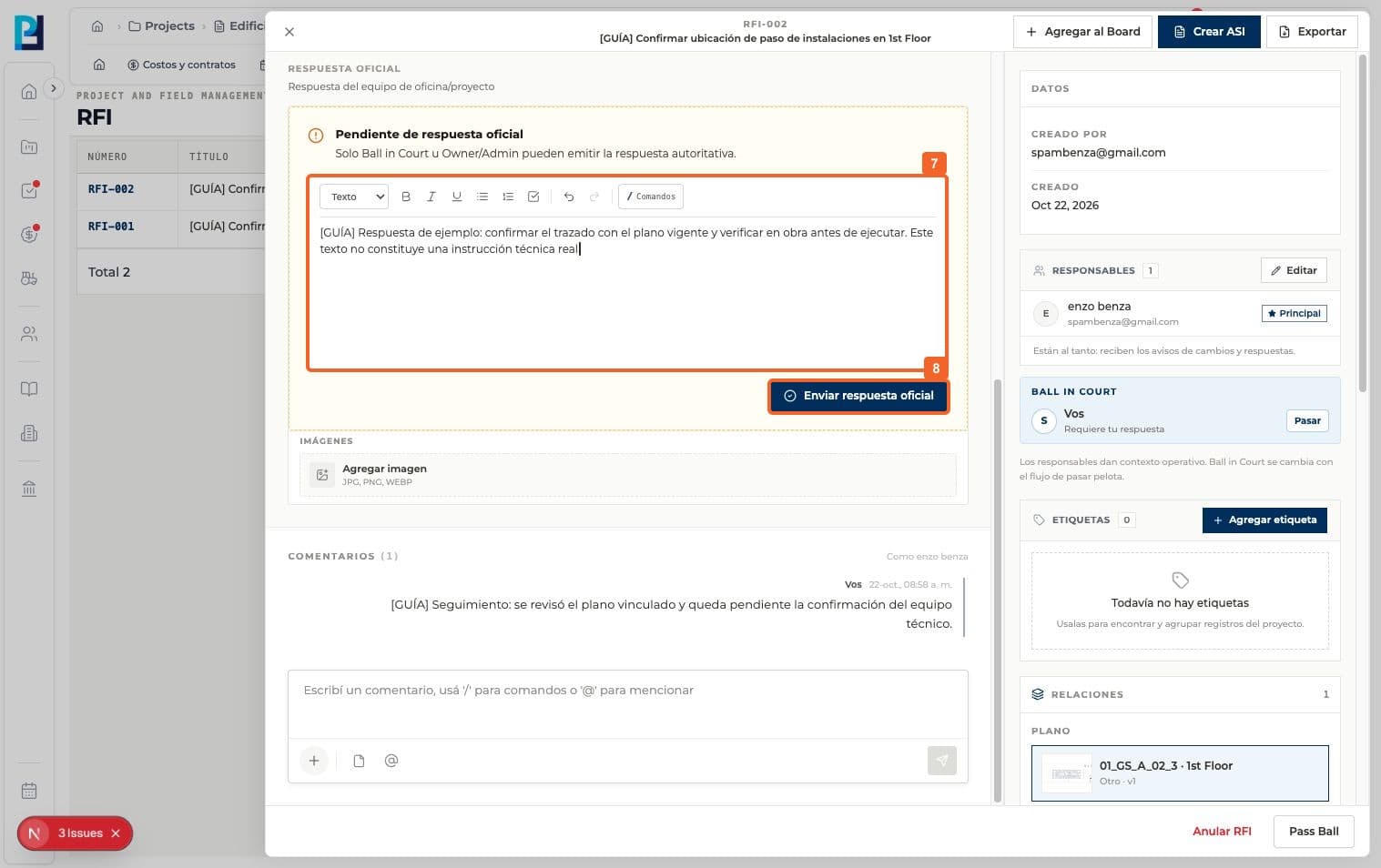
- 08
Select Send official answer.
- 09
Verify the status becomes Pending, not Closed.
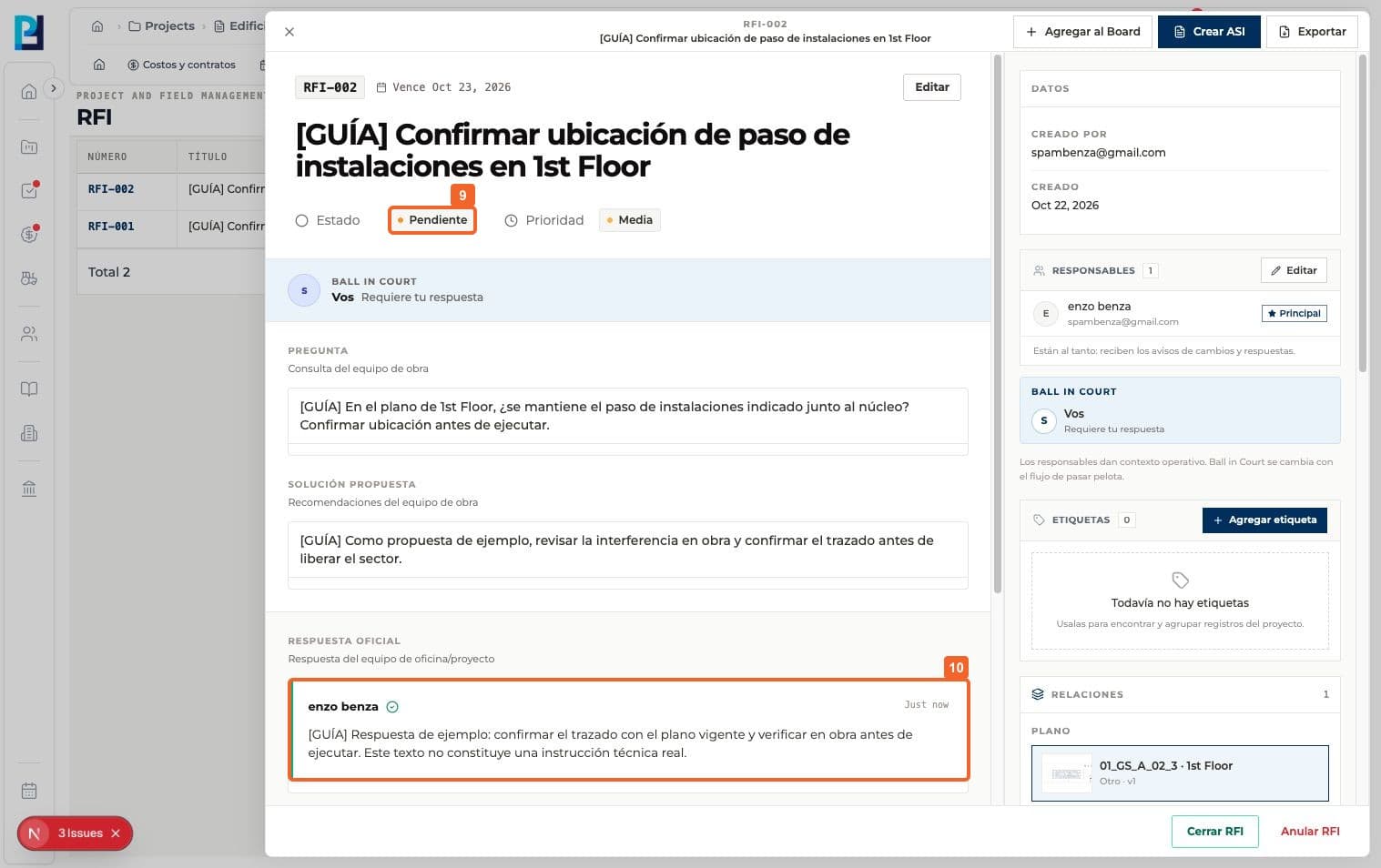
- 10
Confirm the official answer and author are displayed separately from comments.
- 11
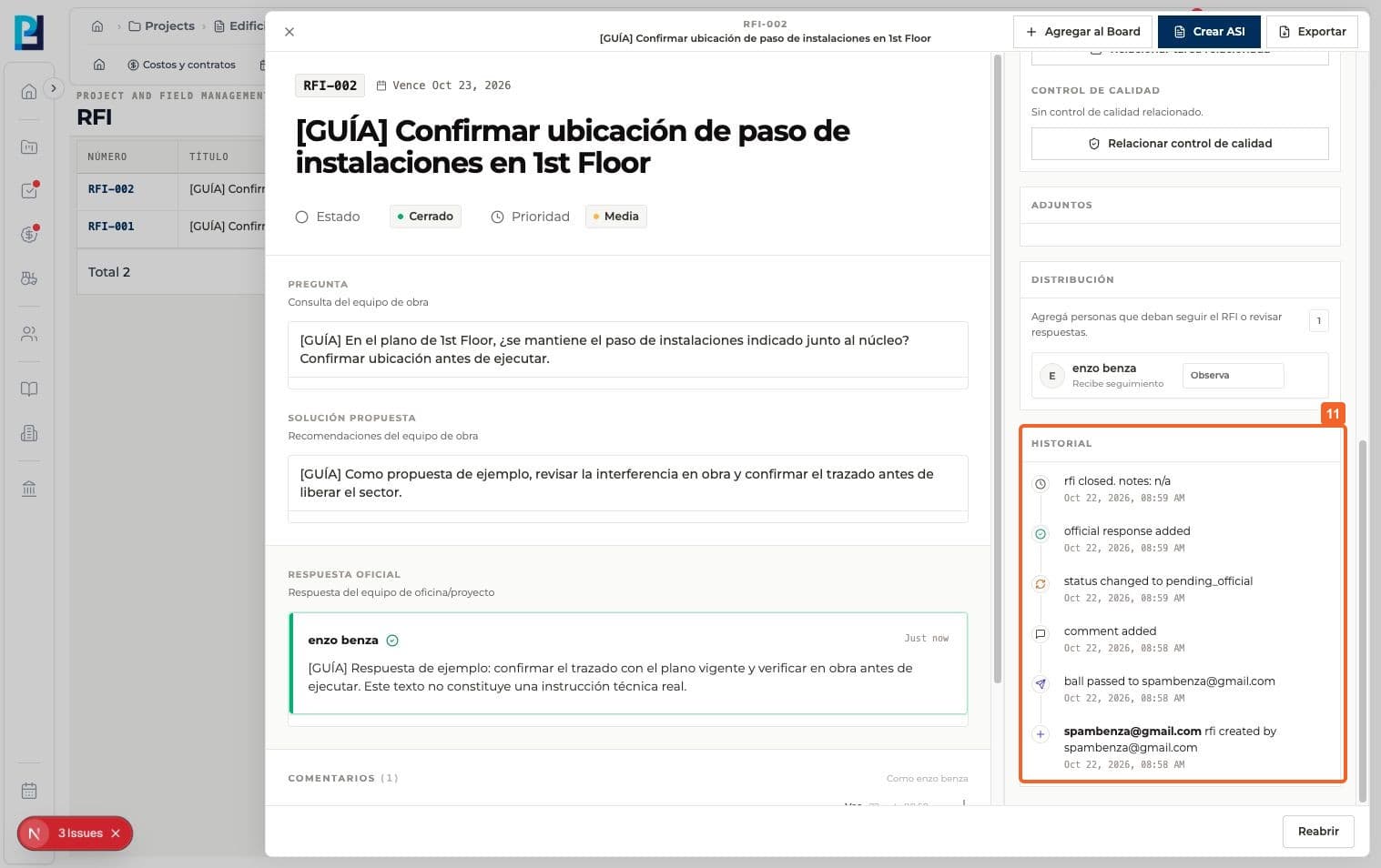
Review History for RFI events. This capture also includes a later closing event.
FAQ
Frequently asked questions
What was verified and what remains untested?+
Passing Ball in Court was not tested. The example uses demonstration answer text; closing is covered in another guide.