Link a 3D model to the drawing
A drawing can be linked to a 3D or CAD model (RVT, DWG, IFC, NWD or NWC) already uploaded to the project's Files.
How to complete 3d model
- 01
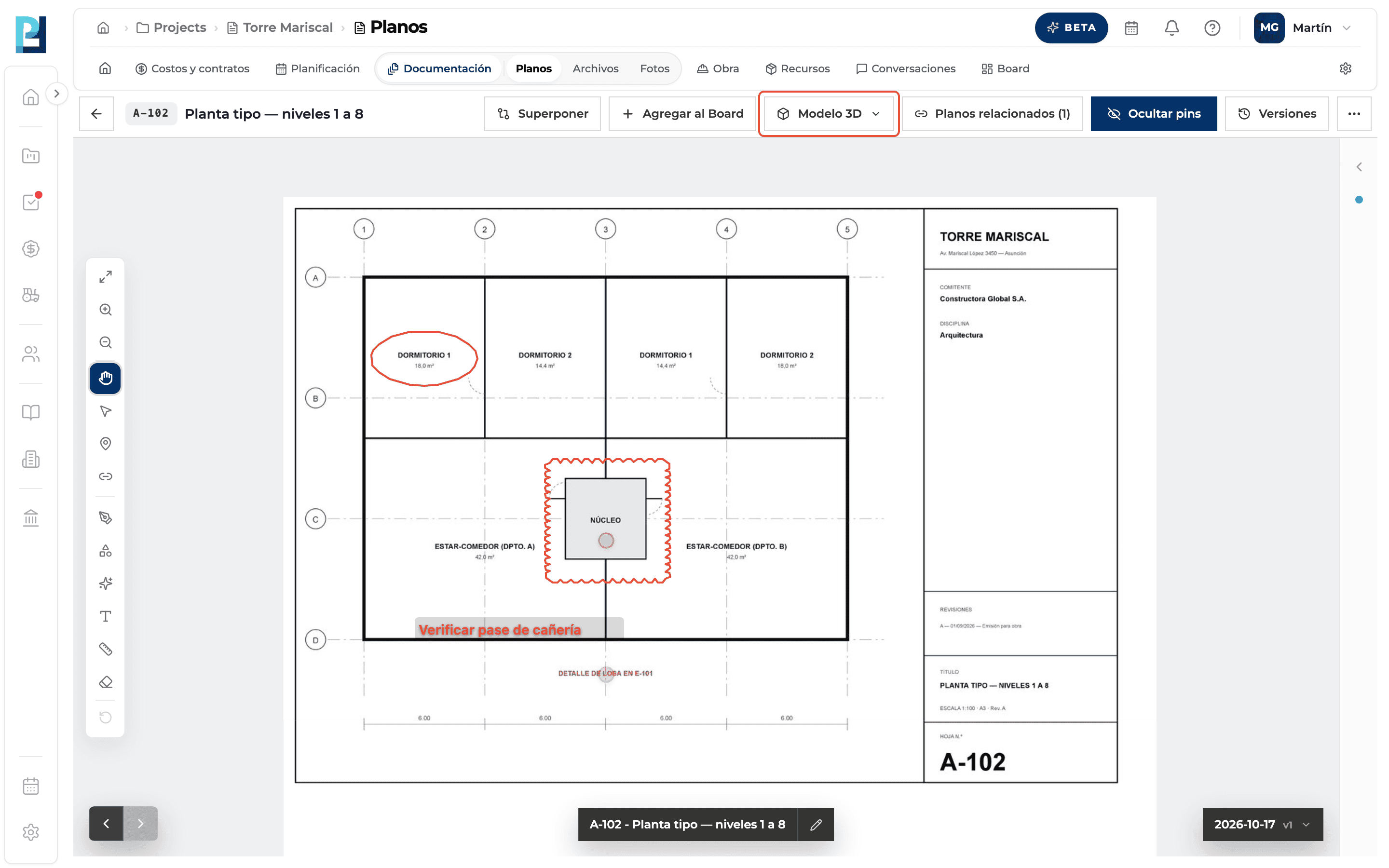
Open the 3D model menu
In the drawing viewer, click Modelo 3D. Available on the Current version.
- 02
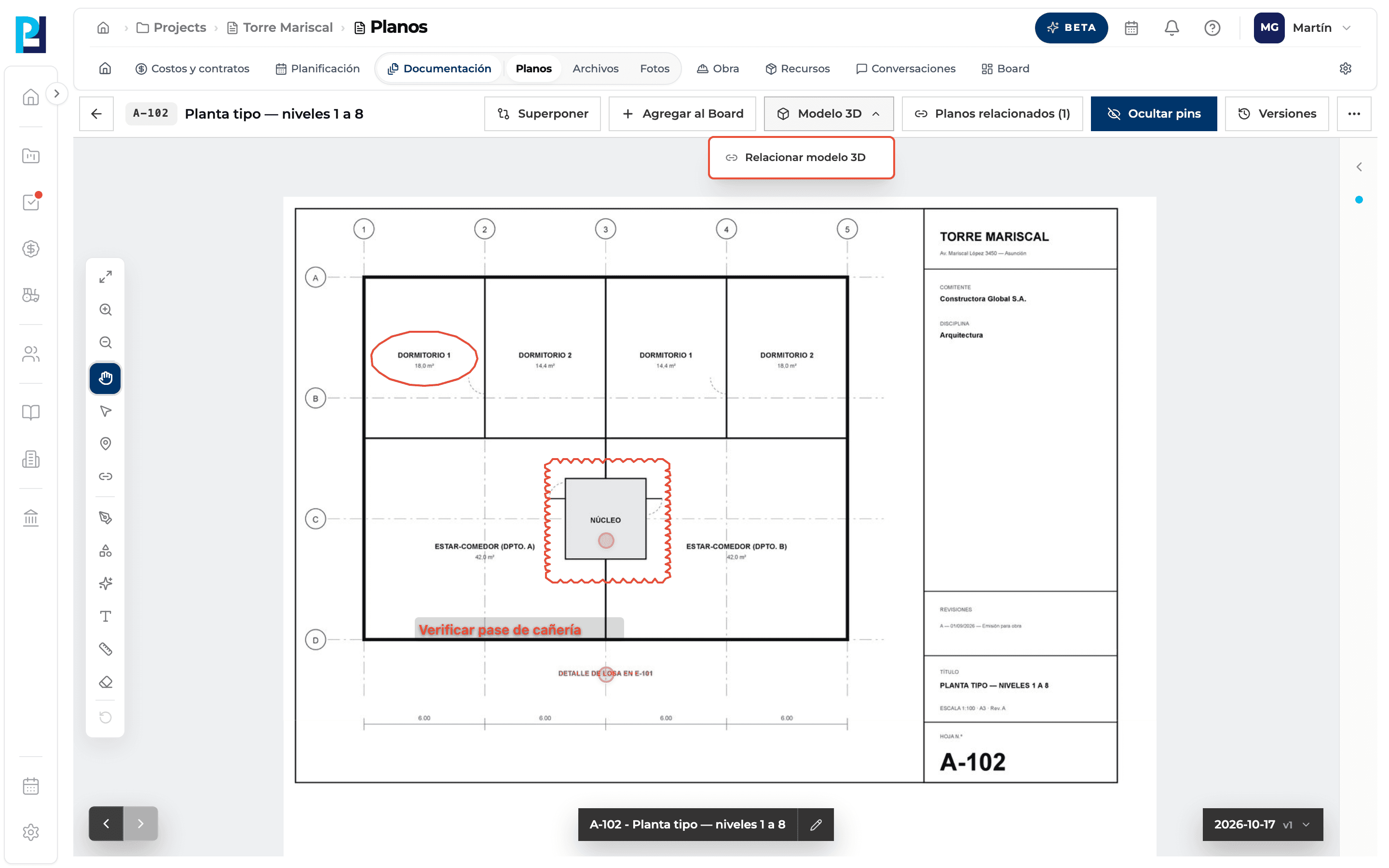
Link the model
Click Relacionar modelo 3D (or Cambiar modelo 3D if one is already linked).
- 03
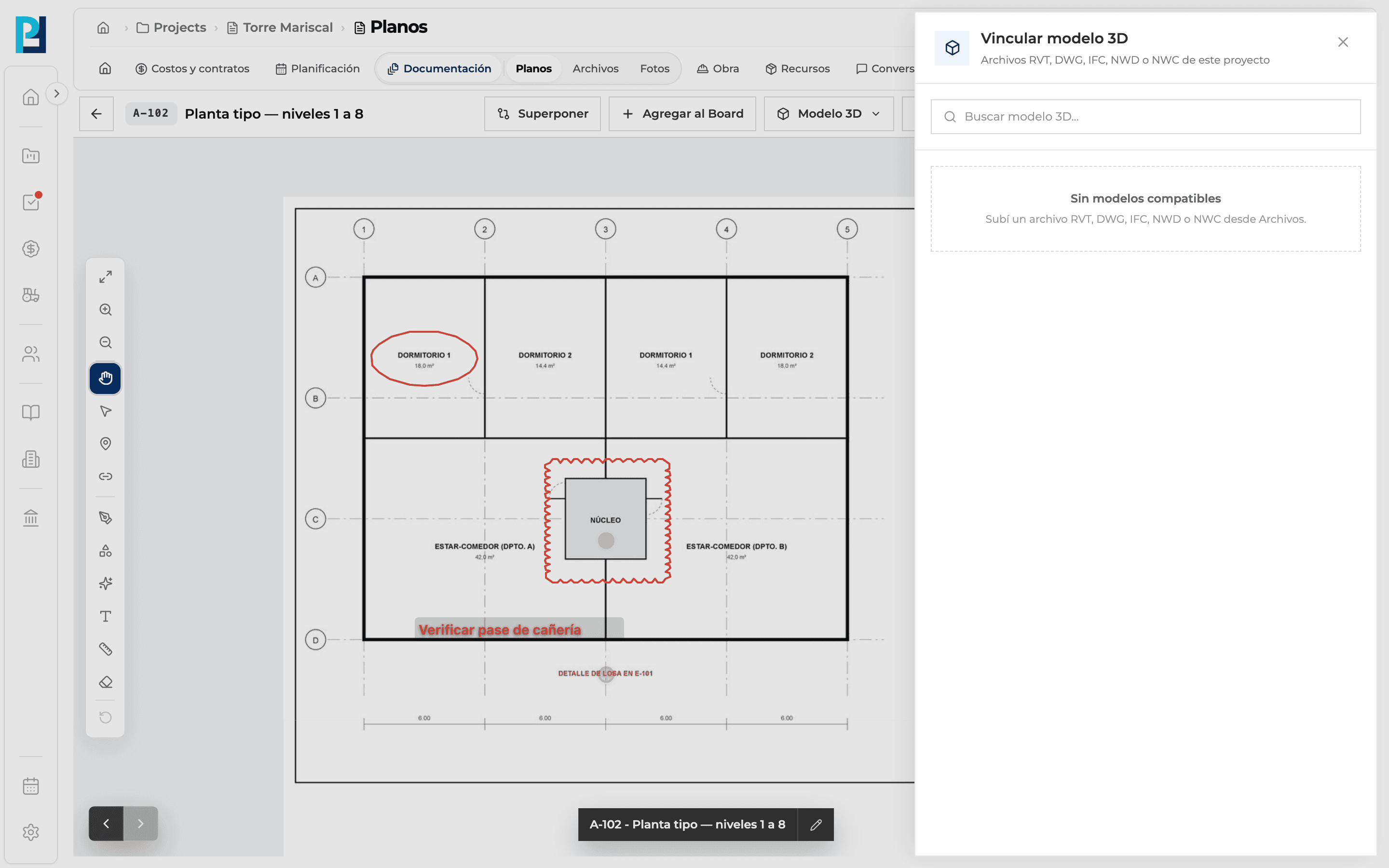
Choose the file
Vincular modelo 3D opens with the project's compatible files. Find the model and click Vincular. If there are none you see «Sin modelos compatibles»: upload the model from Files.
What you'll learn
How link a 3d model to the drawing works inside Perfour.
What information you need and how it stays connected to Drawings.
How to preserve traceability and find the record later.
Frequently asked questions
Where do I upload the model?+
In the project's Files module. It then shows up in the Link 3D model list.
Is a DWG as a drawing the same as a DWG as a model?+
No: as a drawing it becomes a sheet you can mark up; as a model it opens in the Files viewer.