What the Drawings module is and how drawings, versions, folders and pins relate
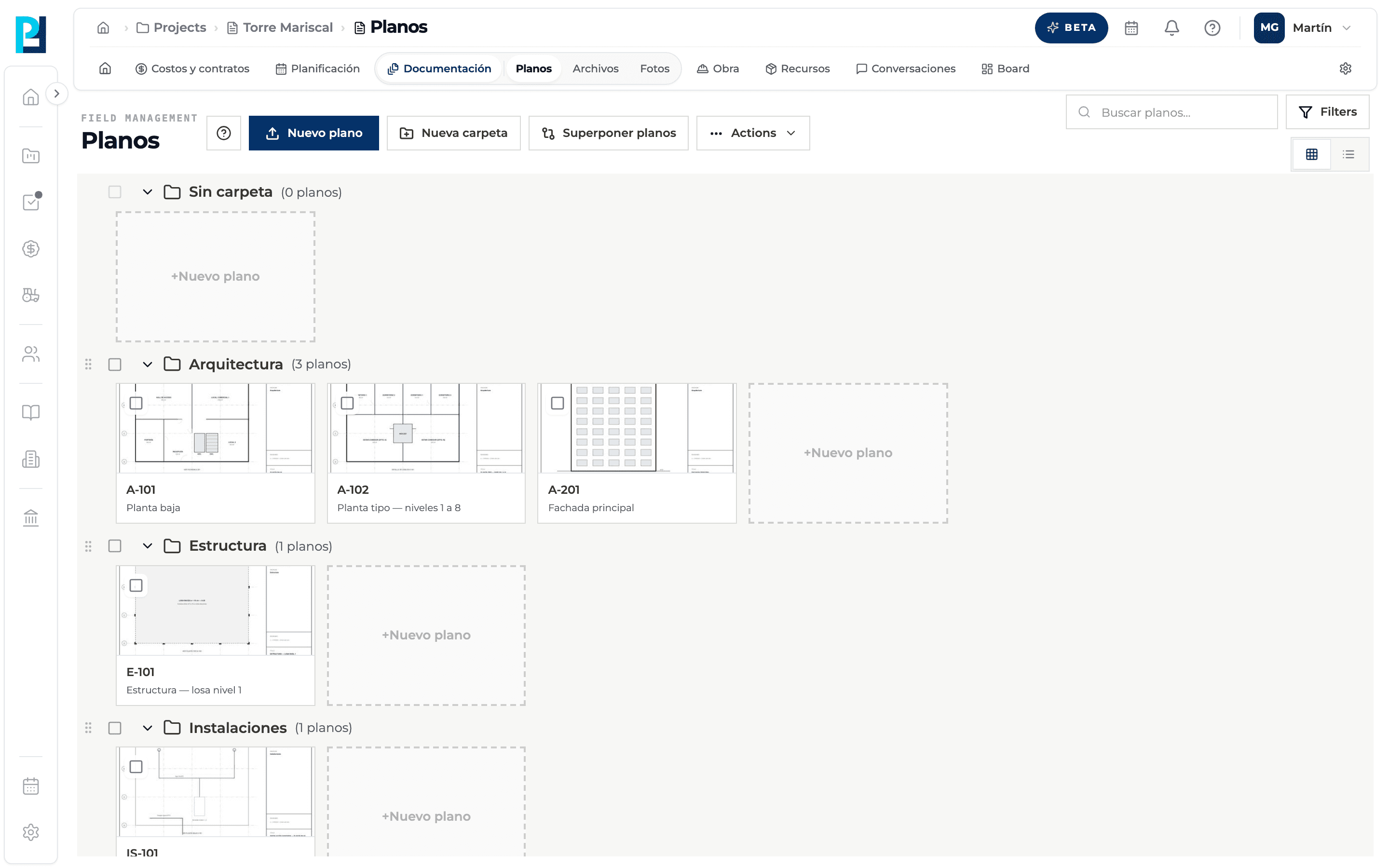
Drawings is the project's sheet library. Each sheet is processed so you can zoom into it, it lives in a folder, it keeps versions, and you can mark it up, measure, overlay it and link it to other modules.
How to complete drawings
- 01
Open Drawings
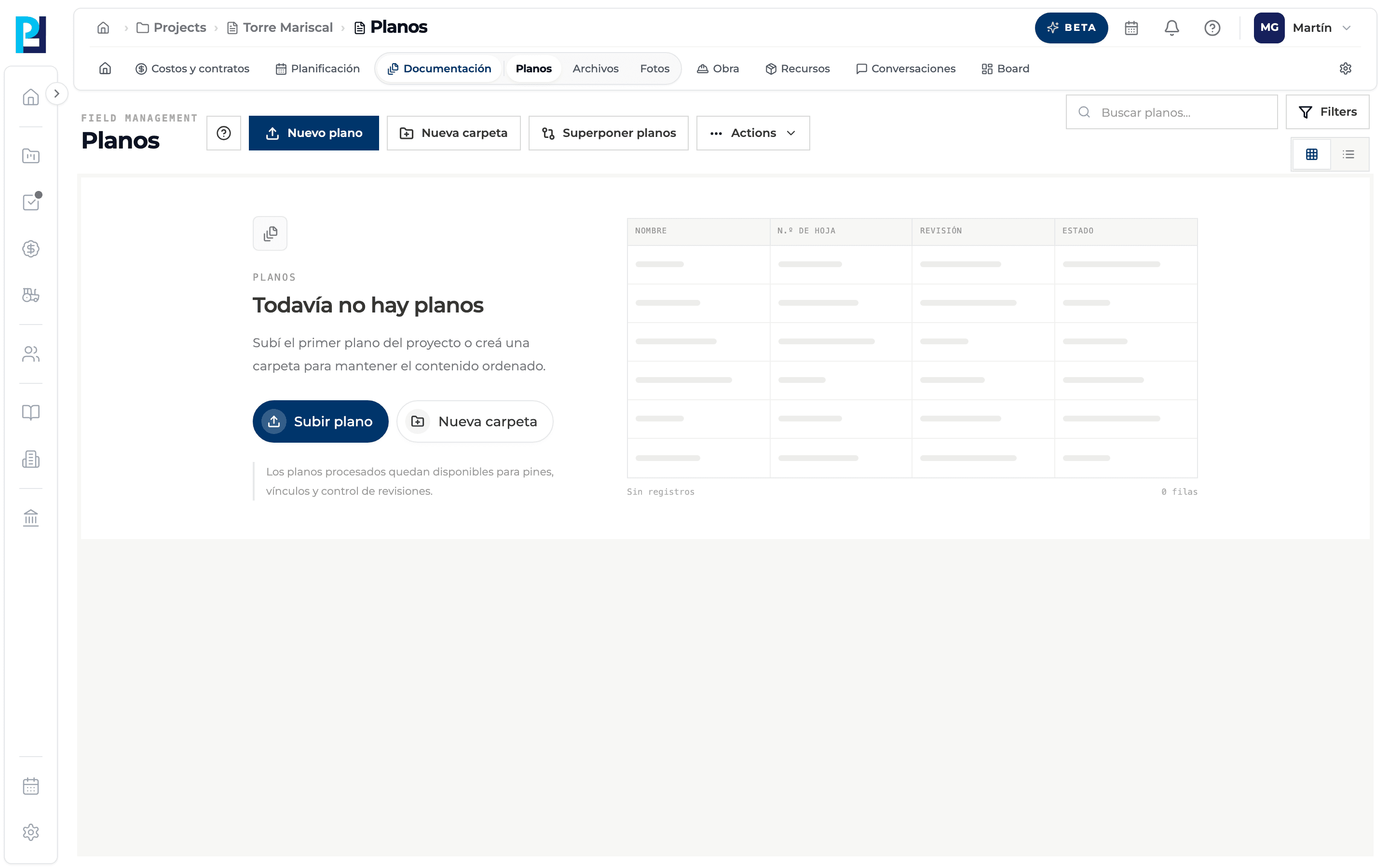
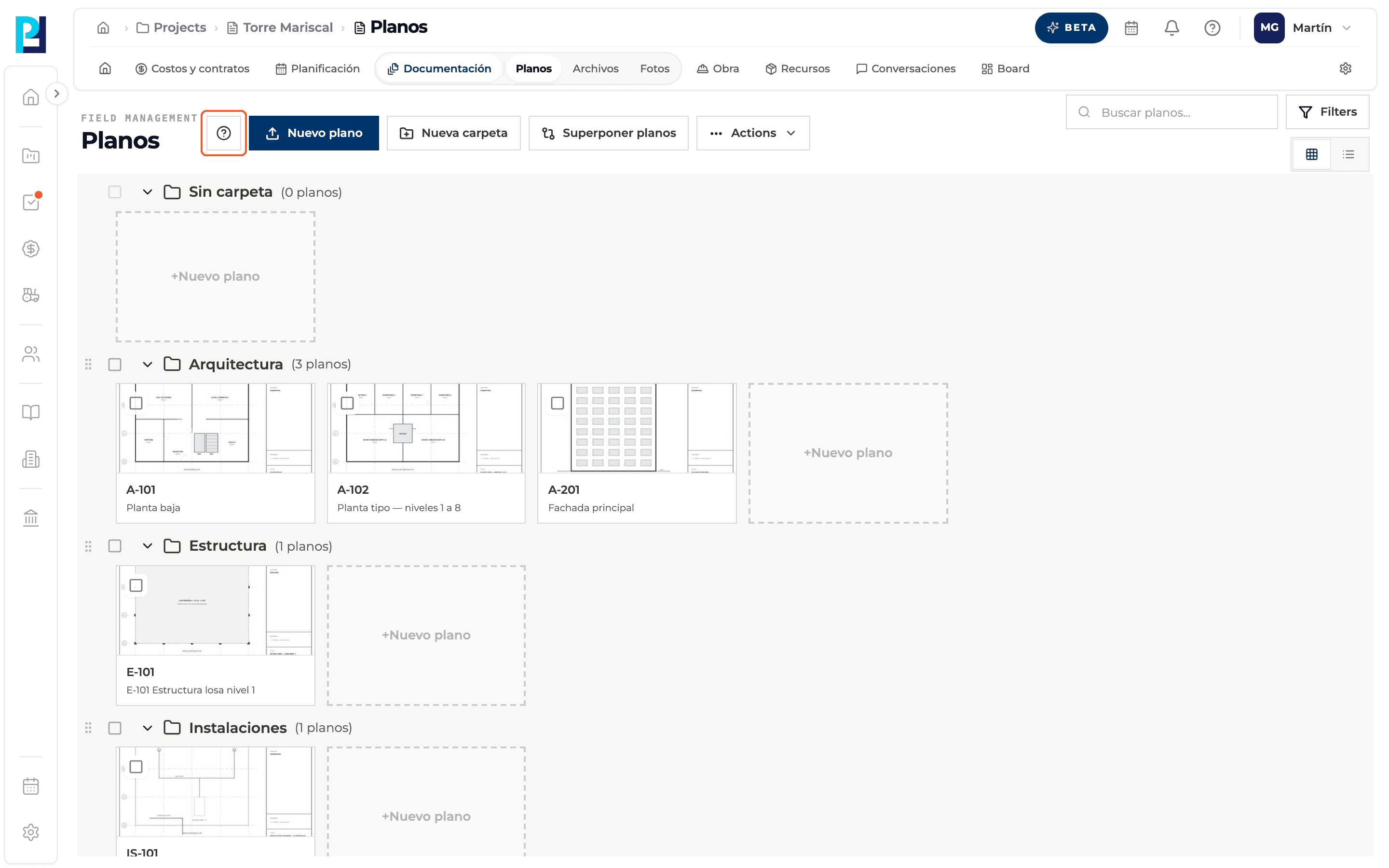
In the project open Documentation → Drawings. If the project has no drawings yet you see «Todavía no hay planos» with the Upload drawing and New folder buttons.
- 02
Learn the concepts
Drawing: one sheet; a multi-page PDF becomes several drawings. Sheet number: the sheet code (for example A-101), detected from the title block and confirmed by hand. Version: each drawing has a history with a single Current version. Folder: groups drawings; those without one go to Sin carpeta (No folder). Pin: a mark on the drawing linked to a task, RFI, quality control, submittal, note or hyperlink.
- 03
Learn the life cycle of a new drawing
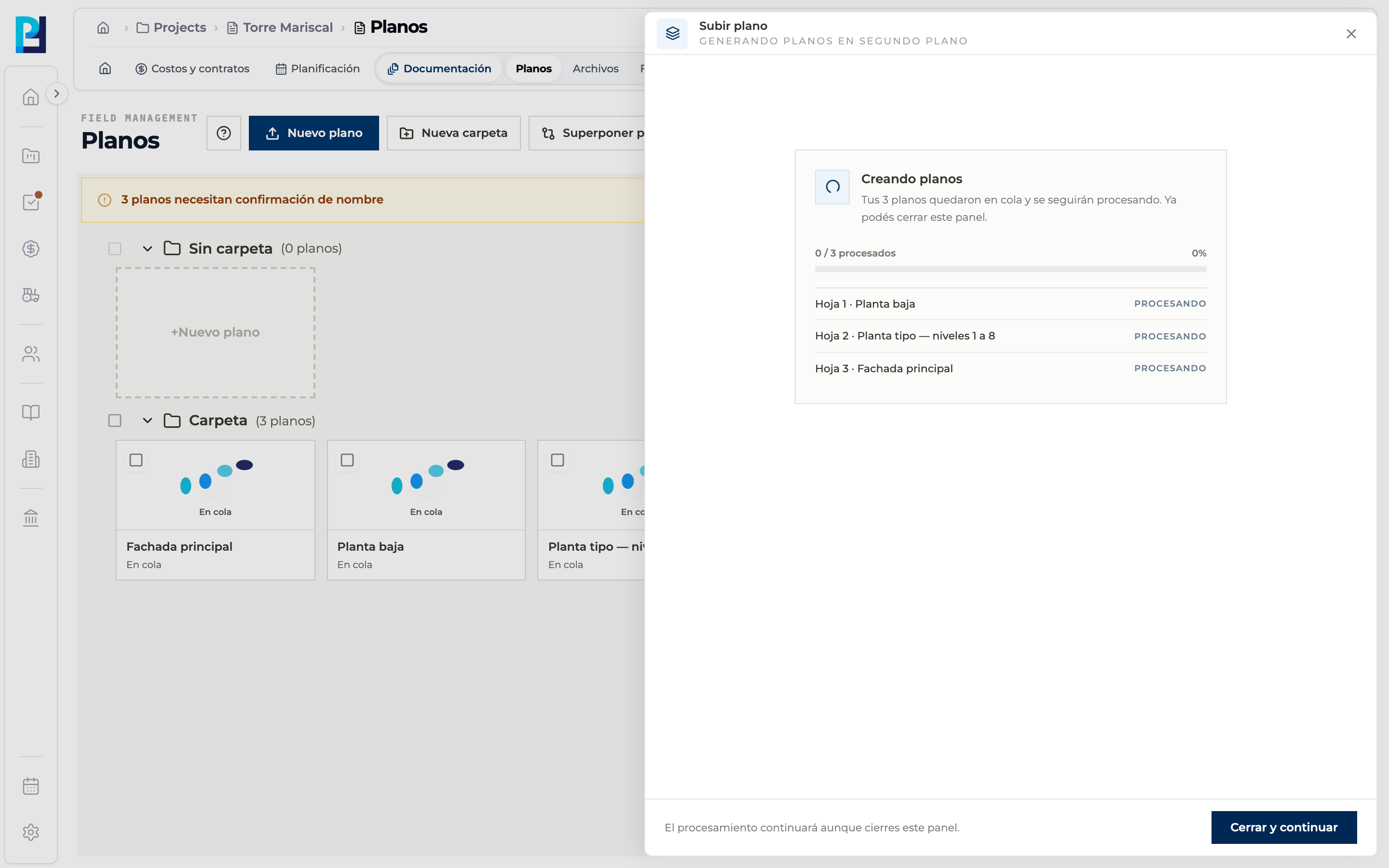
You upload the file, choose the pages and where to read the sheet number, and the drawing goes through Queued and Processing. When it is Ready you can open it, and a notice asks you to confirm the detected number and name.
- 04
Learn the top bar
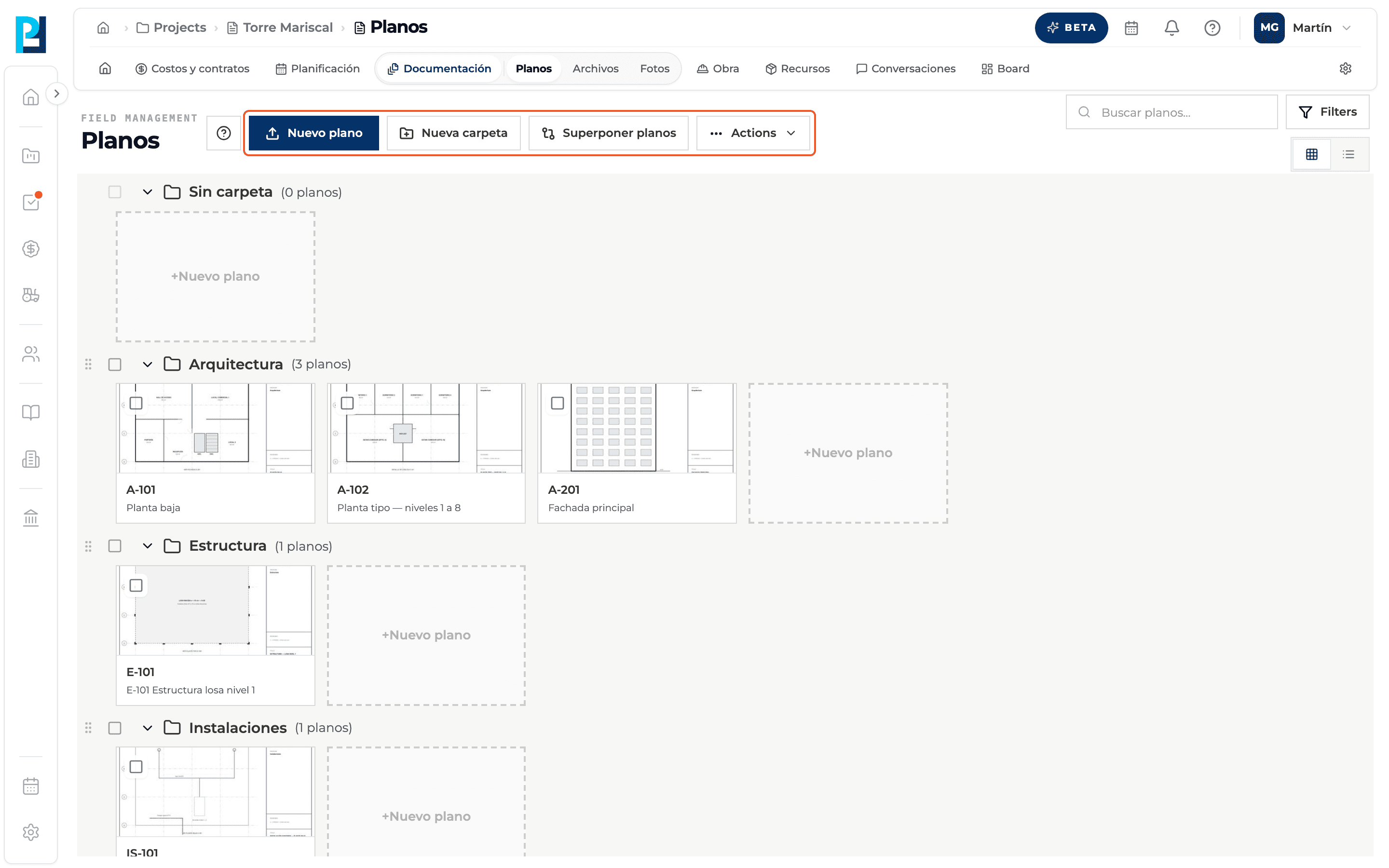
At the top you find New drawing, New folder, Overlay drawings, the Actions menu, search, Filters and the grid or list view toggle.
- 05
Open the help
The info button next to the title opens these guides without leaving the screen.
What you'll learn
How what the drawings module is and how drawings, versions, folders and pins relate works inside Perfour.
What information you need and how it stays connected to Drawings.
How to preserve traceability and find the record later.
Frequently asked questions
Do loose files (Word, Excel, images) go in Drawings?+
No: they go in Files. Drawings only takes PDF, DWG and DXF, which become sheets you can view and mark up.
Does a drawing shared from another project show up here?+
Yes, with the «Compartido desde» (Shared from) label and the source project's name.
Can I download or archive a drawing?+
The original PDF stays in Files and you download it from there. To retire an old sheet without losing it, upload a new version: the previous one stays in the history.