Drawings / 06
Create a drawing folder
Drawing folders group sheets by discipline, stage or whatever the team decides.
1 minutes
Step by step
How to complete new folder
- 01
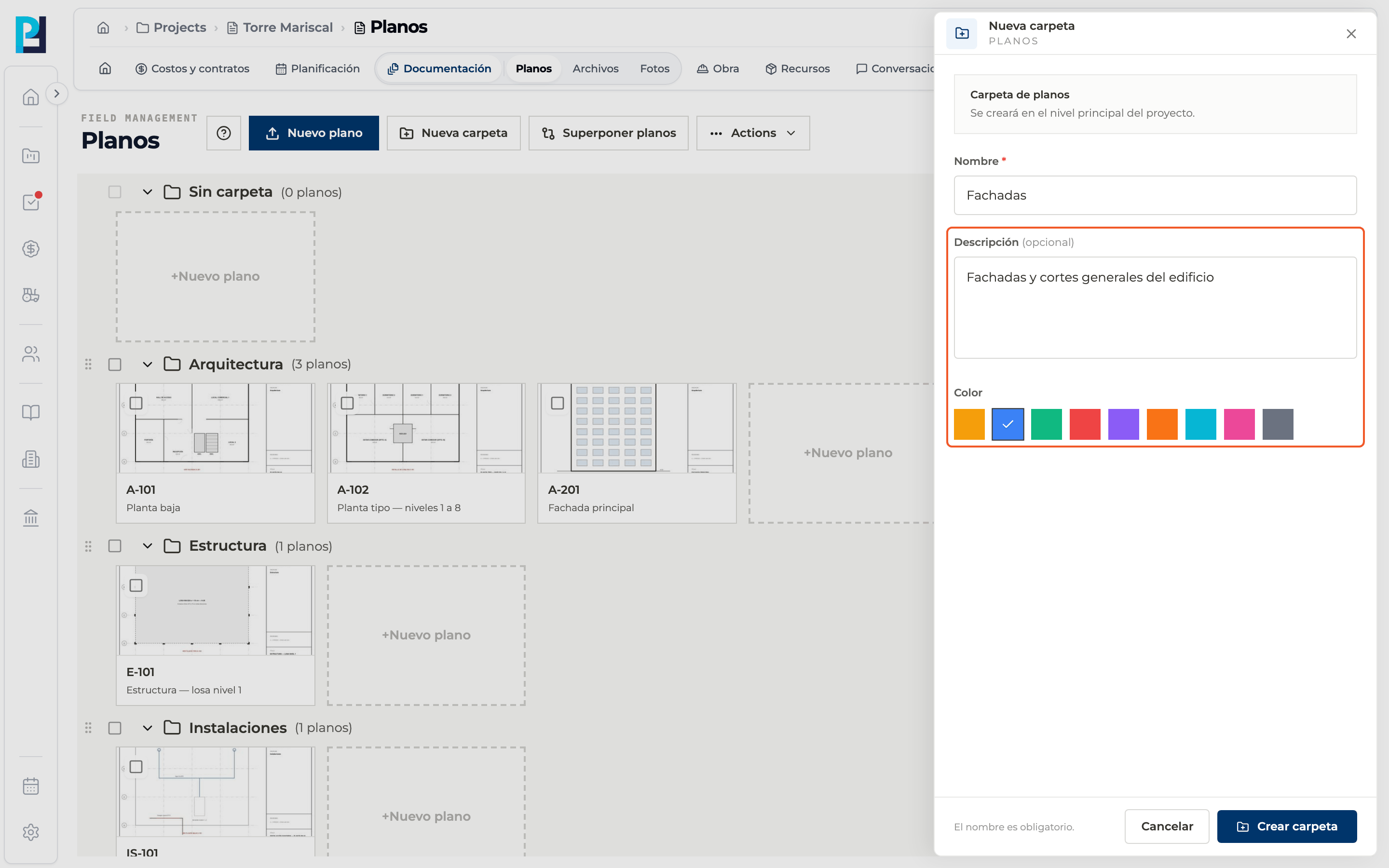
Open the panel
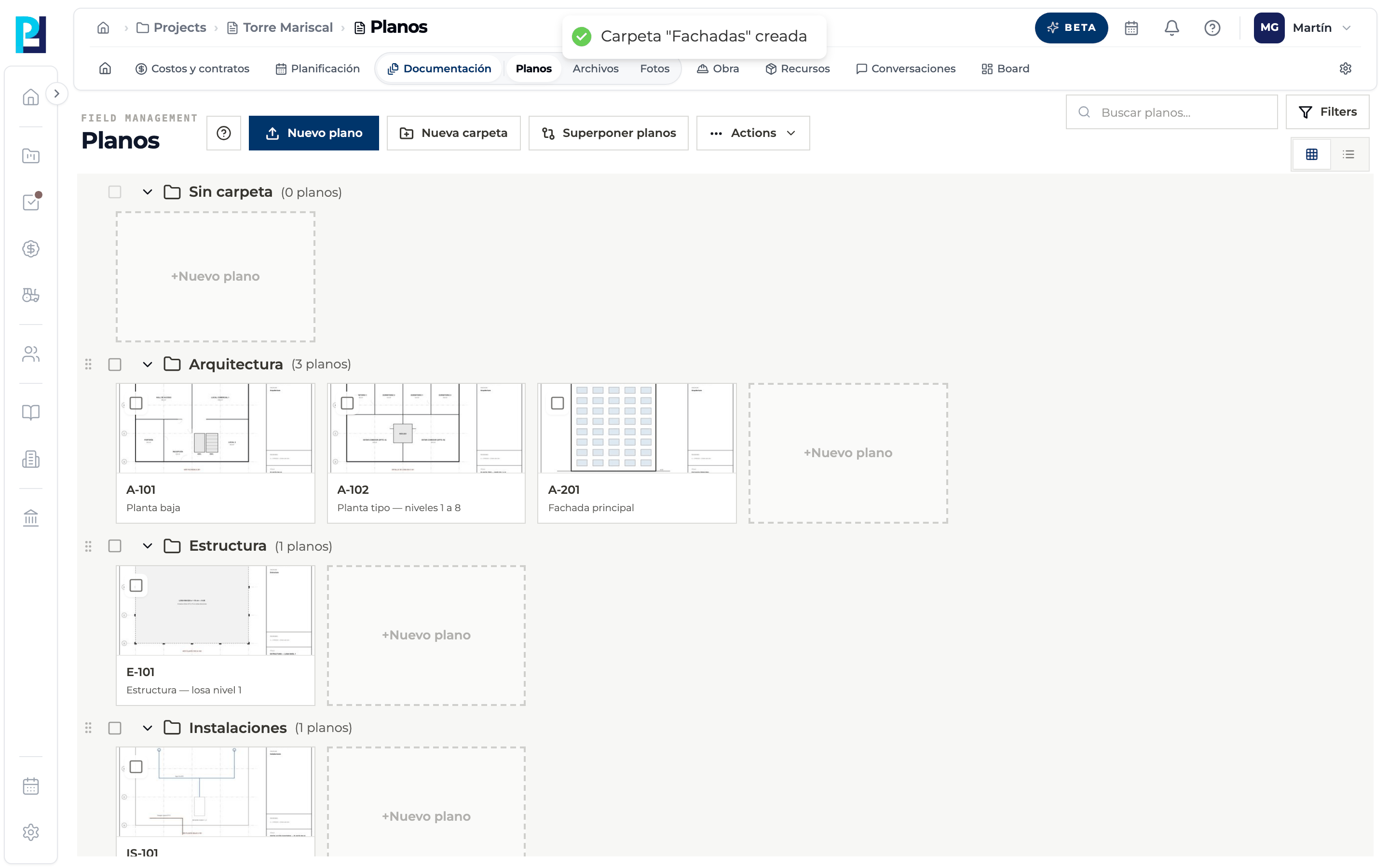
Click New folder. It is created at the top level of the project.
- 02
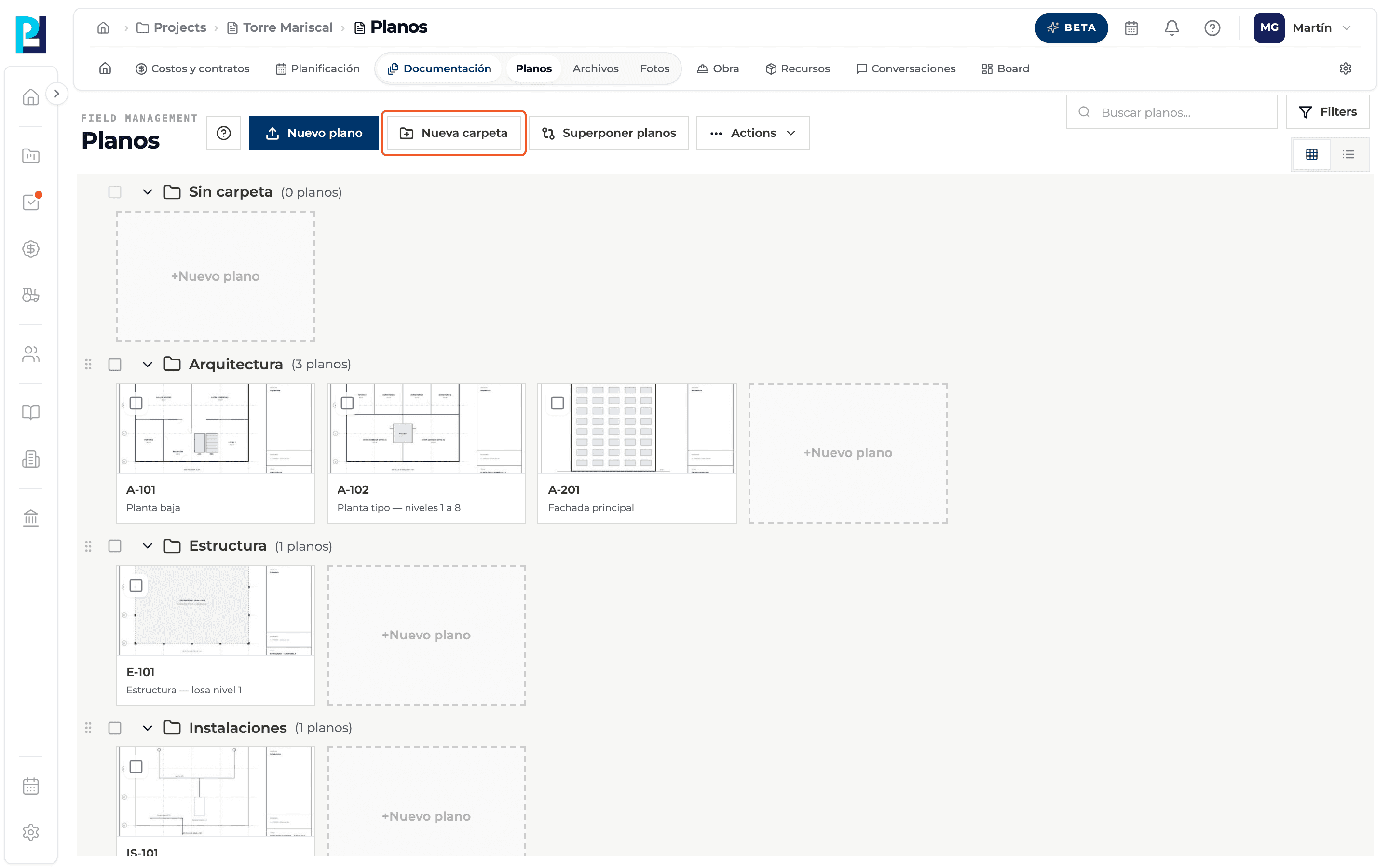
Type the name
Name is required, for example «Facades».
- 03
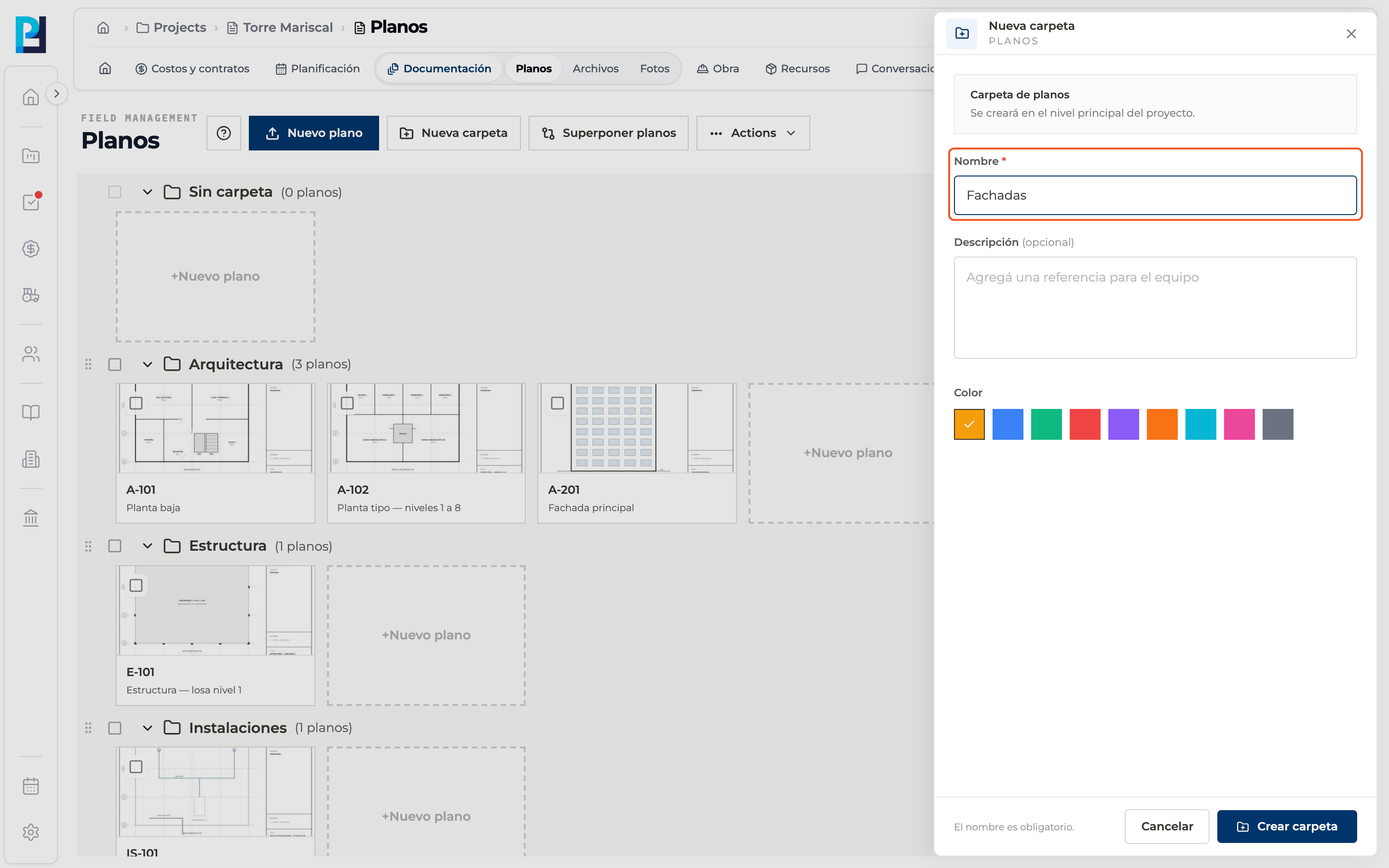
Add a description and color
Optional: a description for the team and a color from the palette.
- 04
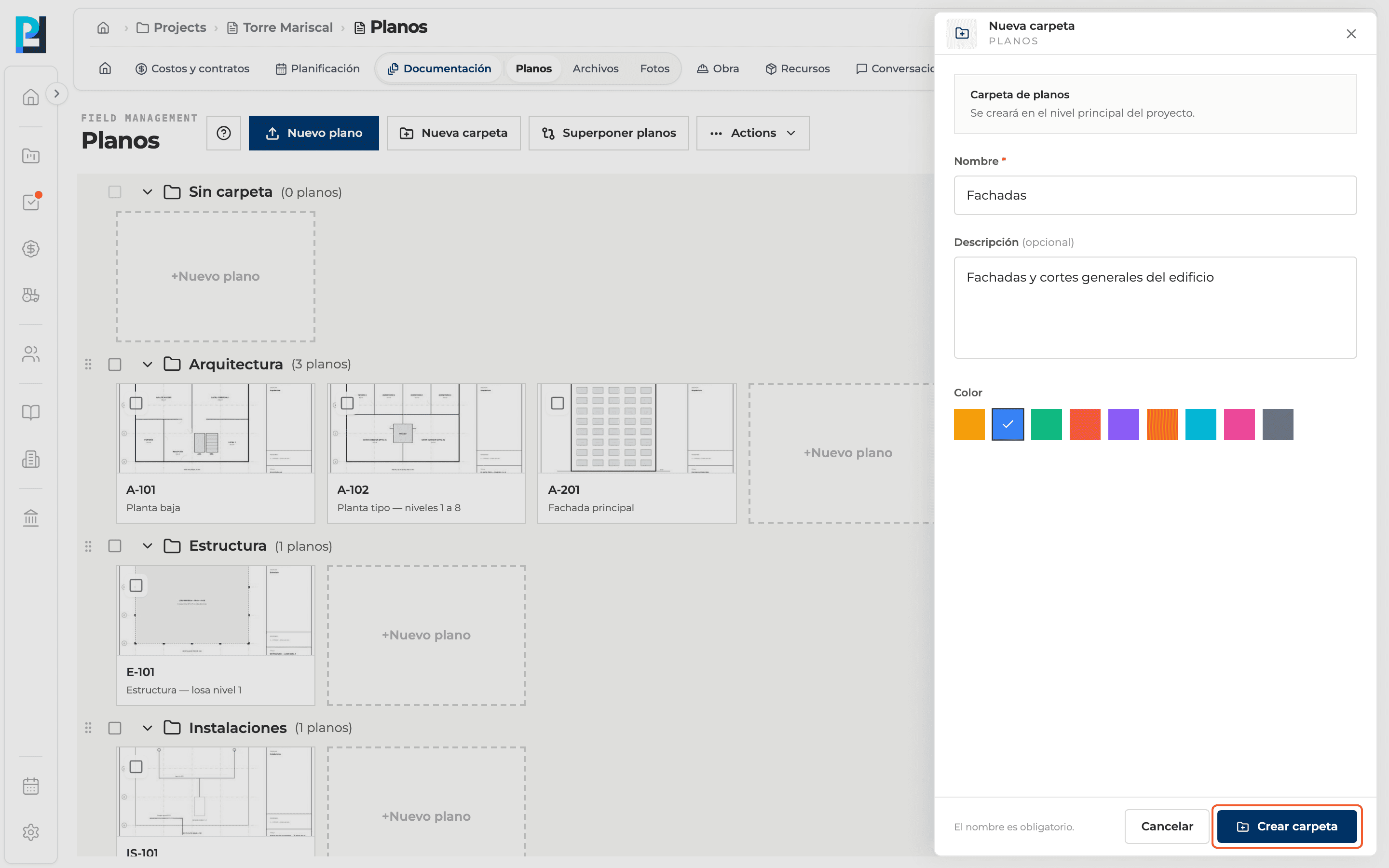
Create
Click Crear carpeta. It is disabled while the name is empty.
- 05
Check
A confirmation appears and the group is added to the library.
What you'll learn
How create a drawing folder works inside Perfour.
What information you need and how it stays connected to Drawings.
How to preserve traceability and find the record later.
FAQ
Frequently asked questions
Can I create the folder while uploading drawings?+
Yes: choose New folder under Organización de los planos when uploading.
Can I rename a drawing folder?+
No: the folder menu only lets you move it up, move it down, share it or delete it.