Delete drawings and drawing folders
You can delete drawings one by one or several at once, and delete folders without losing the drawings inside.
How to complete delete drawings
- 01
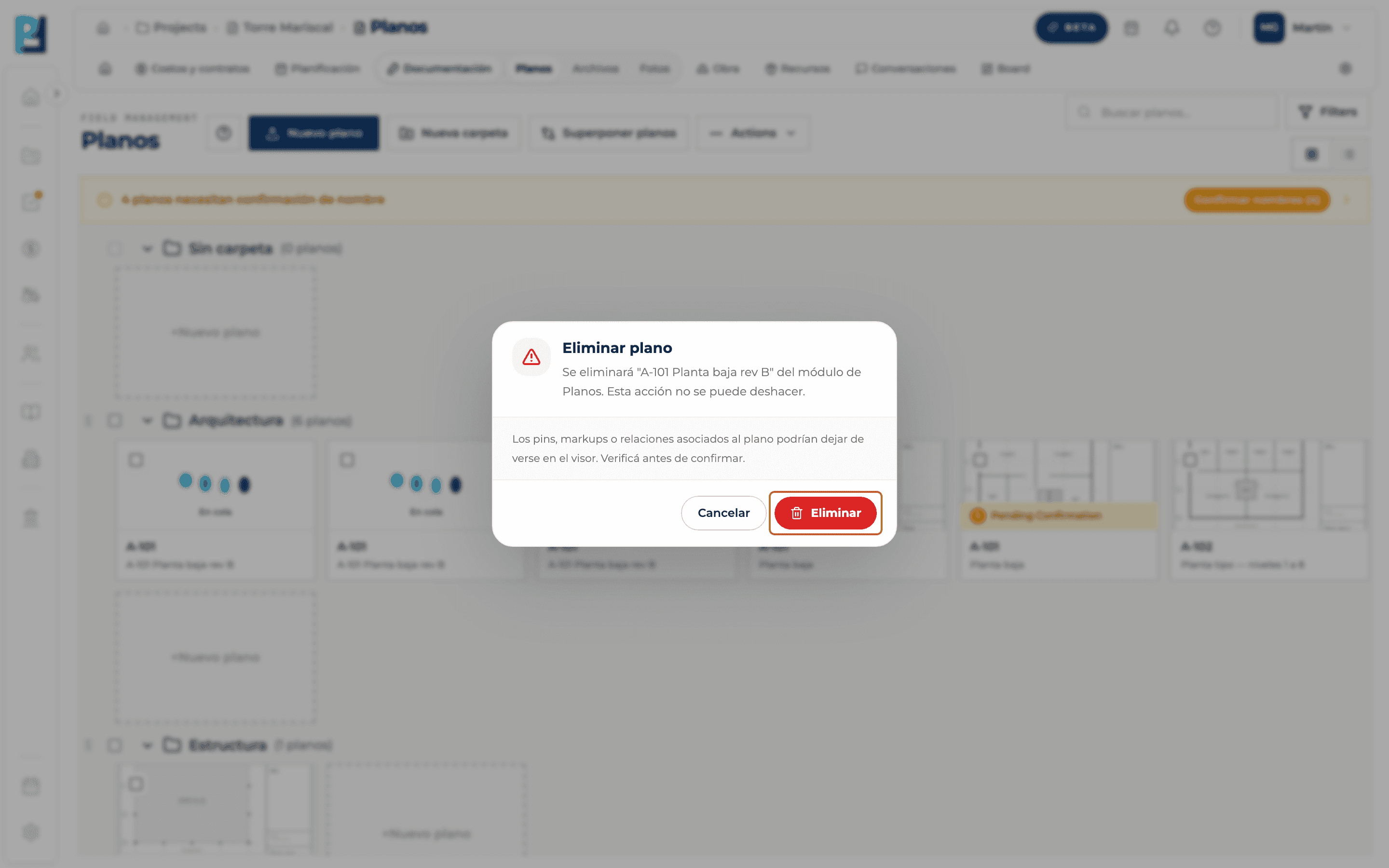
Delete a drawing
Card ⋯ menu → Eliminar plano.
- 02
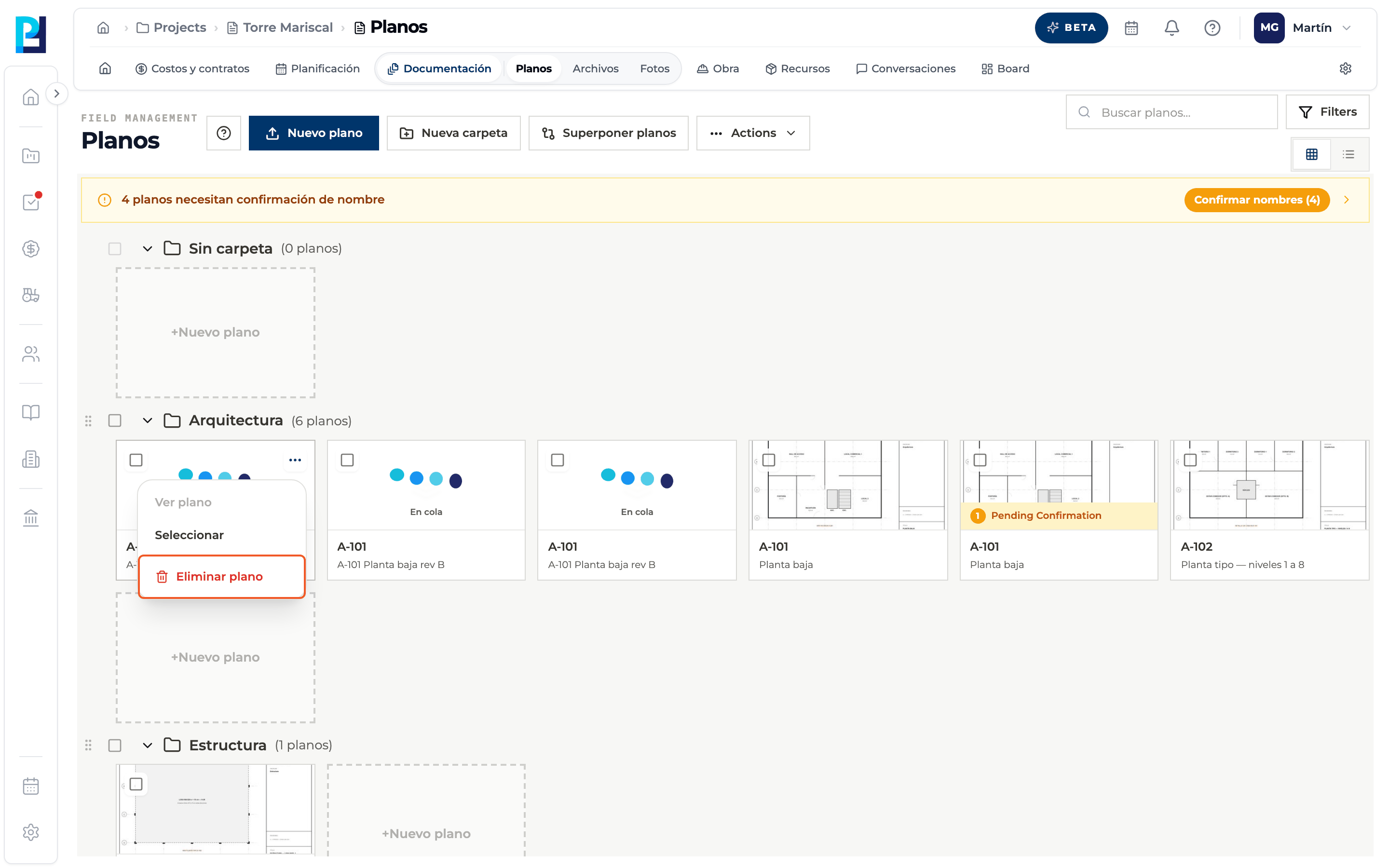
Confirm
The dialog warns that it can't be undone and that the drawing's pins, markups or relations may stop showing. Click Eliminar.
- 03
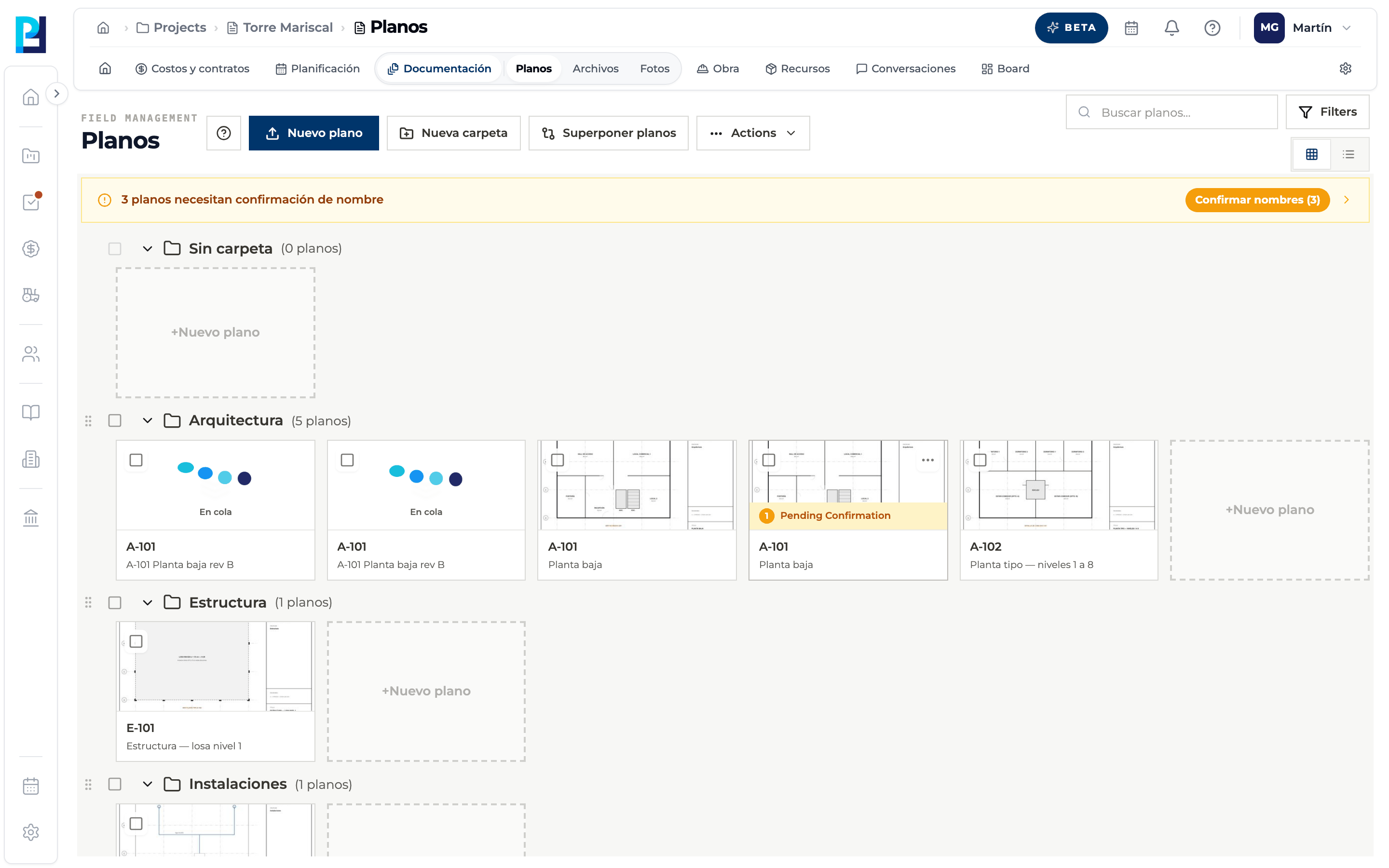
Delete several
Select the drawings with their checkbox.
- 04
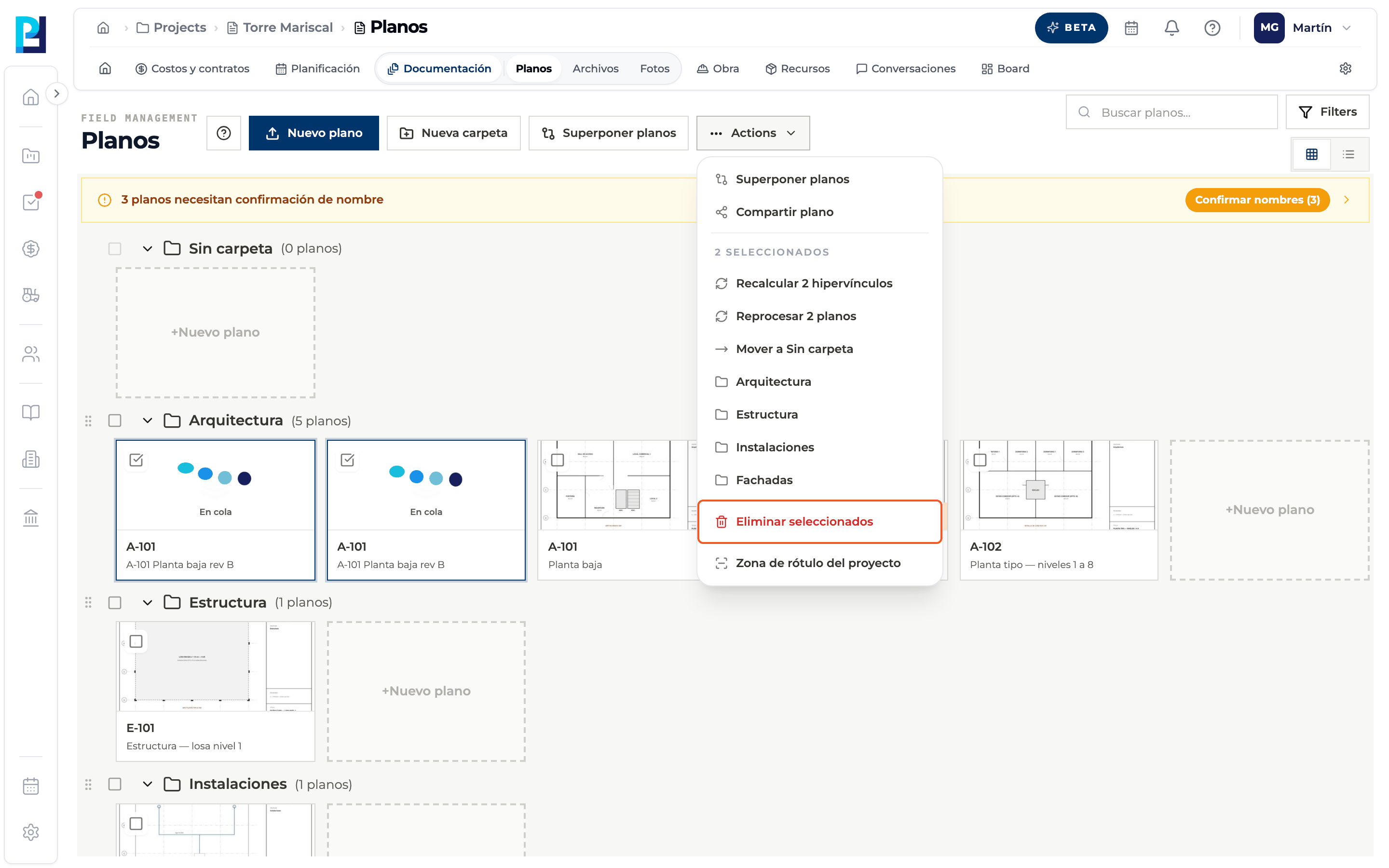
Use Actions
Actions → Eliminar seleccionados.
- 05
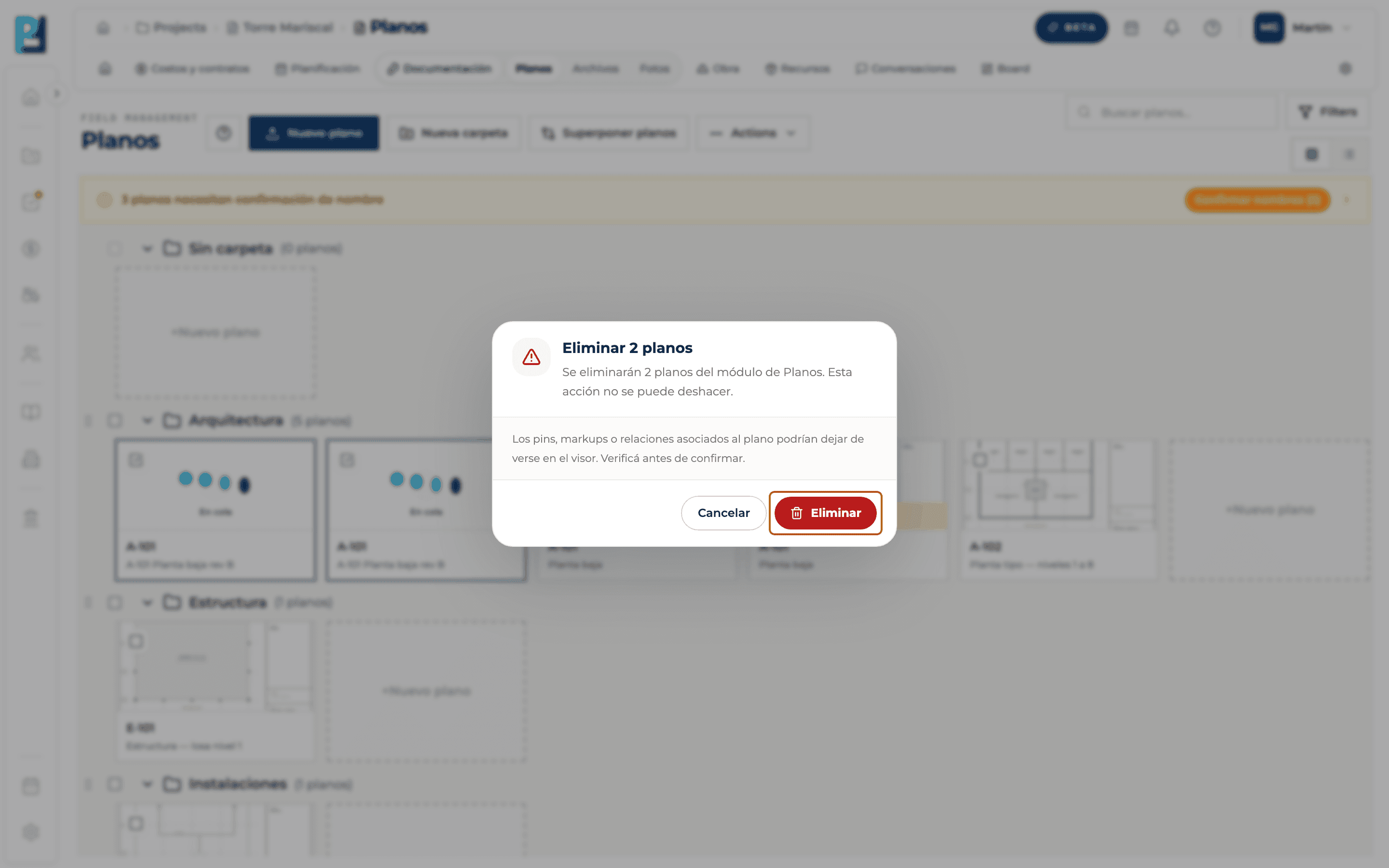
Confirm the batch
The dialog says how many drawings will be deleted. Click Eliminar.
- 06
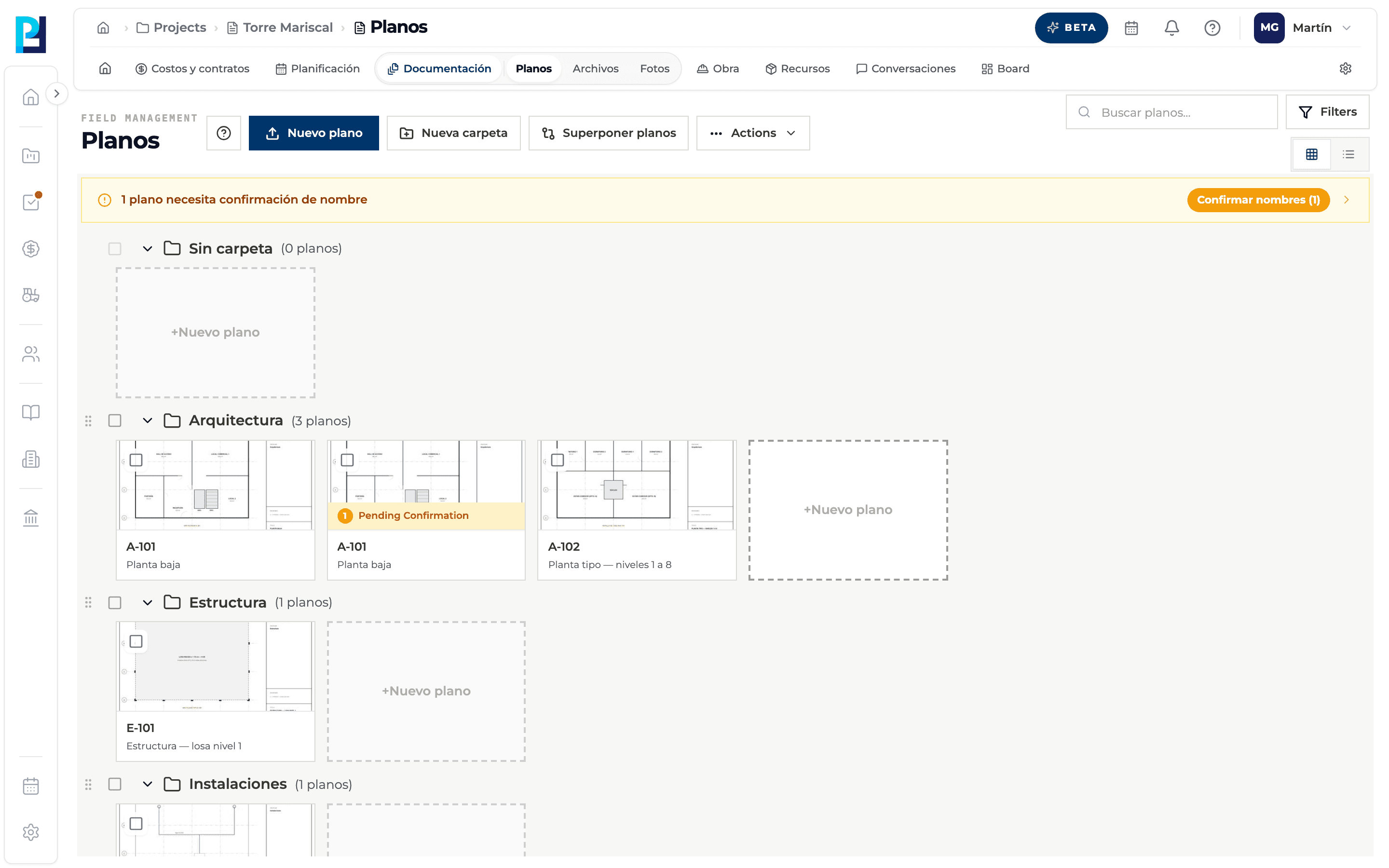
Check
The drawings disappear from the library.
- 07
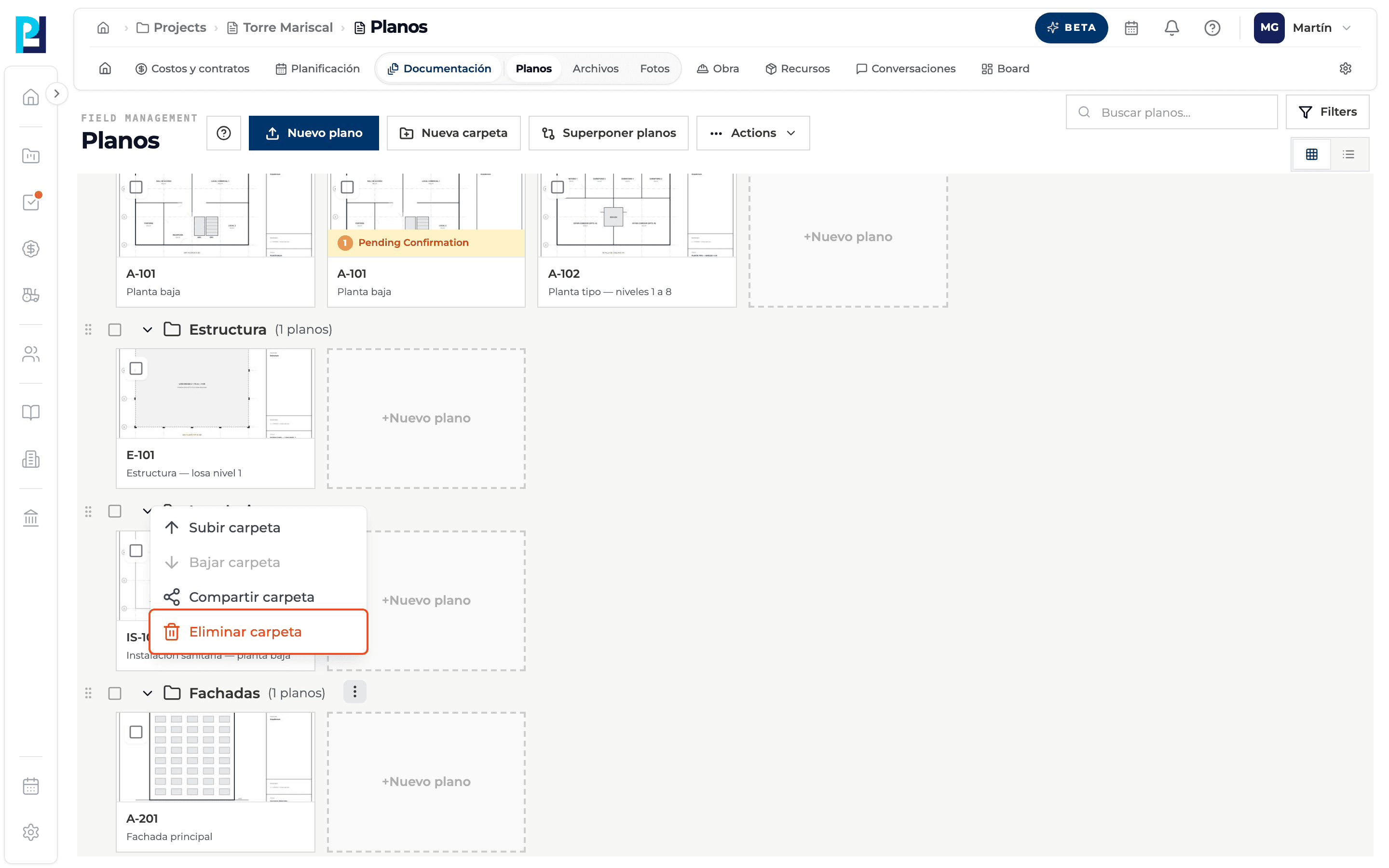
Delete a folder
Folder ⋯ menu → Eliminar carpeta.
- 08
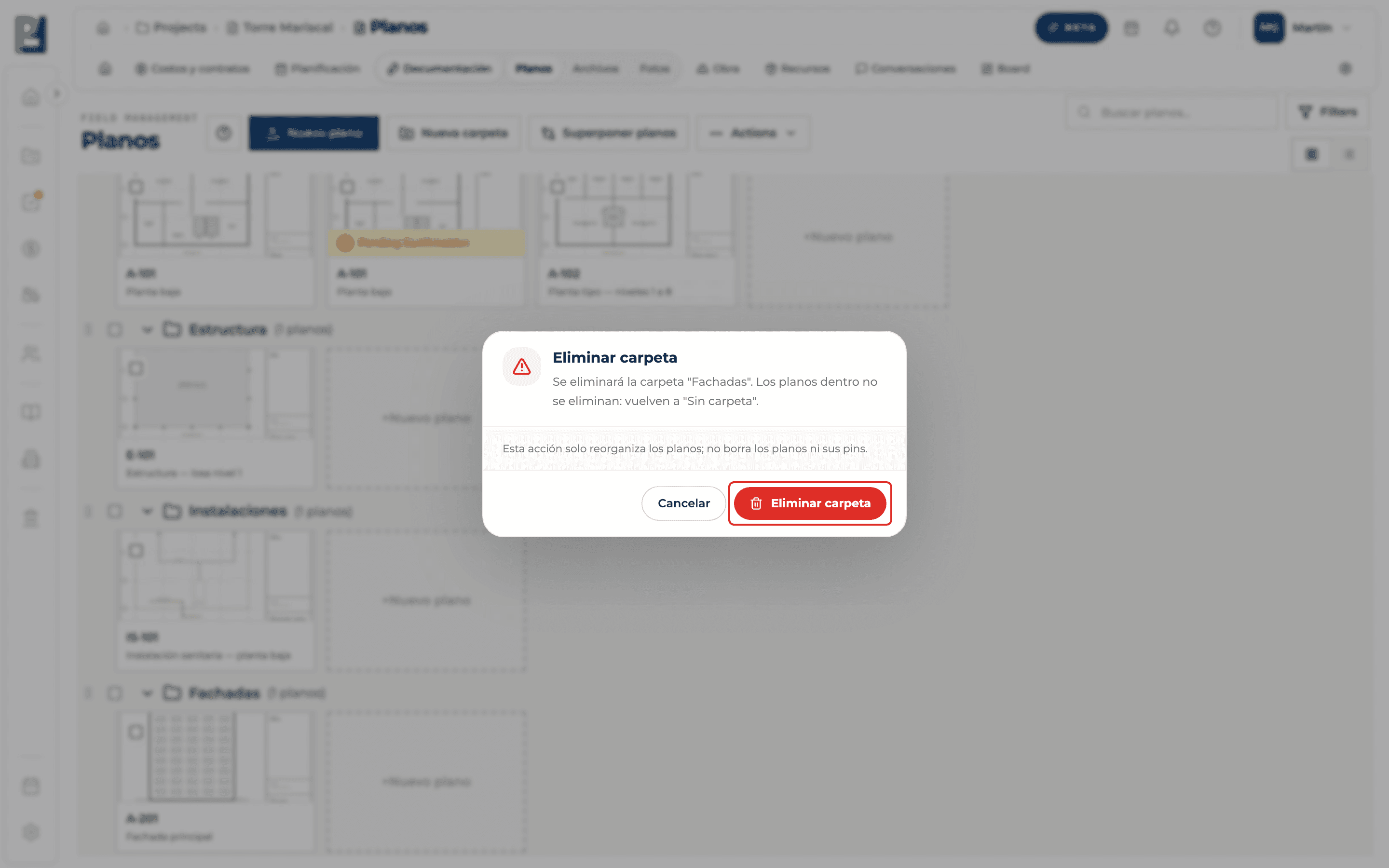
Confirm the folder
The drawings inside are not deleted: they go back to No folder. Click Eliminar carpeta.
What you'll learn
How delete drawings and drawing folders works inside Perfour.
What information you need and how it stays connected to Drawings.
How to preserve traceability and find the record later.
Frequently asked questions
Can a deleted drawing be recovered?+
No: deletion is permanent.
Can I delete just one version?+
Yes, from Versions with that version's bin (see the history guide).
And a drawing shared from another project?+
Its menu offers Quitar de este proyecto instead: the original stays in the source project.