Edit a drawing's sheet number, name and description
You can fix a drawing's sheet number, name and description from the viewer without uploading it again.
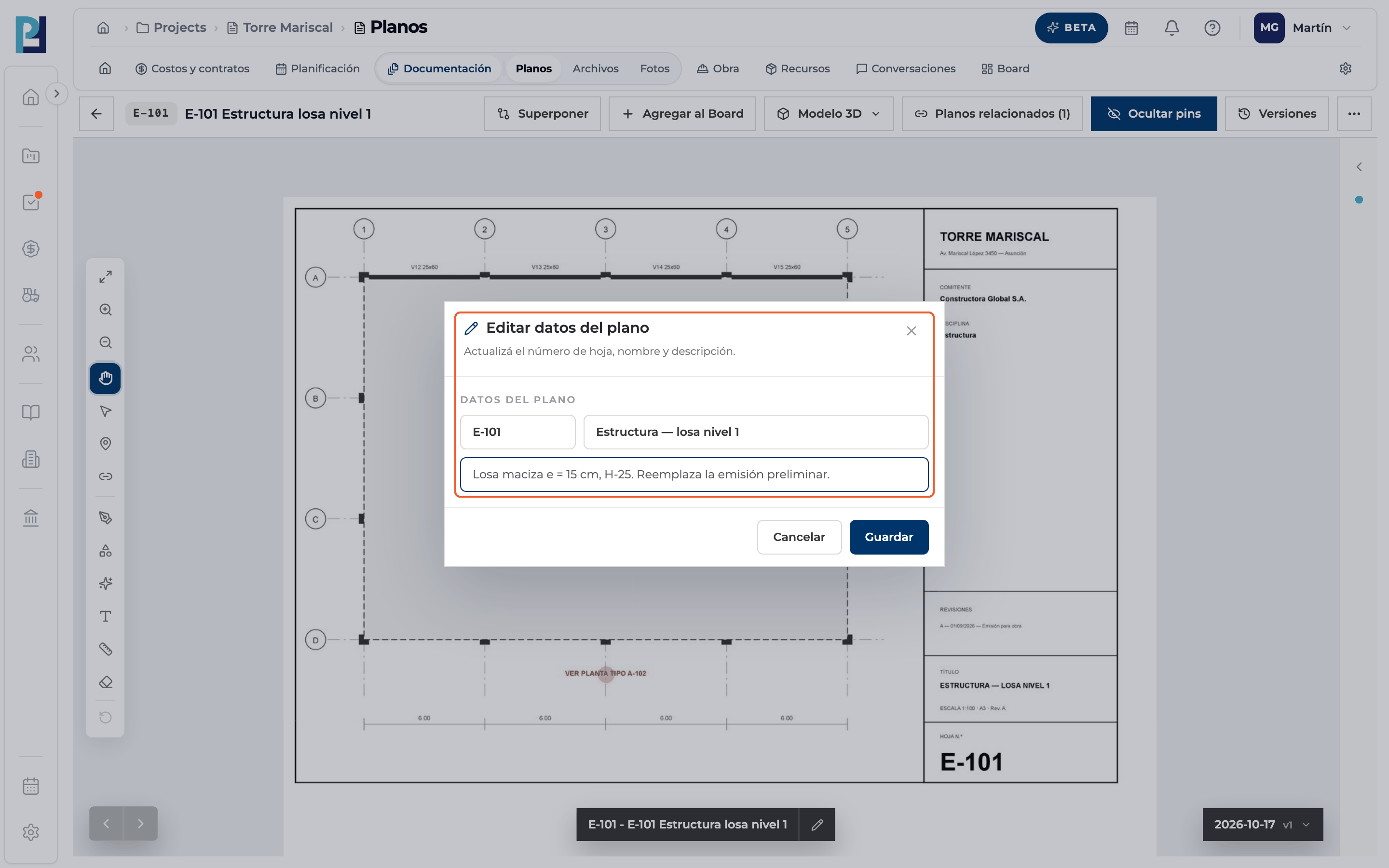
How to complete edit drawing details
- 01
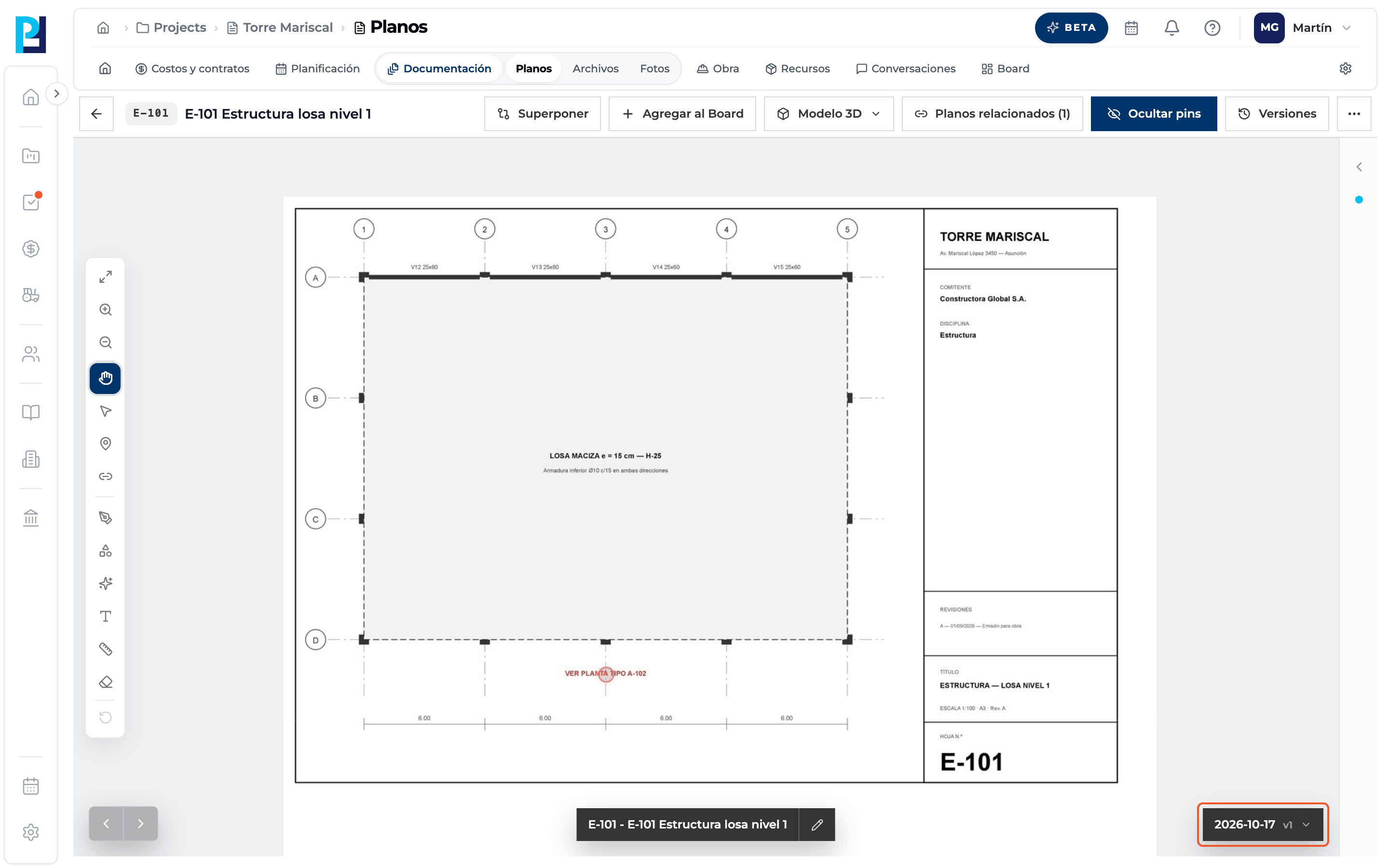
Open the current version
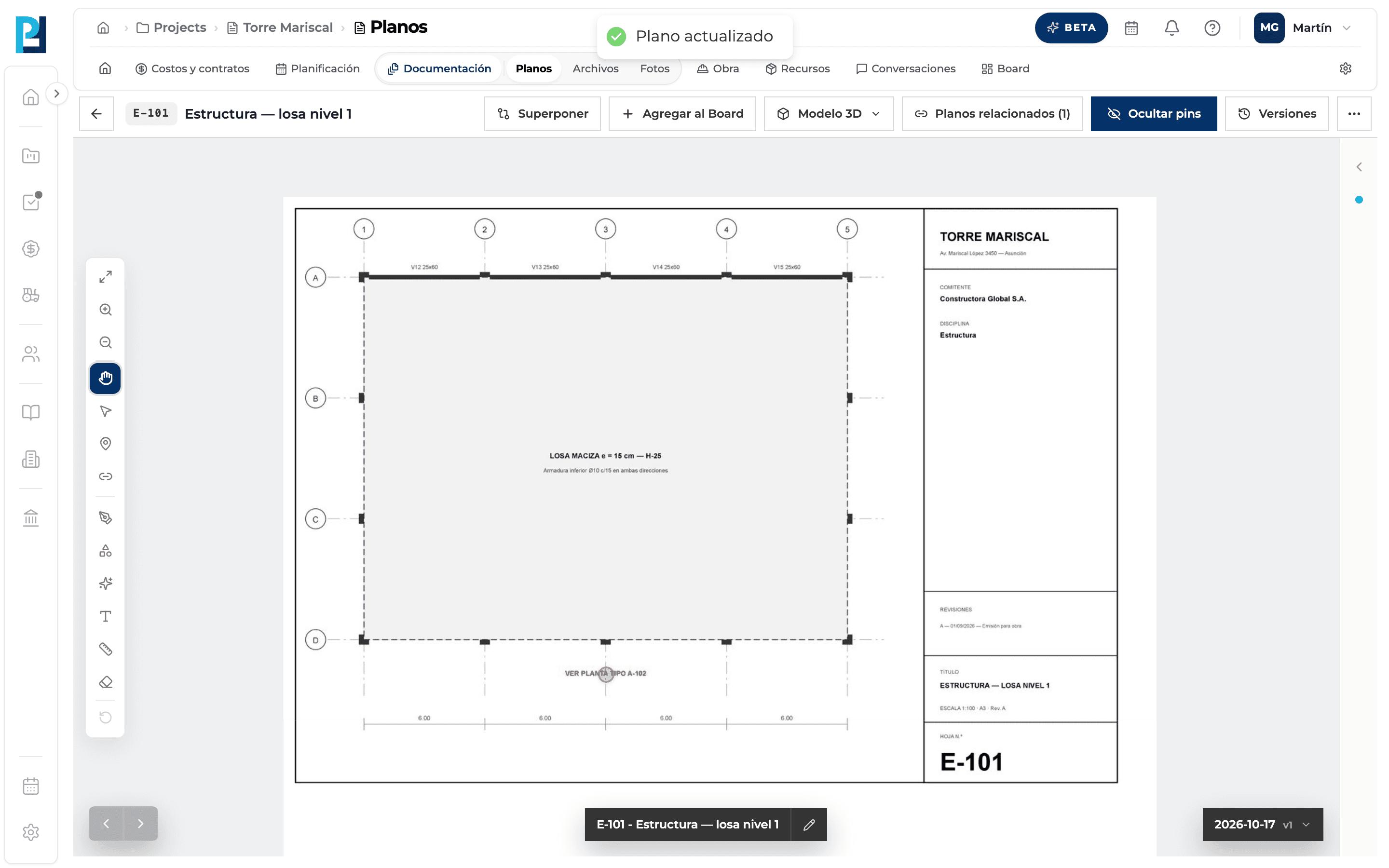
The button at the bottom right shows which version you are viewing. Only the Current version can be edited.
- 02
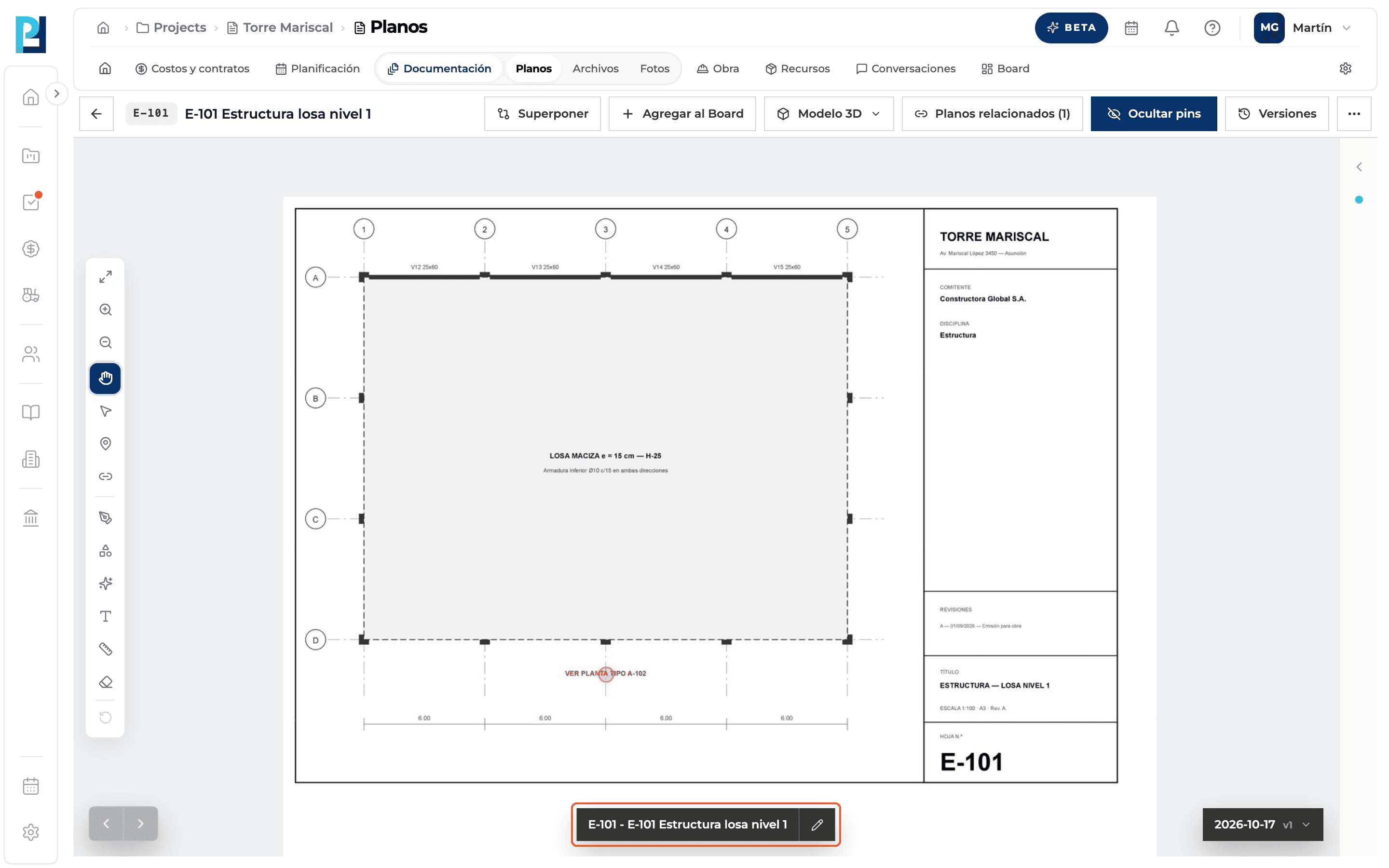
Click the name bar
At the bottom centre, the bar with the number and name, or its pencil, opens the edit dialog.
- 03
Fill in the fields
Sheet number (optional), name (required) and description (optional).
- 04
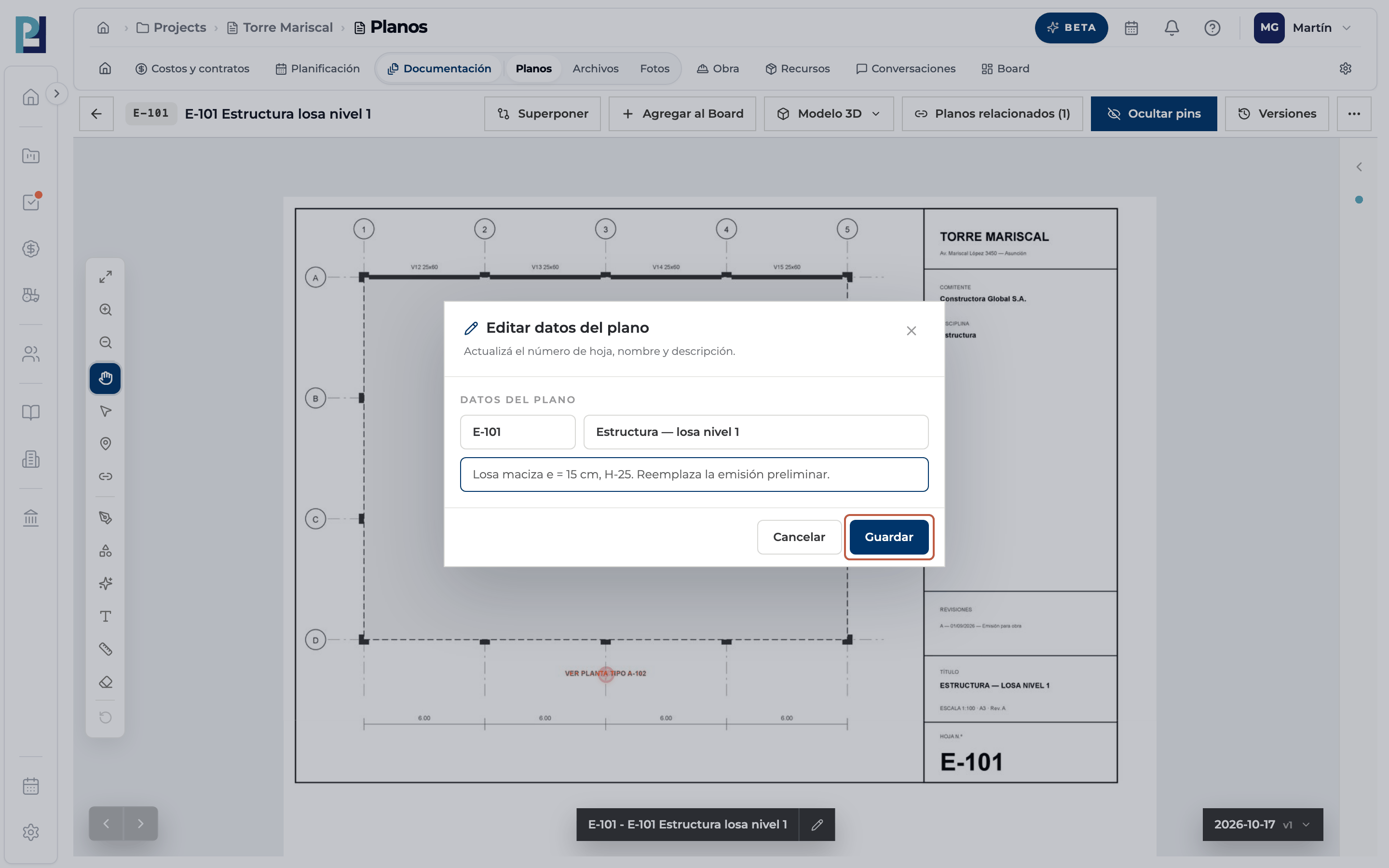
Save
Click Guardar (Save). Cancelar discards the changes.
- 05
Check
«Plano actualizado» appears and the bar shows the new details.
What you'll learn
How edit a drawing's sheet number, name and description works inside Perfour.
What information you need and how it stays connected to Drawings.
How to preserve traceability and find the record later.
Frequently asked questions
«The drawing name is required».+
The name can't be left empty.
Does changing the number affect hyperlinks?+
Automatic ones use the project's sheet numbers: after renaming, recalculate hyperlinks.